
I Tried a Phone With “Free Data”…
Every once in a while, something shows up that isn’t trying to compete with the usual iPhones and Galaxies. It just does its own thing.
This is one of those. The Ikko Mind One Pro.
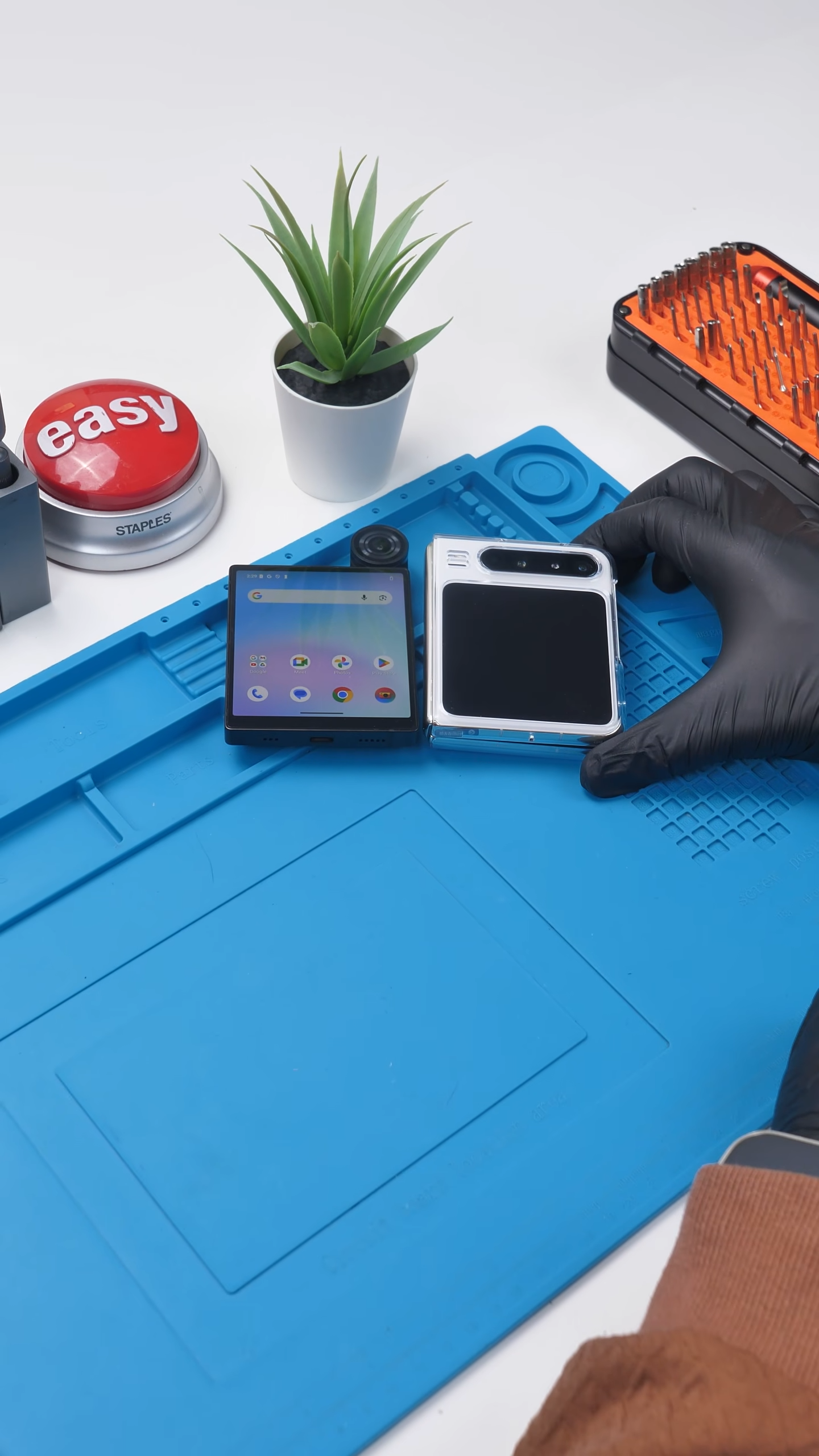
The first thing you notice is the shape. It is almost perfectly square, which already makes it stand out the second you pick it up. It feels closer to a flip phone without the inner display than a traditional smartphone.
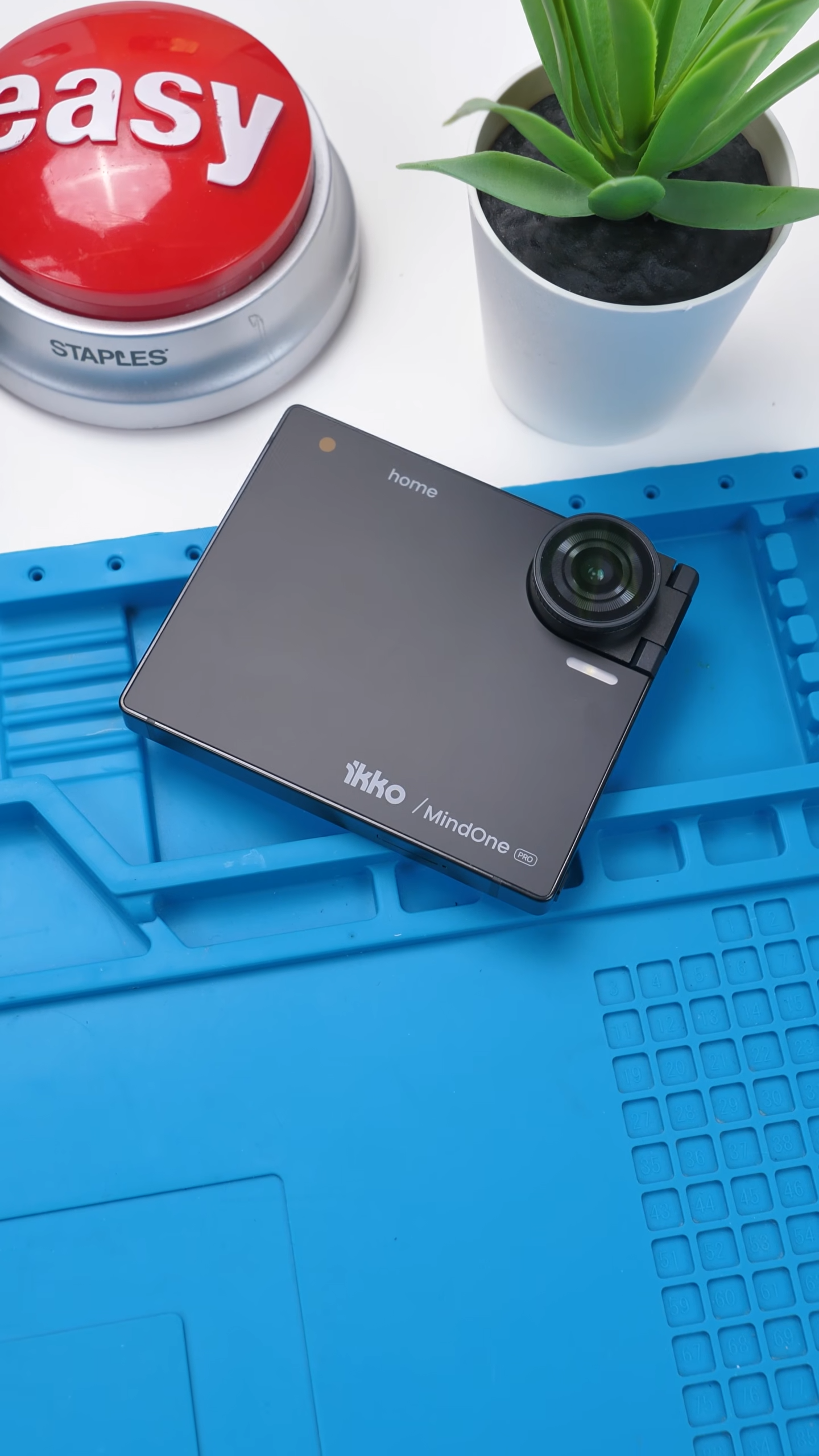
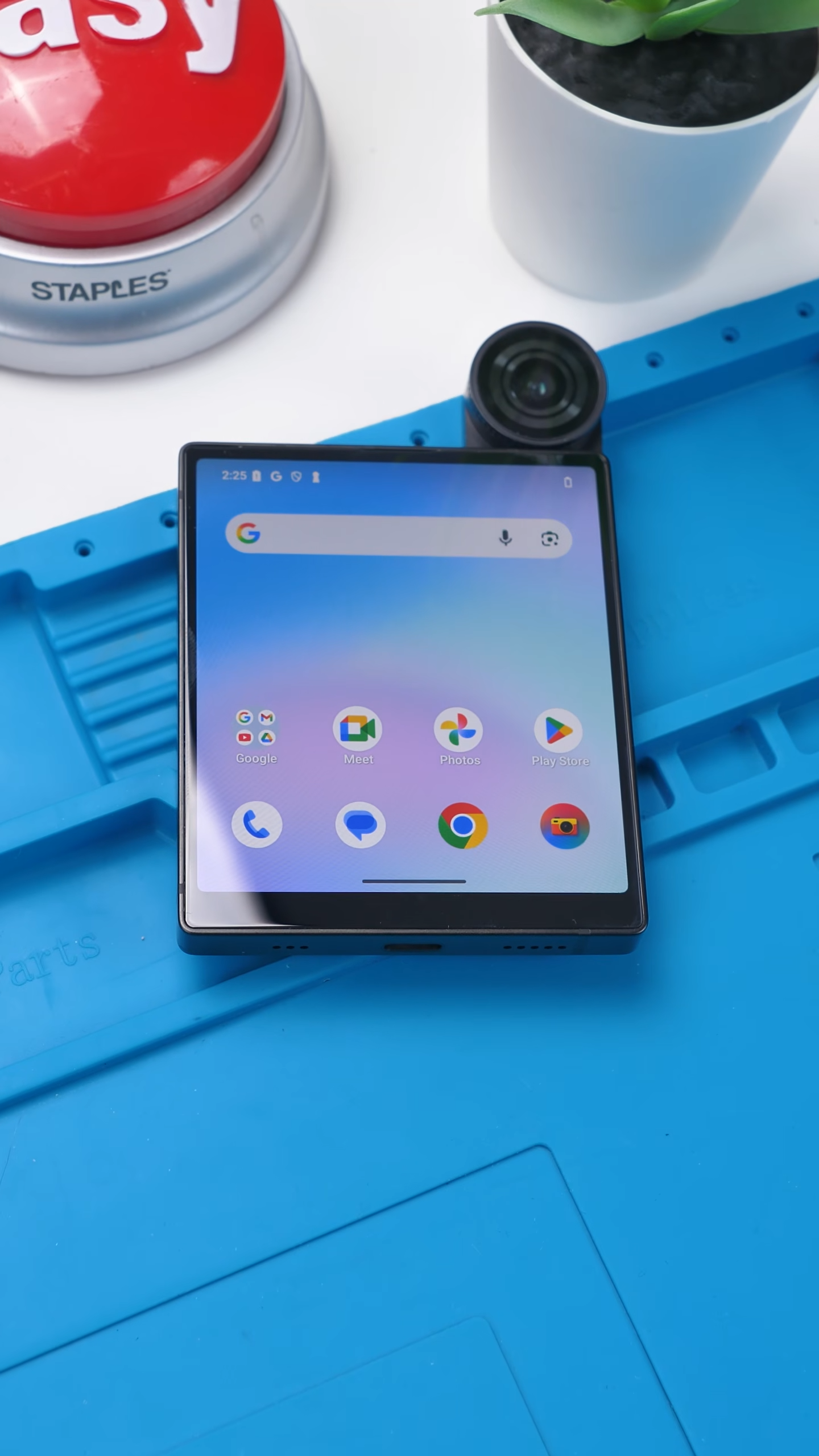
Then there is the display itself. It uses sapphire glass, which is extremely rare in phones. It is more scratch-resistant than typical glass, but also more brittle, which makes it an interesting choice. It feels premium, but also a bit experimental.
| Category | Specification |
|---|---|
| Display | 4-inch square display, Sapphire glass |
| Dimensions | Approx. 86 × 86 mm form factor |
| Thickness | ~13 mm (varies slightly due to camera module) |
| Weight | ~200 g range |
| Processor | MediaTek MT8781 (2× Cortex-A76 @ 2.2GHz + 6× Cortex-A55 @ 2.0GHz) |
| RAM | 8GB |
| Storage | 256GB |
| Camera | Single 50MP rotating camera (rear + selfie) |
| Battery | ~2200–2500mAh (compact battery) |
| Connectivity | NovaLink (built-in data), vSIM, Nano SIM |
| Operating System | Custom AI-focused OS (Android-based) |
| Extras | Keyboard accessory support, modular ecosystem |
One Camera, Flipping Design
Instead of stacking multiple cameras on the back, Ikko kept things simple.
You get a single 50MP camera, but it’s mounted on a 180° flip mechanism, so it works as both your rear and selfie camera. One sensor, no compromises between front and back.
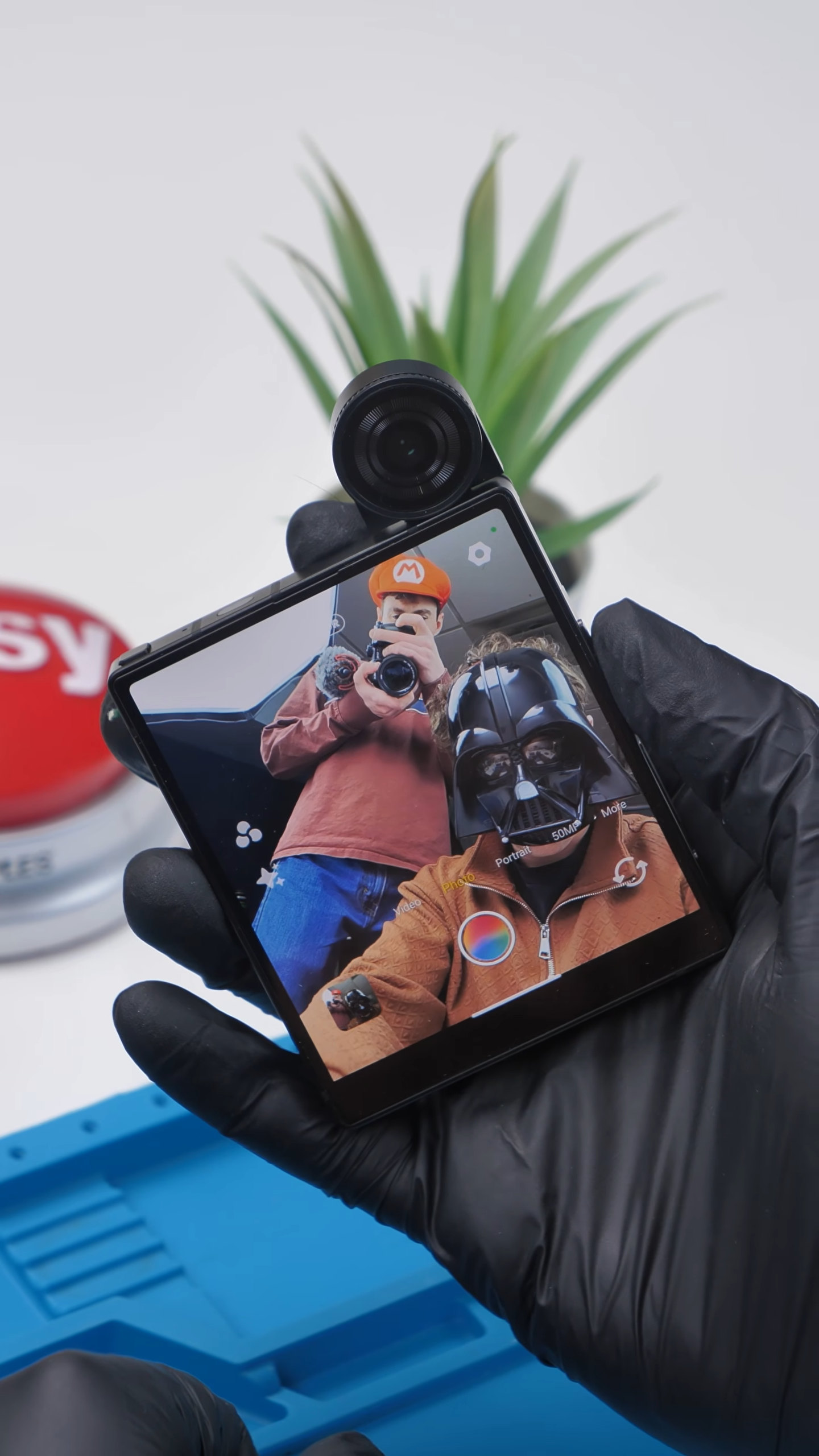
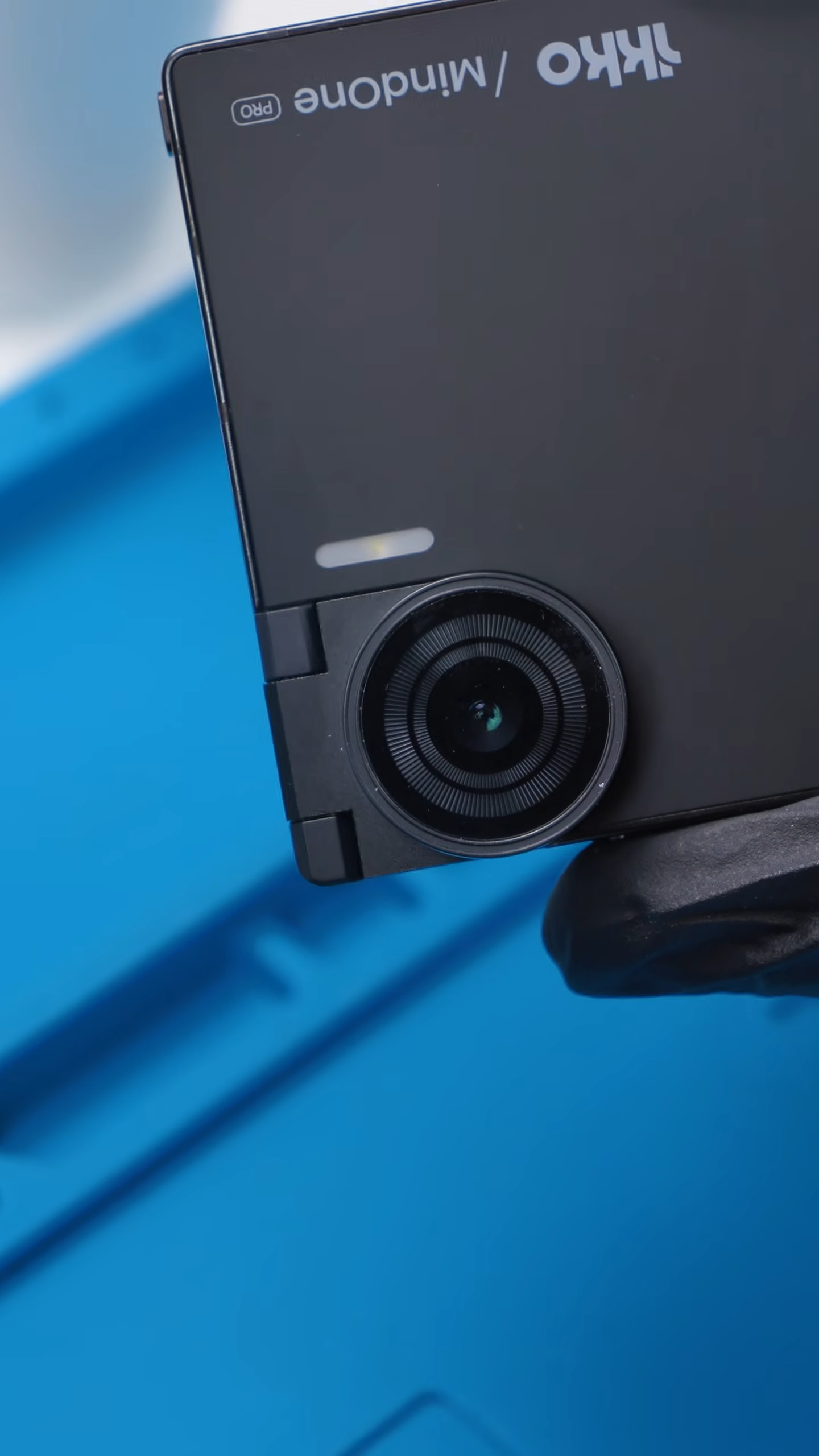
It is a clever idea. There’s no drop in quality between front and back, and it keeps the hardware minimal. But in actual use, the camera quality is just average. It works fine, but it is not something you would rely on if you care about photos.
So while the mechanism is interesting, the results do not fully match the concept.
“Free Data” Sounds Better Than It Is
There’s a button up top, and when you press it, an interface pops up that lets you switch between different options. From there, the phone connects instantly. No SIM, no setup. Just data.
At first, it genuinely feels like you just unlocked something different.
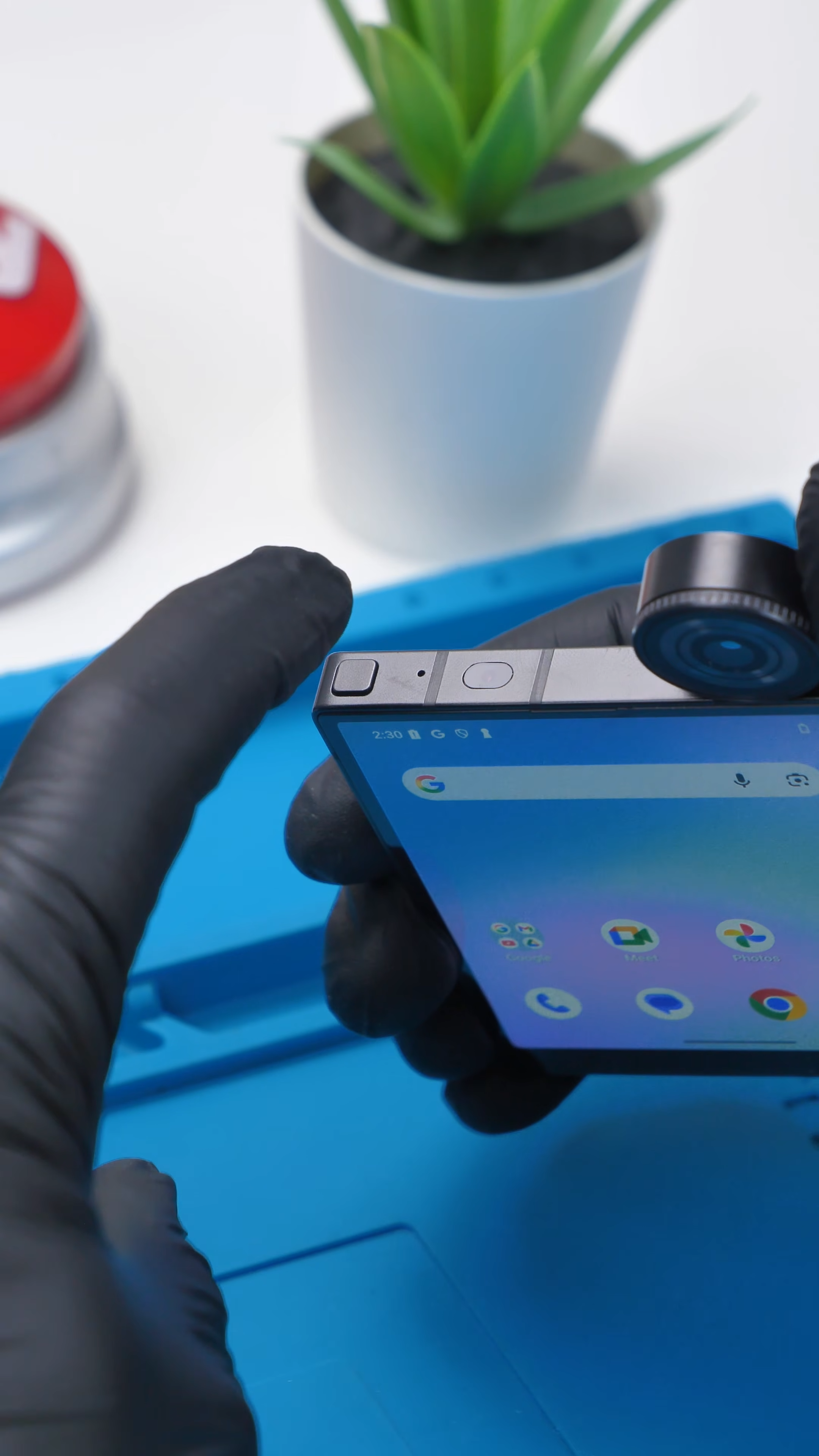
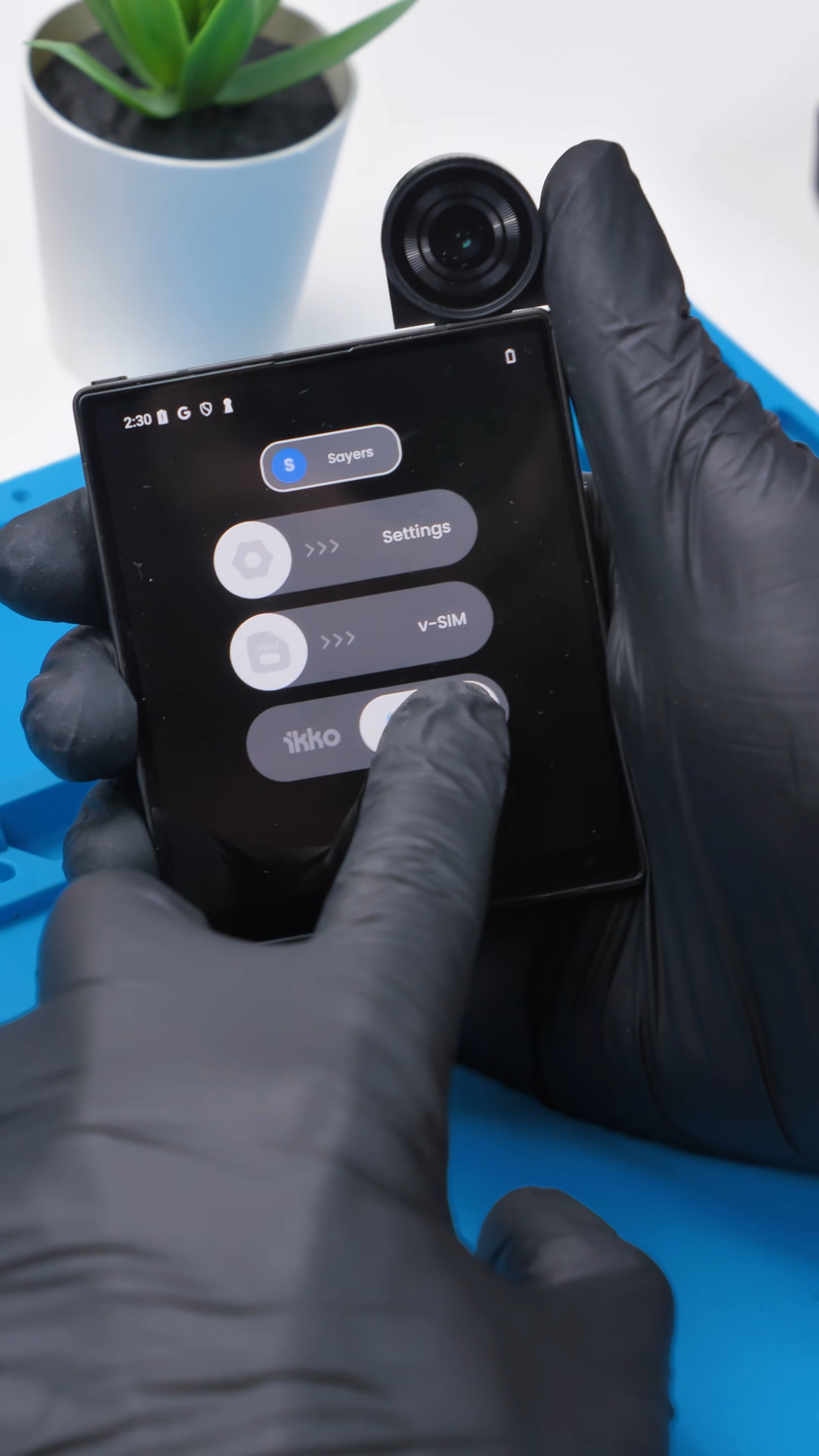
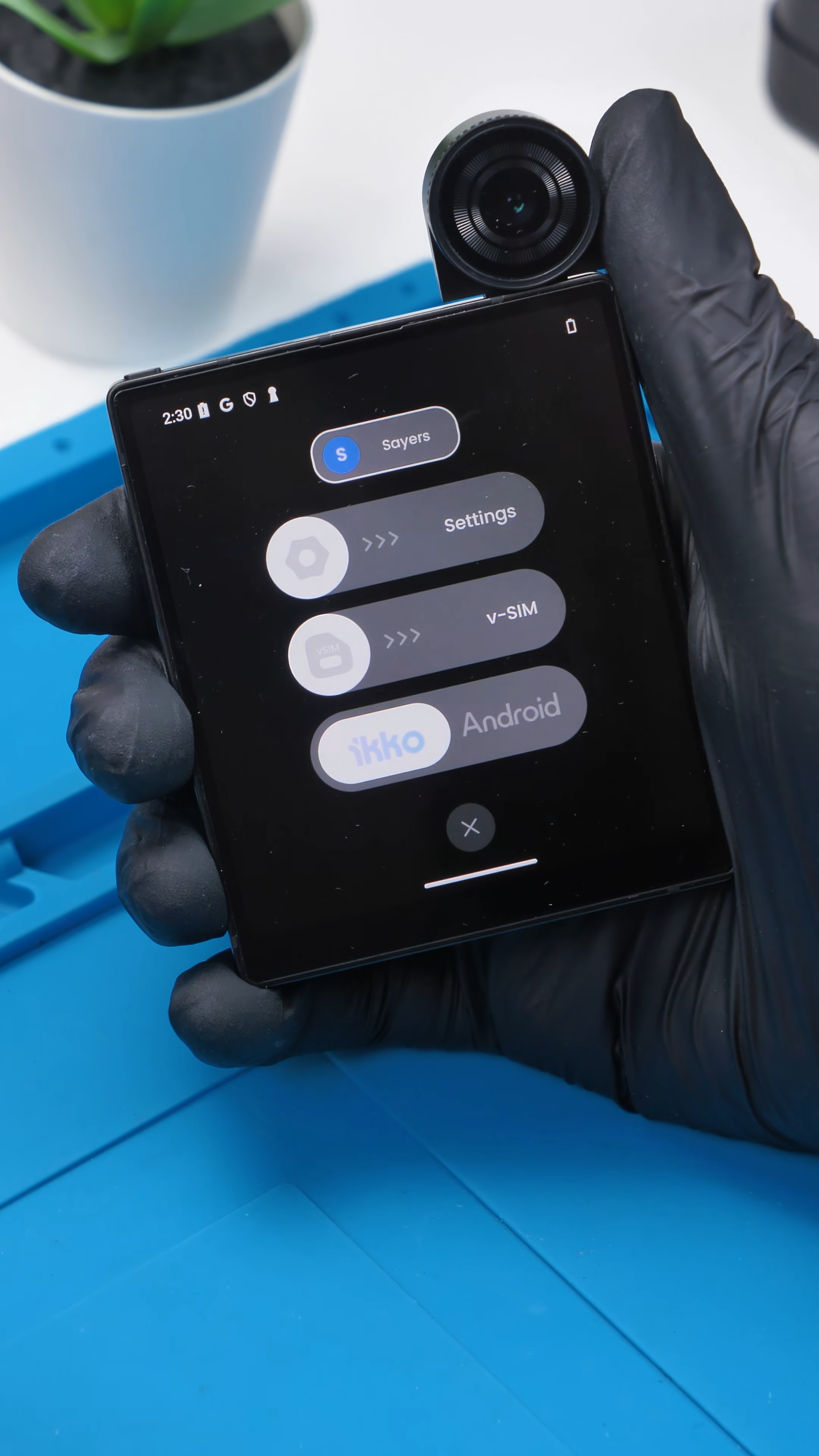
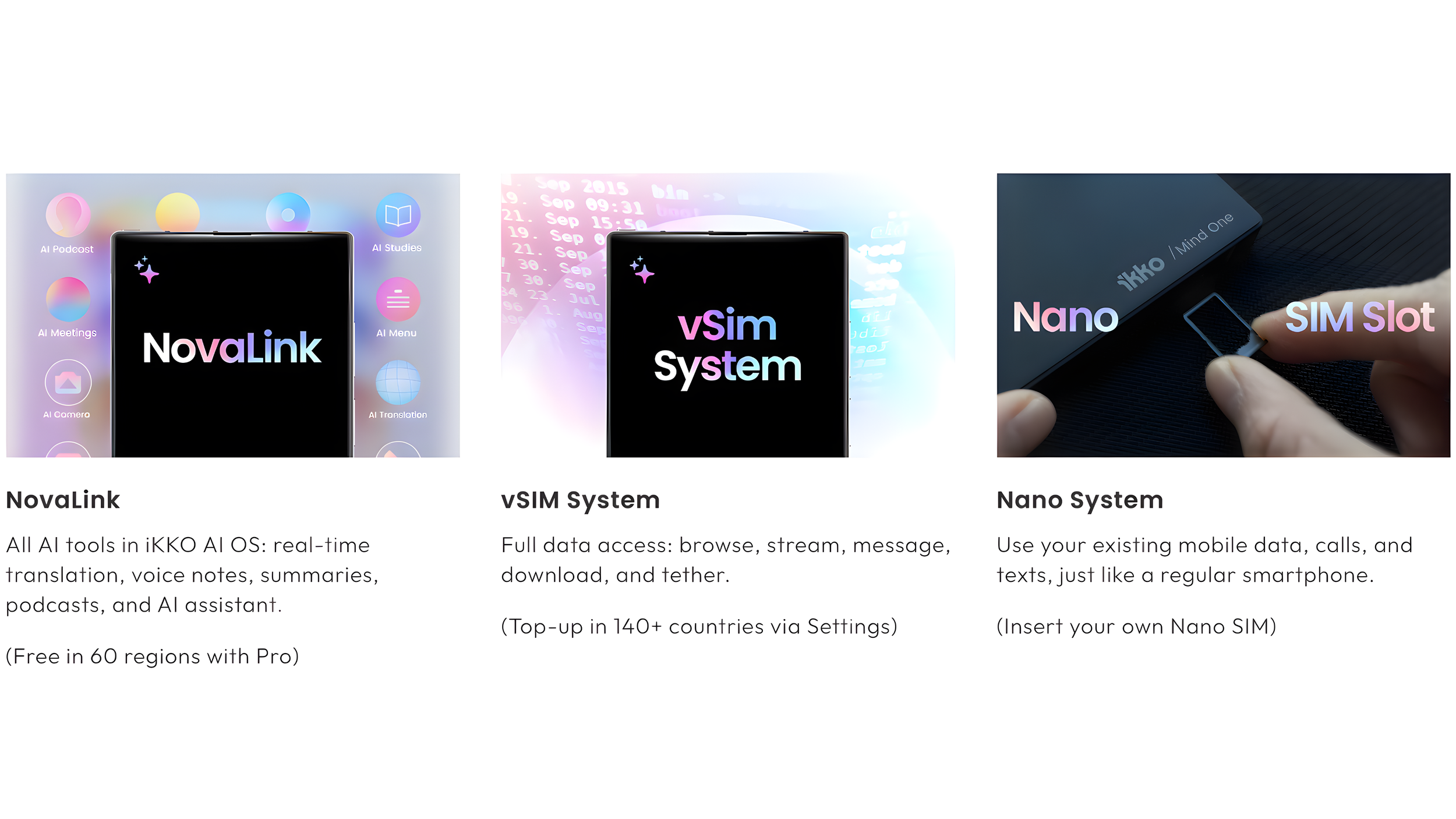
The phone advertises free data in over 60 regions, which sounds like a huge deal. No SIM card, no plan, just instant connectivity. It feels like you can just pick it up anywhere and be online instantly without thinking about carriers or setup.
But once you actually use it, the limitations start to show.
| Feature | NovaLink | vSIM System | Nano SIM |
|---|---|---|---|
| Usage | Free built-in internet | Top-up as needed | Use your own carrier |
| Coverage | 60+ regions | 140+ regions | Carrier dependent |
| Activation | Works out of the box | Manual top-up | Insert SIM |
| Hotspot | Not available | Supported | Depends on carrier |
| Use Case | AI features only | Full internet use | Calls, texts, data |
The built-in NovaLink connection is real and works right out of the box, but it is mostly limited to AI-related features. It’s not full internet access in the way you’d expect, so everyday things like browsing or streaming aren’t really what it’s built for.
So while the idea of free data is exciting, it is not a full replacement for a normal mobile plan. It feels more like a preview of what this kind of system could become.
AI Features and Performance
This phone is clearly built around AI.
You get chat tools, voice interaction, and translation features, all powered through its custom software layered on top of Android. It runs on a MediaTek MT8781 processor with 8GB of RAM, which is enough for basic use but not much more.
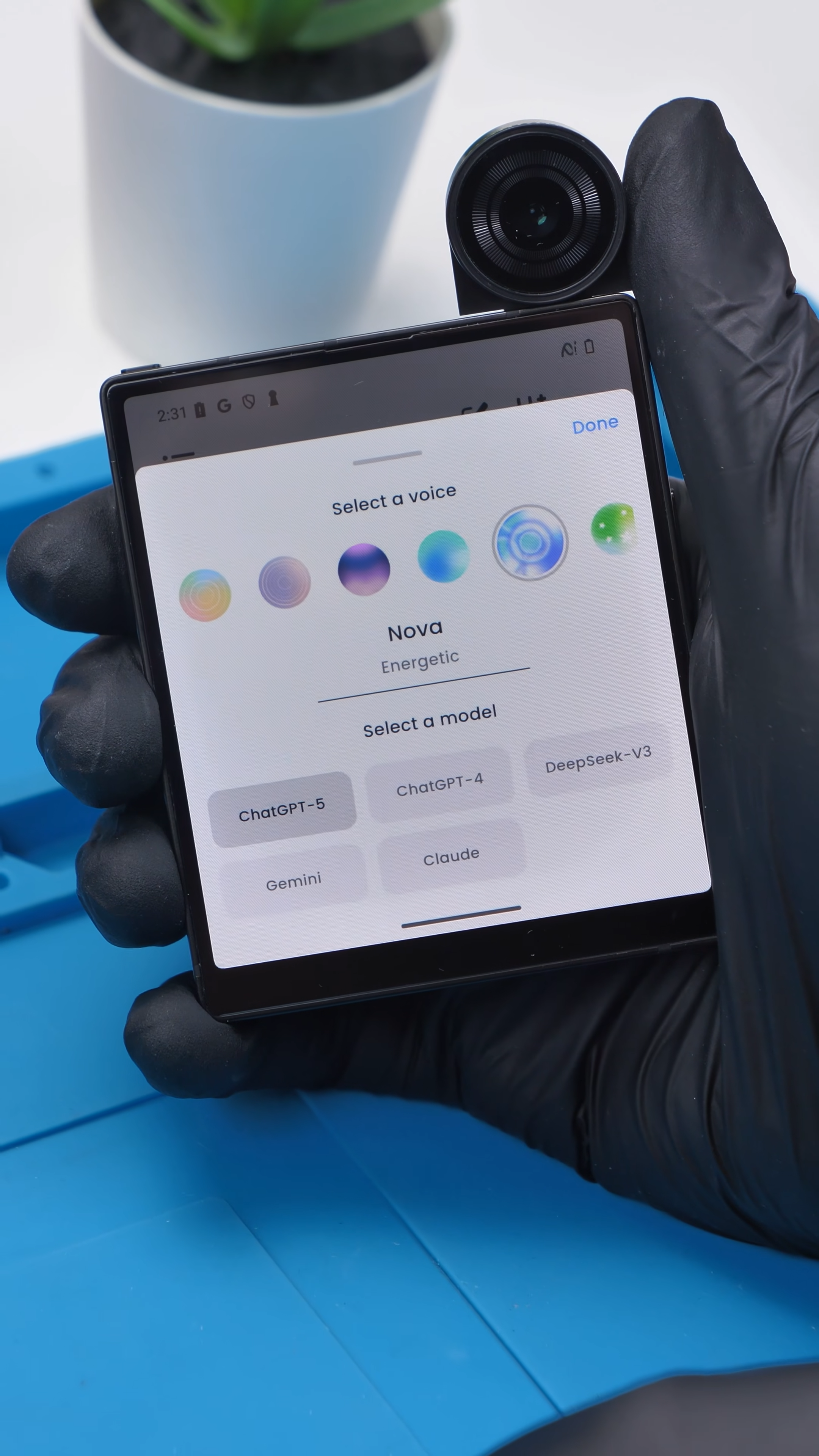
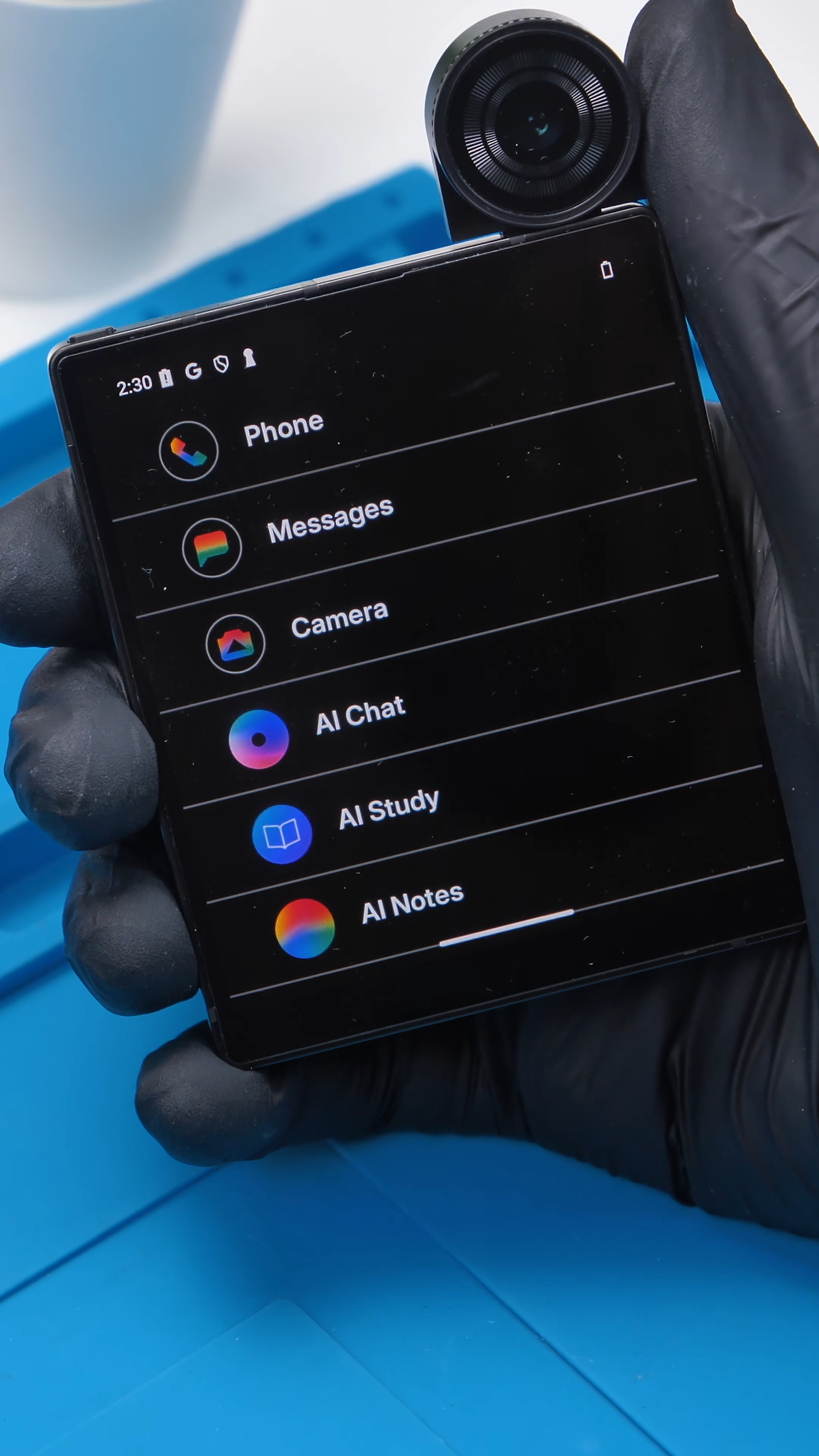
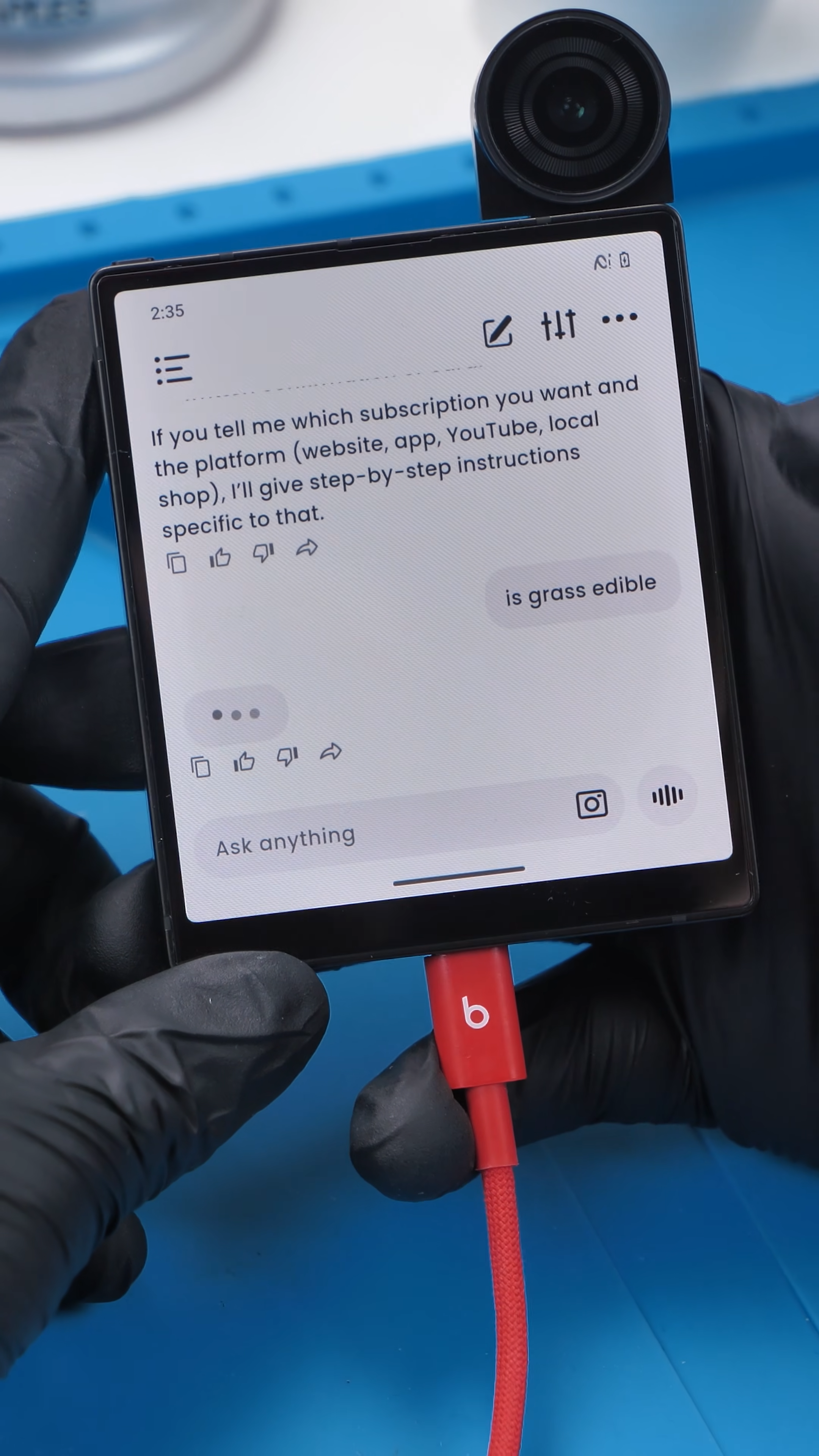
The phone feels laggy, especially when using the AI features. Responses take time, interactions feel delayed, and the overall experience just doesn’t feel smooth.. For something designed around quick access to AI, that slowdown becomes hard to ignore.
The translation feature is actually one of the better parts. It works fairly well and feels useful. But most of the other AI tools feel like something you try once and do not really come back to.
Battery life also takes a hit. It drains faster than expected, especially when using features that rely on constant connectivity.
Daily Use, Small Frustrations
Beyond the main features, it is the smaller things that shape the experience.
The speakers are weak and very quiet, which makes media playback and even AI voice responses less enjoyable. It feels like something that did not get much attention during development.
Typing on the built-in keyboard is actually decent. It is usable, and with the keyboard attachment, it would likely feel much better overall.
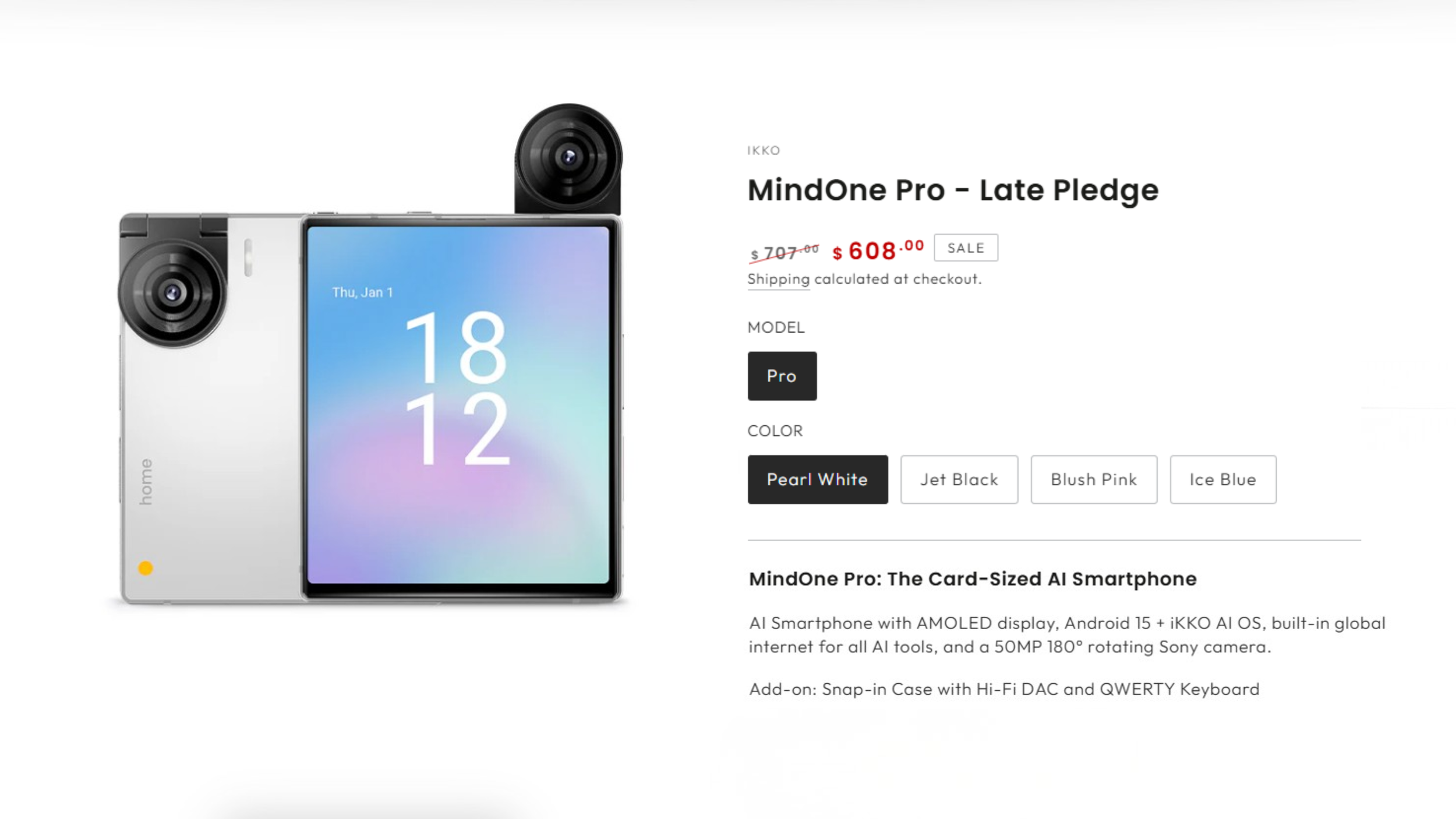
One issue that stands out more than expected is the wobble. The phone does not sit flat on a surface, and that constant movement gets annoying pretty quickly when you are trying to use it on a desk.
To be fair, this seems intentional. Ikko designed this to be compact and minimal, more like a small AI companion than a full-sized smartphone. That explains some of the compromises, but it also makes those limitations more noticeable in daily use.
Final Thoughts
I like what Ikko is trying to do here. The square design, sapphire glass, flipping camera, and AI-focused approach all make this feel different from anything else right now, and it’s clear this was designed to be more of a compact AI companion than a traditional smartphone.
But as something I would actually use every day, it just doesn’t hold up. The lag, slow AI responses, average camera, weak speakers, and short battery life all add up, and while NovaLink and the translation feature show some promise, the overall experience still feels limited for regular use.
It feels like a small AI device that forgot it still needs to be a good phone.
See you in the next article!
