
I Forced iPadOS Mode Onto an iPhone: Here’s What Happened…
This is an iPhone Air, but it is doing something iPhones are absolutely not supposed to do.
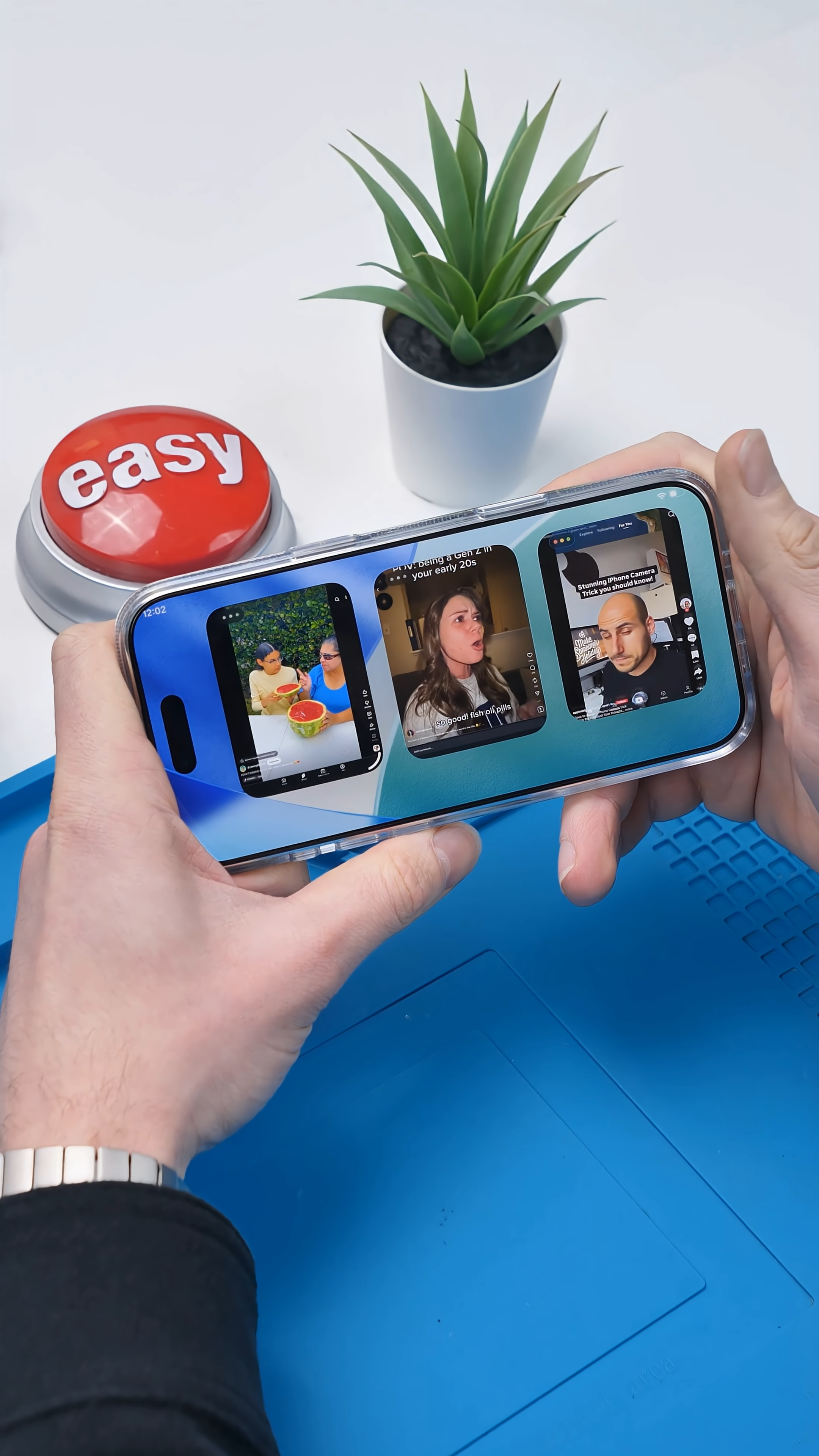
I can scroll TikTok, Instagram, and YouTube at the same time. No app reloading, no kicking me back to the home screen. All three apps just keep running.
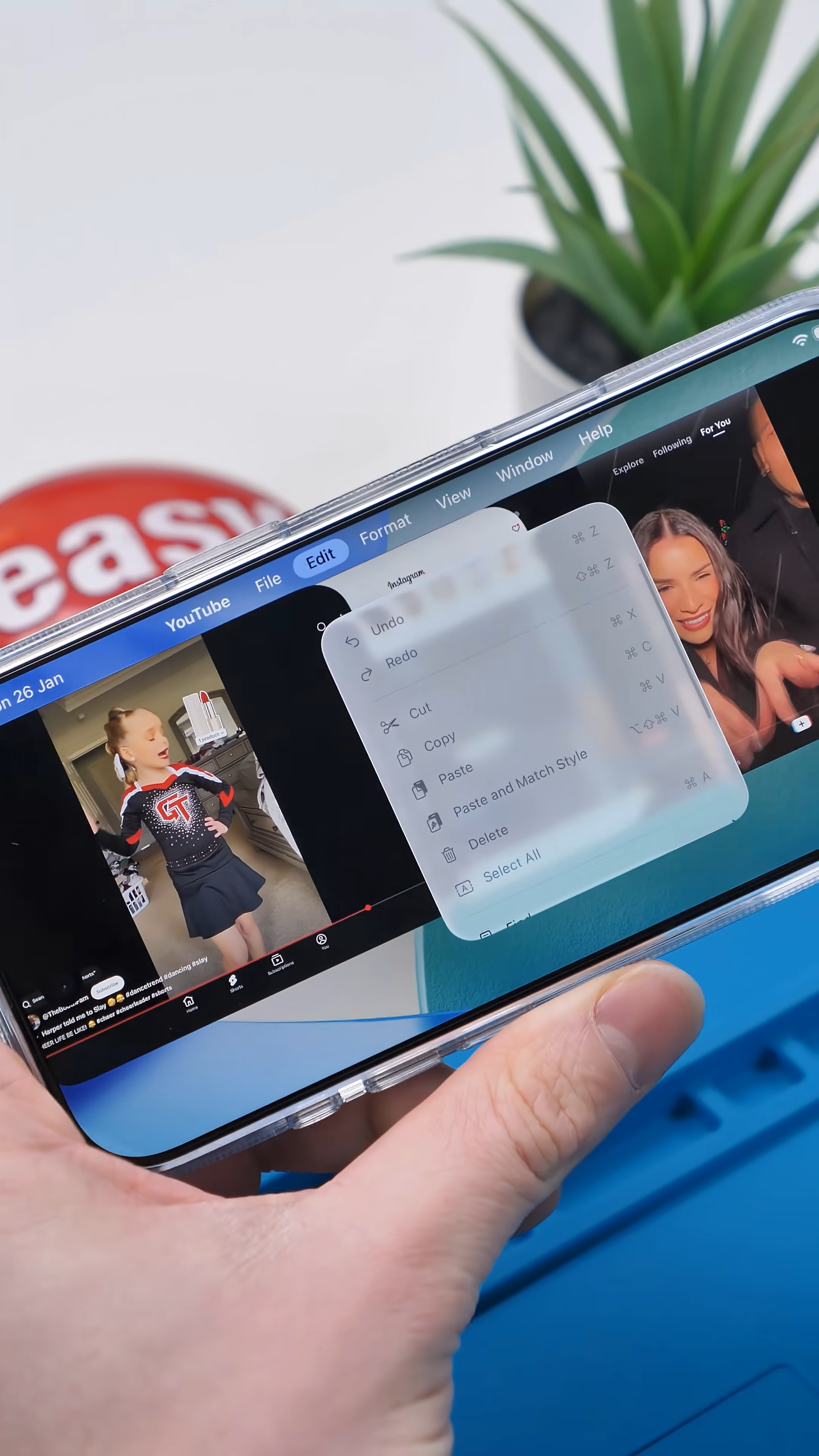
And then there is this. I can pull down on this bar and suddenly I have access to settings you have never seen on an iPhone before. This is not Control Center. This is not some iOS beta feature. This is straight-up iPad-style multitasking and system controls running on a phone.
So how is this even possible?
iPadOS on iPhone?
Instead of modifying hardware, I forced iPadOS-style behavior onto this iPhone using an exploit called Nugget. The goal is not to install iPadOS itself, but to convince iOS that the device should behave like an iPad rather than a phone.
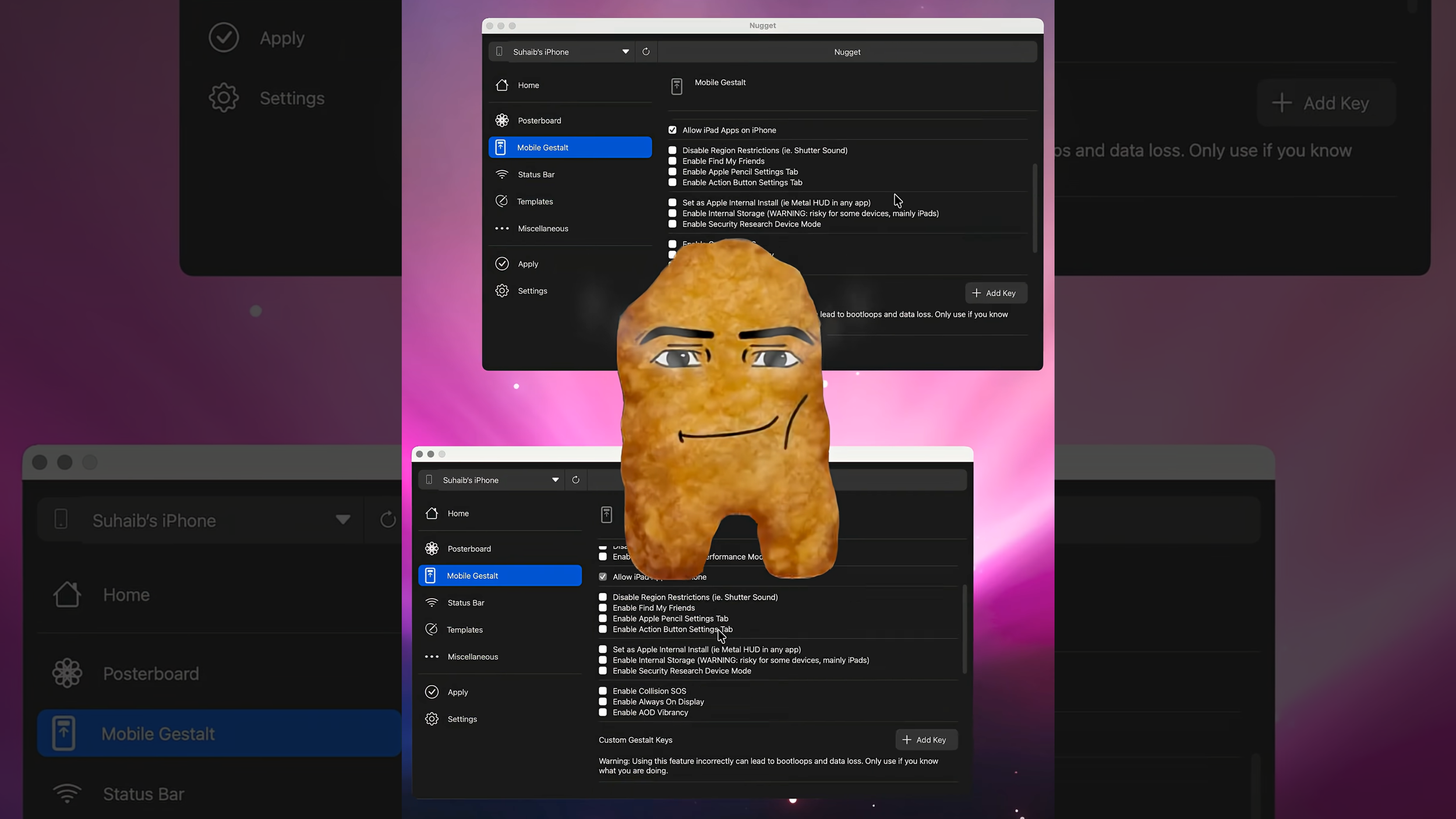
Once that identity changes, iOS starts unlocking features Apple normally restricts based on product category instead of capability. Real multitasking appears. Advanced window management shows up. System-level menus that were never meant to exist on a phone suddenly become accessible.
Nothing about the hardware changed. Only the rules did.
©️iSolution
Nugget is not an app, not a jailbreak, and not a hidden Apple feature. It works by manipulating how iOS identifies the device internally. When the system believes the iPhone should be treated like an iPad, software limitations begin to fall away.
And this explains everything. Apple does not limit multitasking on iPhones because the hardware cannot handle it. Apple limits it because the software says, “this is a phone.” Nugget flips that assumption, and the results are immediate.
From a repair and modding perspective, this is exactly the kind of experiment that makes Apple engineers uncomfortable. It proves that the line between iPhone and iPad is enforced far more by software policy than physical limitations.
The Catch
Before you get too excited, there is a catch. This setup is glitchy. It can be frustrating to configure, parts of the interface break, and some apps struggle when asked to multitask as if they were on an iPad.
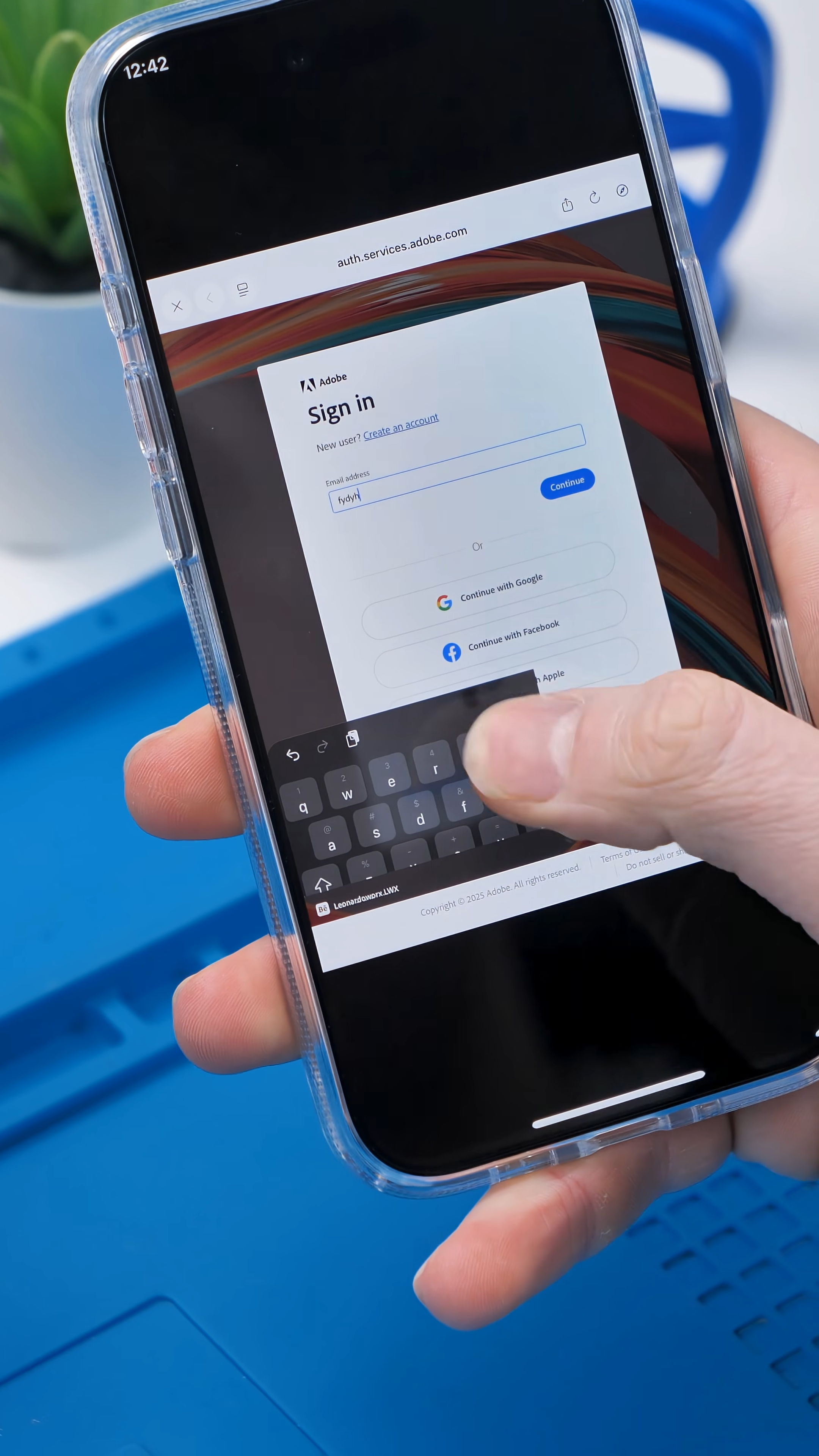
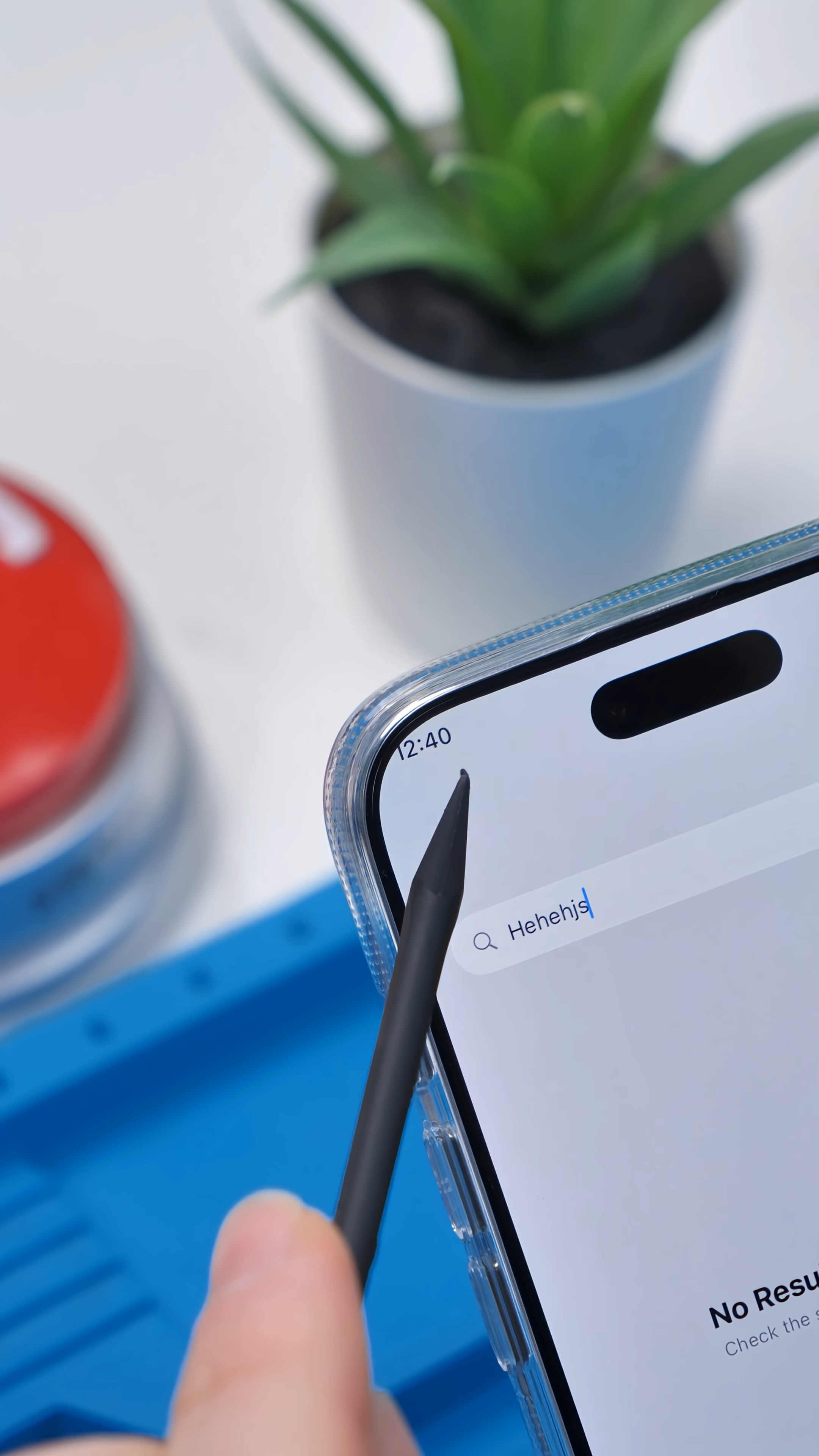
Think of it as an experimental hack rather than a polished feature. I would not recommend trying this on your main phone. Unless you enjoy random bugs, odd behavior, and the awkward task of explaining to Apple support why your iPhone suddenly thinks it is an iPad.
Why This Is Still Insanely Cool
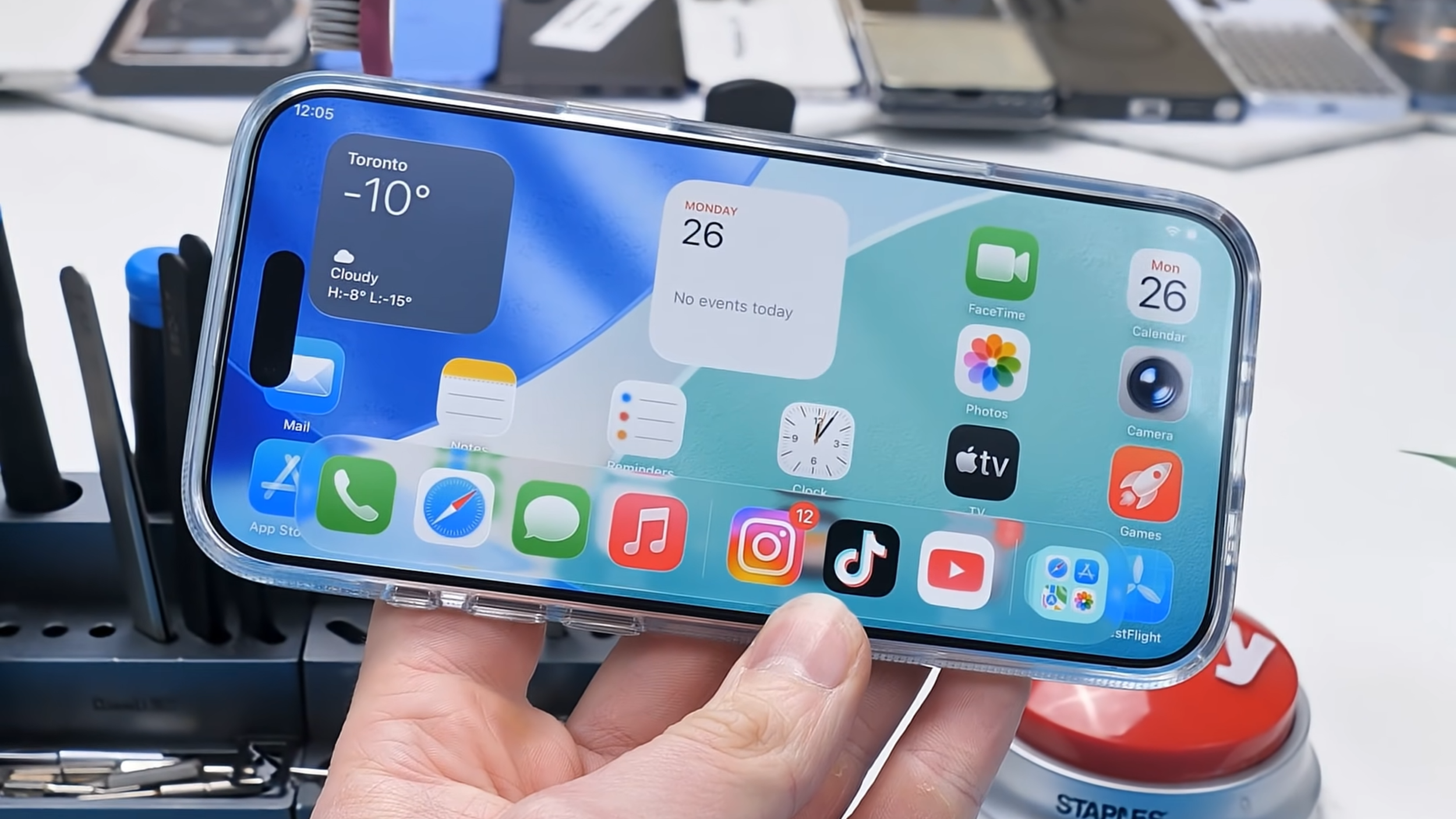
Even with all the issues, this shows something important. The hardware is not the limitation. Apple has long drawn a line between iPhones and iPads through software rather than hardware.
In reality, this iPhone manages multitasking perfectly well once those restrictions are lifted, which is why experiments like this are so revealing.
Remove Apple’s software limits and it becomes clear that the hardware was never the issue.
Final Thoughts
Apple would never release this, yet the fact that it works at all is remarkable. Seeing an iPhone handle iPad-style multitasking, hidden system settings, and multiple apps at once makes it clear just how tightly iOS is locked down by design.
This is not something to attempt on your everyday phone unless you genuinely enjoy chaos. As for me, I’ll be over here with my very not‑approved “iPhone Air,” while Apple continues to act as if it doesn’t exist.
See you in the next article!
