
At first glance, the Galaxy S26 Ultra doesn’t look like a huge upgrade. The design feels familiar, the cameras look similar, and Samsung didn’t highlight many dramatic changes during the announcement.
But once you take it apart and look closer, there’s actually a lot going on inside.
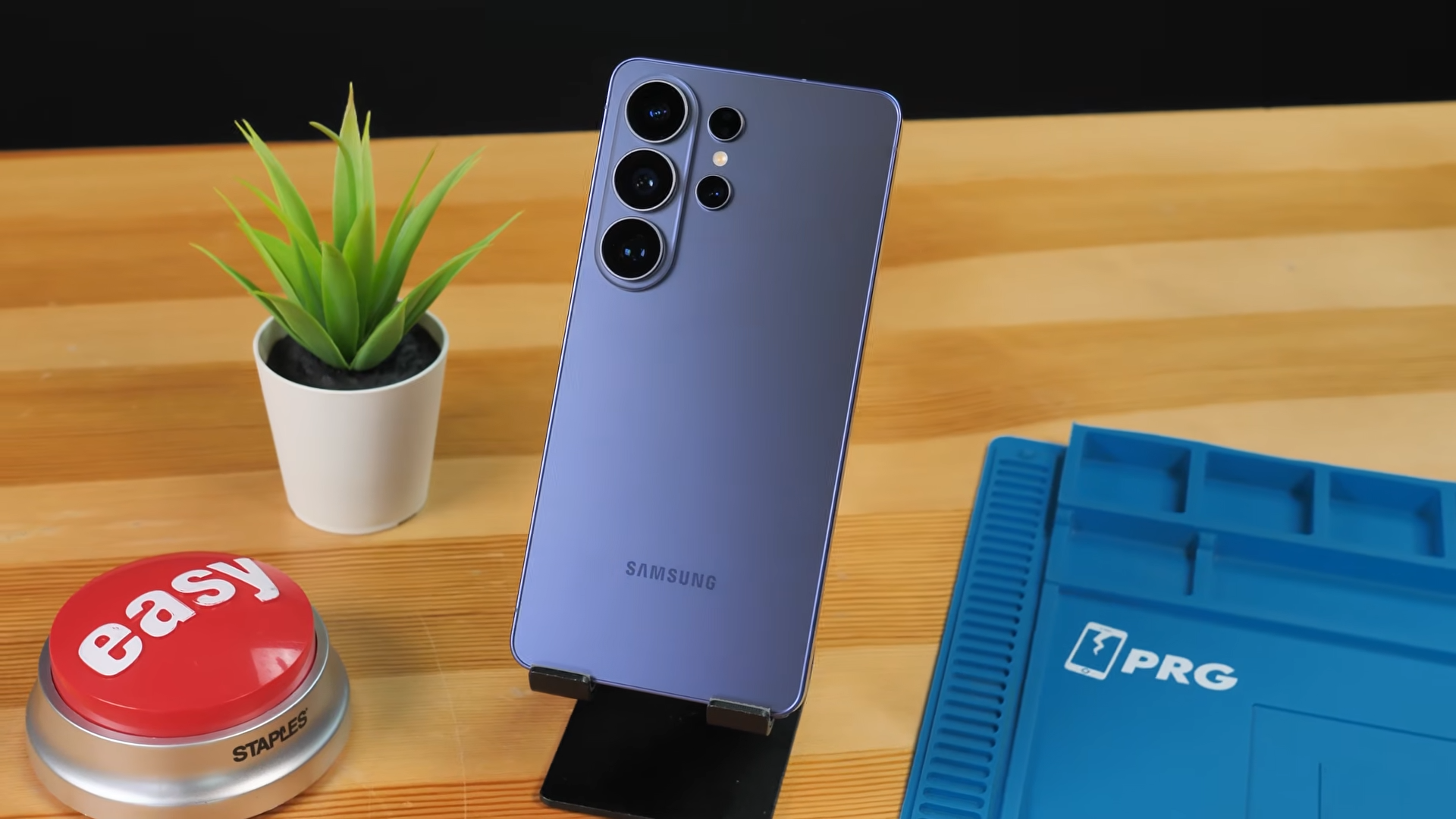
From a brand-new pixel-level privacy display to internal charging changes and a larger cooling system, the S26 Ultra hides several interesting upgrades under the hood.
Let’s take a closer look.
Thinner, Lighter, and Back to Aluminum
One of the most surprising changes is something Samsung barely talked about. The S26 Ultra is 7.9 mm thick, making it the thinnest Ultra device Samsung has released. It’s also lighter than the previous model.
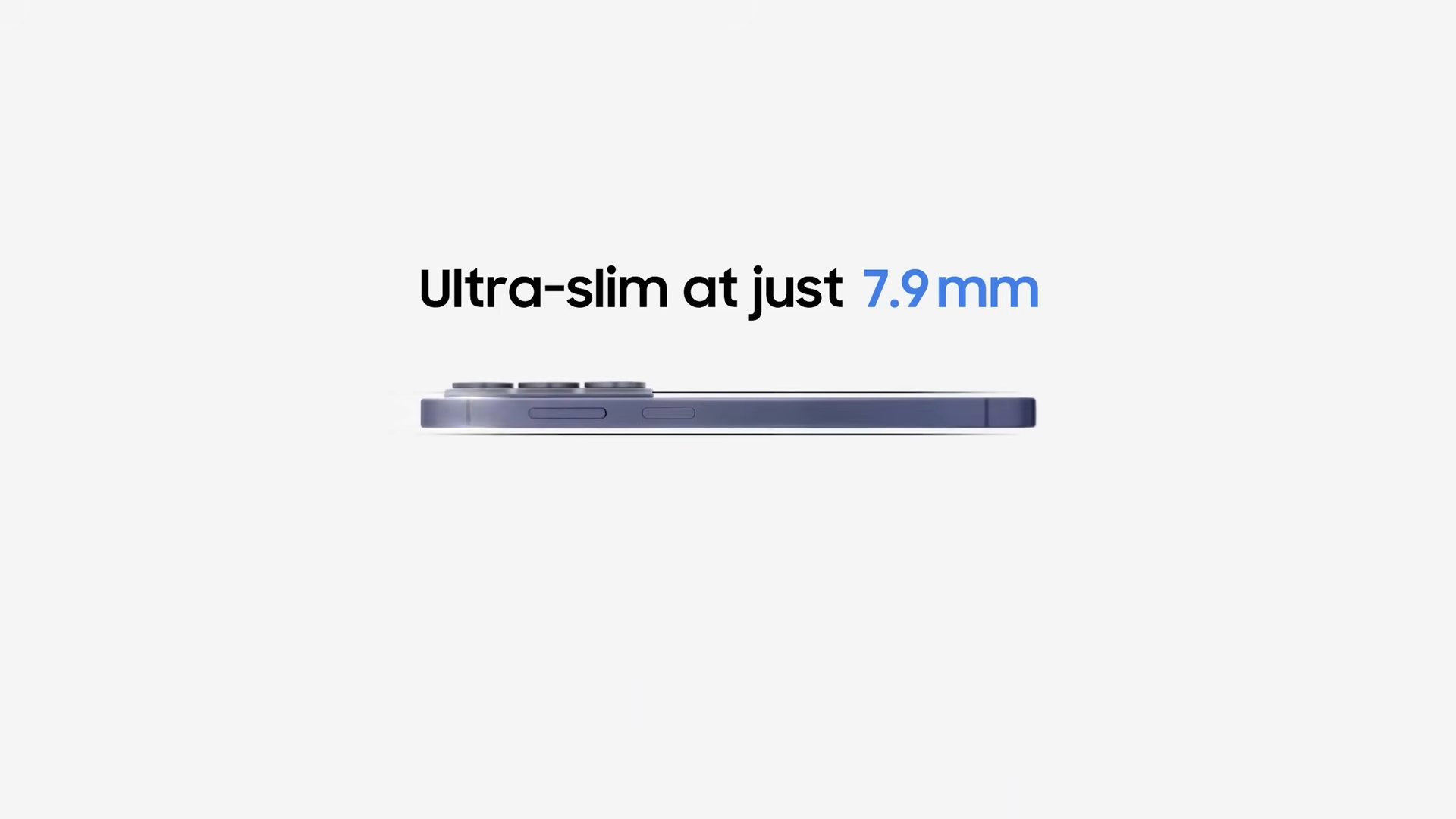
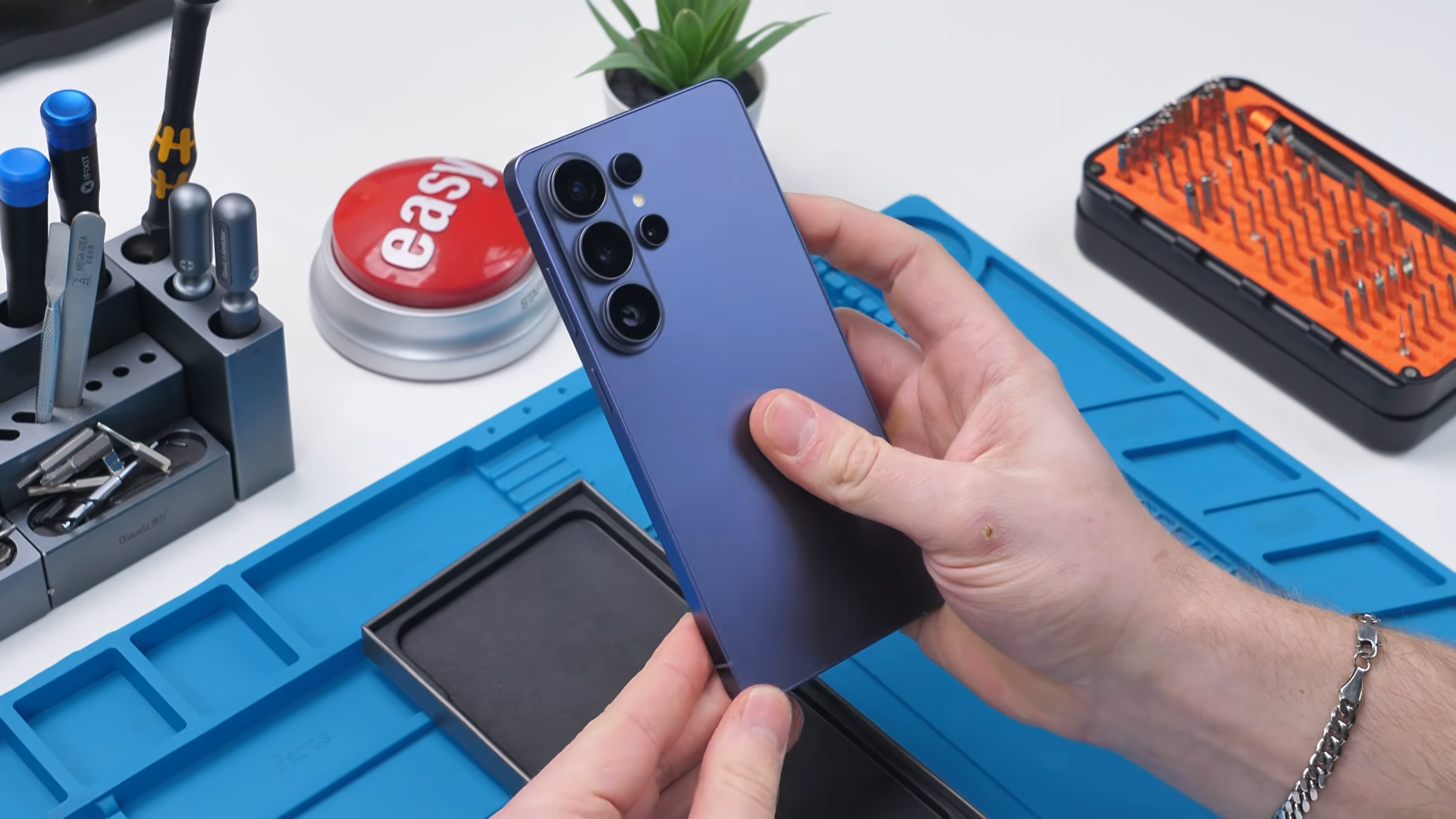
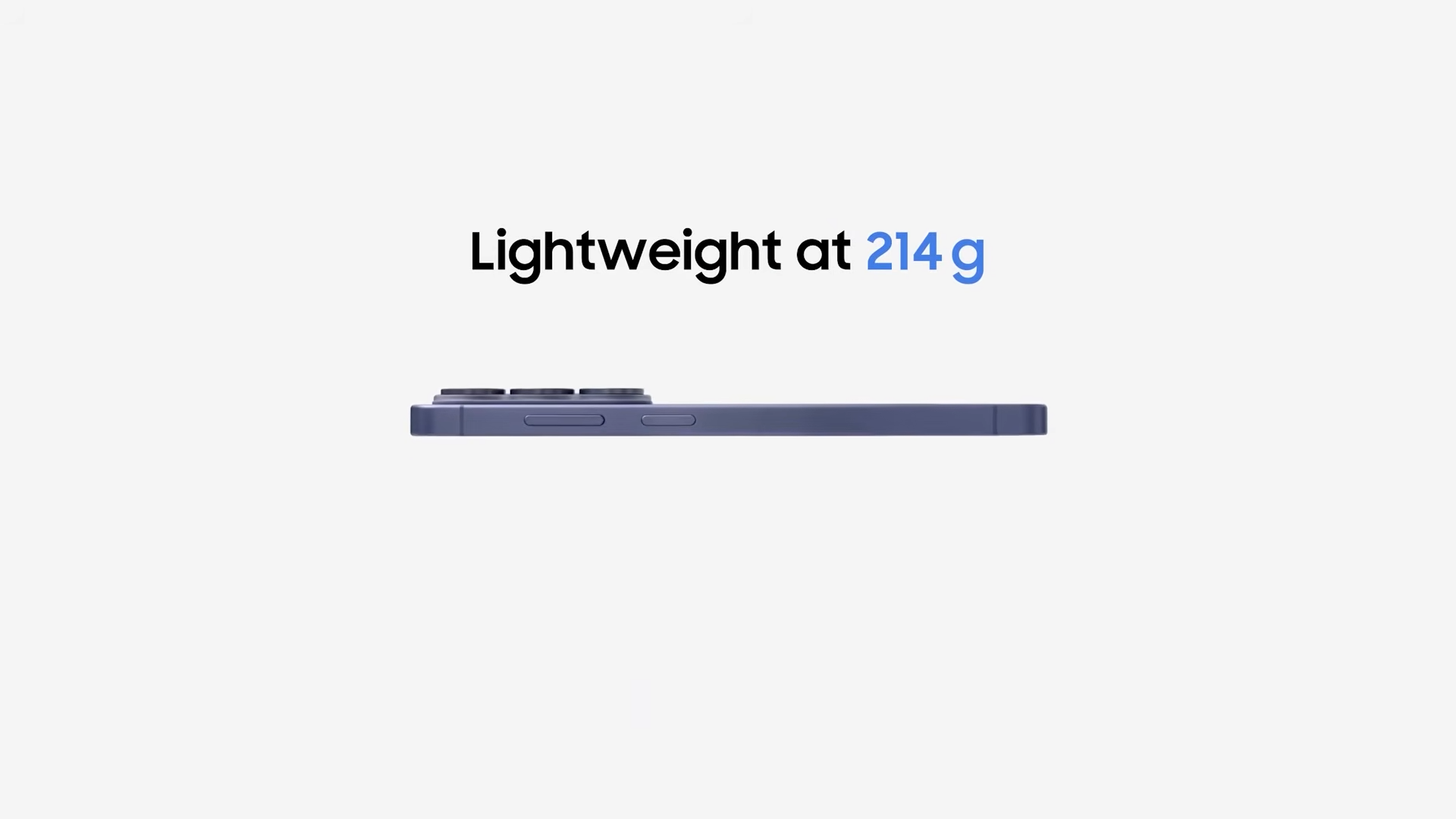
Part of that weight reduction comes from Samsung switching back to aluminum after heavily marketing titanium in earlier generations. The frame is also slightly more curved this year, giving the device softer edges compared to the flatter feel of previous models.
There’s also a small oddity with the S Pen. If you remove it, flip it around, and insert it backward, it doesn’t sit quite the same way it normally would.
It’s a small detail, but an interesting one.
A Pixel-Level Privacy Display
The most technically interesting feature of the S26 Ultra is its built-in privacy display.
This isn’t the first time privacy screens have appeared in consumer devices. HP laptops have used them for years. But those work by placing a film layer over the display that narrows viewing angles across the entire panel.
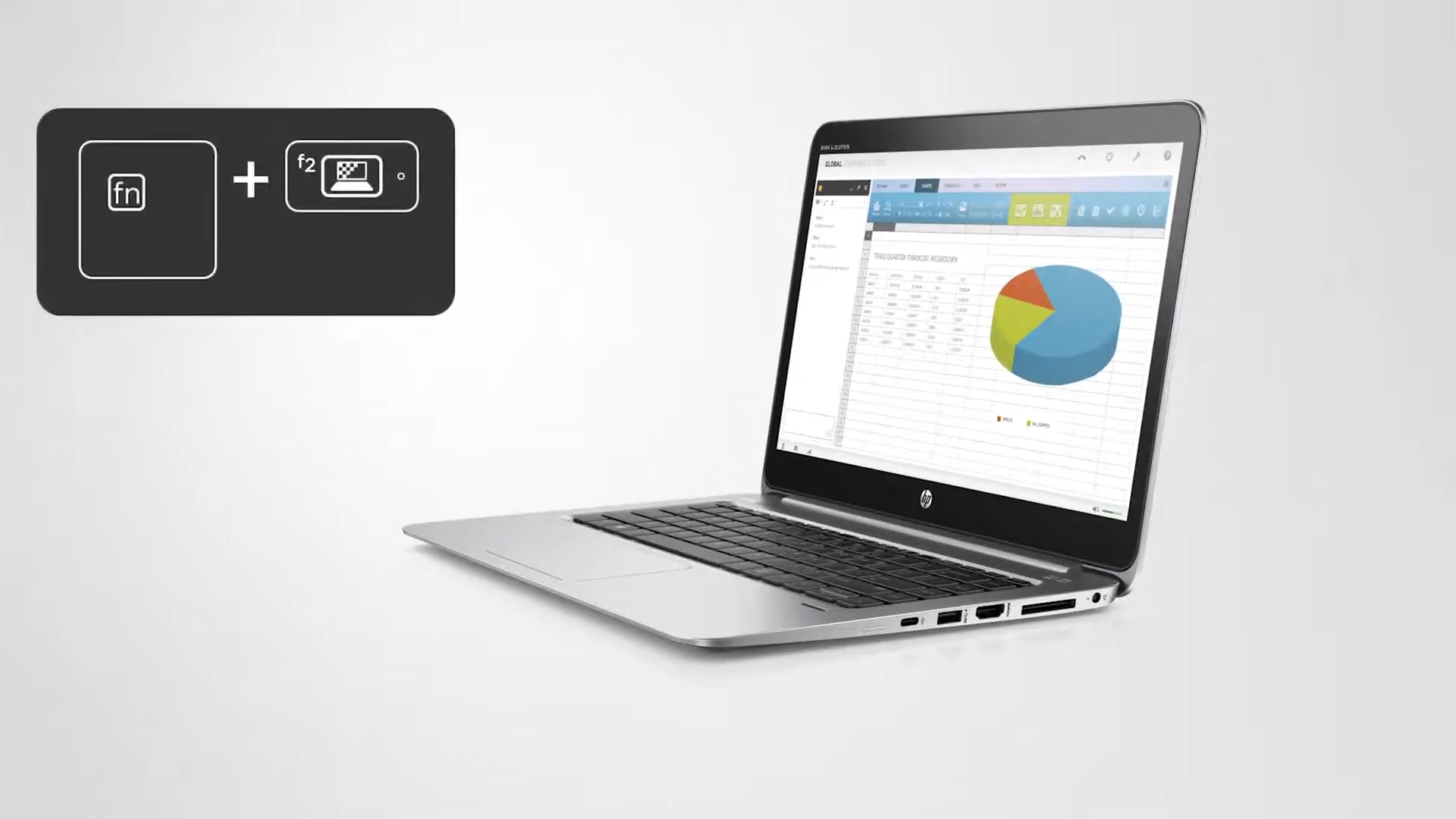
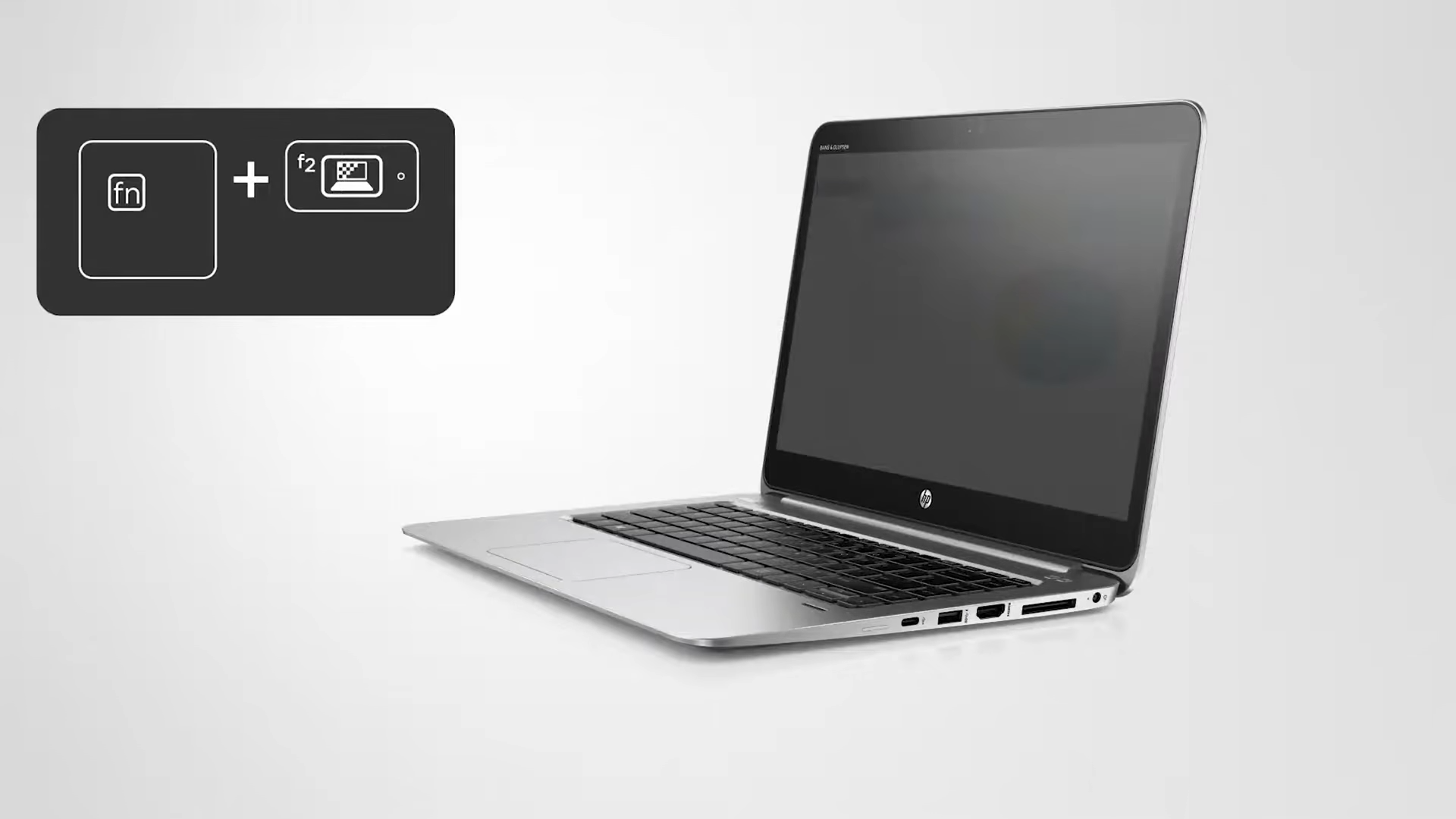
Samsung took a different approach. The S26 Ultra implements privacy at the pixel level.
When the privacy display feature is turned on through the control center, the phone noticeably reduces brightness and perceived resolution. That’s because the display switches how its pixels operate.
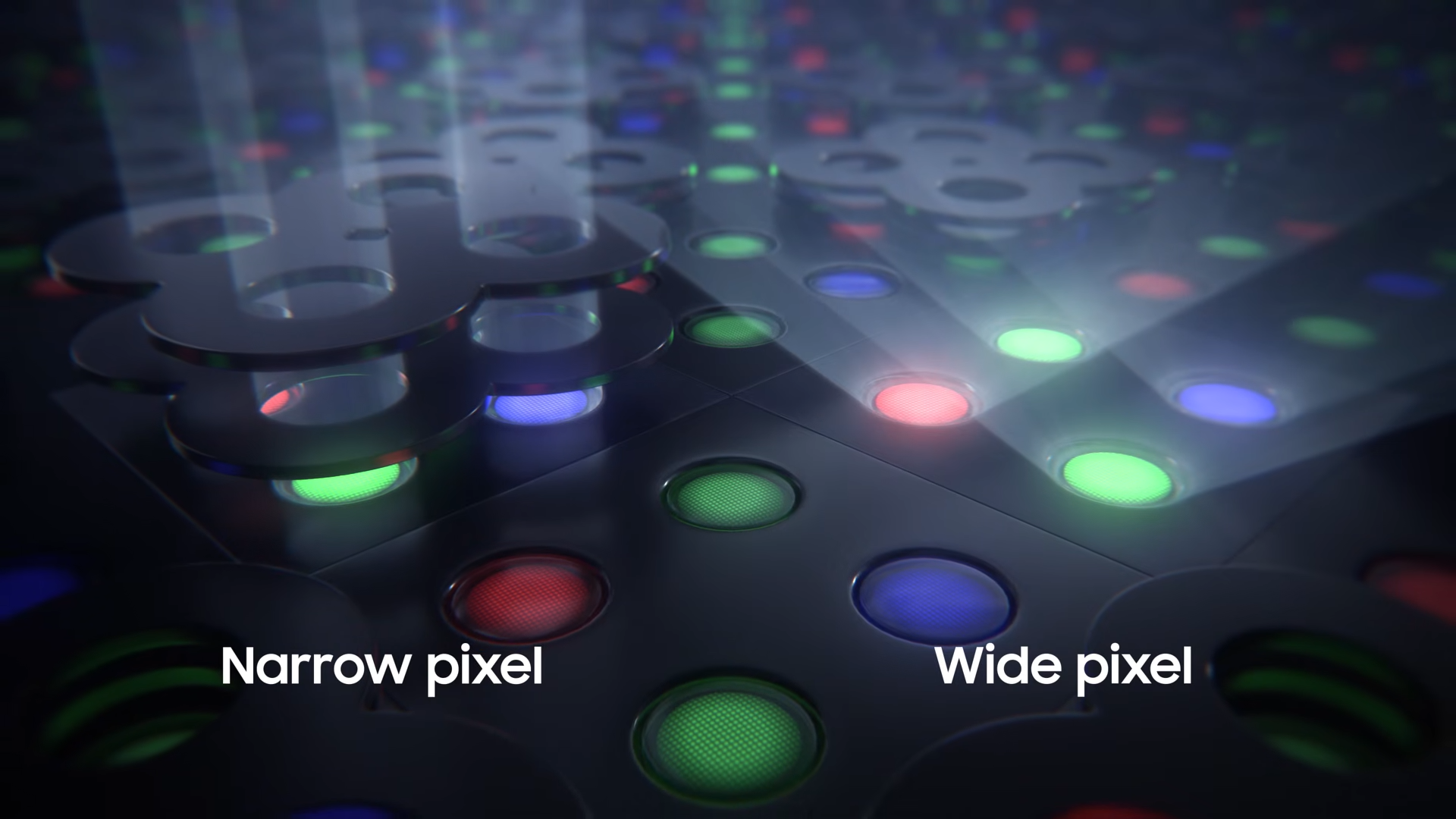
Under a microscope, the panel reveals two types of pixels:
Wide-angle pixels, which behave like normal smartphone pixels and emit light in multiple directions
Narrow-angle pixels, which project light almost straight forward like a spotlight
When privacy mode is activated, the wide-angle pixels turn off and only the narrow-angle pixels remain active. The result is a screen that’s still visible directly in front of you but much harder to read from the sides.
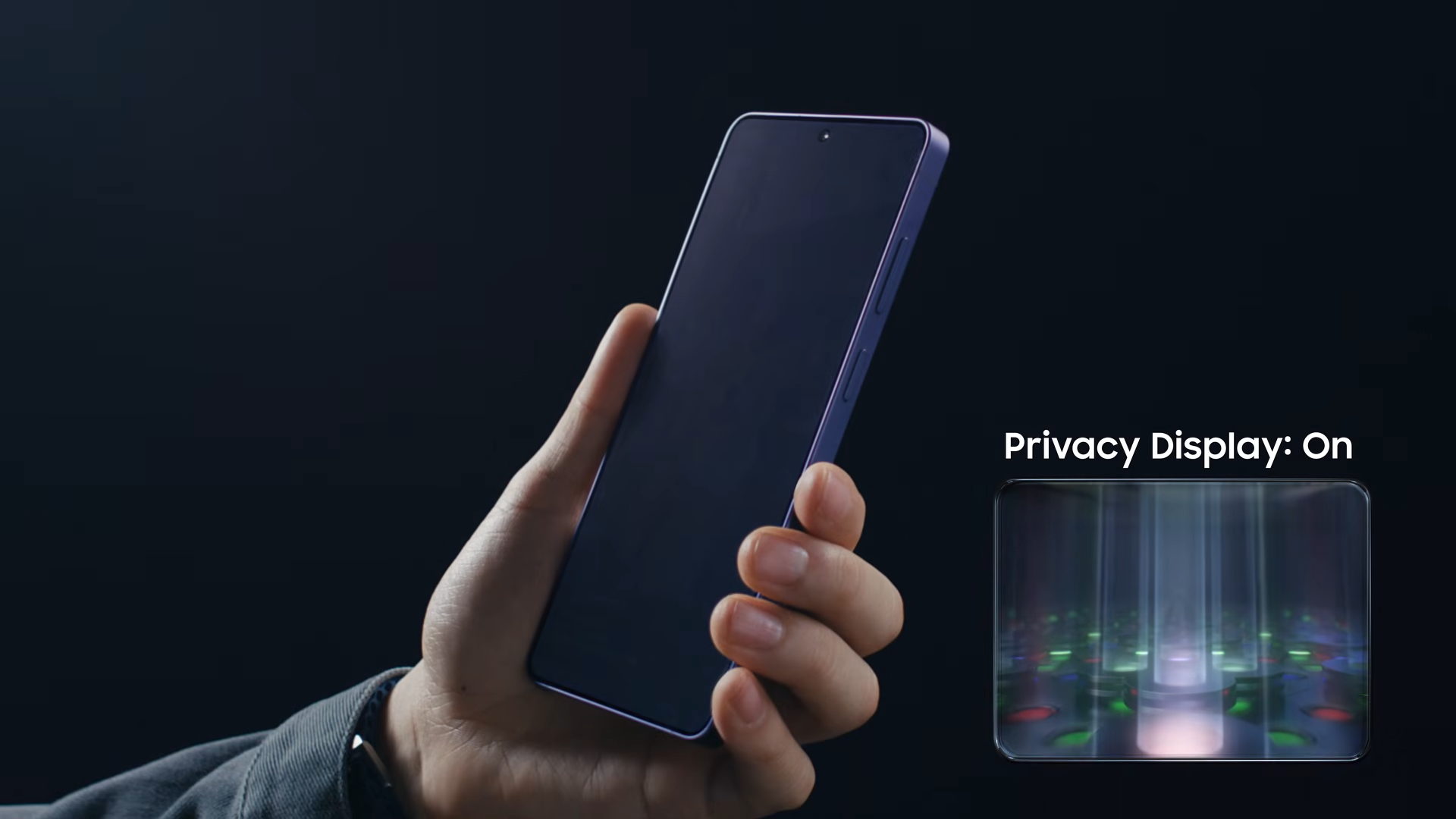
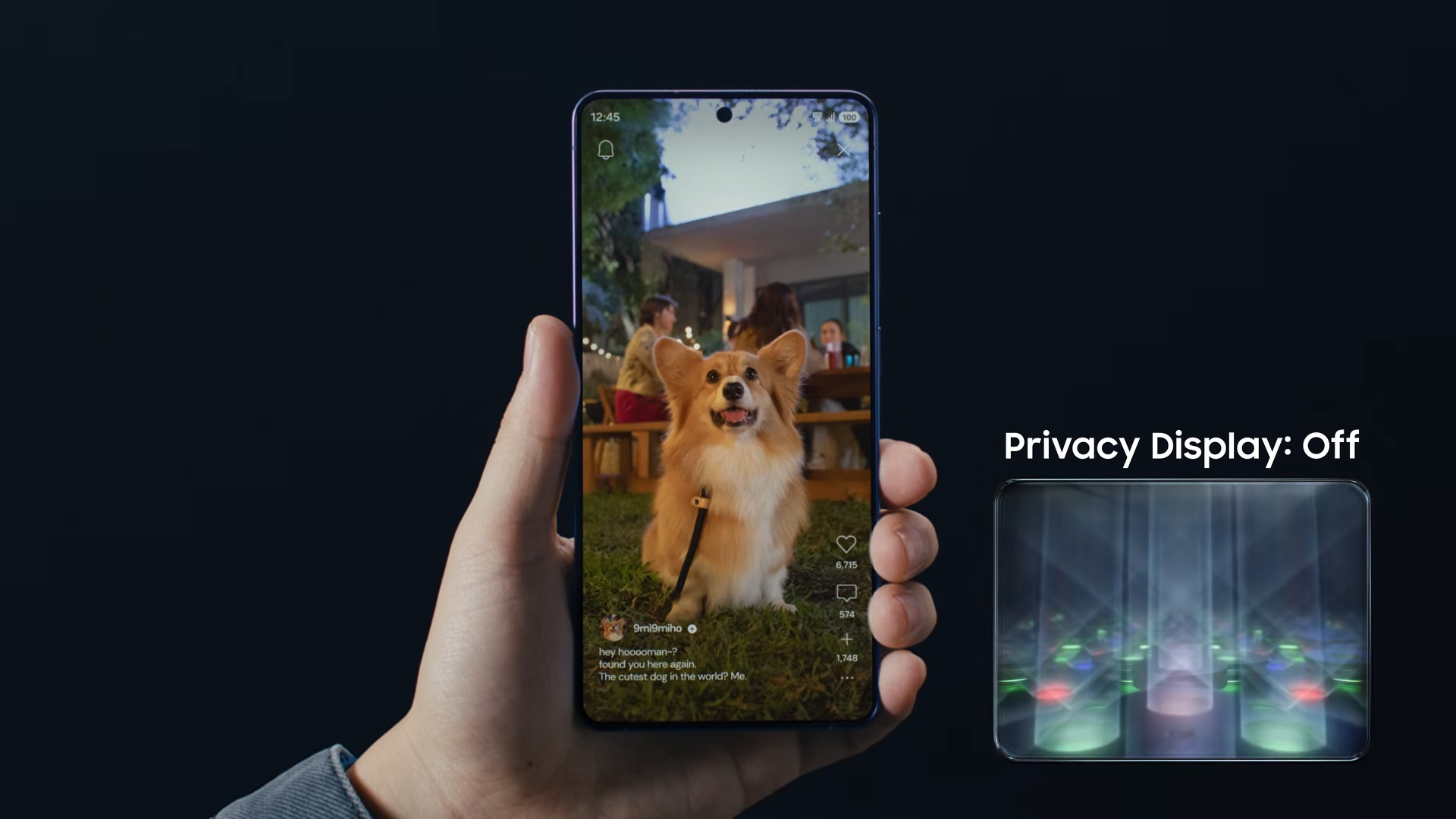
The trade-off is that the screen effectively uses fewer active pixels, which reduces brightness and visual sharpness. It’s not a mode you’d want enabled all the time, but it’s extremely useful when viewing sensitive information in public.
It also slightly reduces viewing angles compared to other phones, though the difference is fairly small.
Opening the Phone
Like most Samsung devices, the S26 Ultra opens from the back.
The phone is rated IP68 for water and dust resistance, and the back glass is protected by Gorilla Glass Victus 2, the same material used on the previous generation.
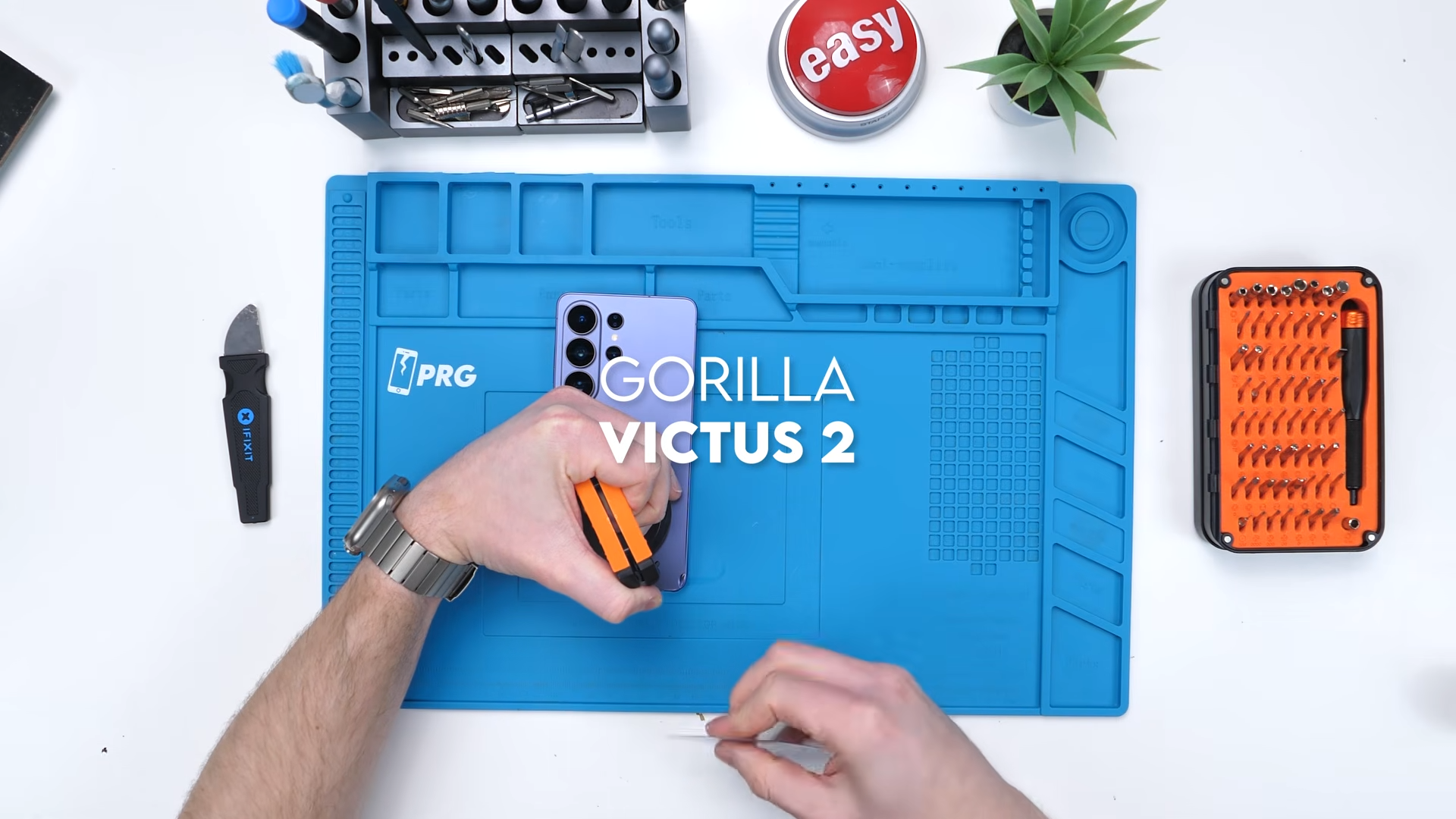
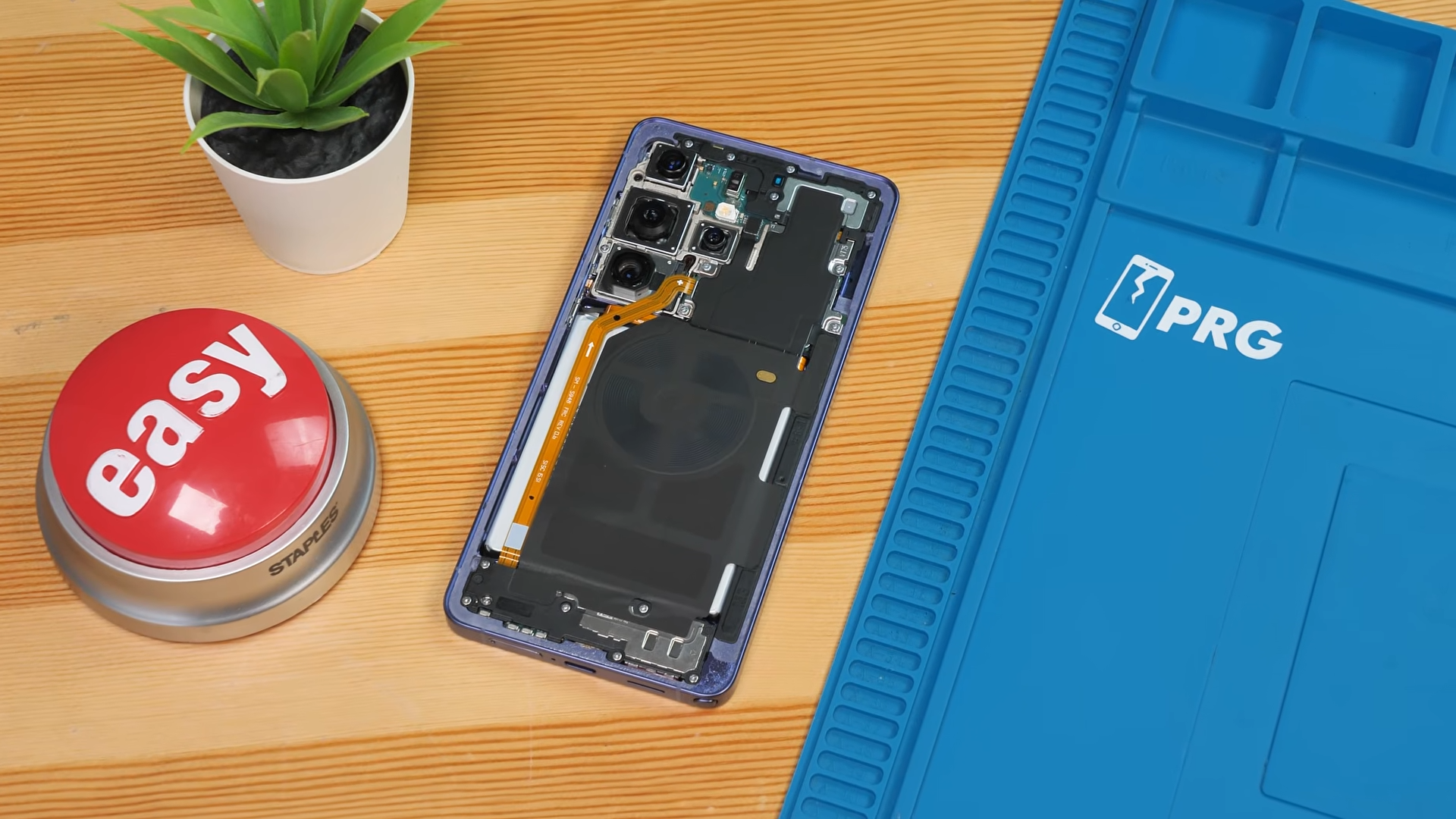
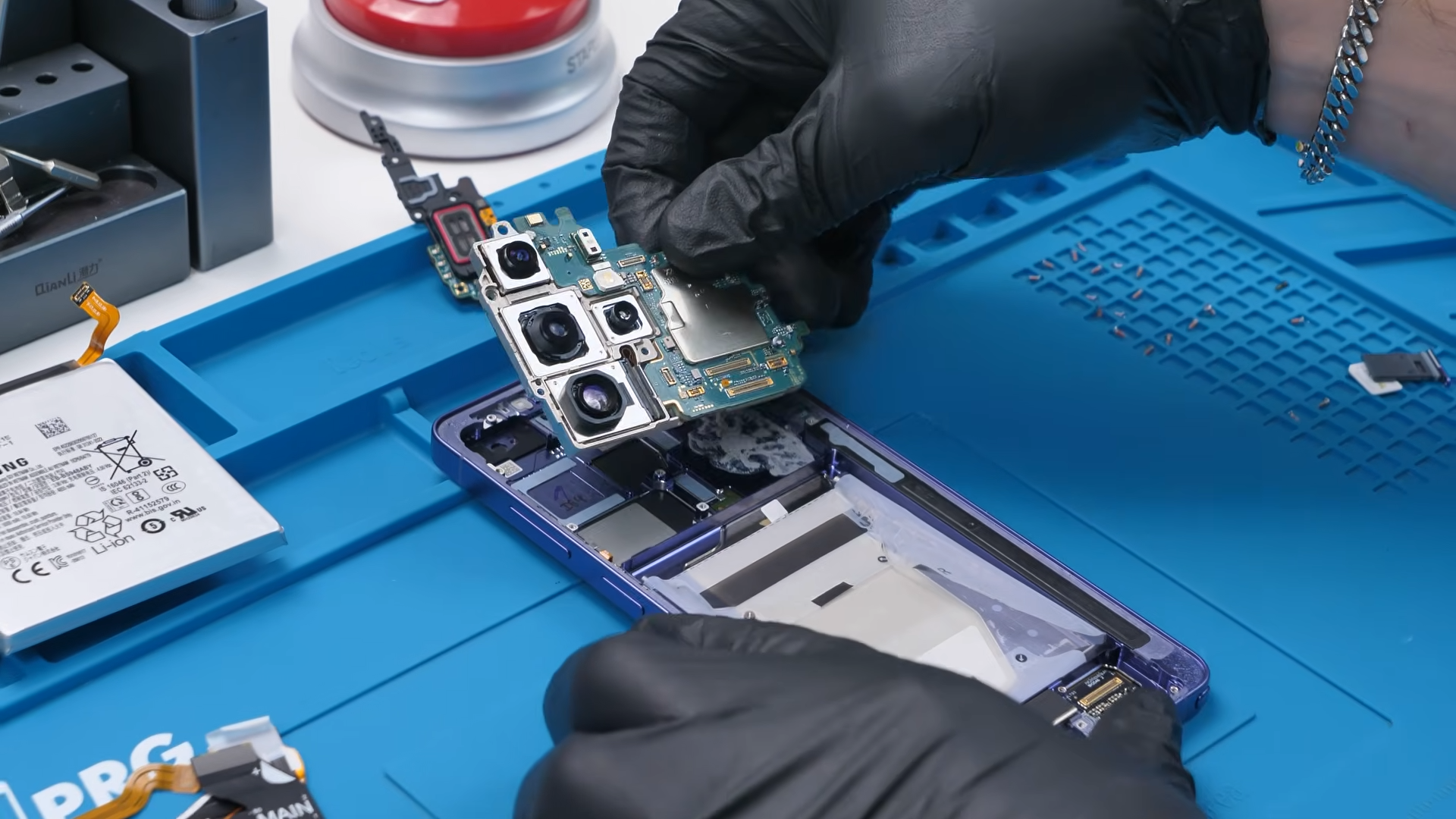
Once the back panel is removed, the water-resistant seal is broken. Inside, the camera assembly immediately stands out. The main module is massive.
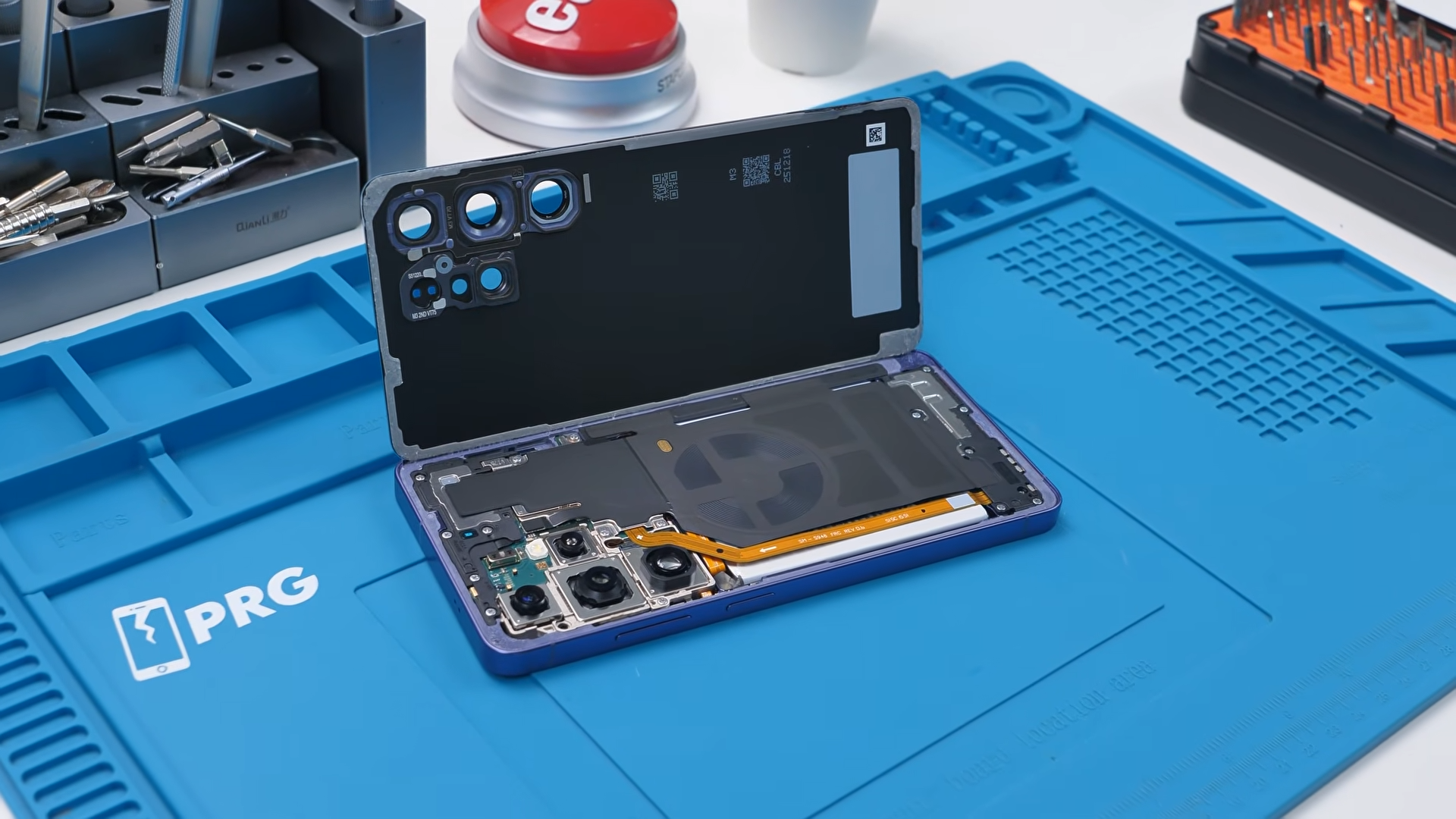
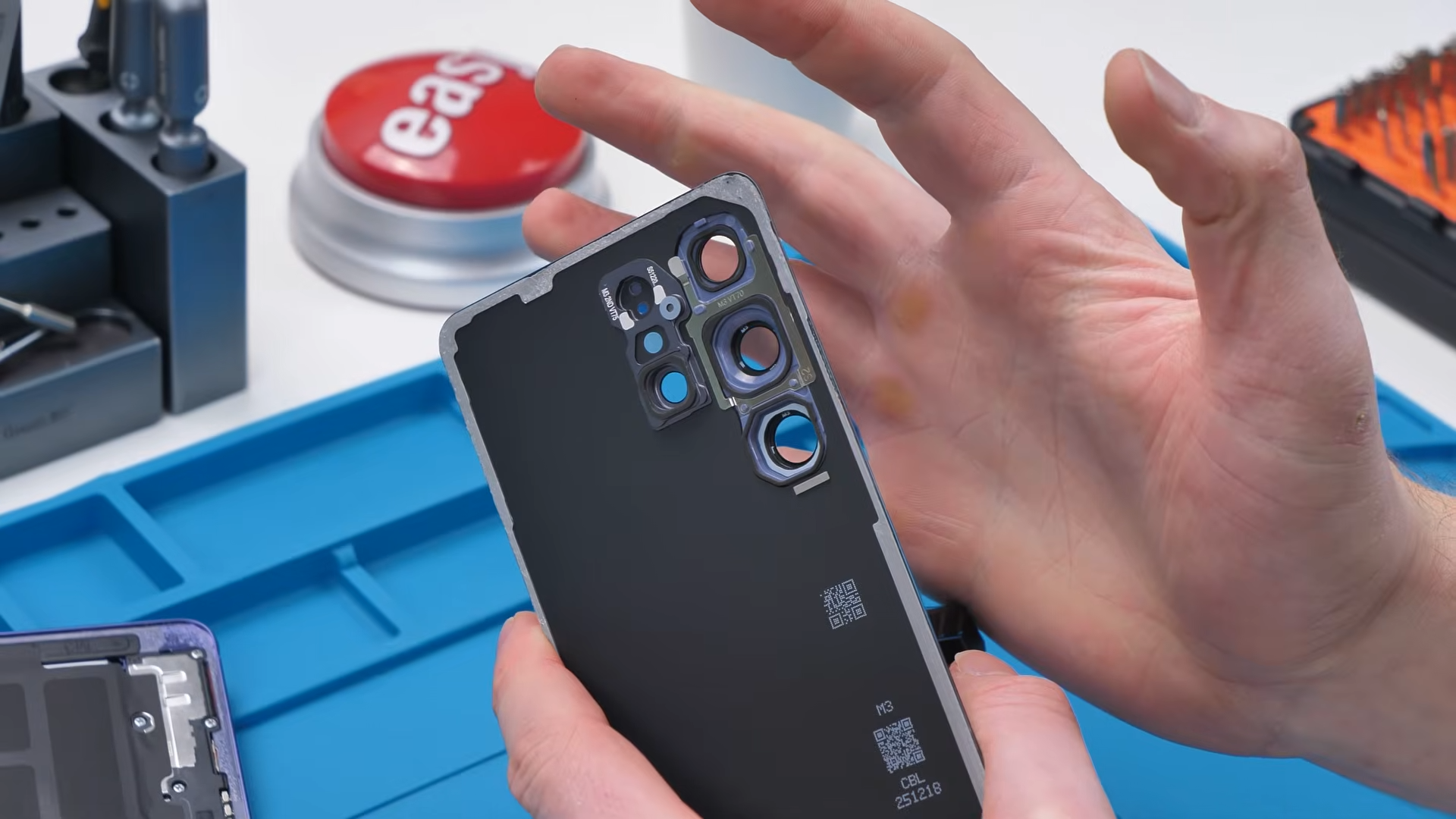
Interestingly, the camera bump appears to be a separate piece attached to the back glass, rather than part of the same panel. This design makes manufacturing easier but could also introduce a potential durability weak point.
Wireless Charging Changes (But Still No MagSafe)
Samsung upgraded wireless charging this year to 25 watts, but the phone still doesn’t include built-in MagSafe-style magnets. That decision might actually be intentional.
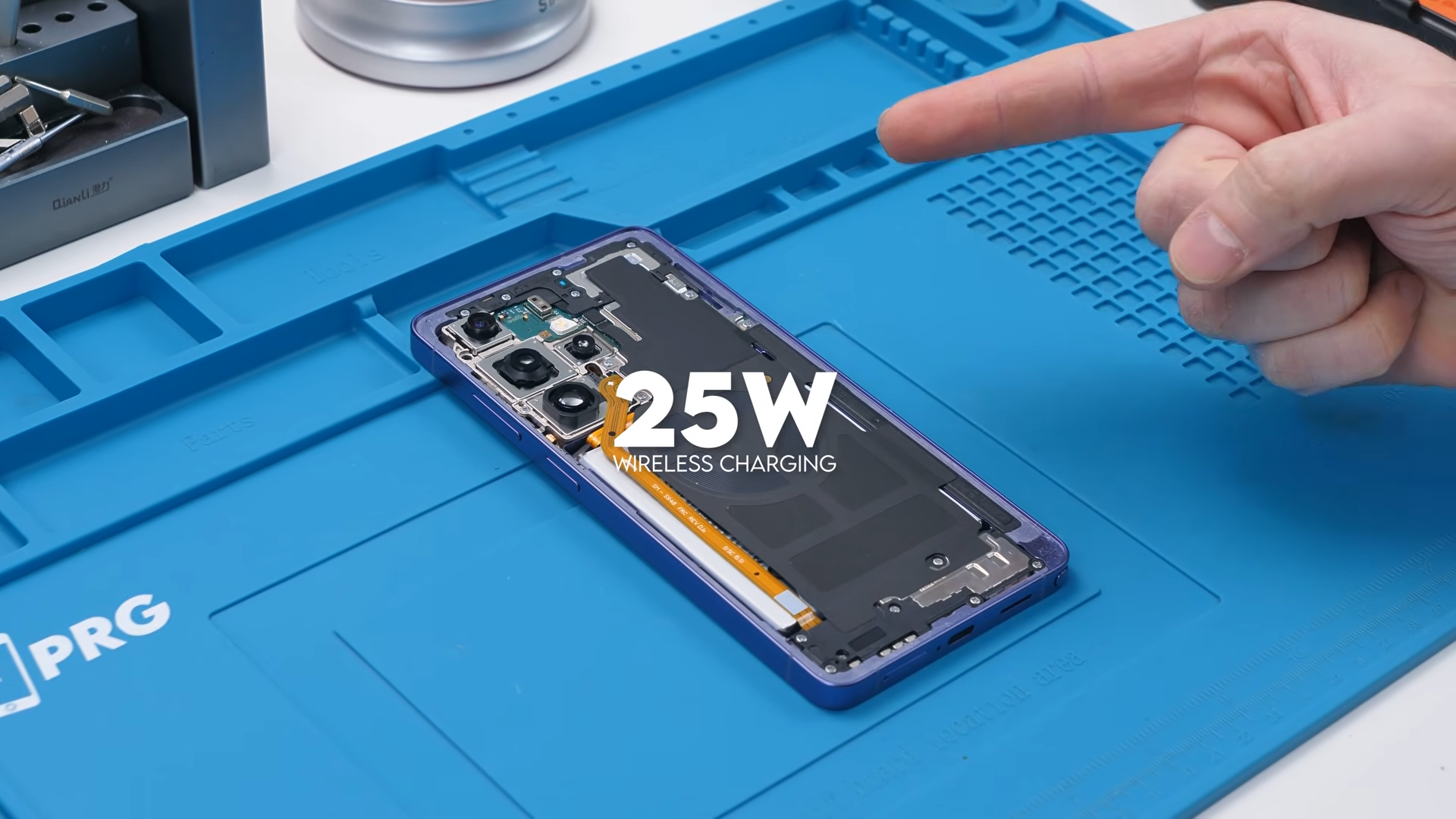
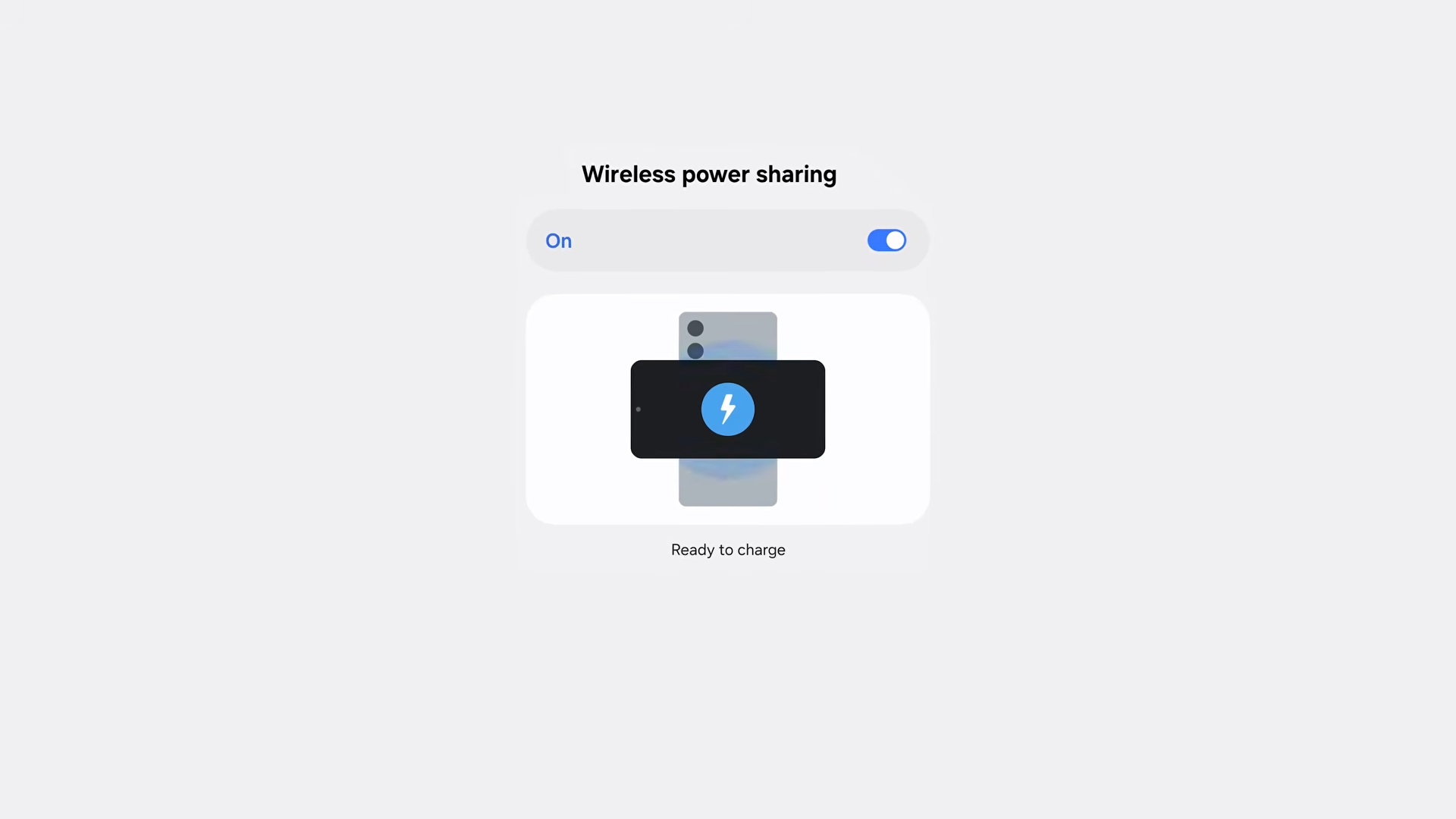
Magnets can complicate reverse wireless charging, which Samsung prioritizes on its devices. Strong magnets can interfere with alignment when charging other accessories or phones.
Of course, users who want MagSafe compatibility can still achieve it with magnet-equipped cases.
Dual Battery Connectors
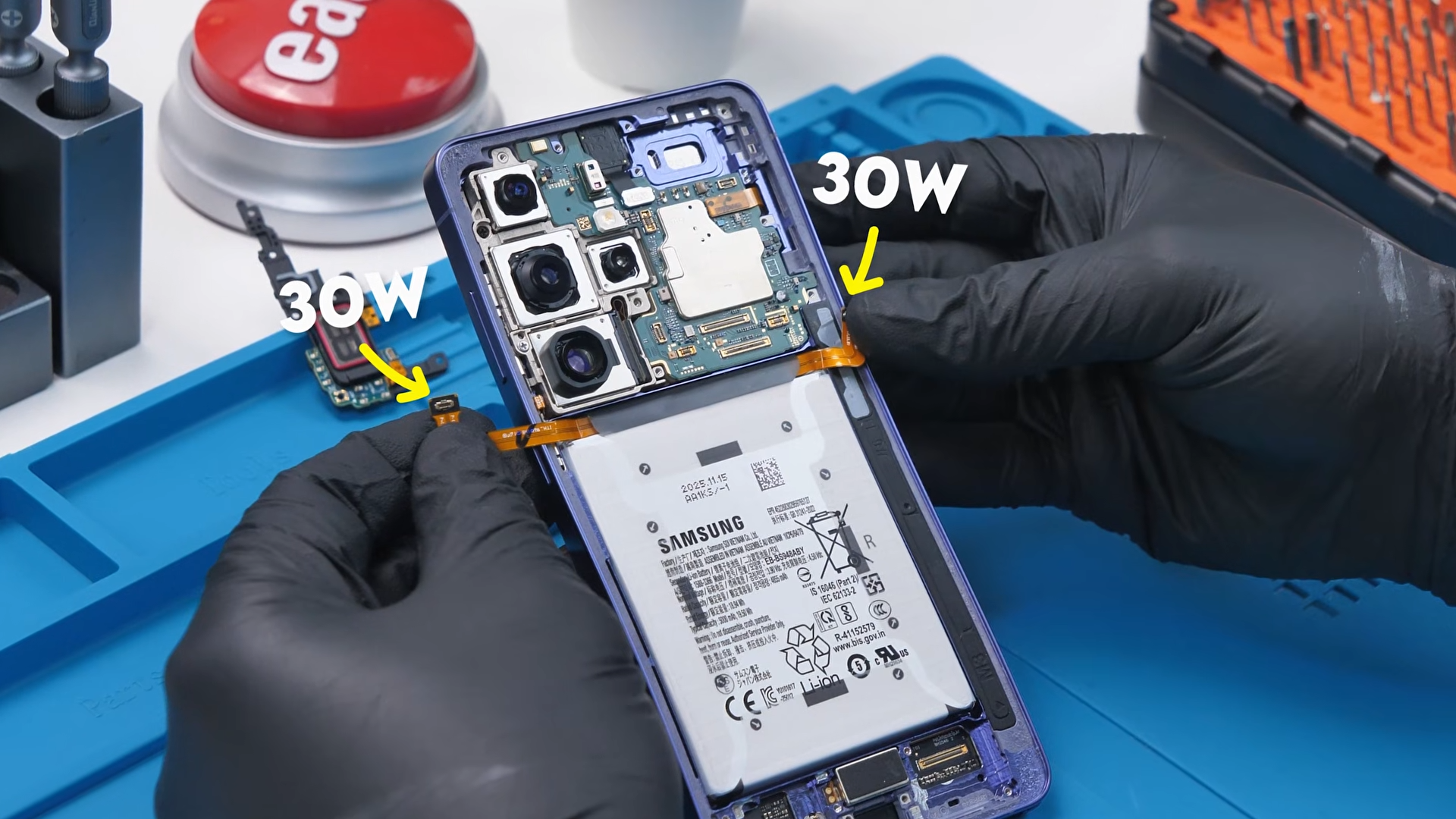
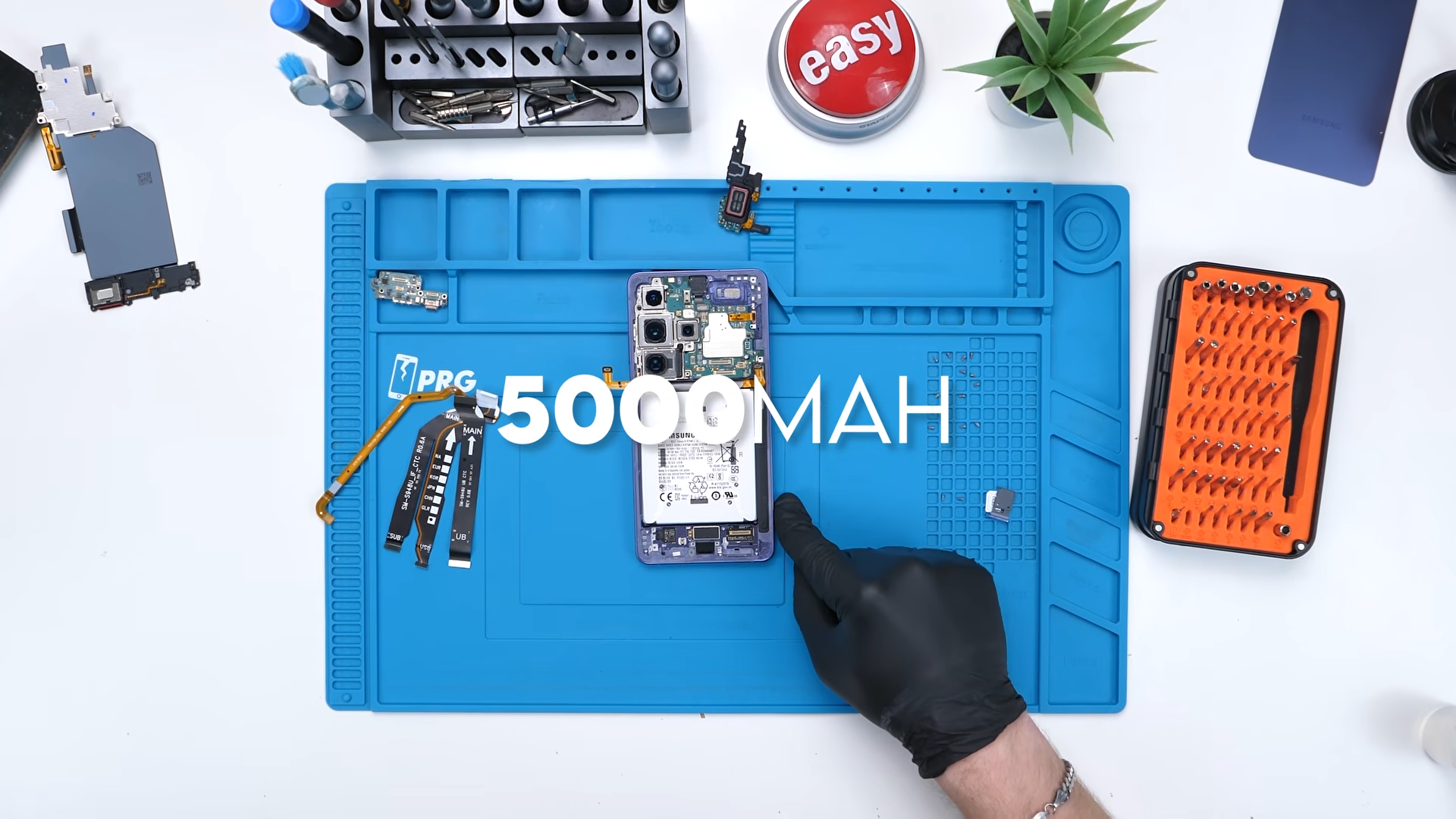
One of the more interesting discoveries inside the phone is the battery connection. Instead of a single connector, the battery appears to use two separate connectors. This could be related to the phone’s 60-watt wired charging.
Pushing that much power through a single connector could generate excessive heat. By splitting the load between two connectors, each one likely handles roughly half the power, helping keep temperatures lower and improving reliability.
It also provides a small redundancy benefit. If one connector fails, the phone may still operate using the other.
The battery itself remains 5,000 mAh, which has been standard for the Ultra lineup for several generations.
Larger Cooling System
Samsung also increased the size of the cooling system. The vapor chamber is roughly 15 percent larger than the one found in the S25 Ultra, occupying a significant portion of the device’s internal space.
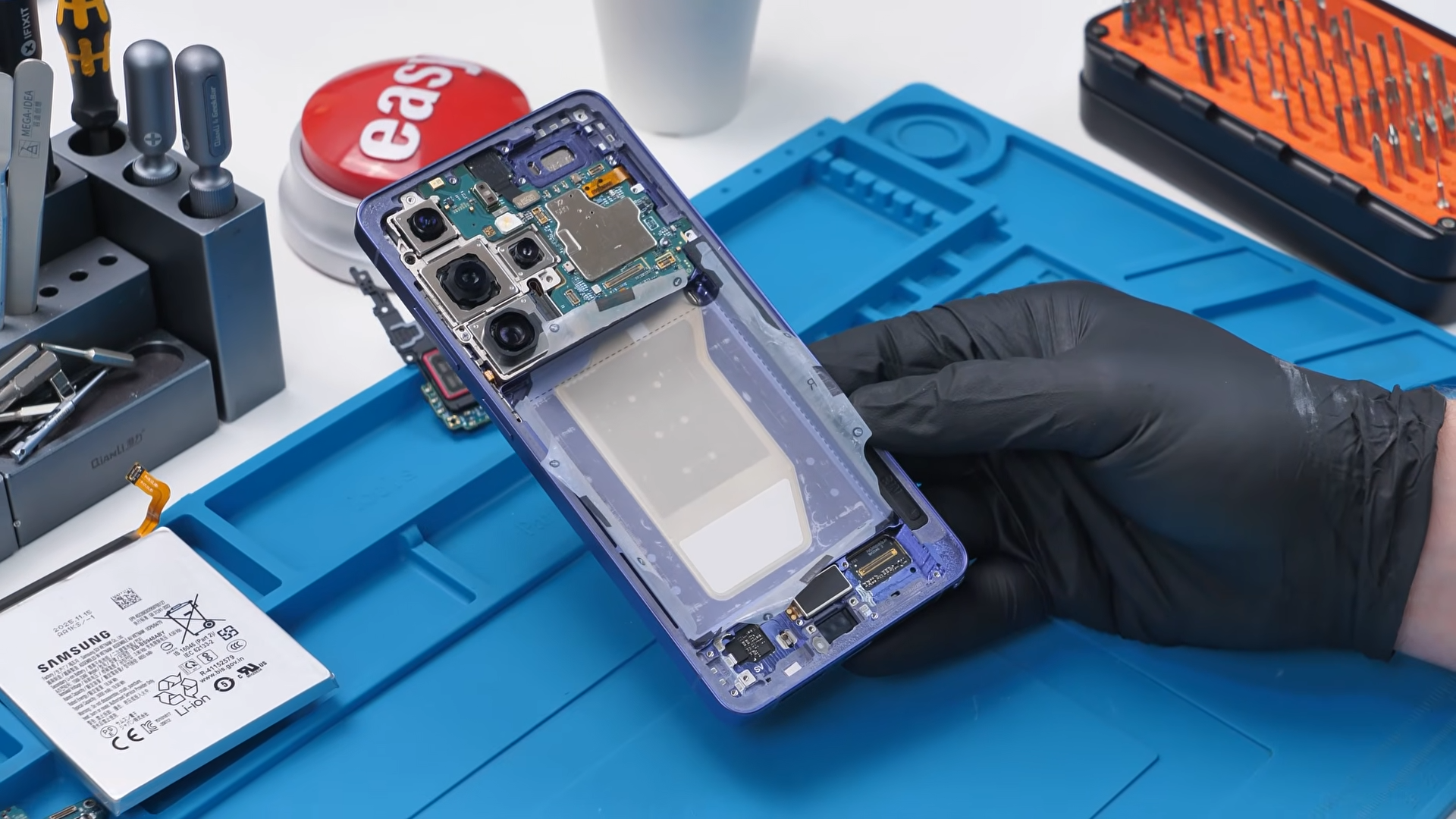
This larger cooling area helps manage heat from the powerful chipset, especially during heavy workloads like gaming or video processing.
Camera System Changes
The S26 Ultra keeps Samsung’s high-resolution camera approach but introduces some subtle upgrades.
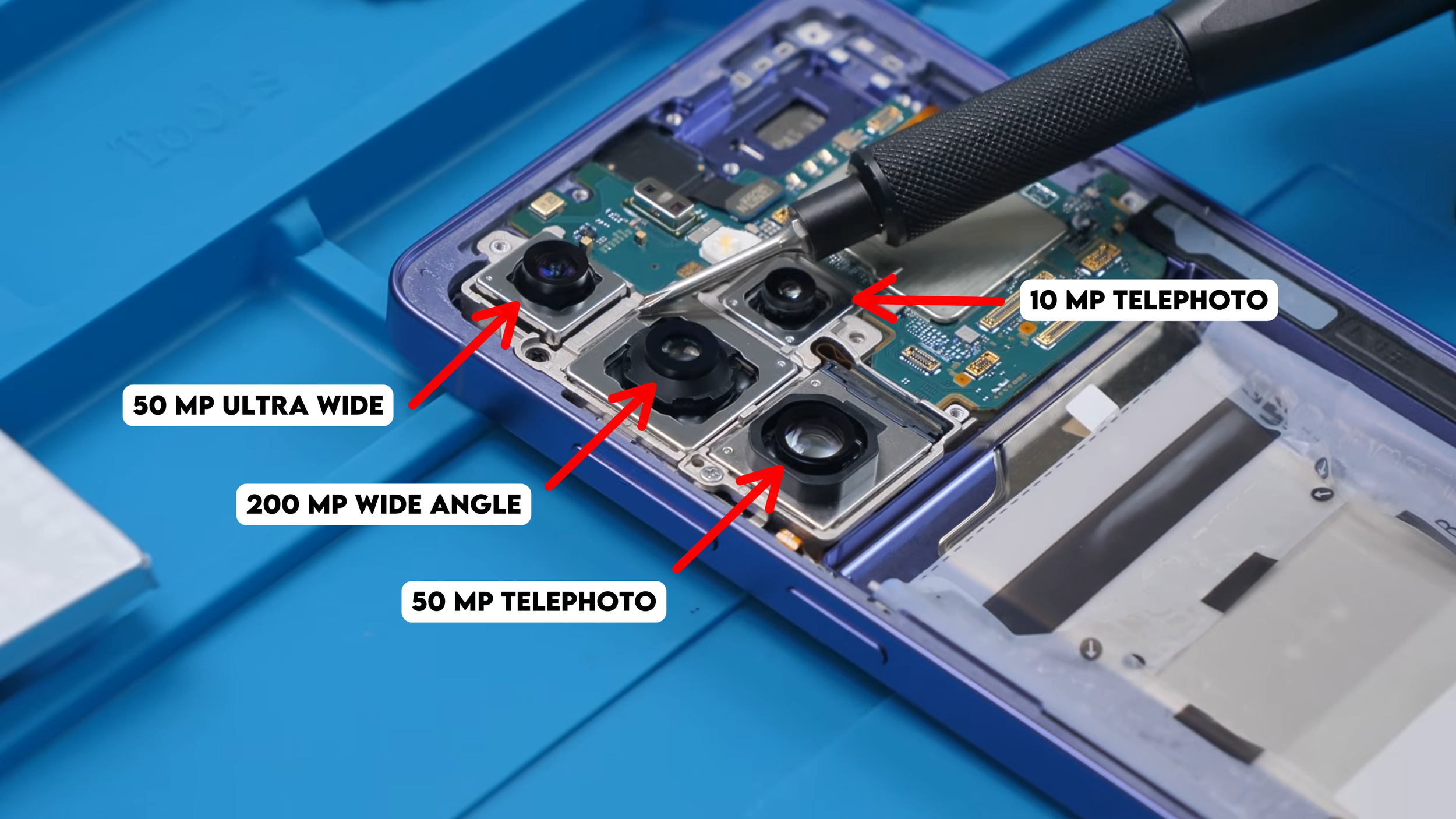
The camera system includes:
200 MP wide camera
50 MP ultrawide camera
50 MP telephoto camera using ALOP technology
10 MP secondary telephoto camera
The new ALOP telephoto camera design allows Samsung to make the zoom module smaller while maintaining high zoom performance.
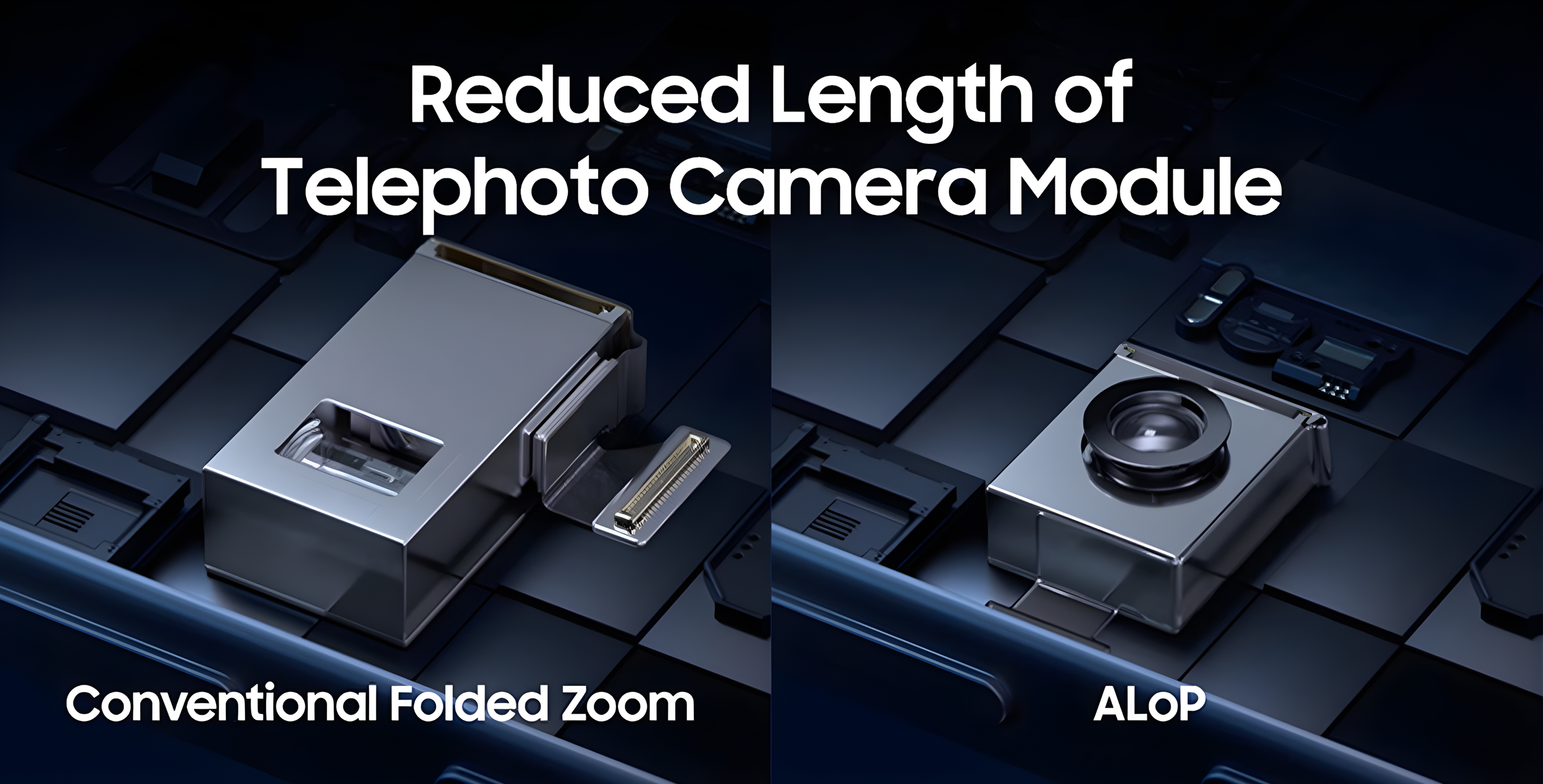
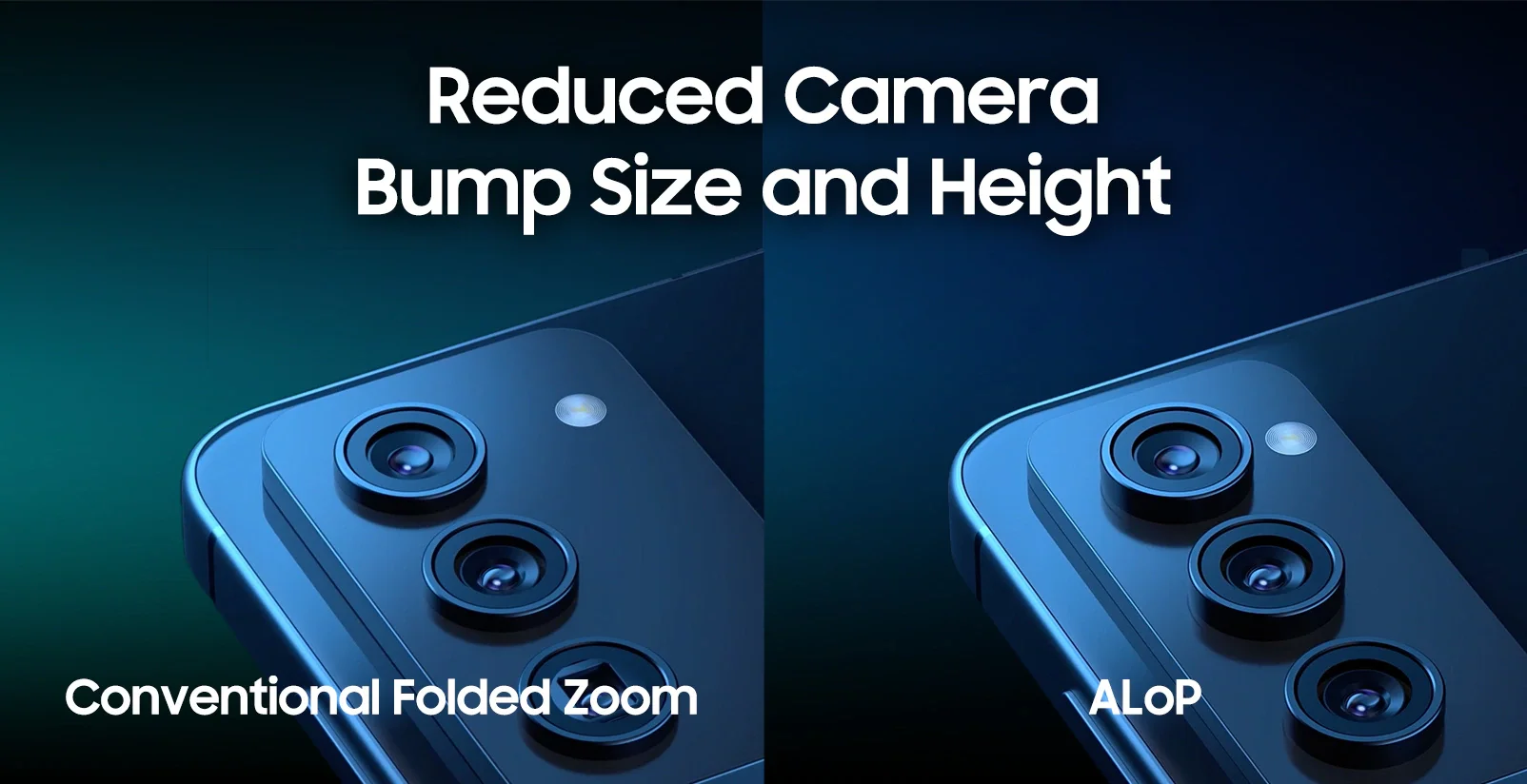
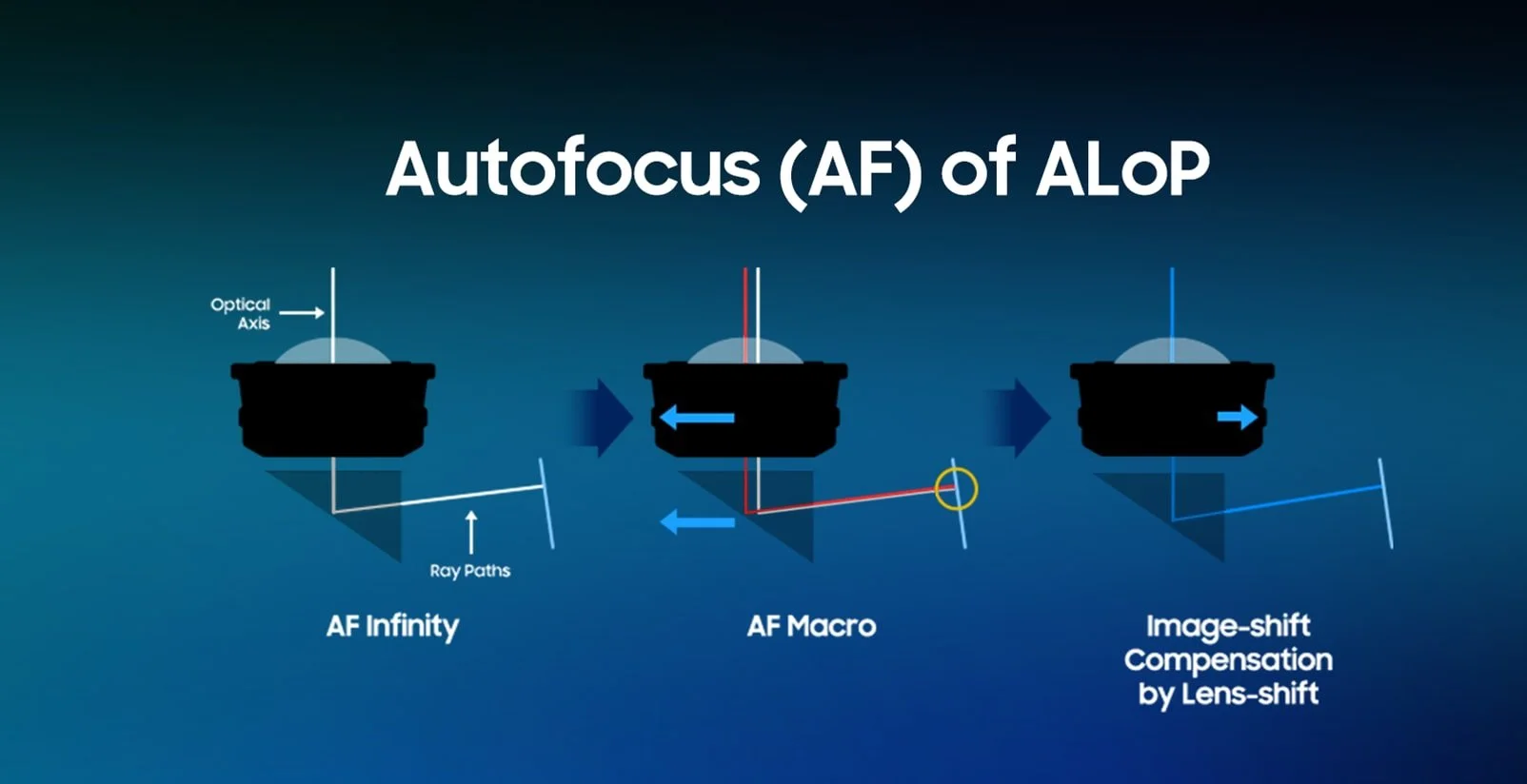
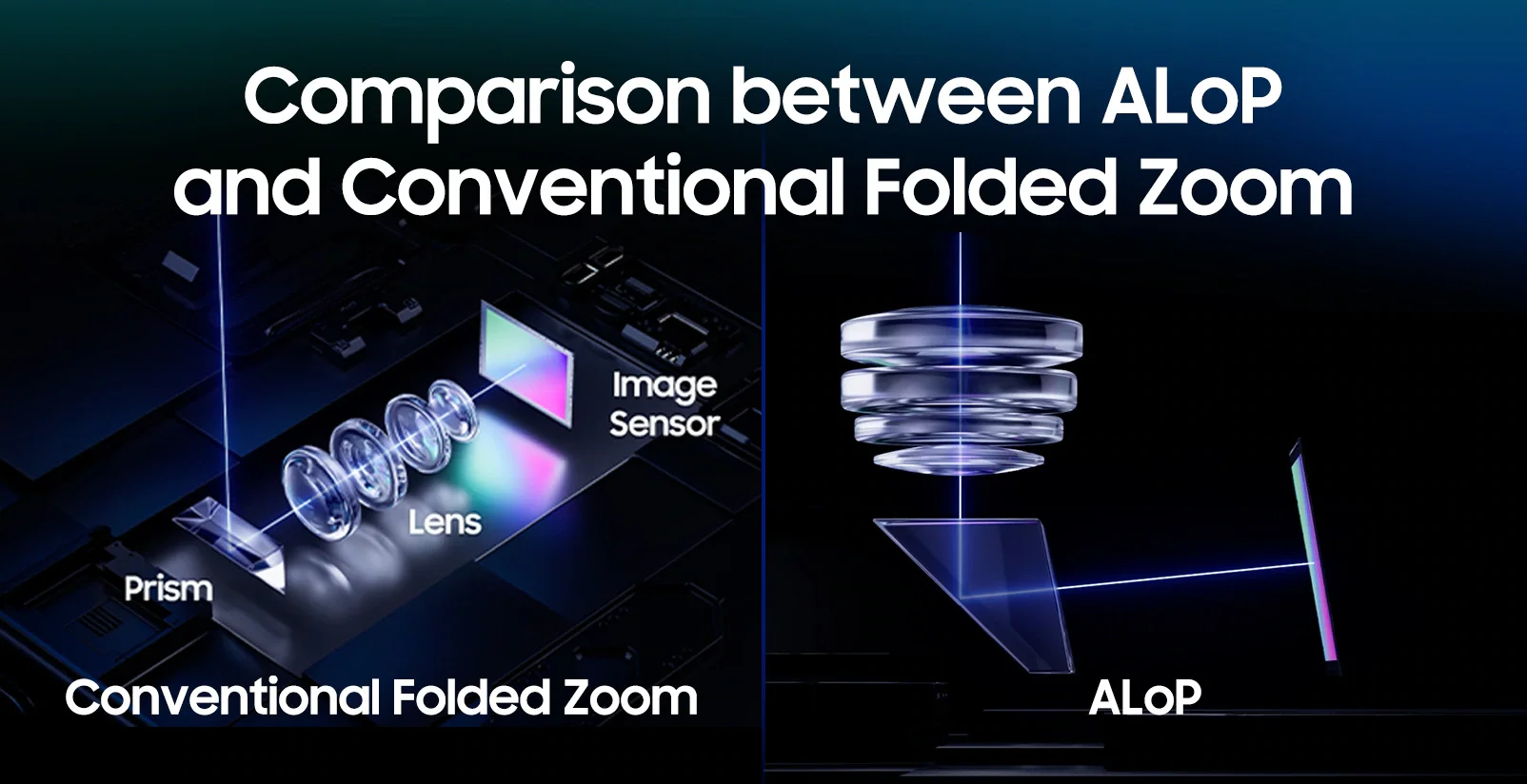
Two of the cameras also feature wider apertures, which improves low-light performance. Samsung didn’t highlight this change during the announcement, but it’s a meaningful engineering improvement.
The Processor and Motherboard
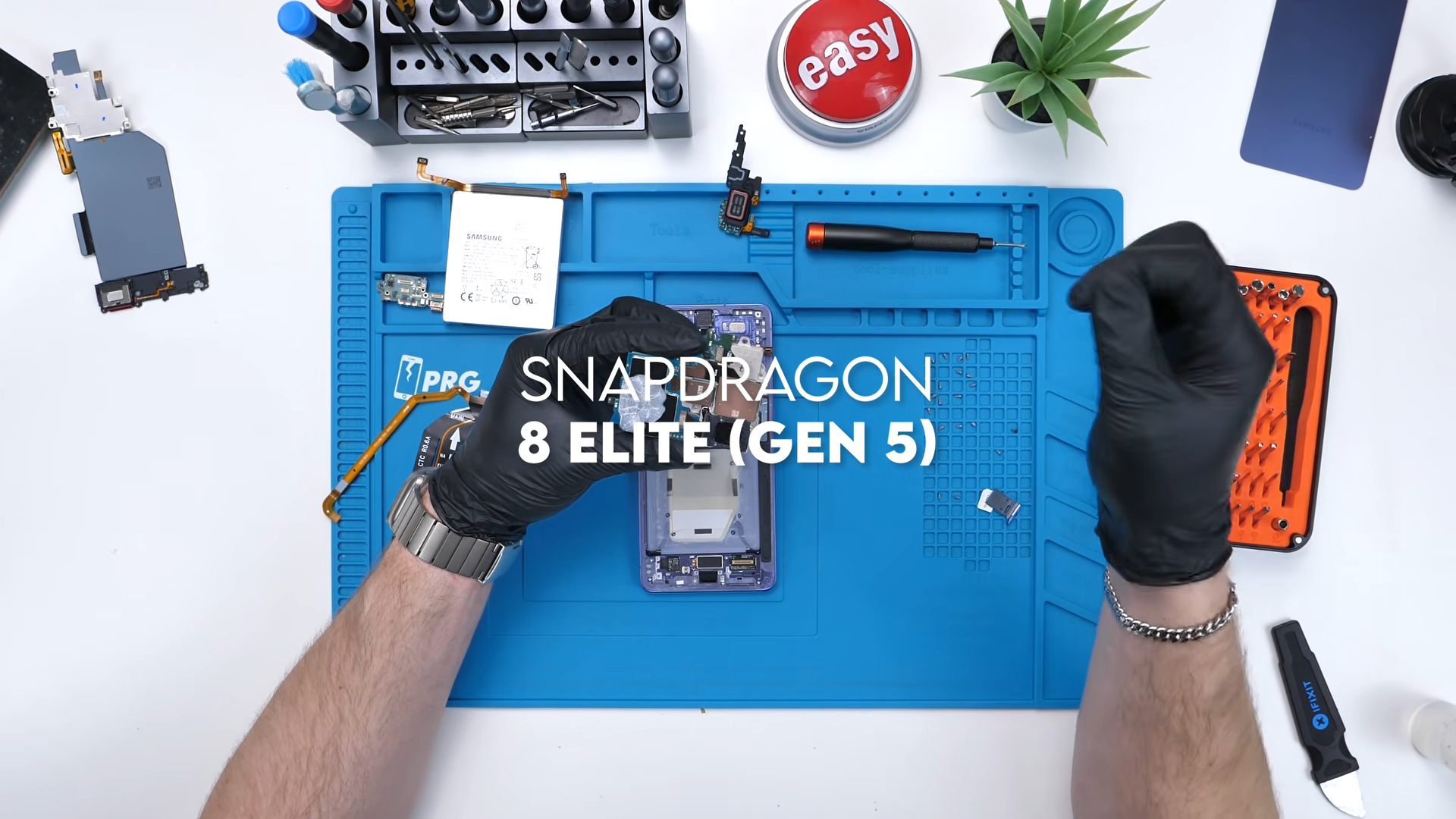
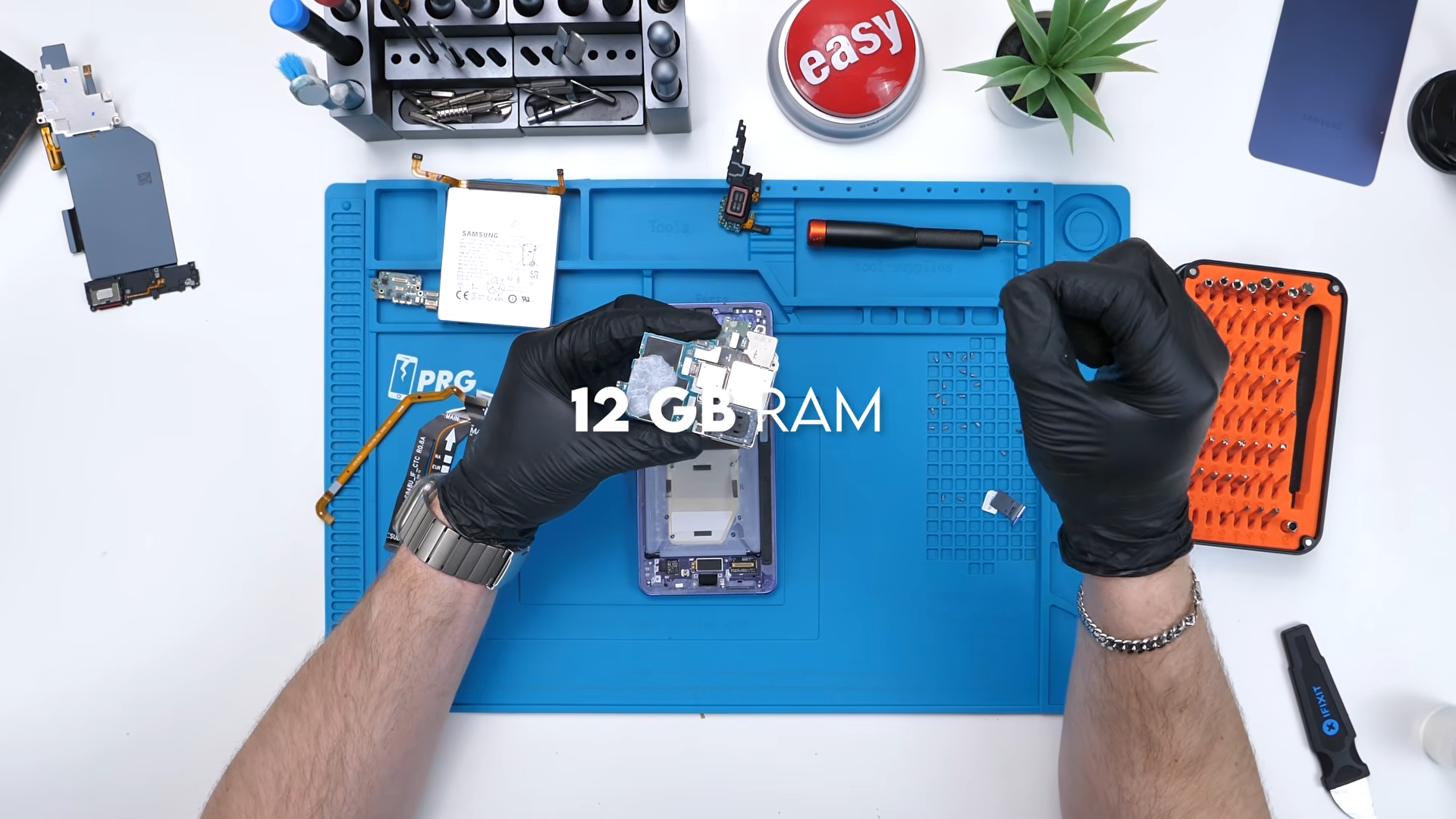
At the heart of the S26 Ultra is the Snapdragon 8 Elite Gen 5 processor, paired with 12 GB of RAM.
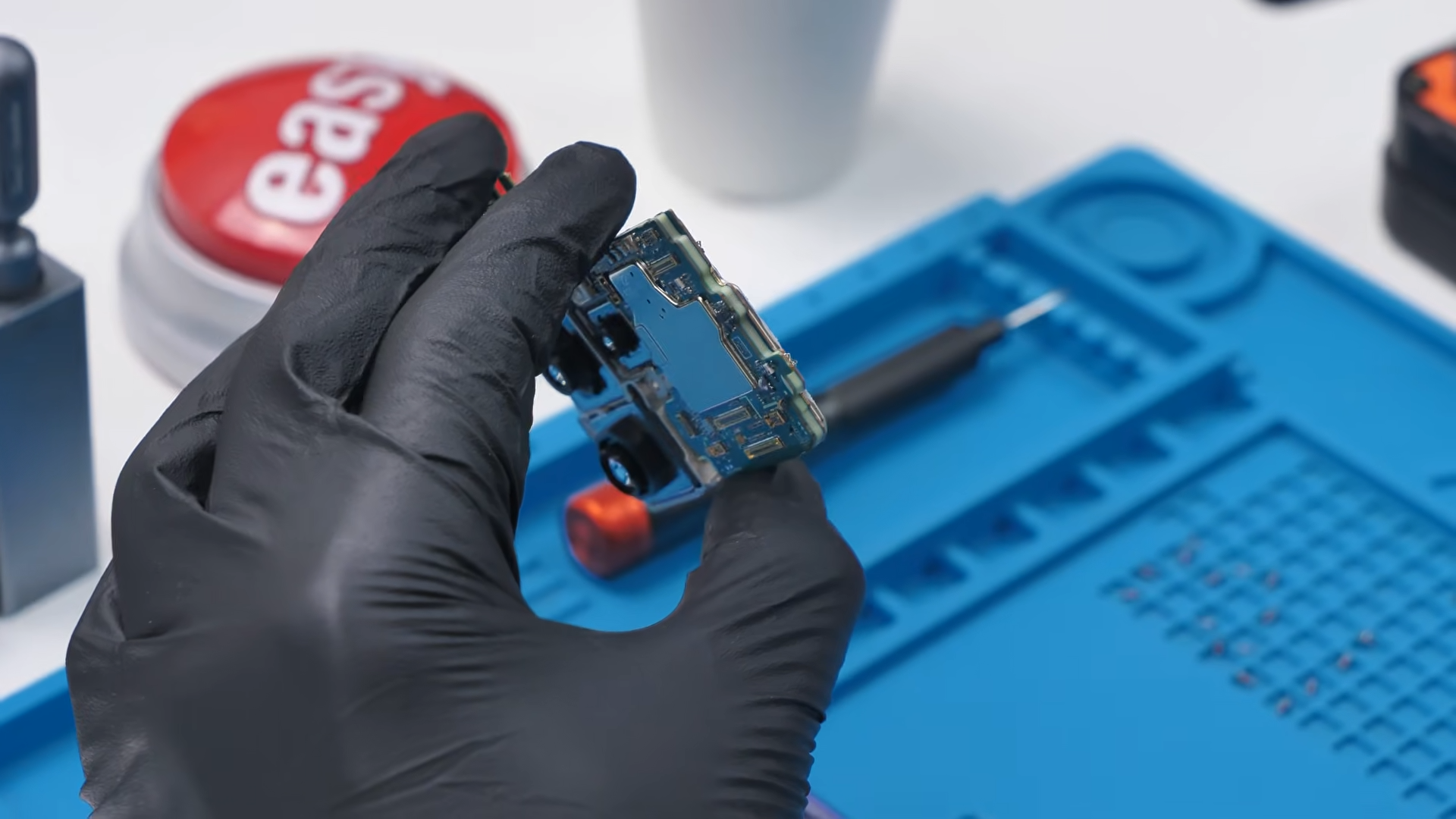
The motherboard uses Samsung’s familiar sandwich board design, where components are layered on both sides of the PCB to maximize internal space.
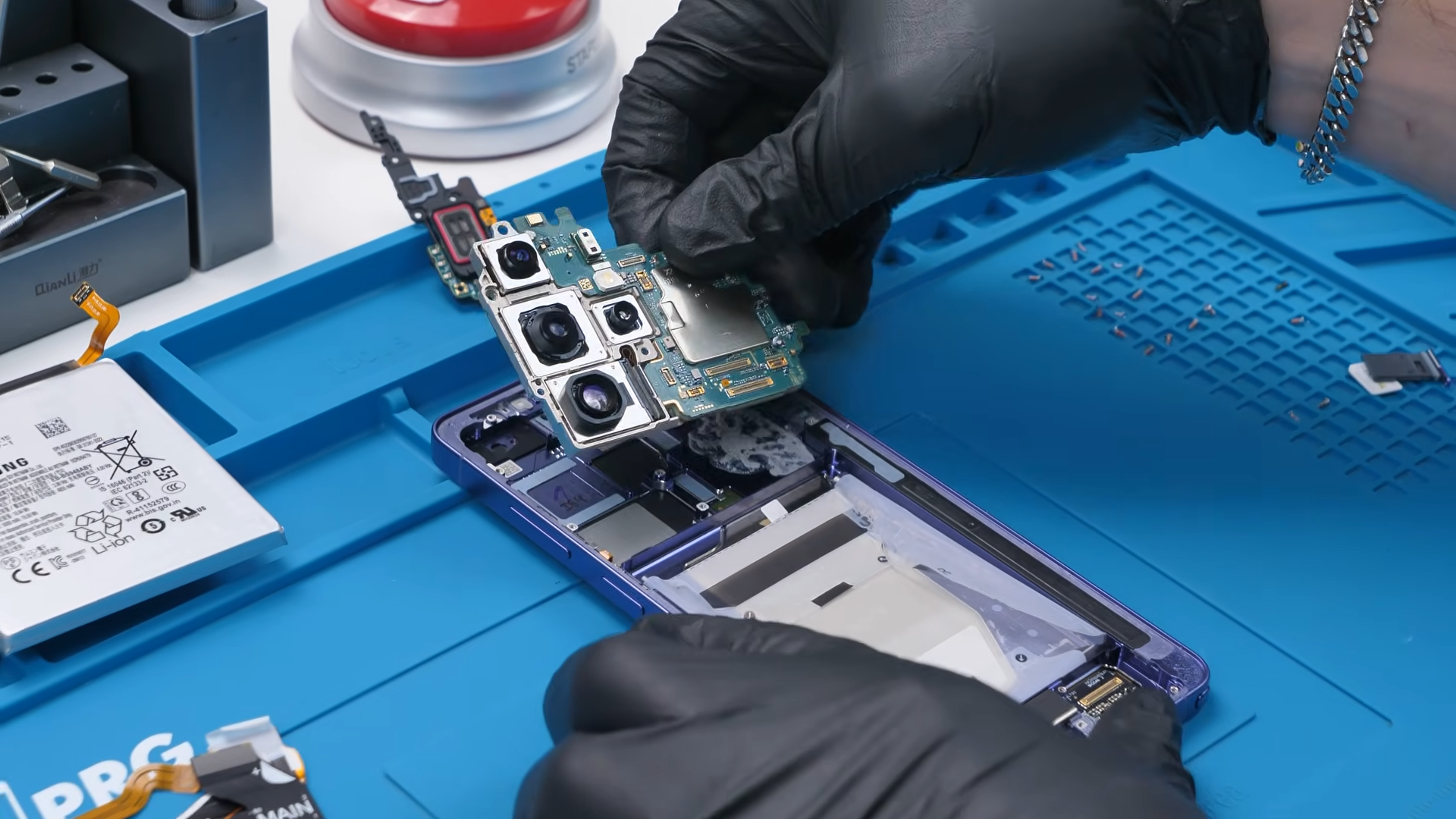
This layout has become standard for modern flagship smartphones.
Display Thickness and Replacement Cost
After removing the display from the phone, the next question was whether Samsung had made the panel thicker to support the new privacy feature.
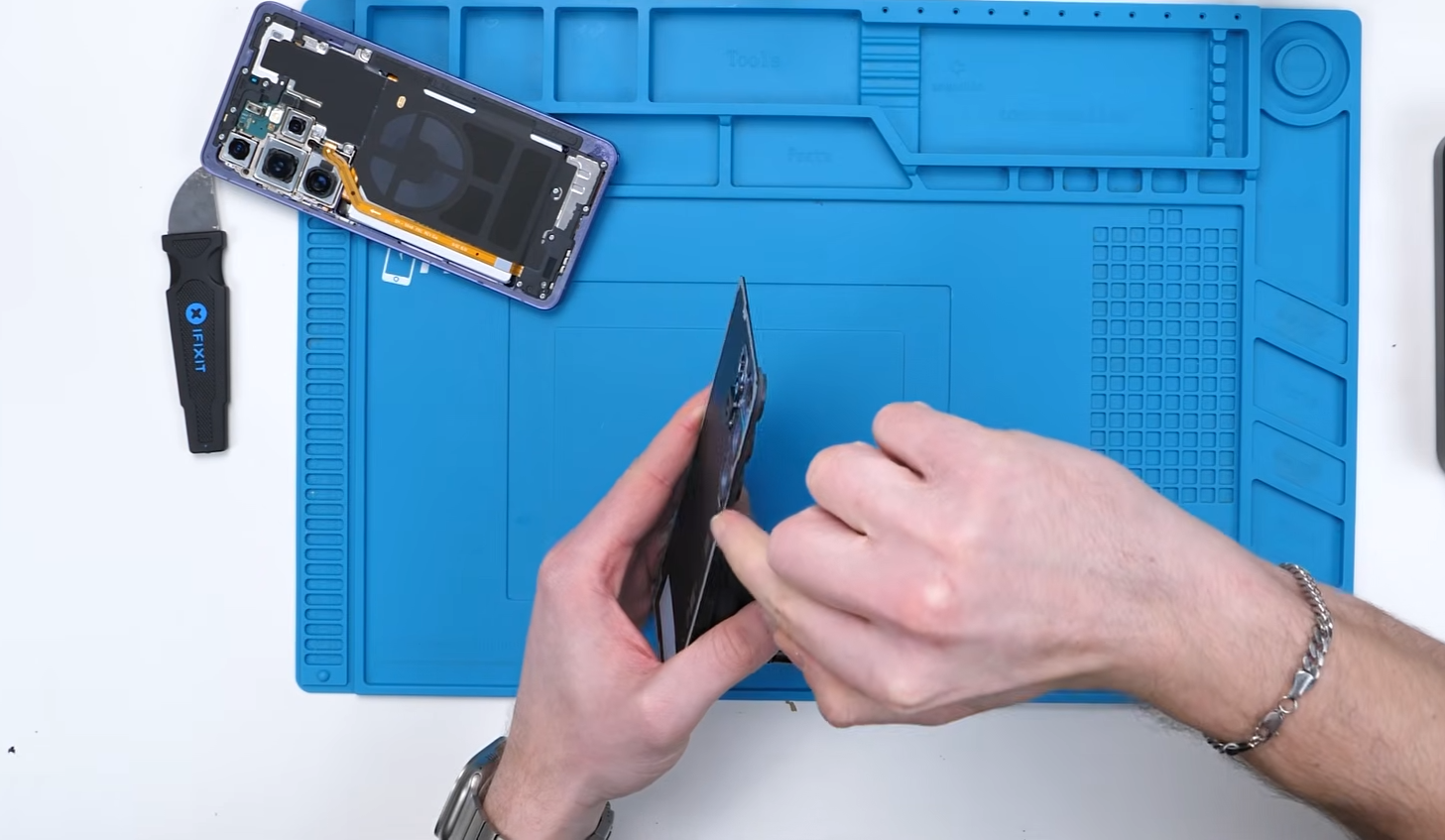
At first glance, the S26 Ultra display doesn’t appear different from the previous generation. To confirm this, the S26 Ultra screen was placed directly beside the display from the Samsung Galaxy S25 Ultra for comparison.
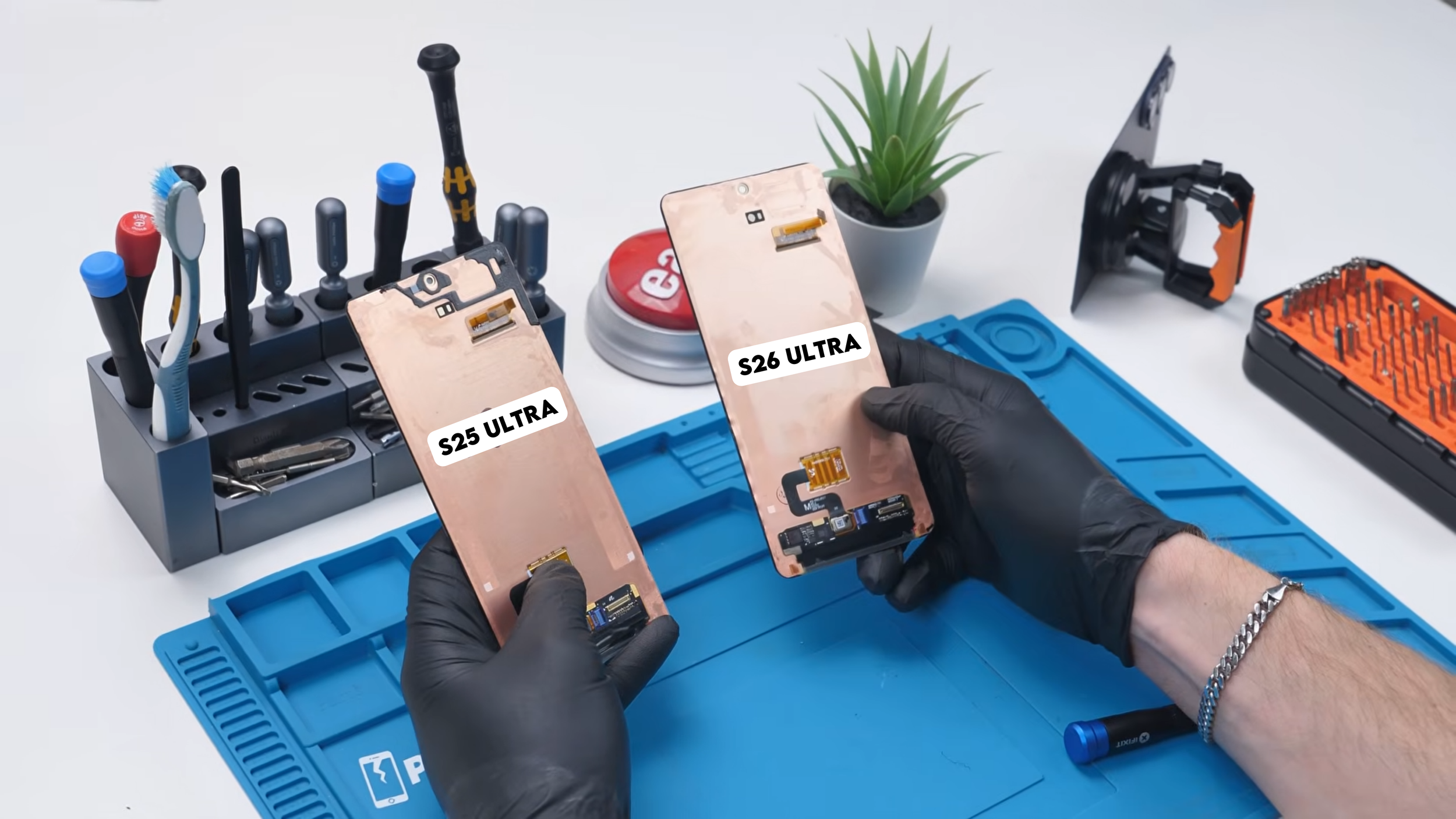
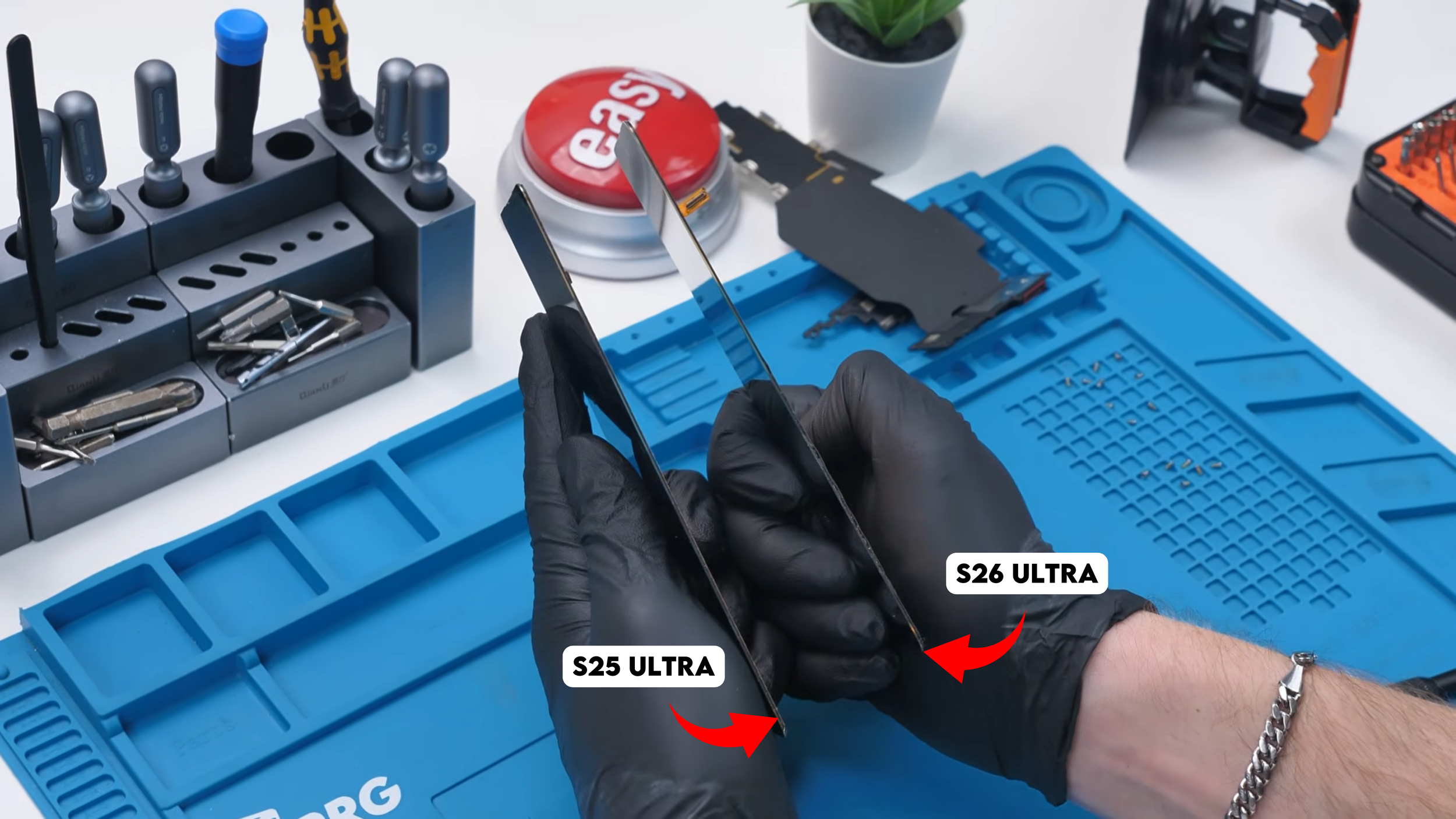
When both screens are turned on their side, there isn’t any major difference in thickness. If anything, the change is extremely small and difficult to notice without precise measurement tools.
This suggests Samsung managed to integrate the new pixel-level privacy system into the OLED panel without significantly increasing the display stack thickness. That’s an impressive engineering decision because additional optical layers or filtering systems usually make panels thicker.
The other interesting detail is the repair cost.
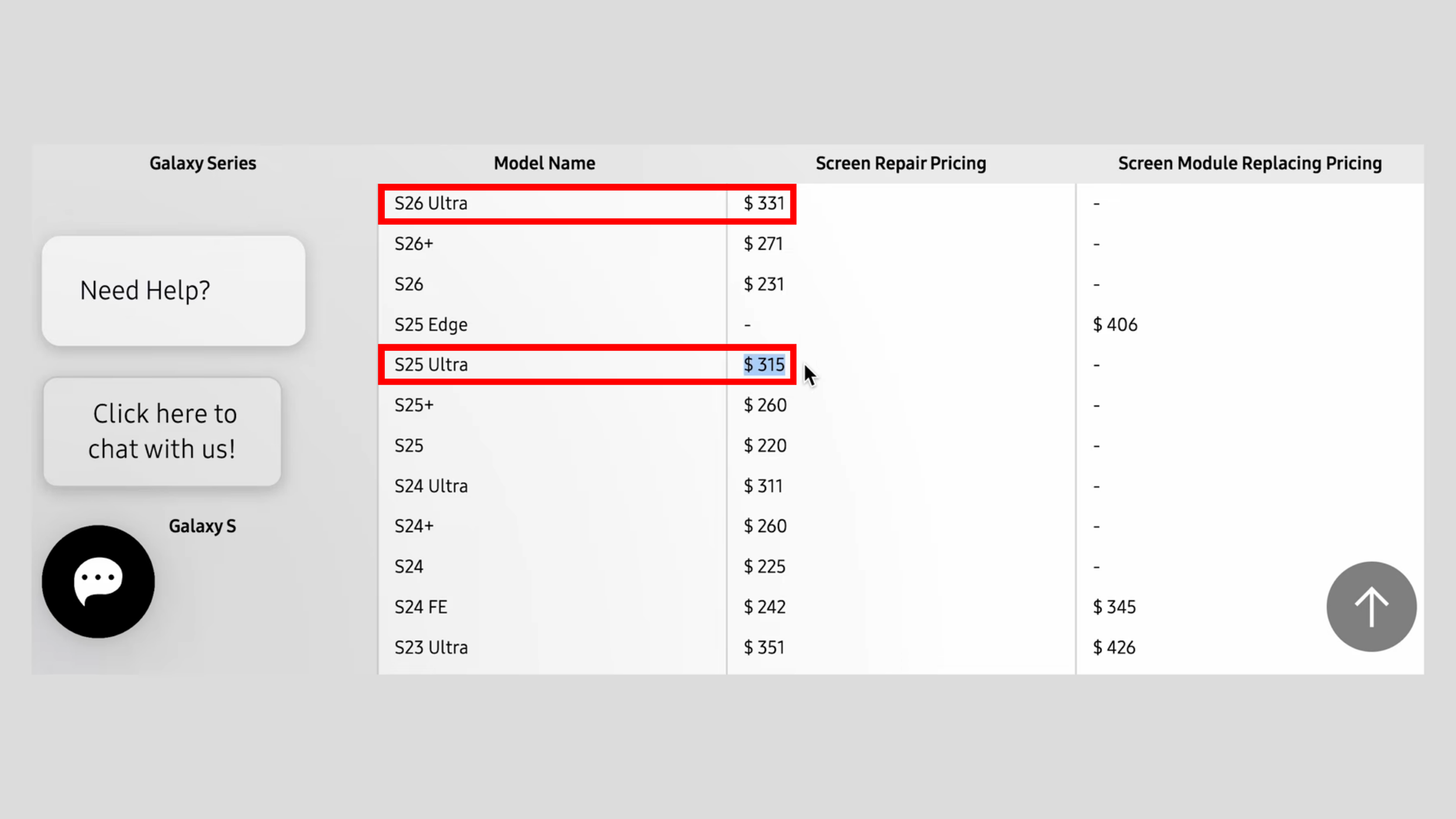
Samsung has already released the official replacement pricing:
Galaxy S26 Ultra display replacement: $331 CAD
Galaxy S25 Ultra display replacement: $315 CAD
That’s only a $16 increase, which is surprisingly small considering the additional display technology.
For a new flagship panel with a completely different pixel architecture, many people expected a much bigger jump in price.
Final Thoughts
At first glance, the Galaxy S26 Ultra looks like a small update. But once you take a closer look, there’s more happening than Samsung initially let on. The pixel-level privacy display is genuinely innovative. The larger vapor chamber improves thermal performance. The dual battery connectors suggest smarter power delivery design. And the updated telephoto system shows subtle engineering improvements.
It’s not a radical redesign. But it’s a series of thoughtful upgrades that add up. And after tearing it down and putting it back together, the best part is simple. The phone still works.
See you in the next article!
