
How Many Screen Protectors Can You Stack on an iPhone Before It Stops Working?
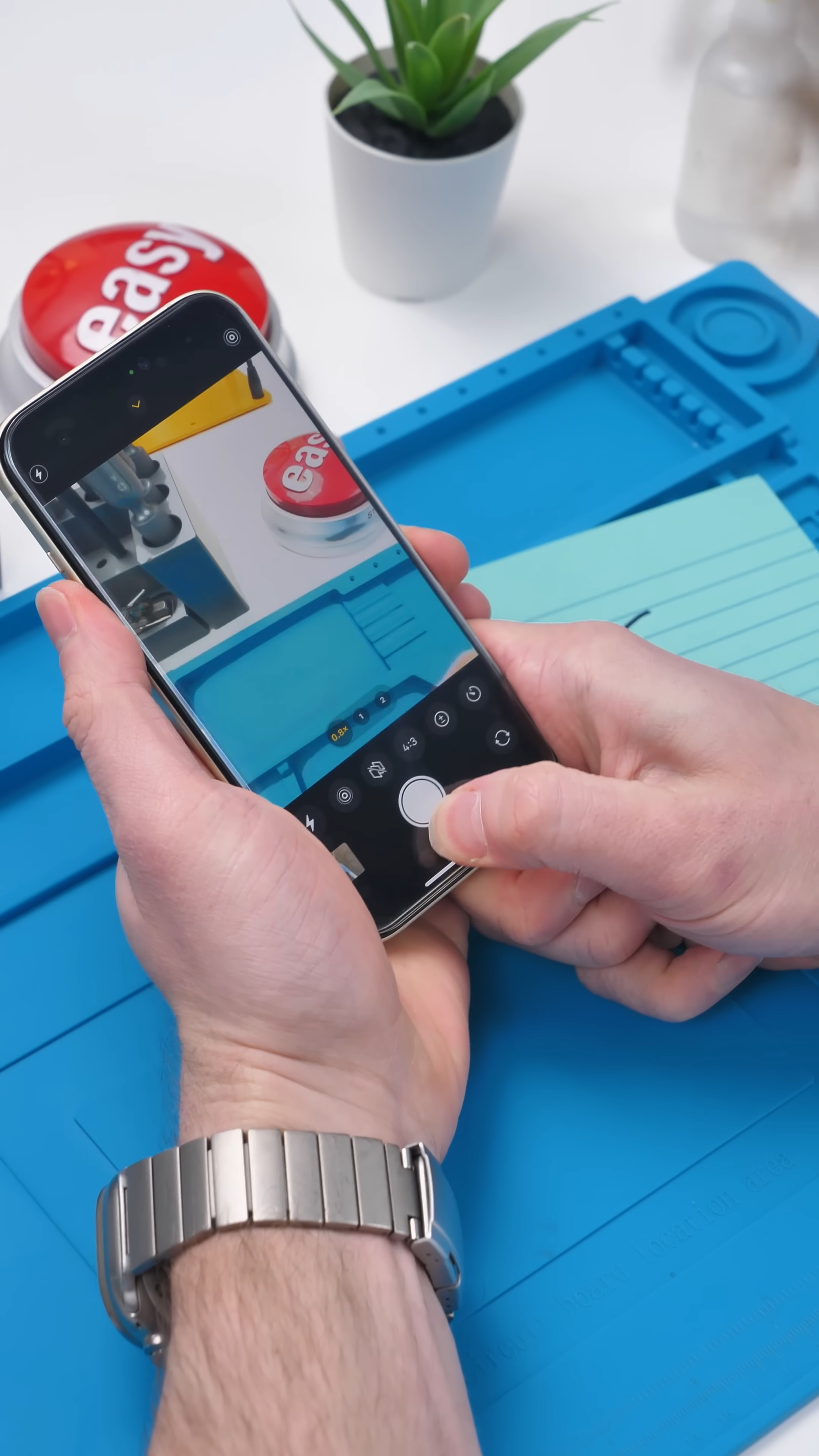
I had a stack of iPhone screen protectors sitting around, and at some point, I started wondering how far you could actually push it.
Not just one or two layers, but stacking them over and over until the phone just stops responding.
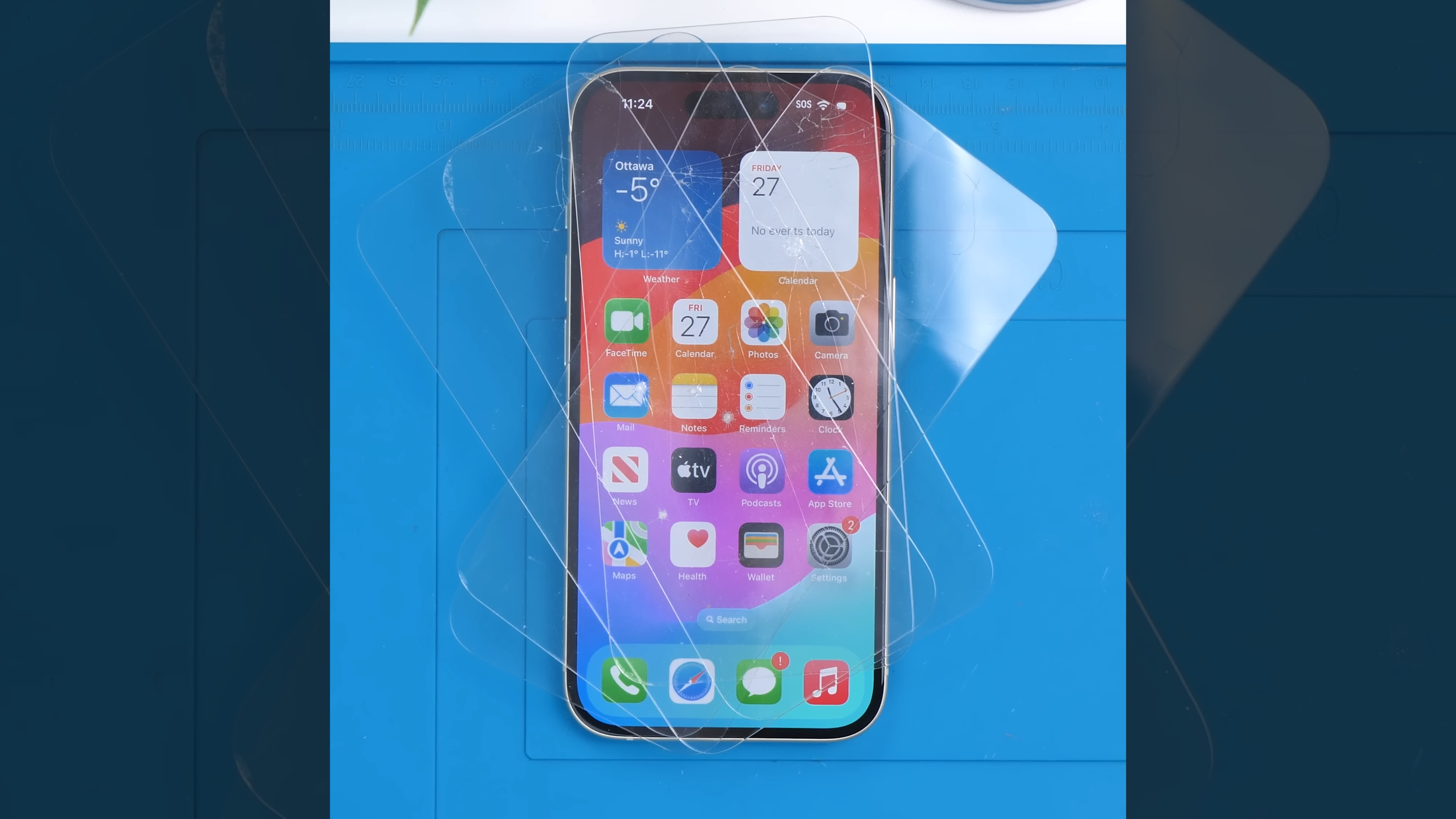
It sounds like a dumb experiment, but it actually ties into how modern touchscreens work, especially on devices like the iPhone where responsiveness is everything.
Starting Simple
With one glass screen protector, everything works exactly how you’d expect. No issues, no delay, nothing unusual.
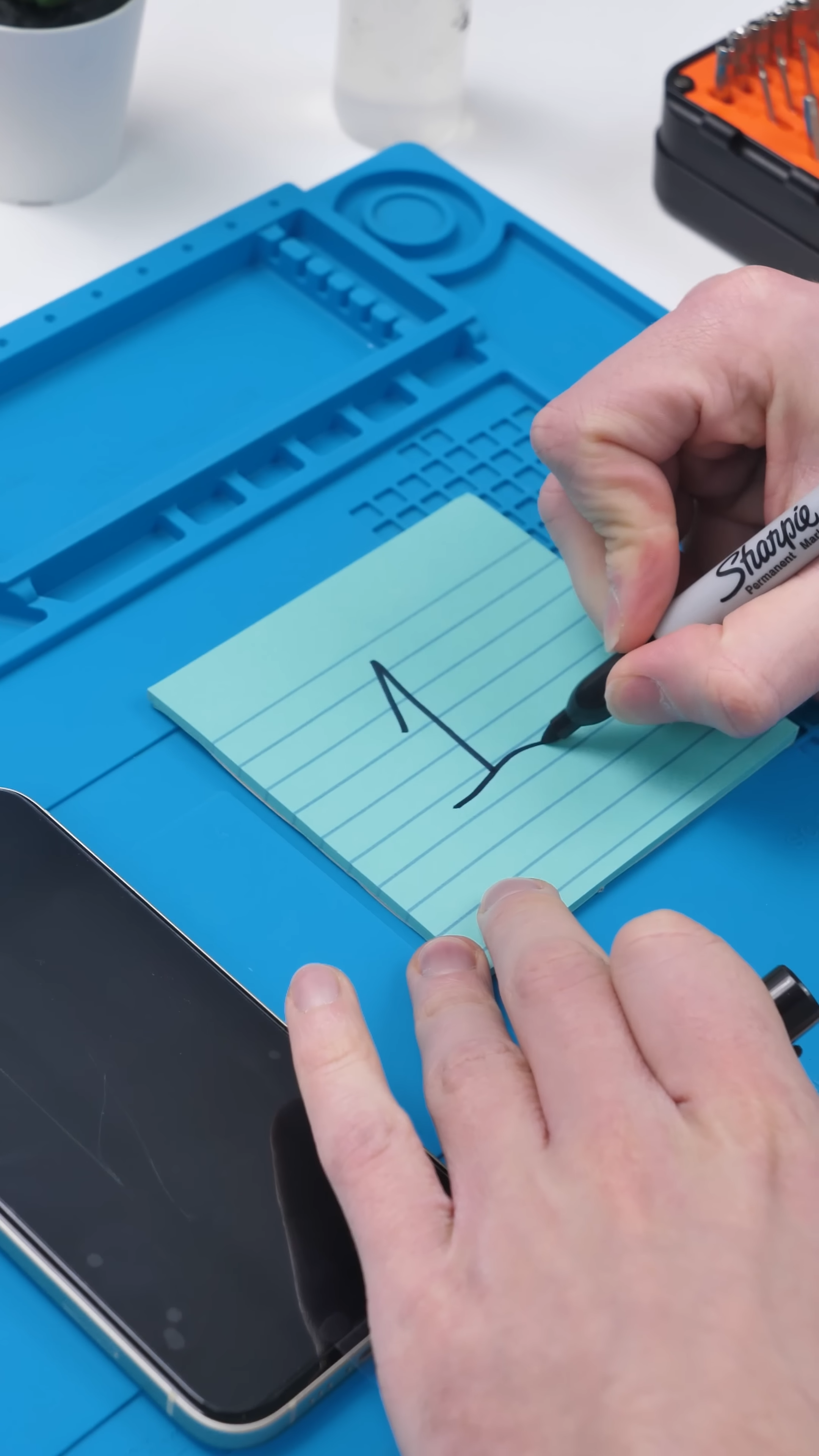
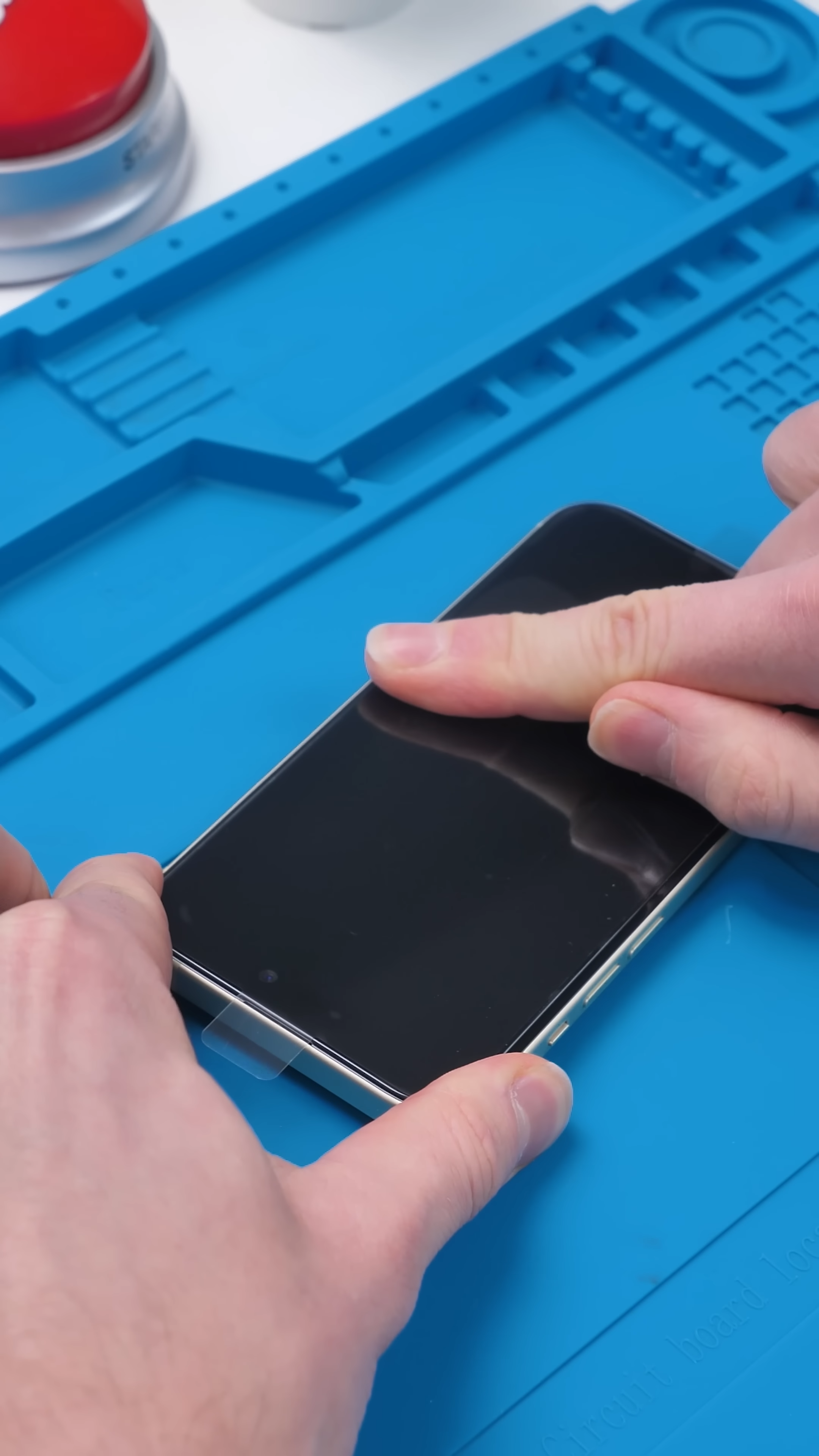
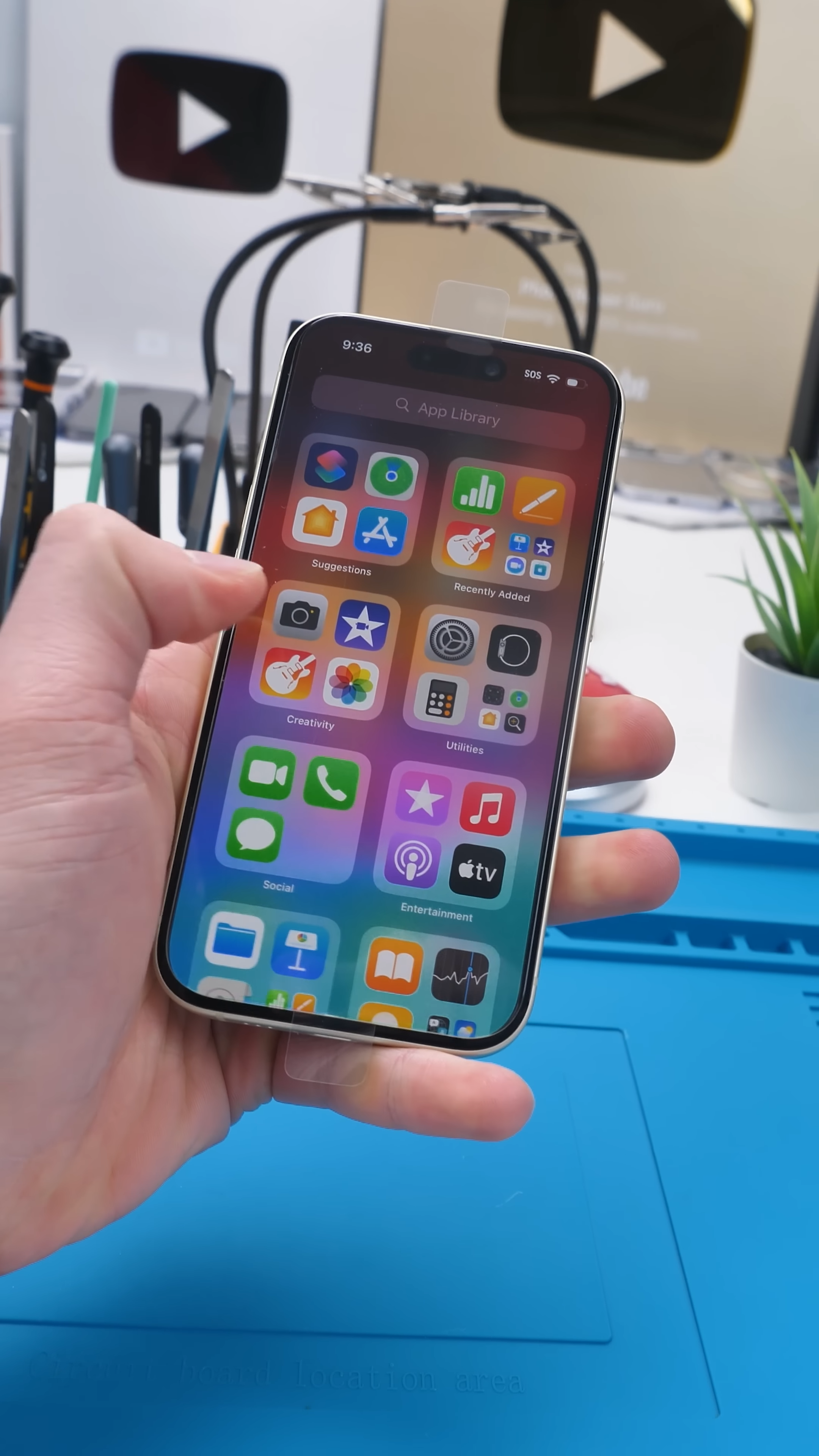
Add a second iPhone screen protector, and things still function normally. The only real change is visual. The display starts to look slightly softer, almost like you’re looking through an extra layer.
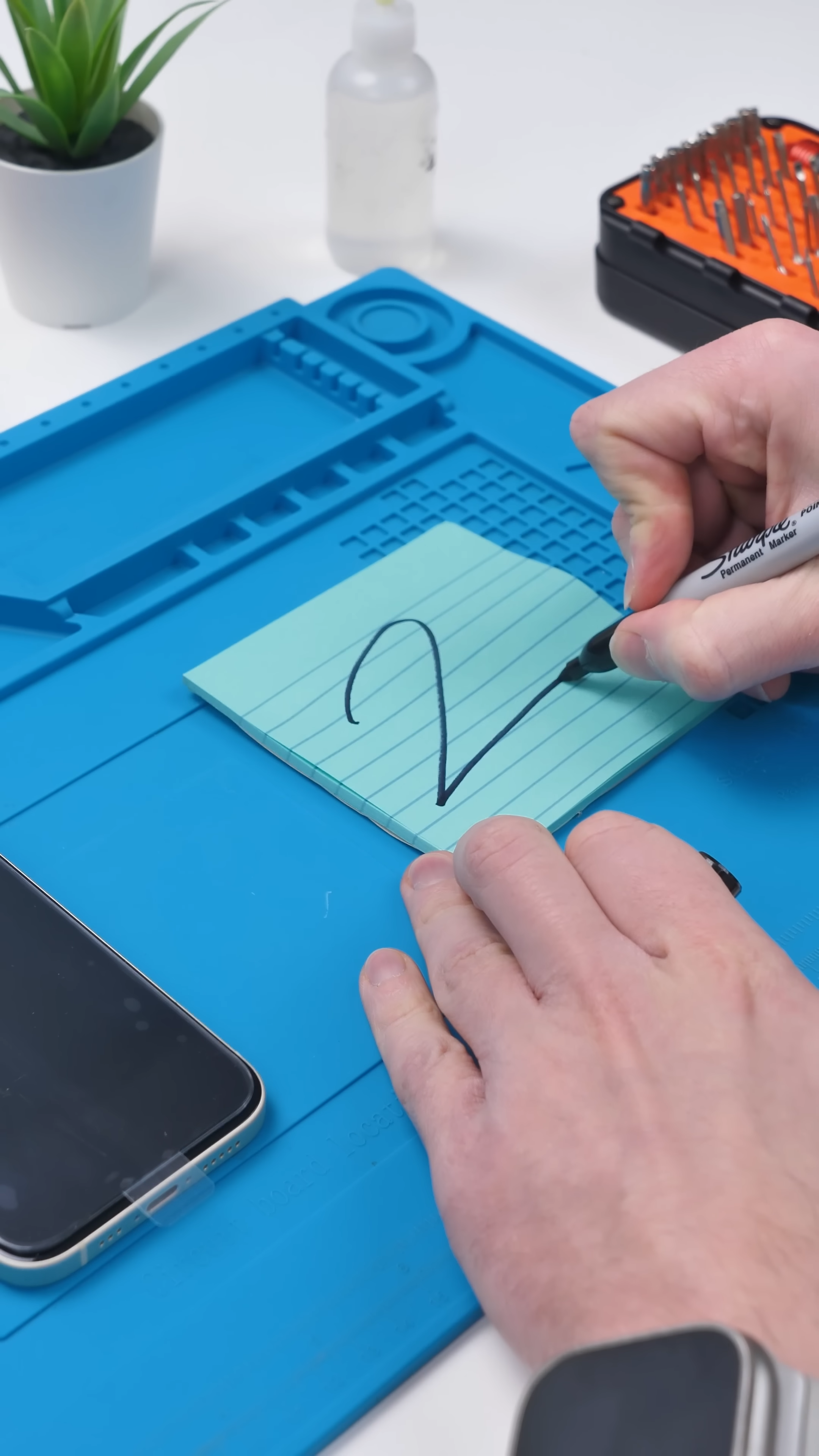
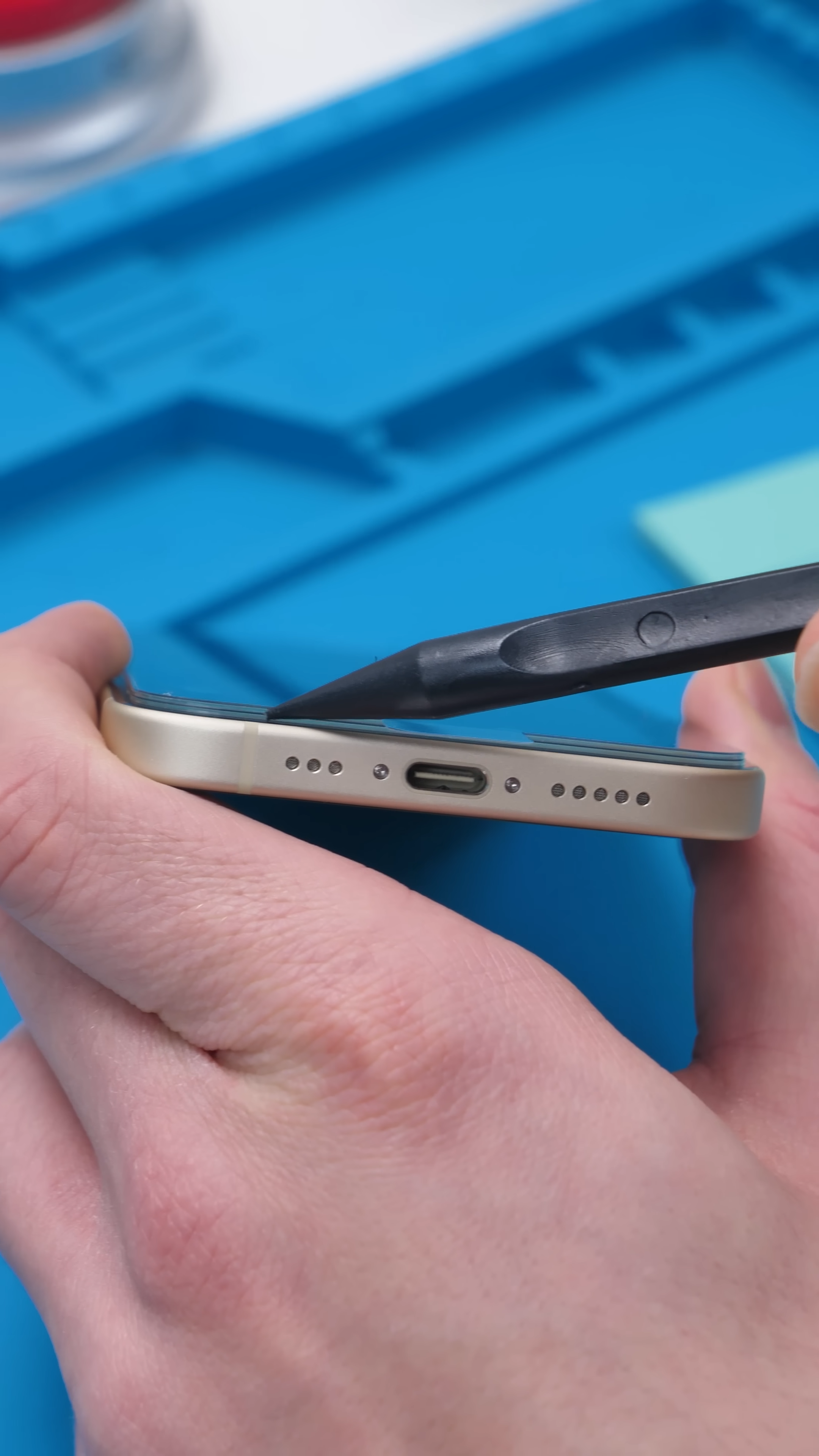
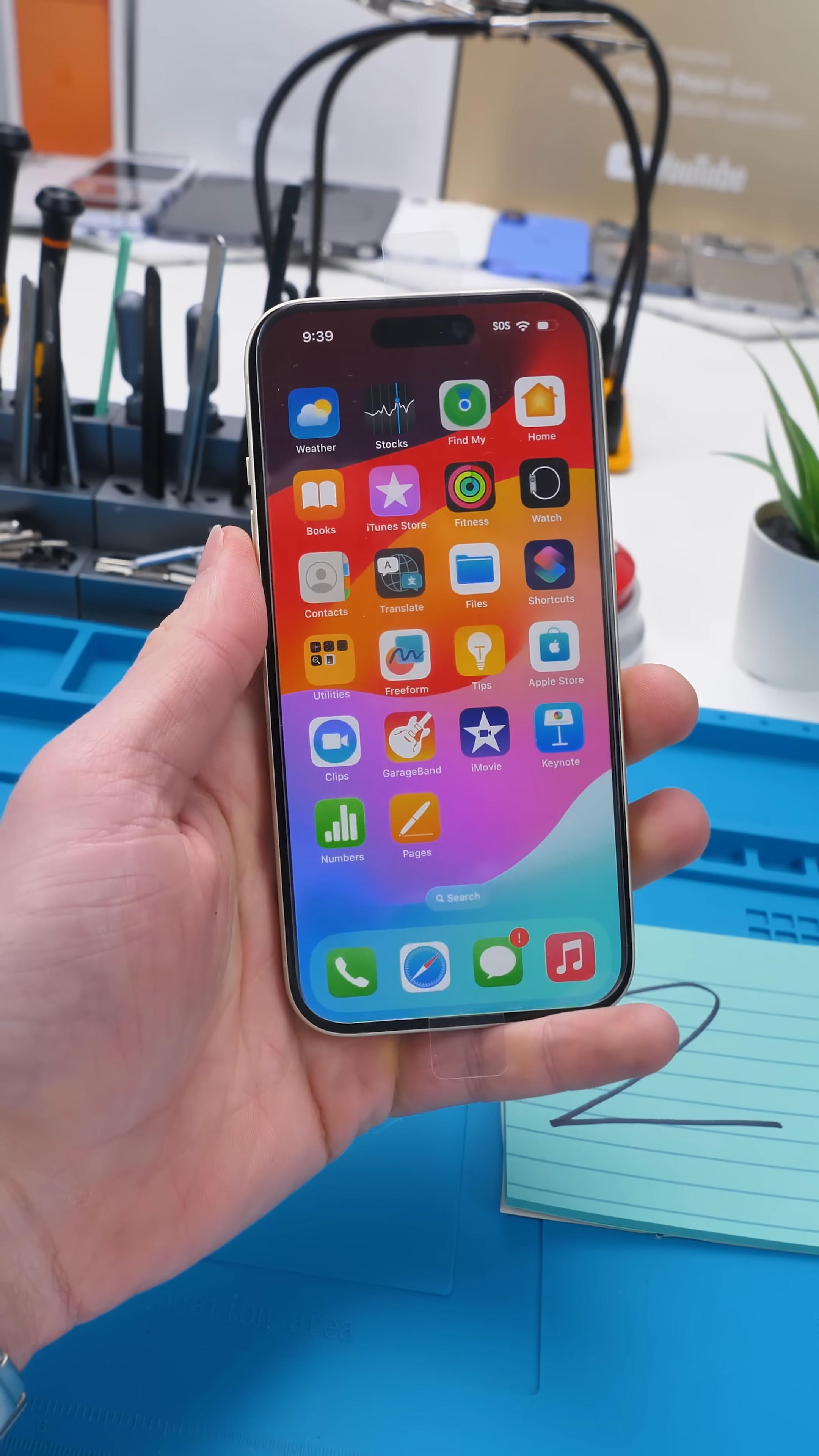
At this point, it still feels completely usable, and that’s because iPhones use capacitive touch. Your finger doesn’t press the screen, it slightly alters an electrical field, and the phone detects that change through the glass.
When It Starts Breaking Down
At three layers, the touchscreen starts to feel different. It still responds, but not as quickly, and inputs don’t feel as precise anymore.
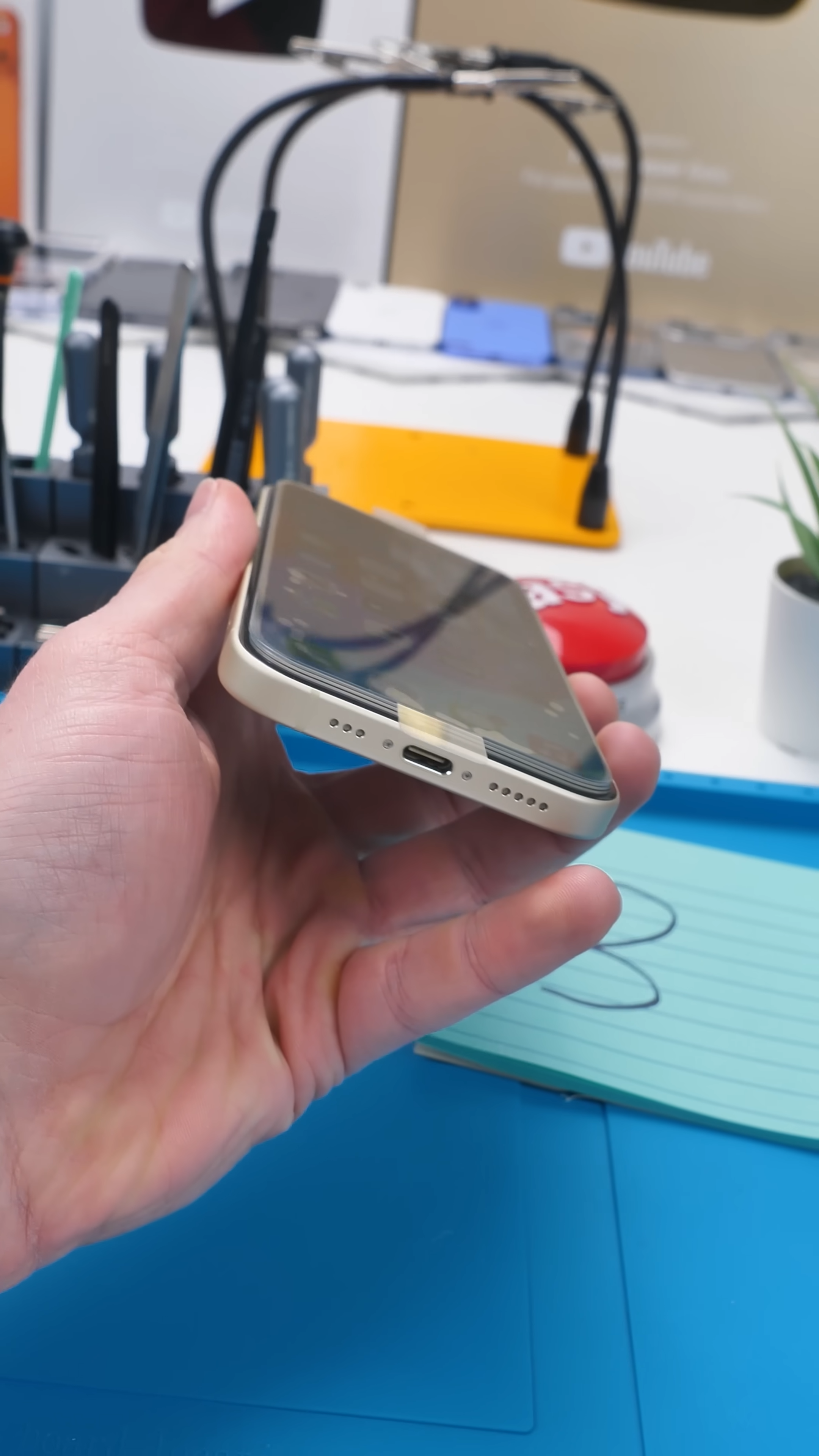
There’s a slight delay, and inputs don’t feel as precise anymore. That’s where the extra layers start getting in the way of that electrical signal.
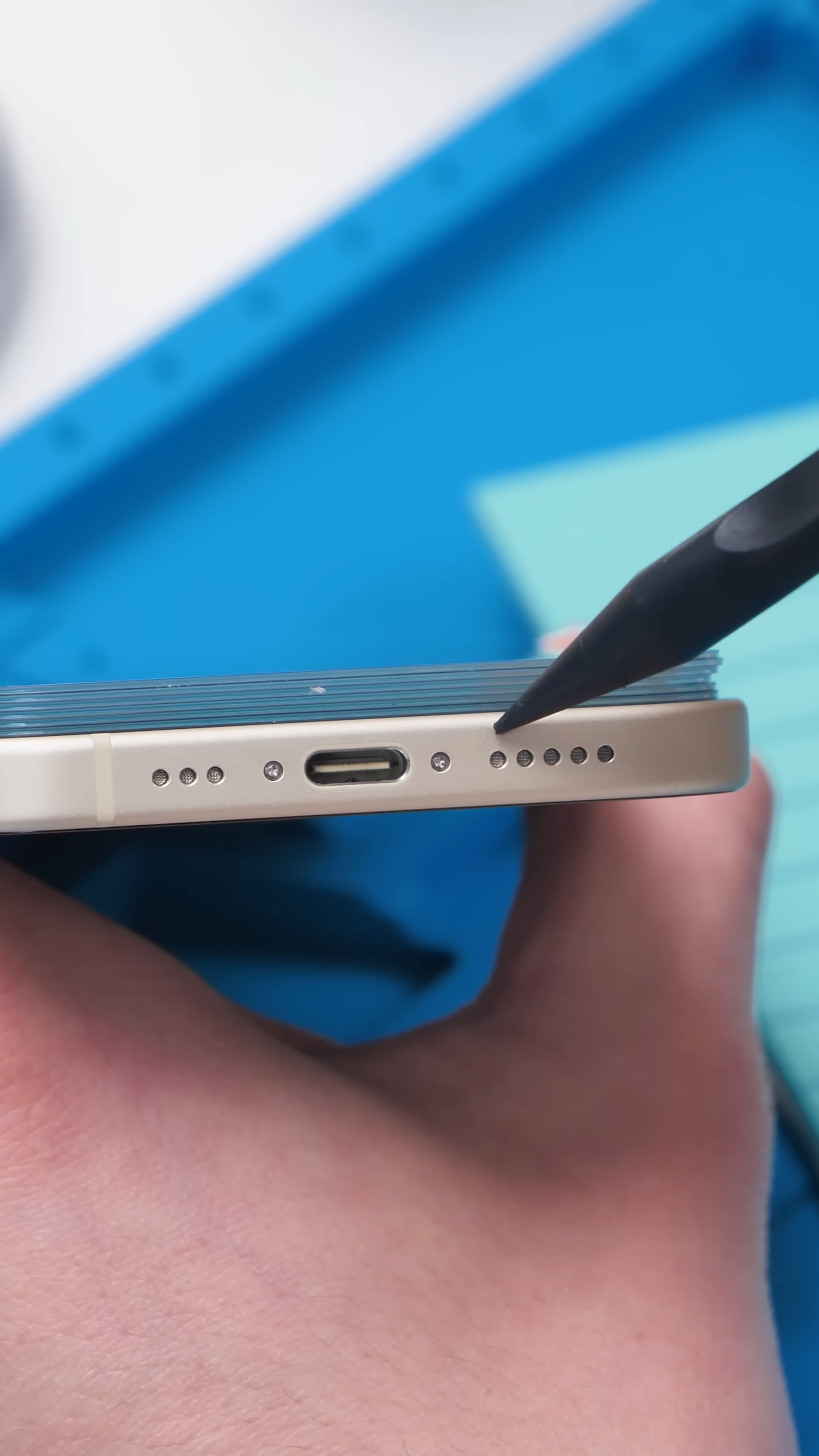
By four layers, the drop in responsiveness becomes obvious. You’re pressing more deliberately just to get the same result, even though pressing harder doesn’t actually help much. The signal is just getting weaker.
At five layers, it turns into a struggle. You’re no longer just tapping, you’re trying to force the phone to respond, even though the screen isn’t designed to work that way.
The Breaking Point
At six screen protectors, it’s basically done.
The phone still reacts here and there, but it’s no longer usable in any practical way. Inputs are inconsistent, and even simple actions become frustrating.
At that point, it doesn’t matter if it’s the best screen protector or a cheap one. You’ve added too much distance between your finger and the display for the touchscreen to work properly.
What You Can Learn From This
This experiment might look like a joke, but it actually explains something people run into all the time.
If your phone ever feels less responsive after installing an iPhone screen protector, it’s not always in your head. A thicker protector, or even something like a privacy screen protector, can slightly affect how the screen feels.
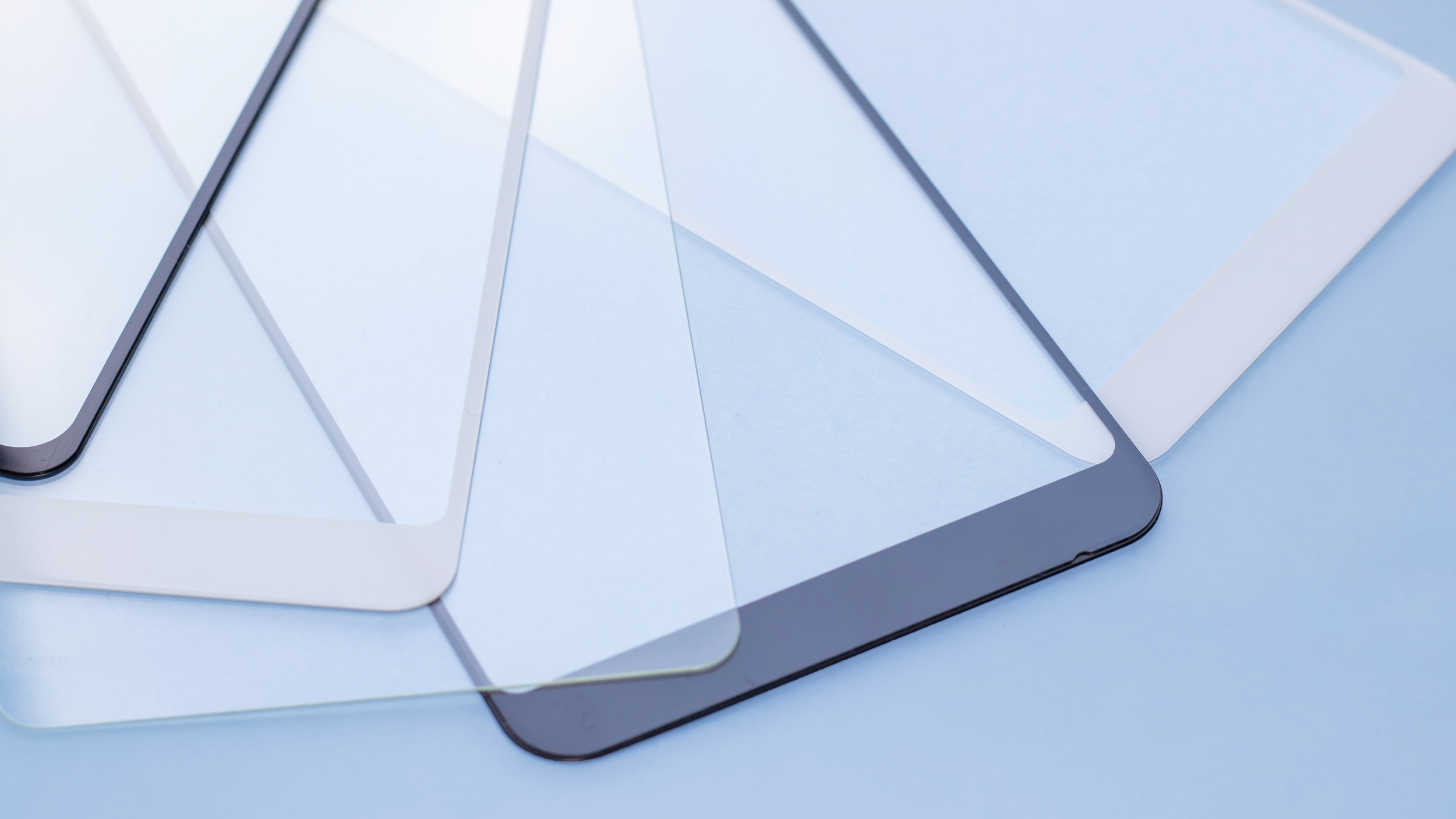
Stacking multiple layers just exaggerates that problem to the point where it becomes obvious.
It also shows how precise these displays really are. They’re tuned to detect very small changes, and even a few extra millimeters can throw that off.
Final Thoughts
This started as a random idea, but it ended up showing something pretty useful.
Touchscreens are incredibly sensitive, and even small changes in thickness can affect how they respond.
I honestly haven’t seen anything else like it, and at this point, the only thing stronger than stacking six screen protectors is your patience trying to use the phone.
See you in the next article!
Build, Connectivity & Features
| Category | Specification |
|---|---|
| Build | Glass front, plastic frame |
| Design | Transparent back with Glyph Bar (63 LEDs) |
| Water Resistance | IP64 |
| Dimensions | 163.9 × 77.5 × 8.5 mm |
| Weight | ~204g |
| Biometrics | In-display fingerprint |
| Connectivity | 5G, Wi-Fi 6, Bluetooth 5.4, NFC |
| SIM | Dual Nano-SIM |
| Speakers | Stereo speakers |
| Colors | Black, White, Blue, Pink |
