
This iPhone App Finally Fixes a Huge Problem
At this point, testing an iPhone properly has always been kind of a mess.
You either go through settings manually, download random apps filled with ads, or just hope everything works after a repair. There’s never really been a clean, all-in-one solution like Samsung Members has on Samsung devices.
But I finally found something that actually fixes that.
Meet JCID Doctor
The app is called JCID Doctor, and it’s made by JCID.
If you’ve been around phone repairs for a while, you’ve probably heard of JCID. They’re the same company behind a lot of the tools used just like JCID V1S PRO Strongest Programmer.
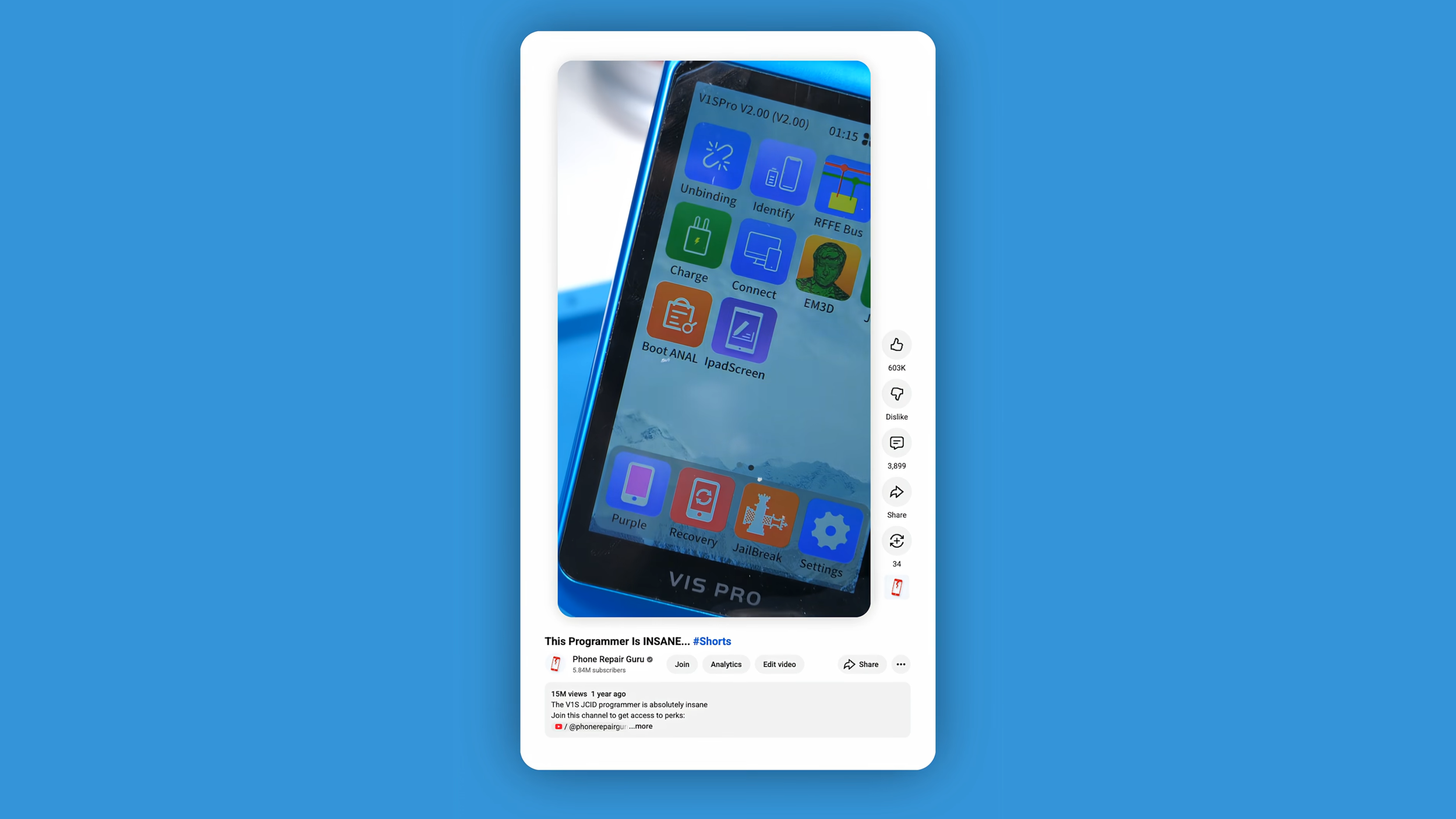
So right away, this isn’t some random developer trying to fake diagnostics. This is coming from a company that actually understands how these components work.
And that shows immediately.
It Actually Tests Your Phone… Properly
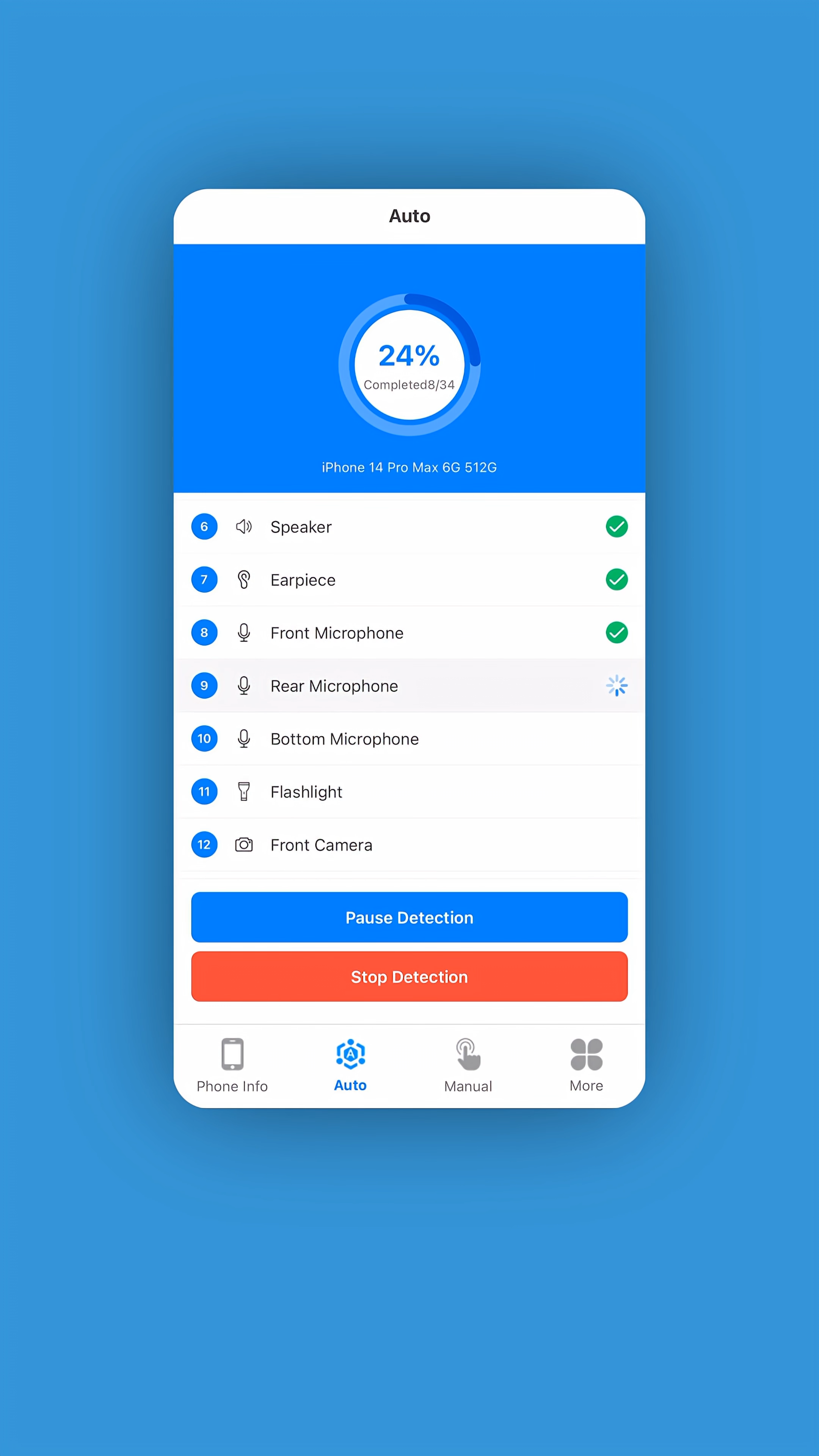
The first thing that stands out is the Auto Test mode.
You hit start, and it begins running through a full checklist:
Vibration
Speakers
Microphones
Sensors
Cameras
Connectivity
Instead of just saying “pass” or “fail,” it actually walks you through each test step-by-step. You can pause it, retry things, and see exactly where something goes wrong.
This is the part that feels closest to what Samsung Members already has built-in.
Except on iPhones, this just doesn’t exist natively.
Manual Testing Goes Even Deeper
If you don’t want the automated flow, there’s also a Manual mode.
This is where it gets really useful for repairs.
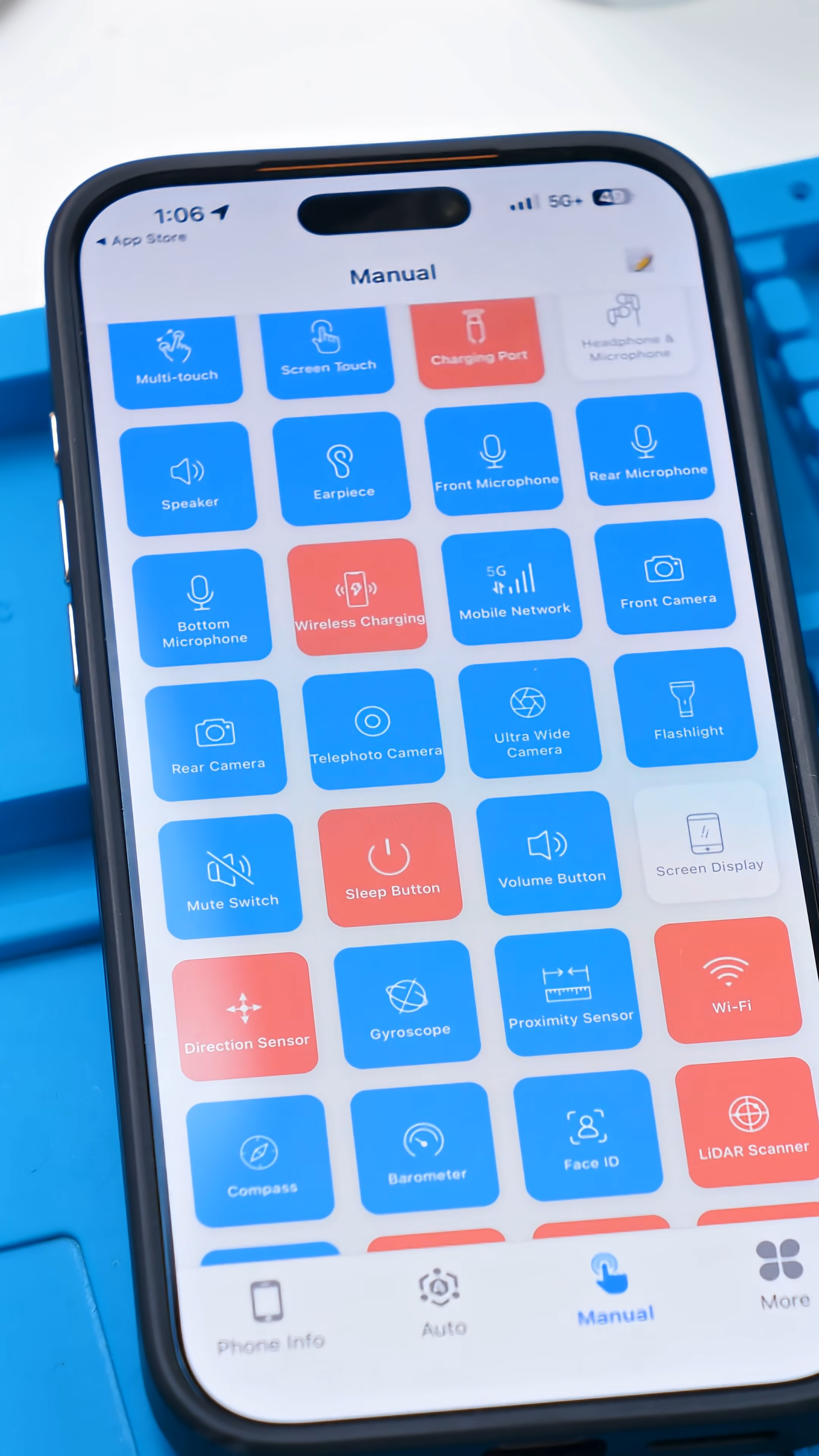
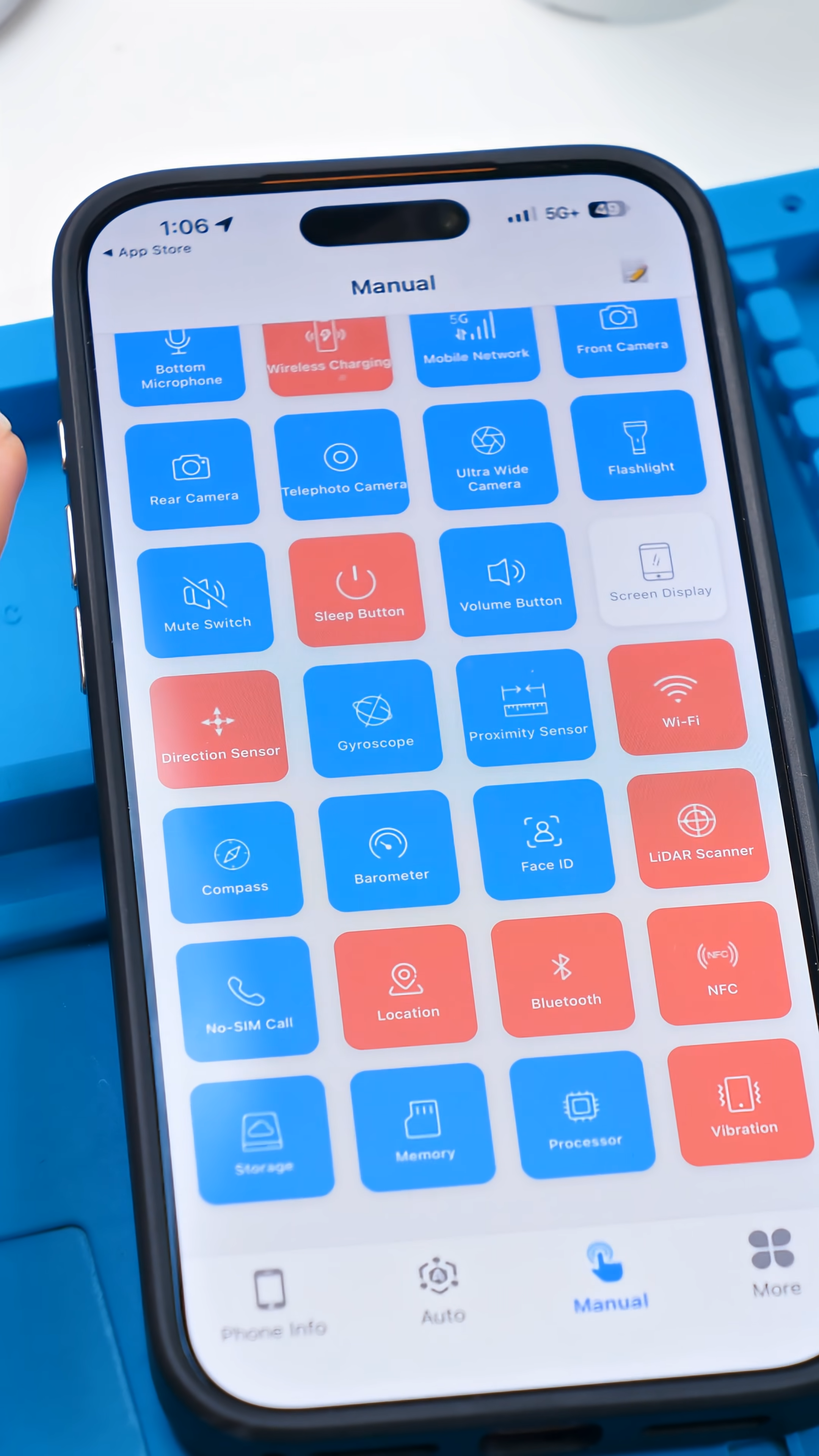
You can individually test:
Front and rear cameras
Face ID components
WiFi, Bluetooth, NFC
Buttons like power and volume
Sensors like proximity, gyroscope, and even LiDAR
And it’s all laid out in a simple grid, so you’re not digging through menus trying to find what you need.
For anyone doing repairs, this alone saves time.
No Ads, No Fake Tests
One of the biggest problems with most “diagnostic” apps is that they’re… honestly kind of useless.
They’ll throw ads at you every few seconds and give you vague results that don’t really mean anything.
This is different.
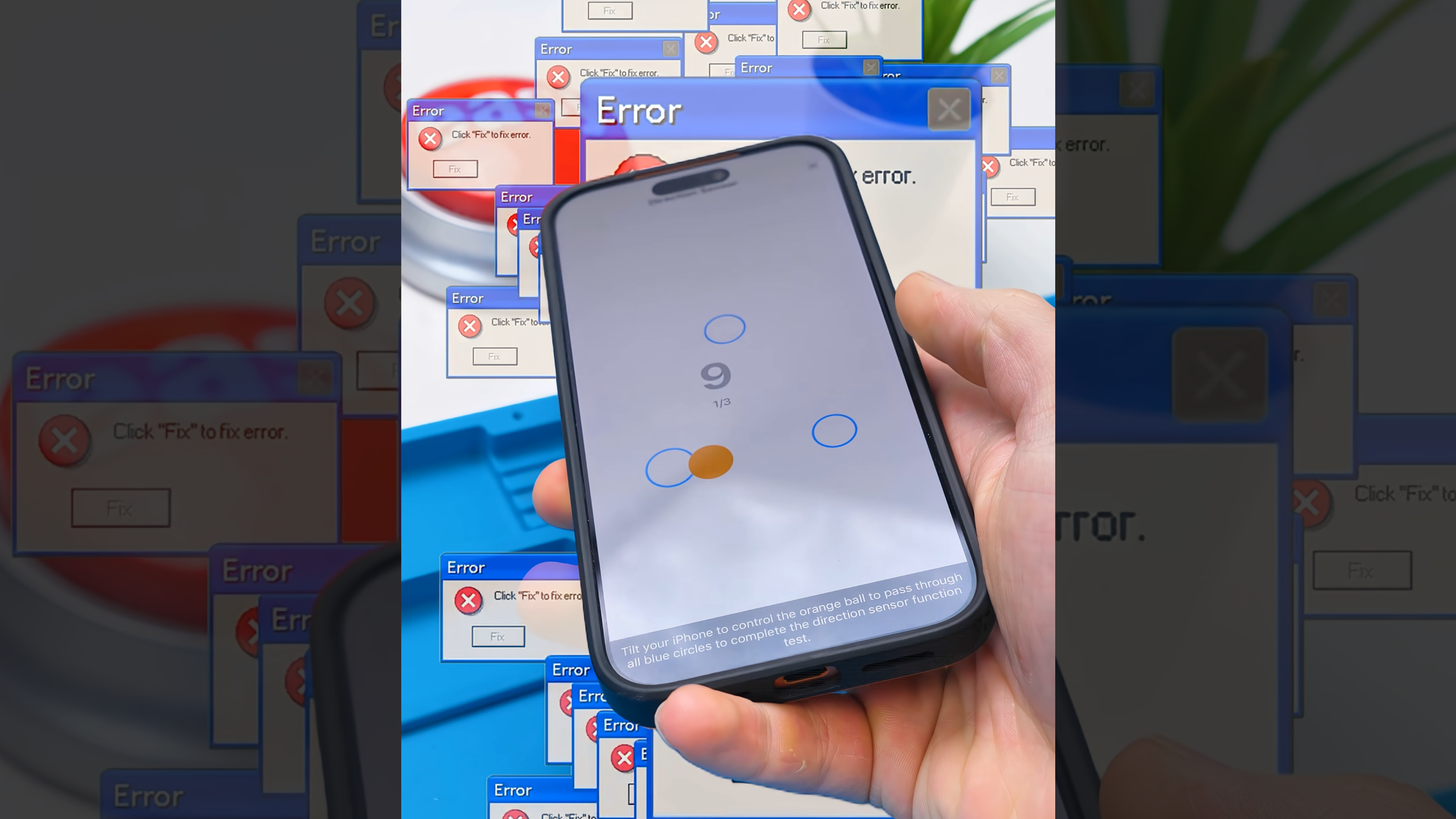
There are no sketchy popups, no fake “boost your phone” nonsense, and no fluff. It just focuses on actually testing hardware.
That alone already puts it ahead of most apps in this category.
So… Is It Actually Worth Using?
Here’s the honest take.
This doesn’t magically replace professional diagnostic tools or hardware-level testing. If you’re doing deep board repair, you’ll still need proper equipment.
But for:
Quick checks after a repair
Verifying used phones before buying
Making sure everything works before resale
This is probably one of the best apps you can have on an iPhone right now.
And the fact that it comes from a company like JCID makes it a lot more trustworthy than most alternatives.
Final Thoughts
For something I found completely by accident, this ended up being way more useful than expected.
It basically fills a gap that Apple never really addressed. A proper, straightforward way to test your phone without jumping through hoops.
And now that I know it exists, it’s probably going to stay on every iPhone I work on.
I guess the only thing missing now is Apple pretending they invented this in the next iOS update.
See you in the next article!
