
Apple Is Turning This On By Default… You Might Want to Turn It Off
What Apple Is Changing in iOS 26.4
Apple is making a small change on paper that has a much bigger impact in real life. With iOS 26.4 expected to roll out soon, this change will affect every iPhone user.
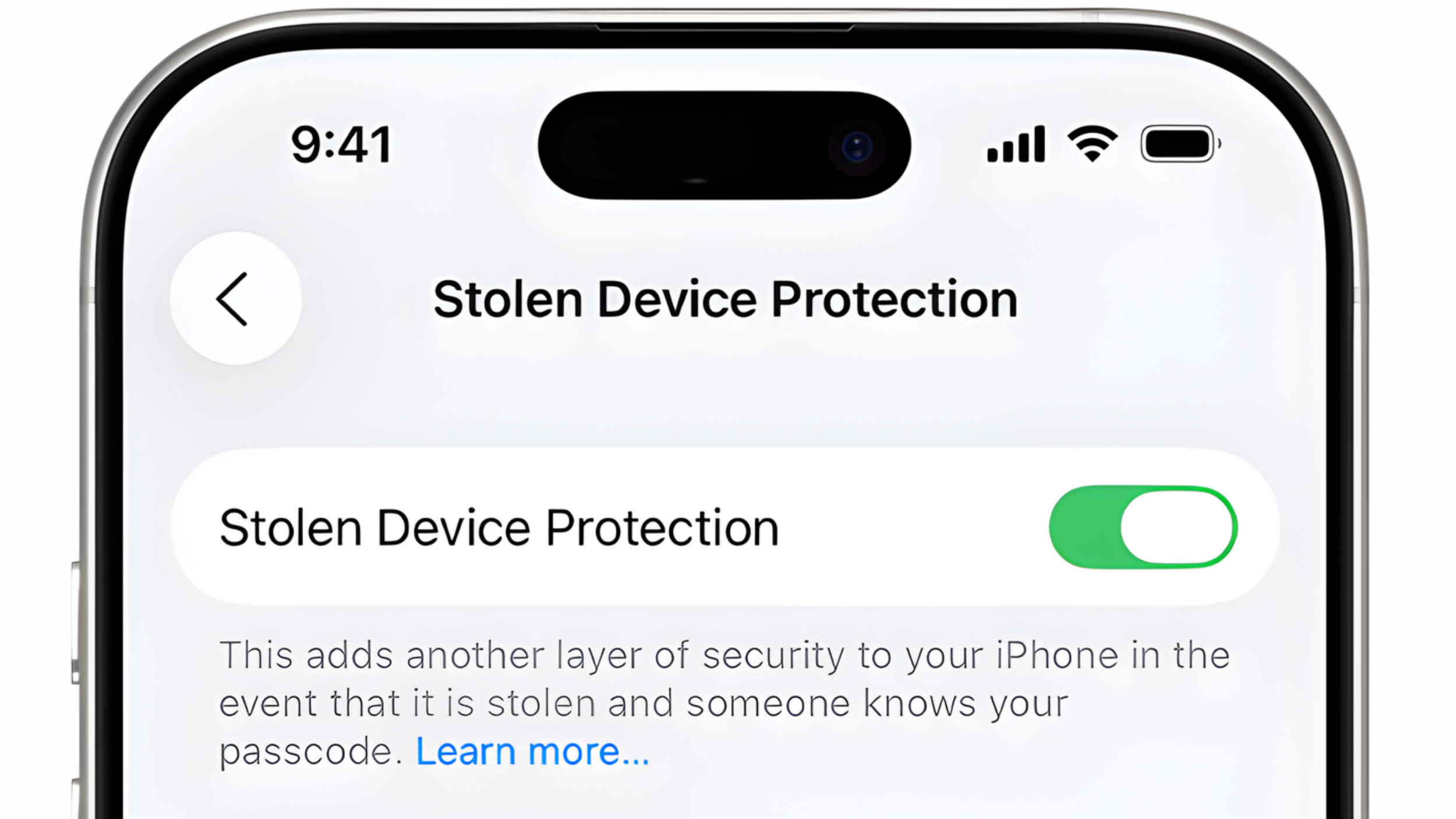

Shifting it from an optional feature into something most users will have turned on automatically. It originally launched in iOS 17.3, but back then you had to manually enable it, which meant people only used it if they understood the trade-offs.
At its core, Stolen Device Protection is designed for one specific scenario. If someone steals your iPhone and knows your passcode, they still should not be able to take over your account or lock you out. To prevent that, Apple adds another layer of security on top of the passcode, limiting what can be done without biometric authentication.
Instead of relying on the passcode alone, the system now requires Face ID or Touch ID for certain actions, and in some cases introduces delays when the device is not in a familiar location. On paper, it is a smart upgrade for security, but it also quietly changes how the iPhone behaves in situations where flexibility actually matters.
Actions That Get Restricted
| Action | Why It Matters |
|---|---|
| Changing your Apple ID password | Critical for account recovery and securing your data |
| Changing your device passcode | Controls access to the entire device |
| Managing Face ID settings | Essential for authentication and security approvals |
| Signing out of your Apple account | Required for resets, transfers, and ownership changes |
| Setting up a new device or transferring data | Key step in upgrades, repairs, and data recovery |
| Turning off the feature itself | Needed to remove restrictions when troubleshooting |
This is all very intentional. Apple is locking down the exact areas a thief would target. But the problem is these are also the same areas that repairs and recovery rely on.
Where It Starts Affecting Repairs
This is where things shift from extra security to real-world limitations. Repairs are rarely clean or predictable. Most of the time, you are working with partial failures, where a phone powers on but key components are already compromised.
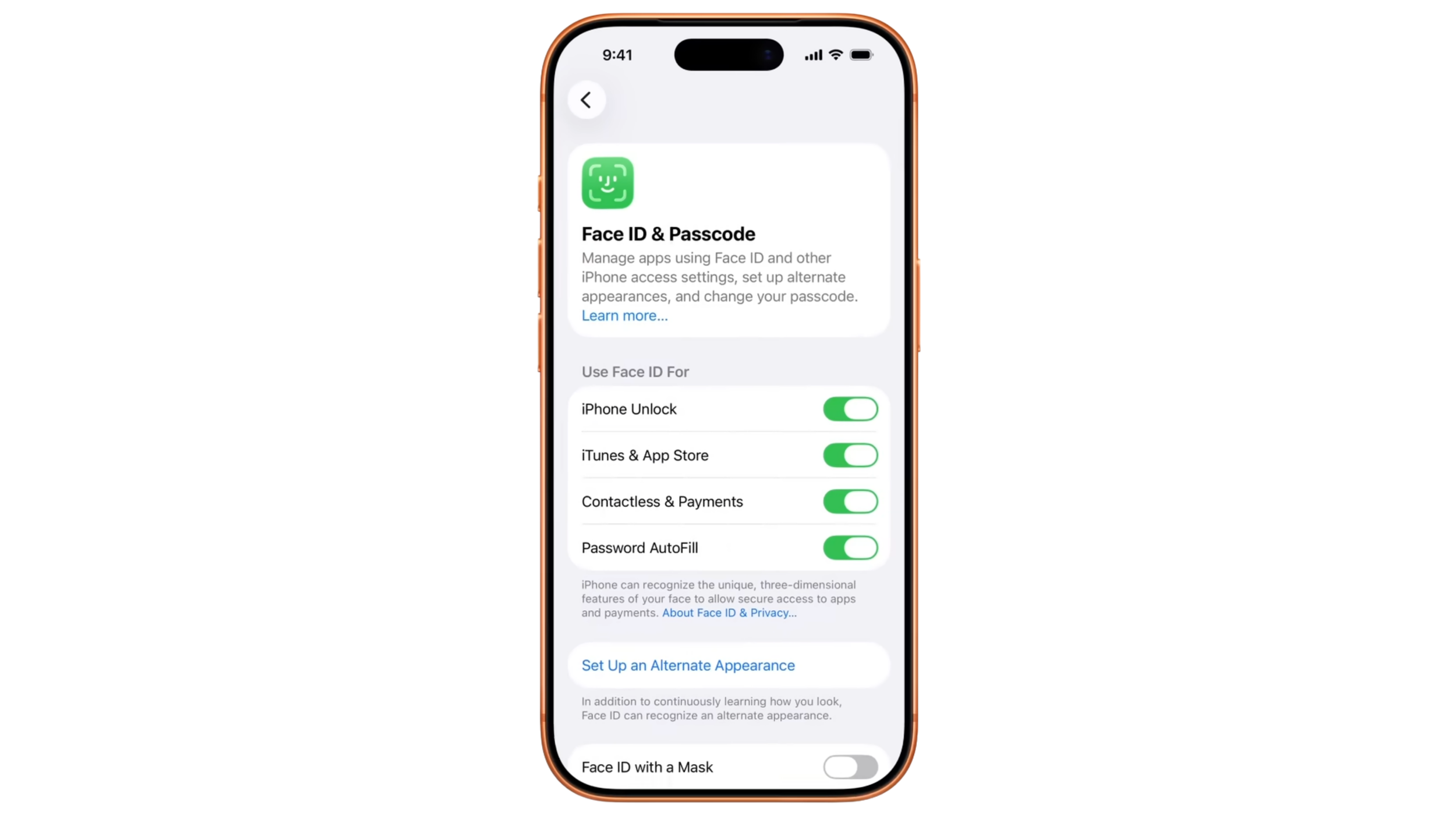
Stolen Device Protection does not account for that. It assumes everything is fully functional, which creates immediate friction in real repair scenarios. Once a key component fails, you are not just fixing hardware anymore. You are also dealing with restricted access to parts of the system.
One of the biggest shifts is how Face ID suddenly becomes a requirement.
Before, if Face ID failed, you could rely on the passcode to continue setup, testing, or system changes. That flexibility made it possible to work around damaged components and still move forward.
Now, that fallback is gone for certain actions. And because Face ID is one of the more fragile systems in the phone, it is often one of the first things to fail due to water damage, drops, or internal wear. Once it stops working, access to critical functions can be limited, turning a straightforward repair into a restricted process.
Data Recovery and Diagnostics Get Much Harder
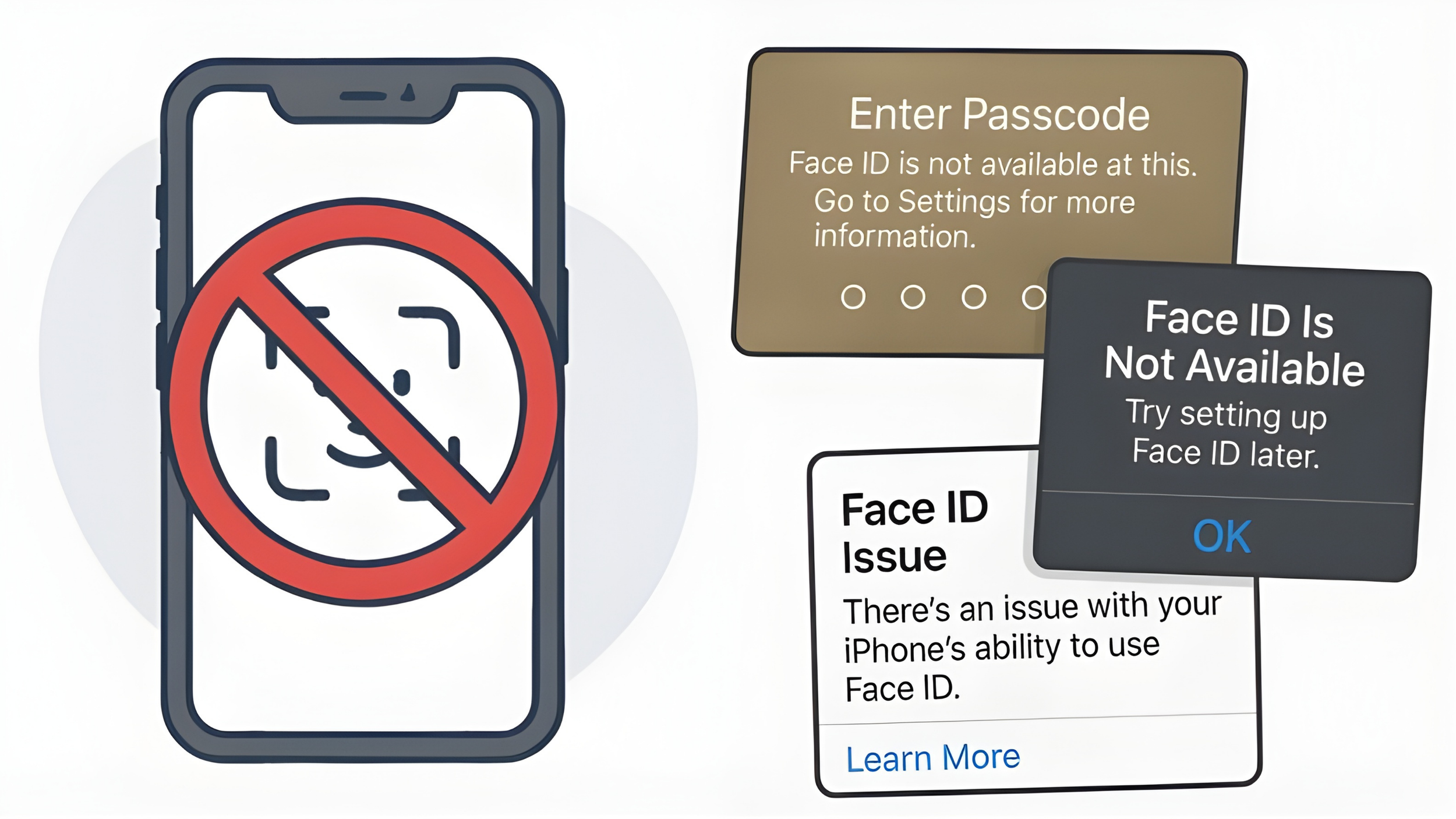
@Passixer
Data recovery has always been about working around damaged components. You do not need a perfect phone, just enough functionality to extract what matters. Stolen Device Protection changes that. It introduces system-level restrictions that can block progress entirely if certain components are not working.
What Changes in Practice
Access to certain settings may require Face ID
Critical actions can no longer rely on passcode alone
Partial repairs may not be enough to proceed
At the same time, diagnostics become more complicated. After a repair, testing is supposed to confirm everything is working, but now certain steps may require the customer to authenticate in person or wait through delays. Instead of a smooth workflow, you end up with a device that is technically repaired but not fully testable.
The One-Hour Delay in Real Life
The one-hour delay sounds like a small inconvenience until you actually run into it.
It activates when the phone is outside of a trusted location. That includes repair shops, traveling, or even just being somewhere new. Ironically, those are the exact situations where people are most likely to need urgent help.
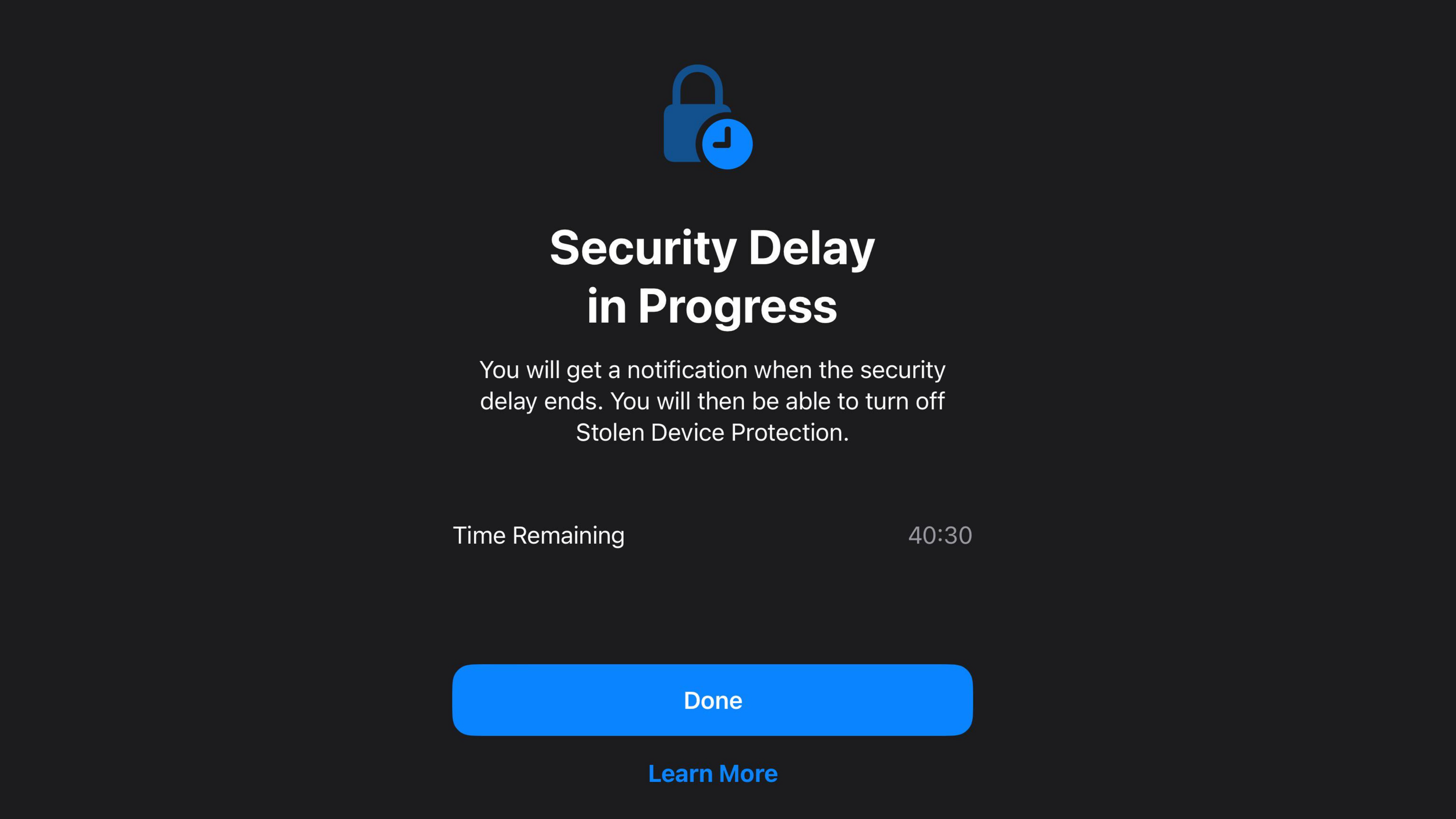
If your phone breaks while you are away from home, you are already dealing with limited access and pressure to fix the issue quickly. Adding a forced delay on top of that slows everything down at the worst possible time. The system is doing what it was designed to do, but it does not account for situations where timing matters most.
Why This Was Fine Before
When Stolen Device Protection first launched in iOS 17.3, it worked because it was optional.
People who wanted that level of security could turn it on, and everyone else could keep their device more flexible. That balance allowed users to decide what mattered more to them.
With iOS 26.4, that balance shifts. The feature is now enabled by default, which means many users will have it active without fully understanding how it affects repairs and recovery.
@blogdoiphone
What Changes With Default On
More devices will have it enabled automatically
More users will not realize it is active
More repairs will run into unexpected restrictions
And that is where this really shows up. Not when everything is working, but when something fails.
The Trade-Off You Are Making
Apple is clearly prioritizing security over flexibility here, and to be fair, the security side is strong. This feature helps protect against passcode-based account takeovers, unauthorized changes, and stolen devices being fully accessed. From that perspective, it does exactly what it is supposed to do.
But that protection comes at a cost. It makes the system less forgiving when things break, and in repair situations, that lack of flexibility can turn a fixable problem into something much harder to deal with.
Should You Turn Off Stolen Device Protection on iPhone?
There is no universal answer here. If you are wondering whether you should turn off Stolen Device Protection, the answer depends on how much you value security versus repair flexibility.
If your priority is security, this feature makes sense to keep enabled. But if you care about repairability, data recovery, and having fewer restrictions when something goes wrong, then this is something you should at least be aware of.
Because once it is on, you do not really notice it until the moment you actually need your phone to work around a problem.
Final Thoughts
Stolen Device Protection on iPhone is one of those features that makes perfect sense on paper. It adds a strong layer of security and helps prevent stolen iPhones from being taken over, even if someone knows your passcode.
But turning it on by default in iOS 26.4 changes how people experience it. What used to be a choice is now something many users will not even realize is active until they run into its limitations during a repair, a failure, or a data recovery situation.
That is the trade-off. The same system designed to protect your data can also limit what you can do when something goes wrong, especially in scenarios where time and access matter most.
I guess your iPhone is now protected from thieves… and from repairs.
See you in the next article!
