
I Loved the iPad Home Button… Until I Had to Fix One
Why the Home Button Is a Repair Nightmare
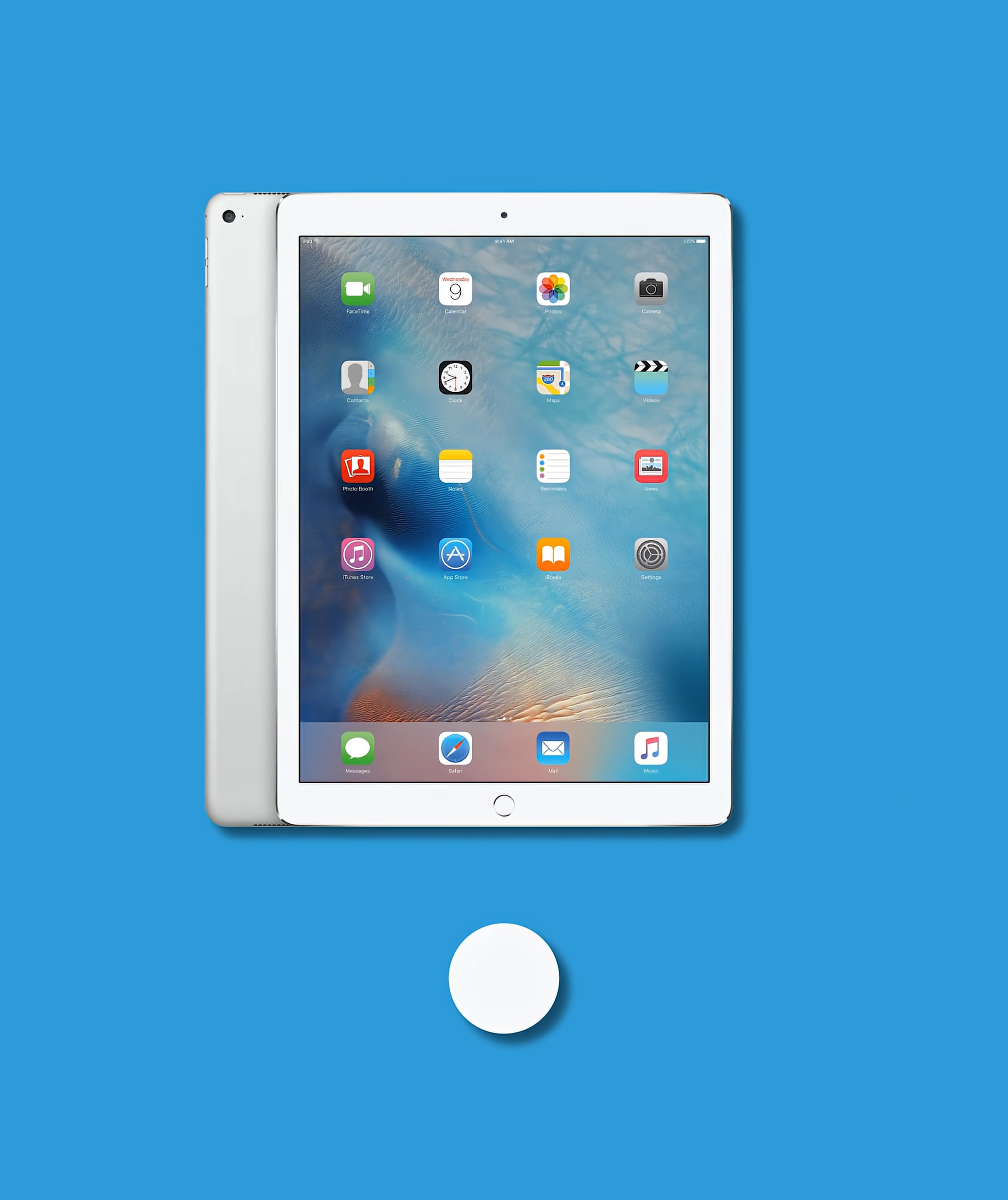
I absolutely love the home button on iPad, but I’m honestly happy it’s gone. Using the home button on the outside is all fun and games. Once you open the iPad though, it turns into one of the most stressful parts to work on.
From a repair perspective, it’s not just a button. It’s a fragile, security-paired component that doesn’t forgive mistakes.
Disconnecting and Removing the Home Button
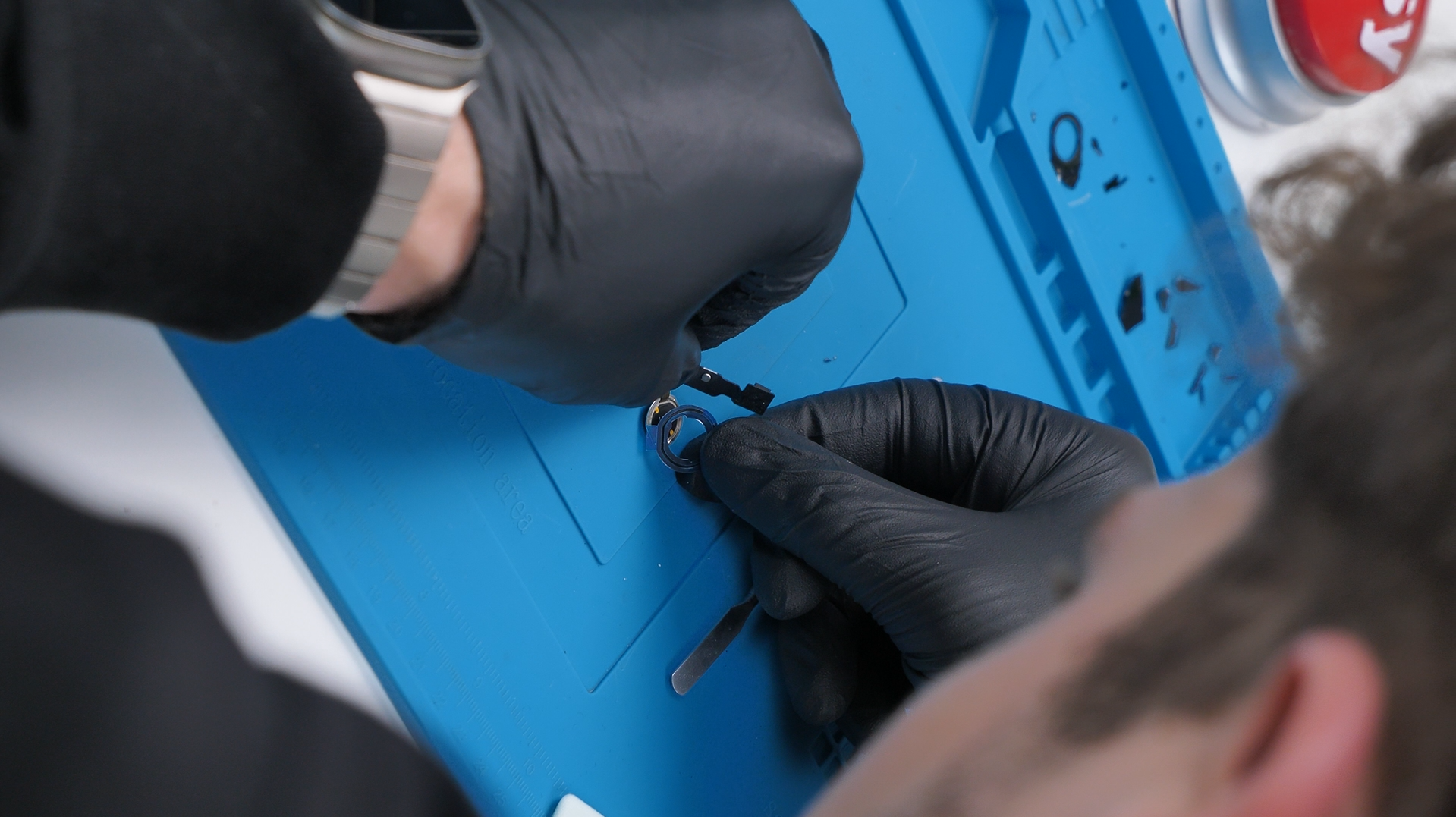
Even just disconnecting and removing the home button can be extremely difficult, especially when it looks like this. The flex cable is incredibly thin and routed in a way that’s already under tension, so you have to be very careful.
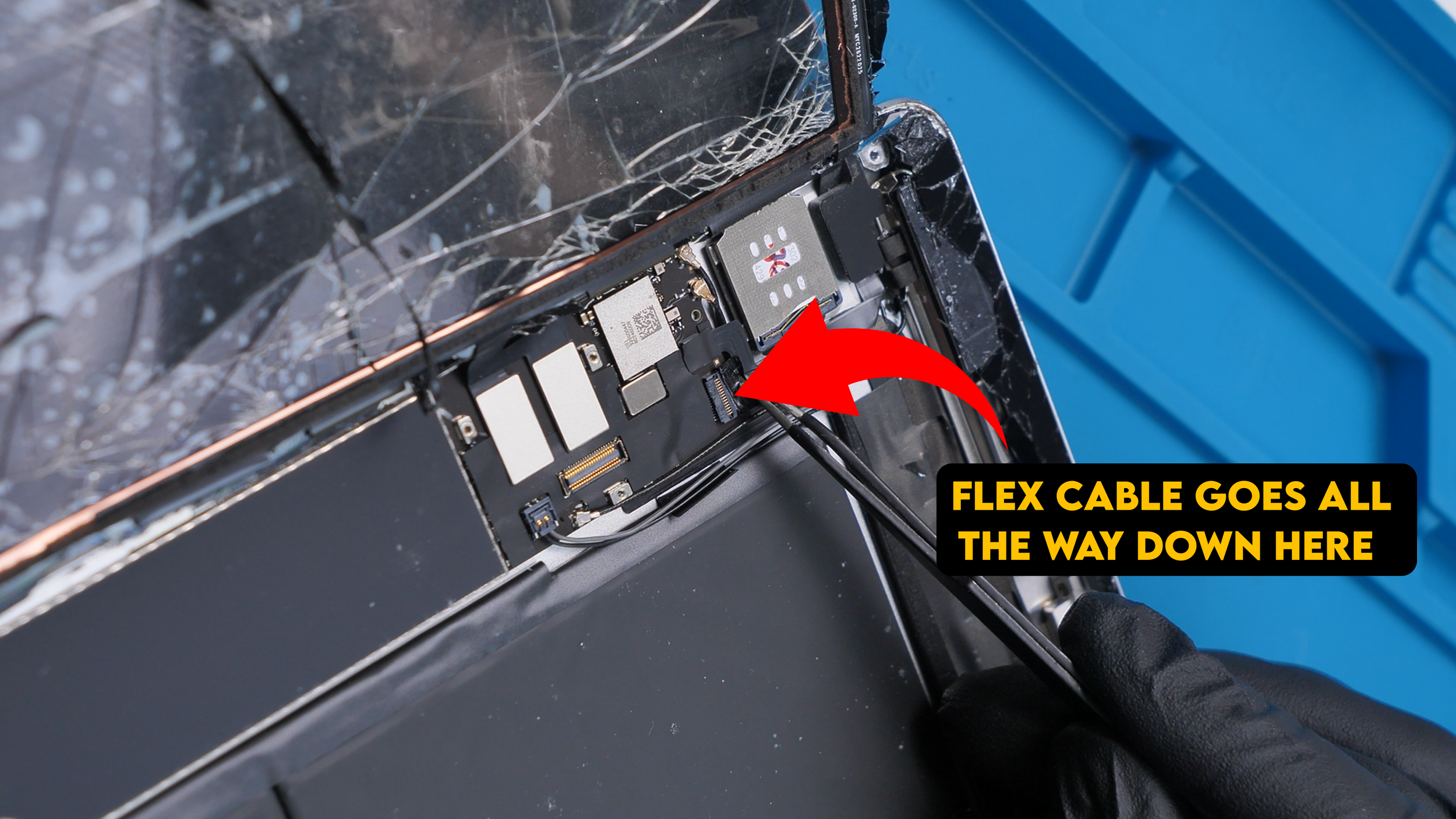
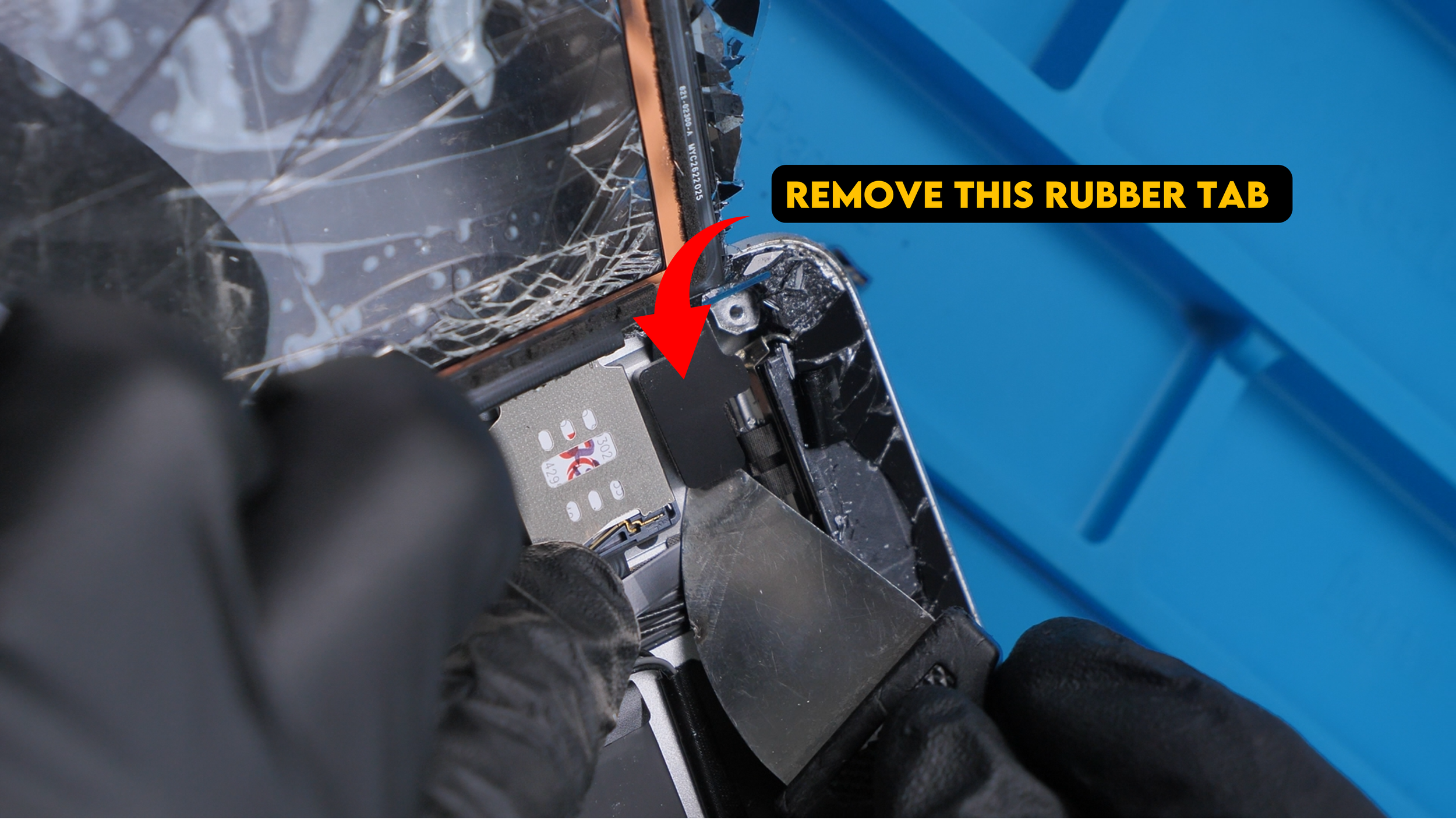
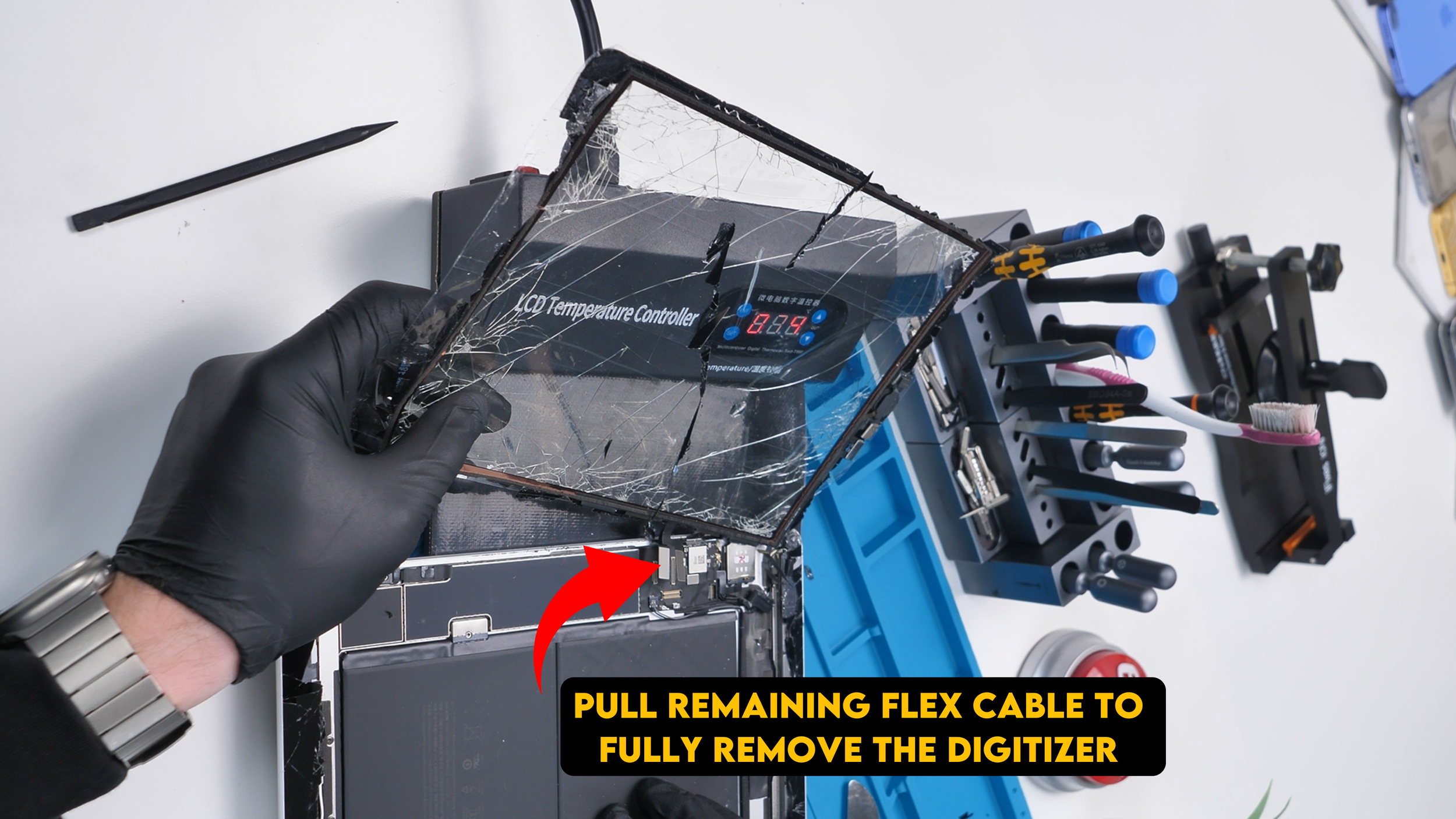
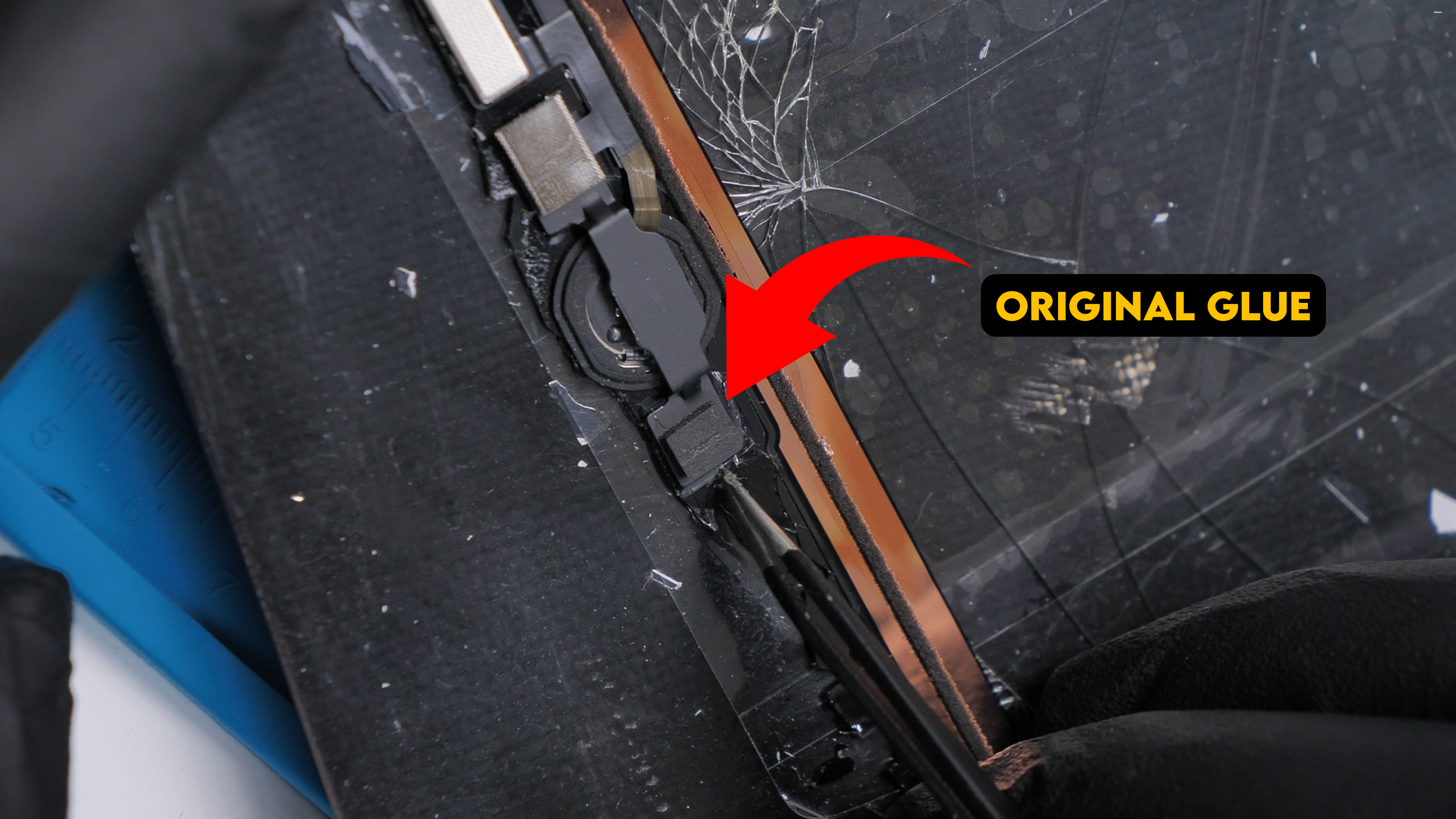
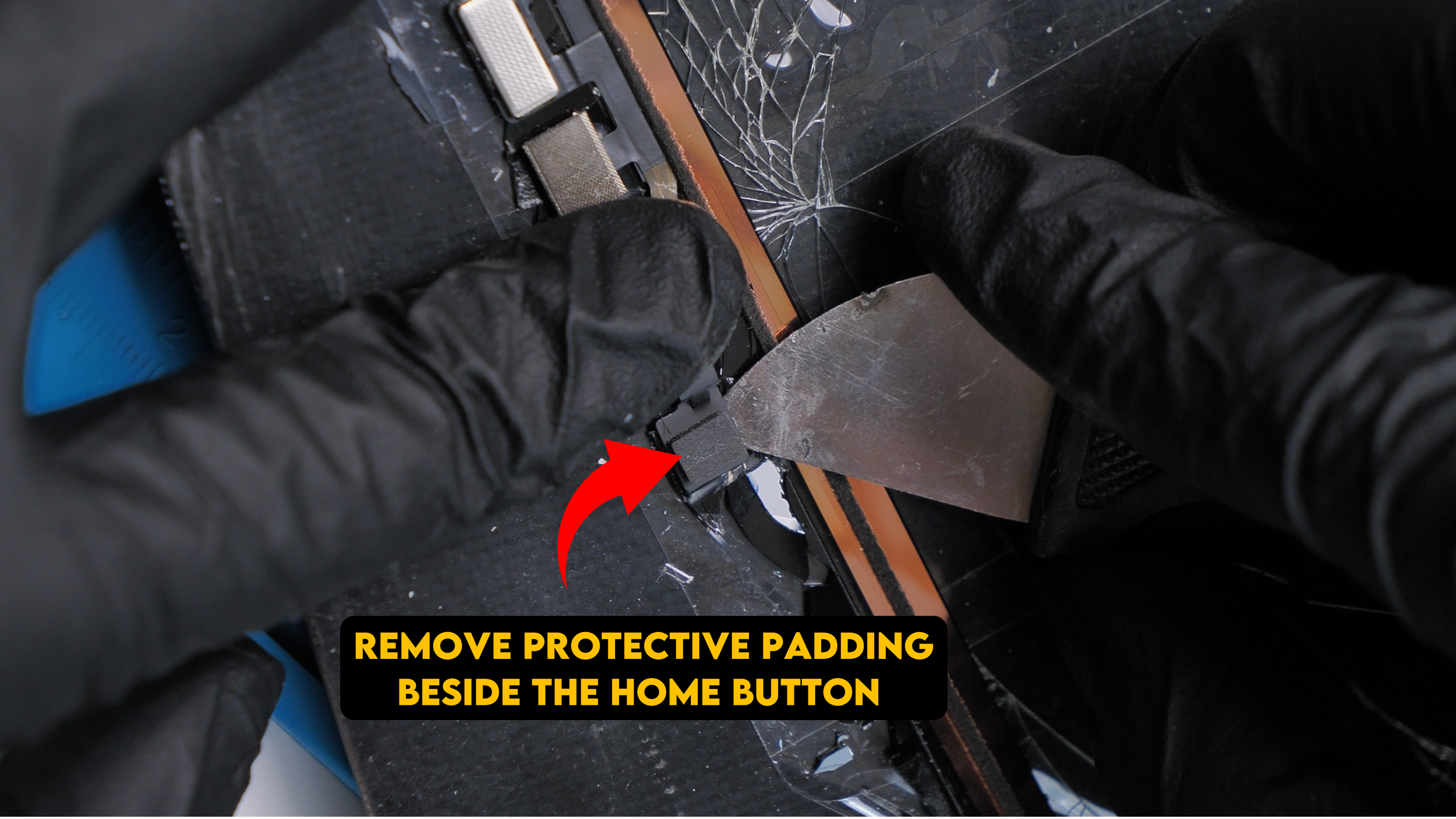
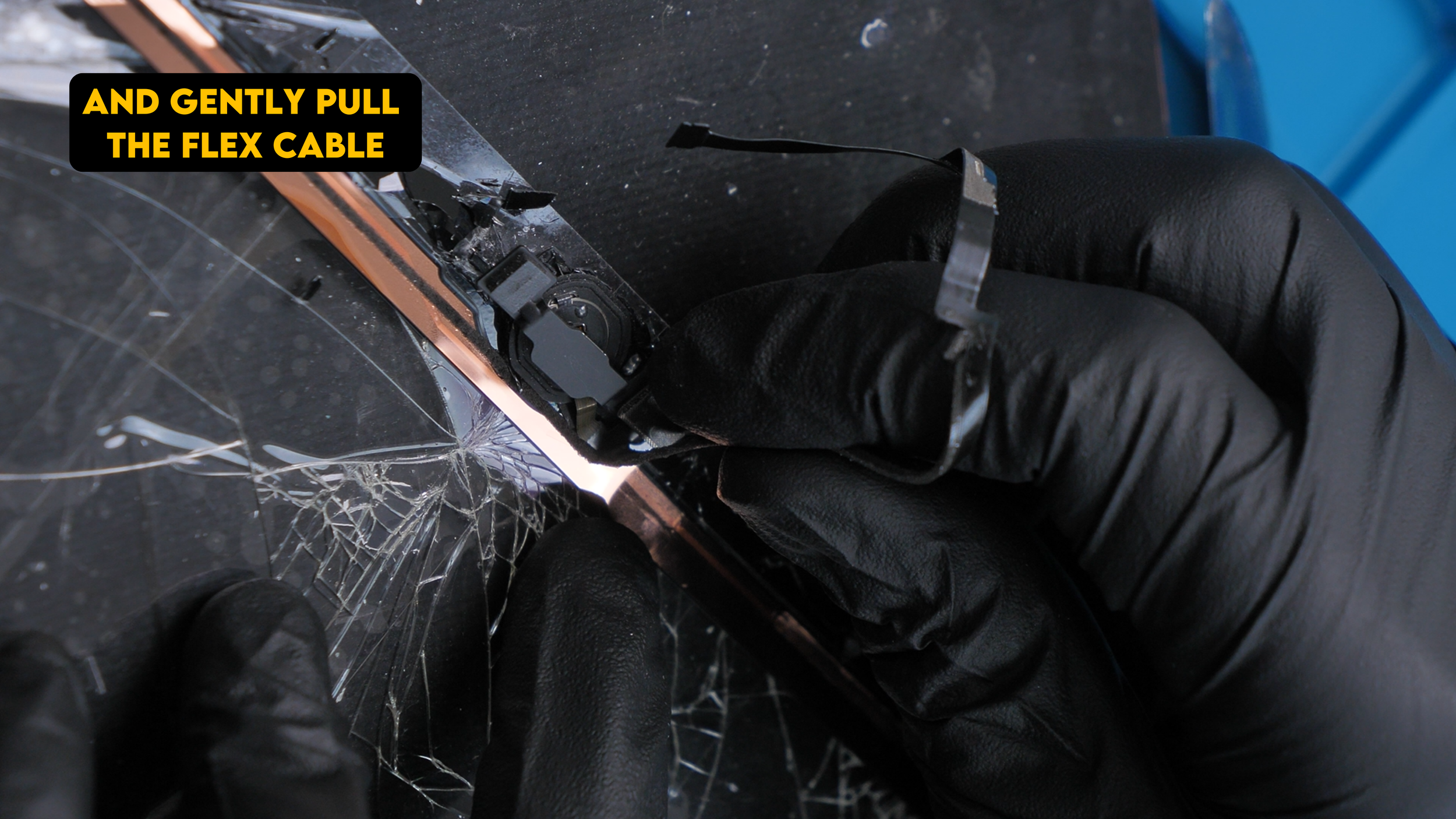
After years of being pressed thousands of times, that mechanism is weakened before you even touch it. Add heat from softening the display adhesive, and it becomes very easy to tear or crease during removal.
Why Cleaning the Home Button Is So Risky
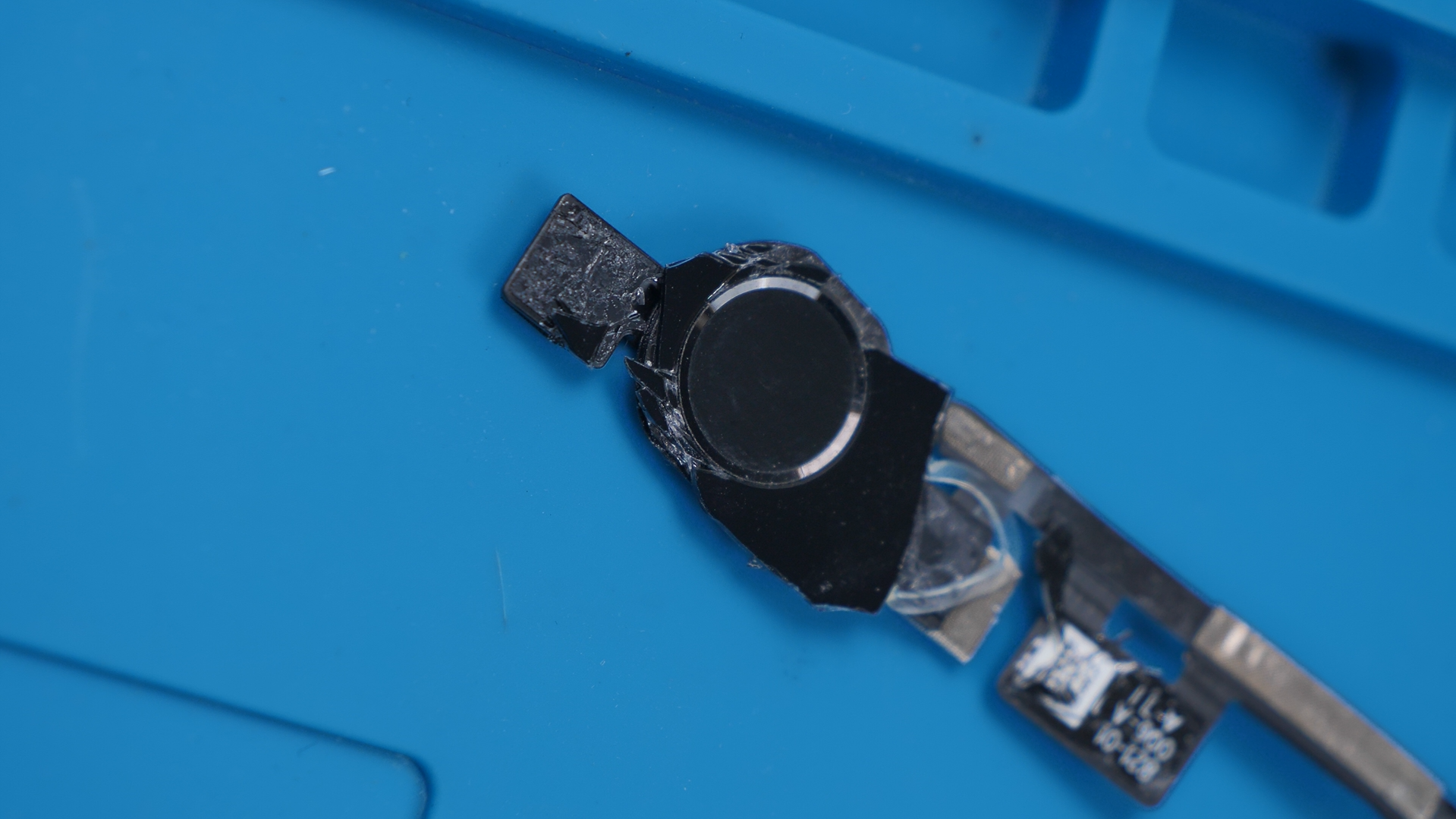
Cleaning the home button is where things get even more stressful. The button itself is extremely fragile, and underneath it sits a tiny metal dome switch that handles the actual press.
If dirt, corrosion, or moisture gets under that dome, cleaning it without causing damage becomes a gamble. One slip here can permanently kill the button.
If that happens, you can kiss Touch ID goodbye. Apple pairs the home button to the logic board at the factory, which means even a perfectly installed replacement button won’t restore Touch ID without Apple’s calibration tools.
Applying the Right Adhesive
Once the button is cleaned and ready to go back in, adhesive choice matters more than most people realize. Regular adhesive isn’t good enough for this job.
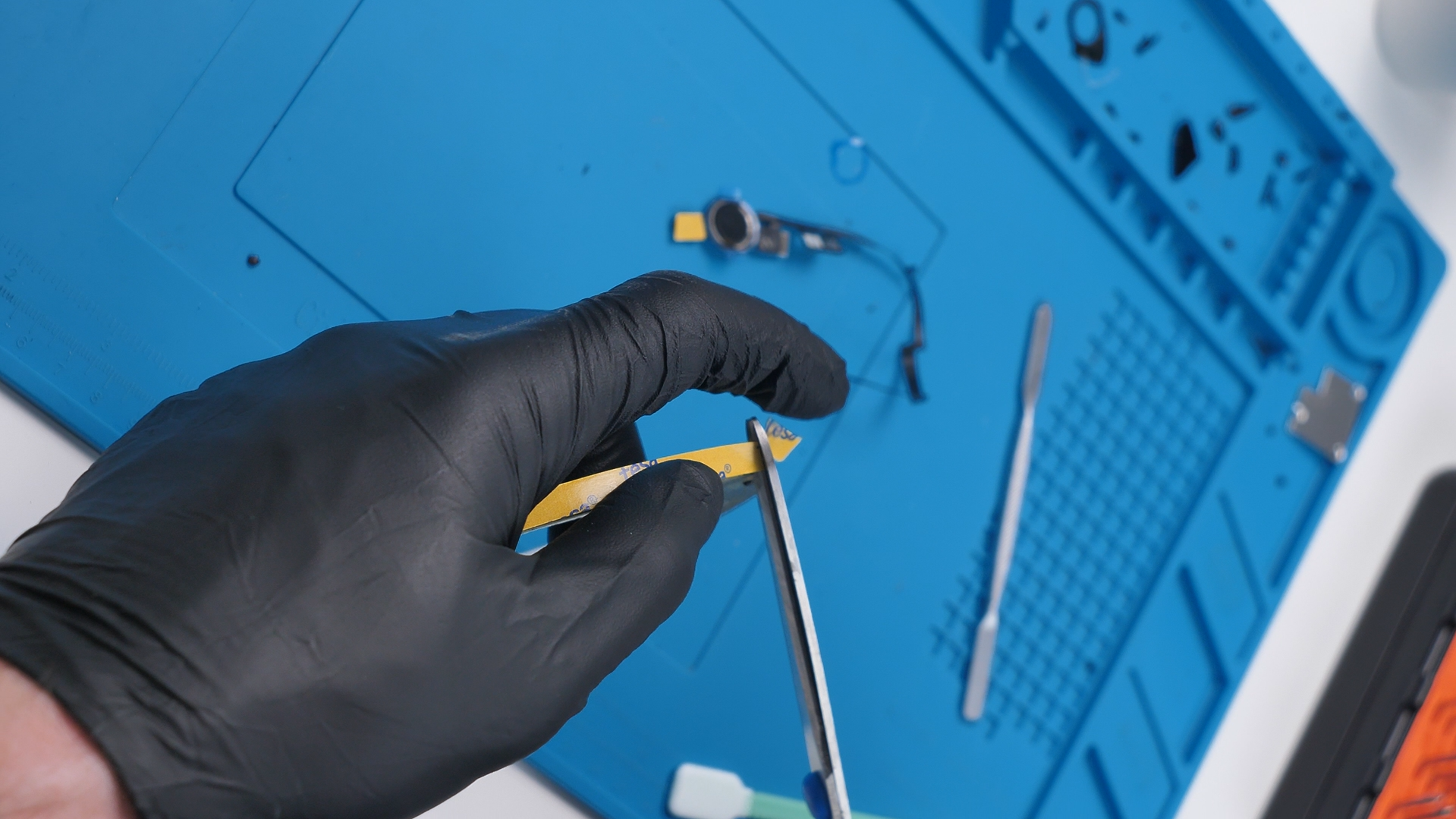
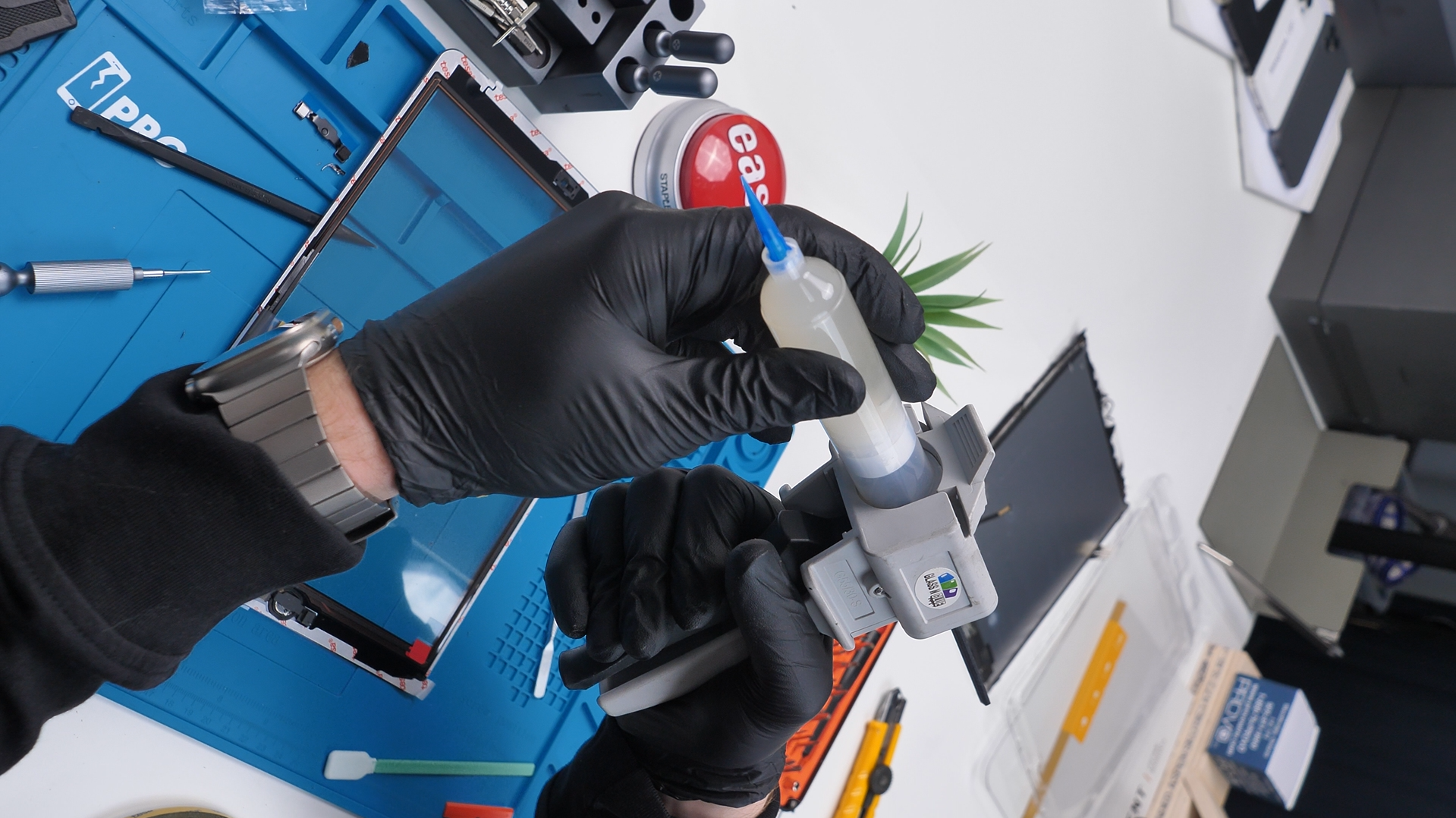
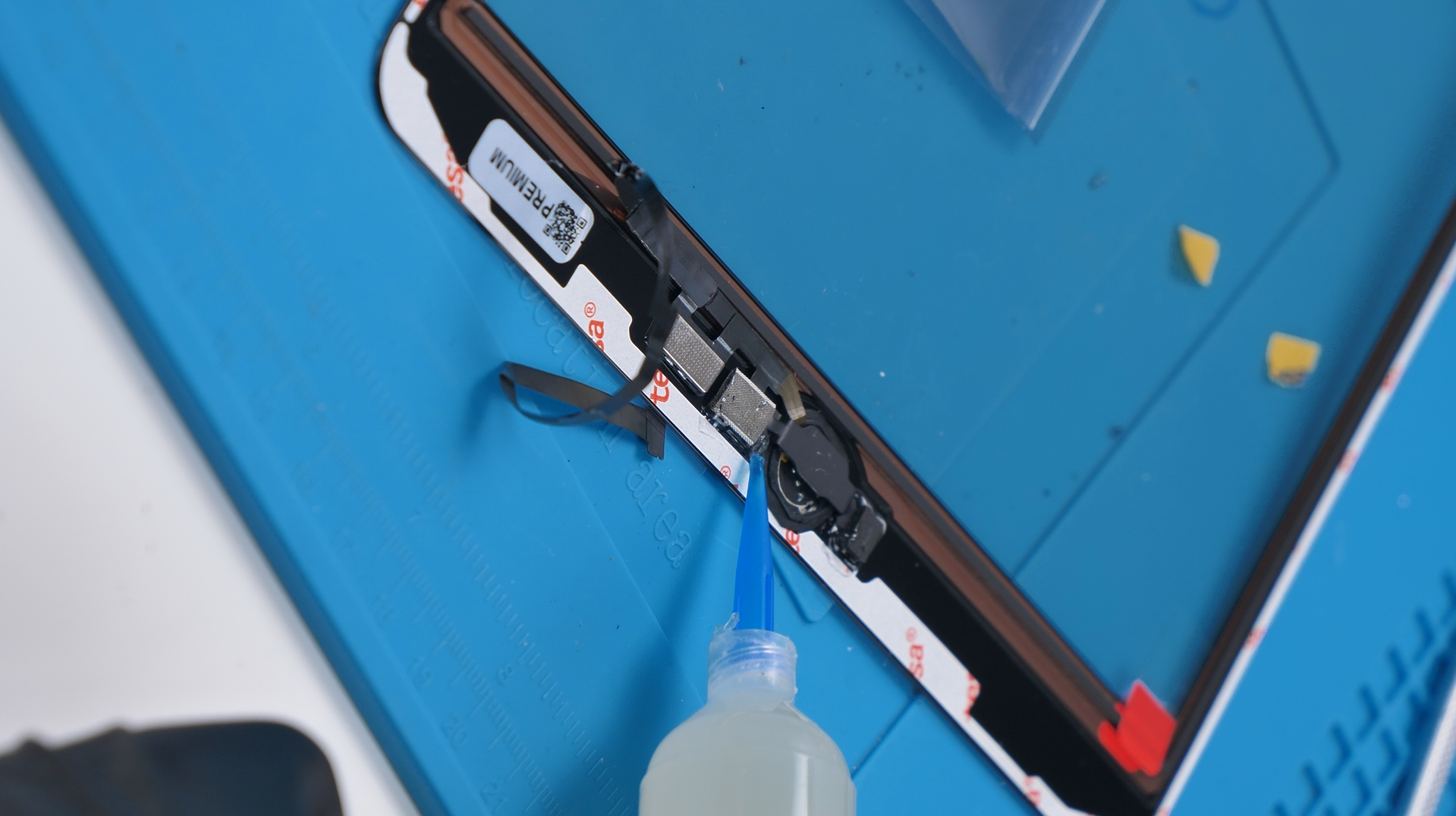
The home button is pressed constantly, and standard glue can harden, loosen, or fail over time. That’s why cold press glue is necessary here. It stays flexible and absorbs stress, helping the button survive repeated use after reassembly.
Using too much glue or the wrong type can also affect how the button feels, so this step needs to be done carefully.
Button Installed
Once everything is back in place and the iPad powers on, it’s one of those moments that makes you appreciate your home buttons a little more. There’s a lot going on behind something that feels so simple from the outside.
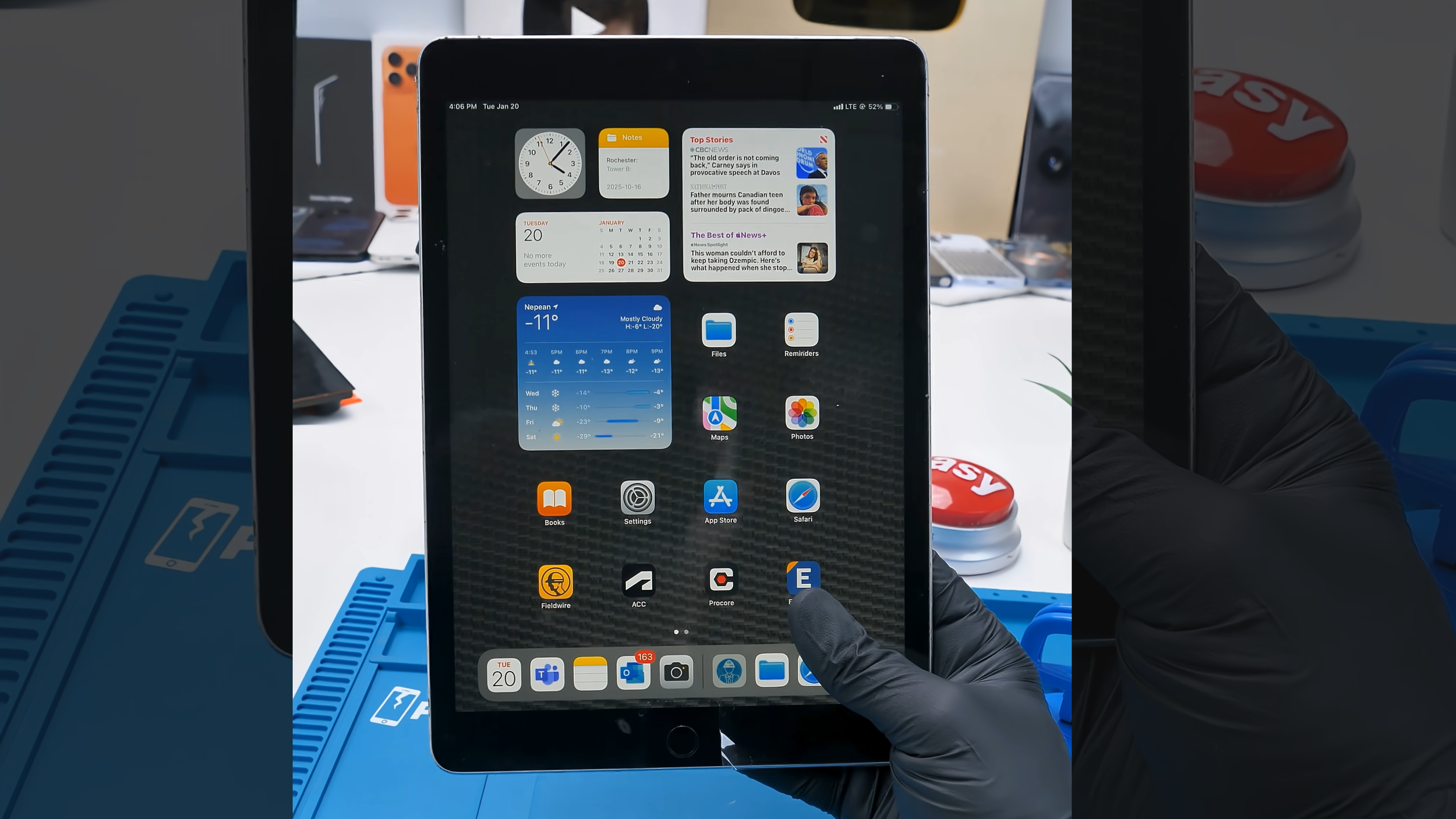
After dealing with how fragile and unforgiving this part is on the inside, it’s easy to see why the home button earned its reputation among repair techs.
A Quick Reality Check and Repair Notes
Even when everything goes perfectly, the home button is still one of the least forgiving parts to repair. One tiny tear, a bit of excess heat, or a slip during cleaning is enough to permanently disable Touch ID.
That’s why many technician won’t even attempt home button repairs unless it’s absolutely necessary. It’s not a lack of skill. It’s how little margin for error Apple left.
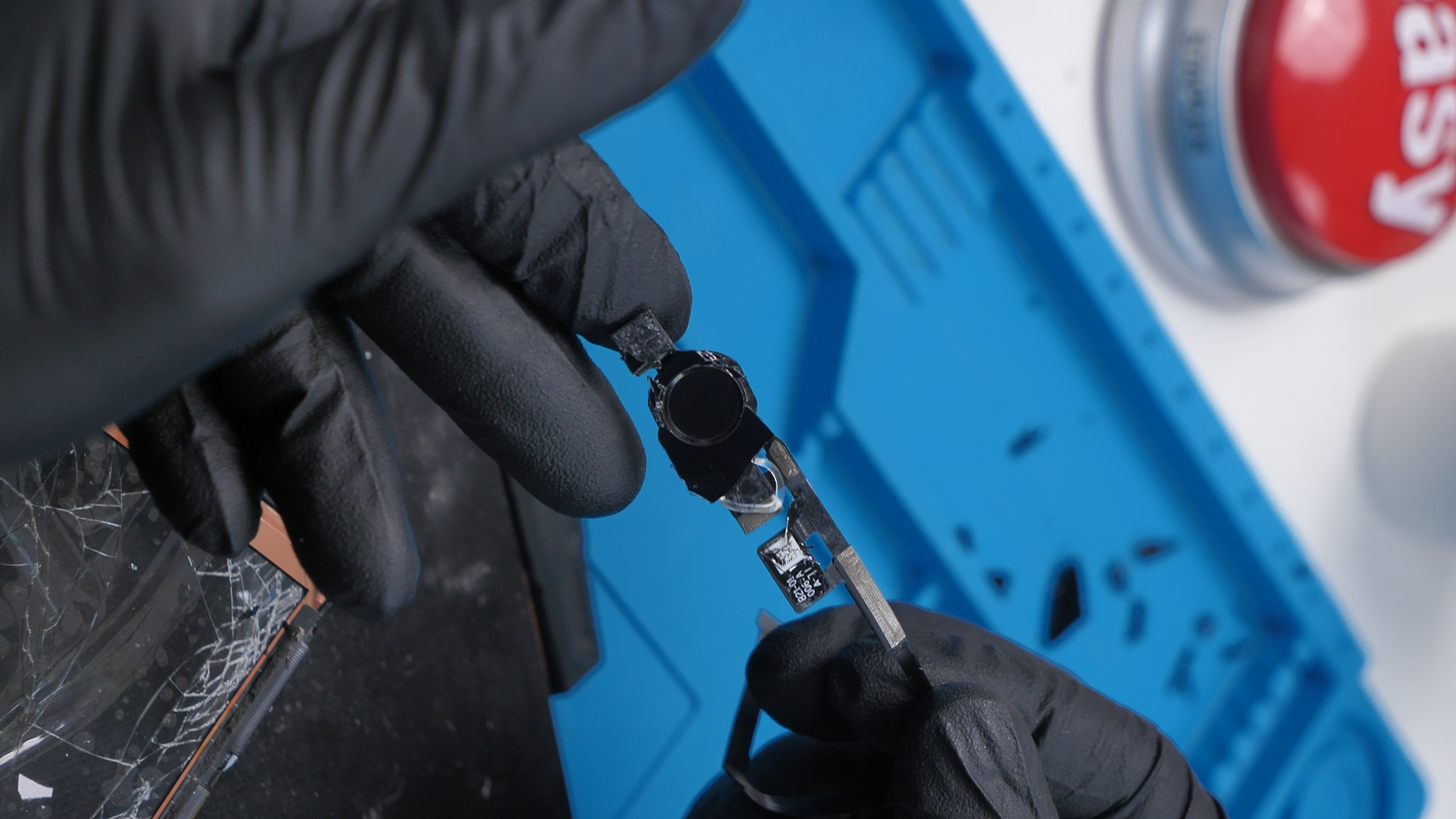
If you’re attempting this repair yourself, patience matters more than speed. Avoid pulling on the flex cable, keep heat away from the button area as much as possible, and never pry directly against the cable.
And if the button fails after reassembly, it usually isn’t a software issue. In most cases, the damage already happened during removal.
Final Thoughts
The home button worked incredibly well from a user’s perspective, but from the inside, it was fragile and unforgiving. Combining a mechanical switch, biometric security, and a thin flex cable into one part left almost no room for mistakes.
Face ID isn’t perfect, but removing the home button eliminated one of the most failure-prone components in the iPad. After doing repairs like this, it’s easy to see why Apple moved on.
See you in the next article!
