
M4 iPad Air Teardown: Apple Finally Fixed Some Things… But Not Everything
The M4 iPad Air doesn’t look all that different at first glance, but once you start digging into it, you realize Apple has been quietly changing a few things behind the scenes.
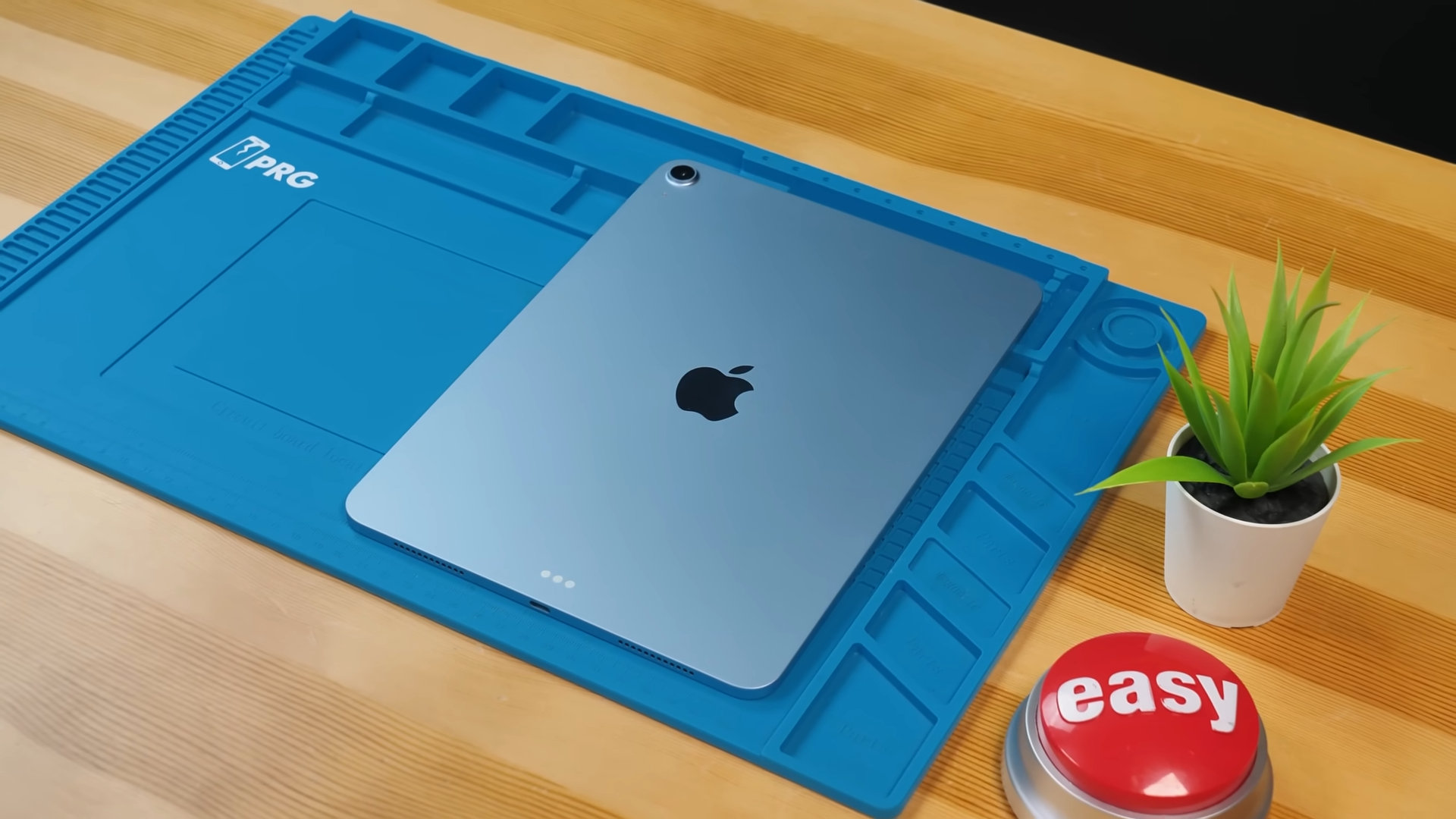
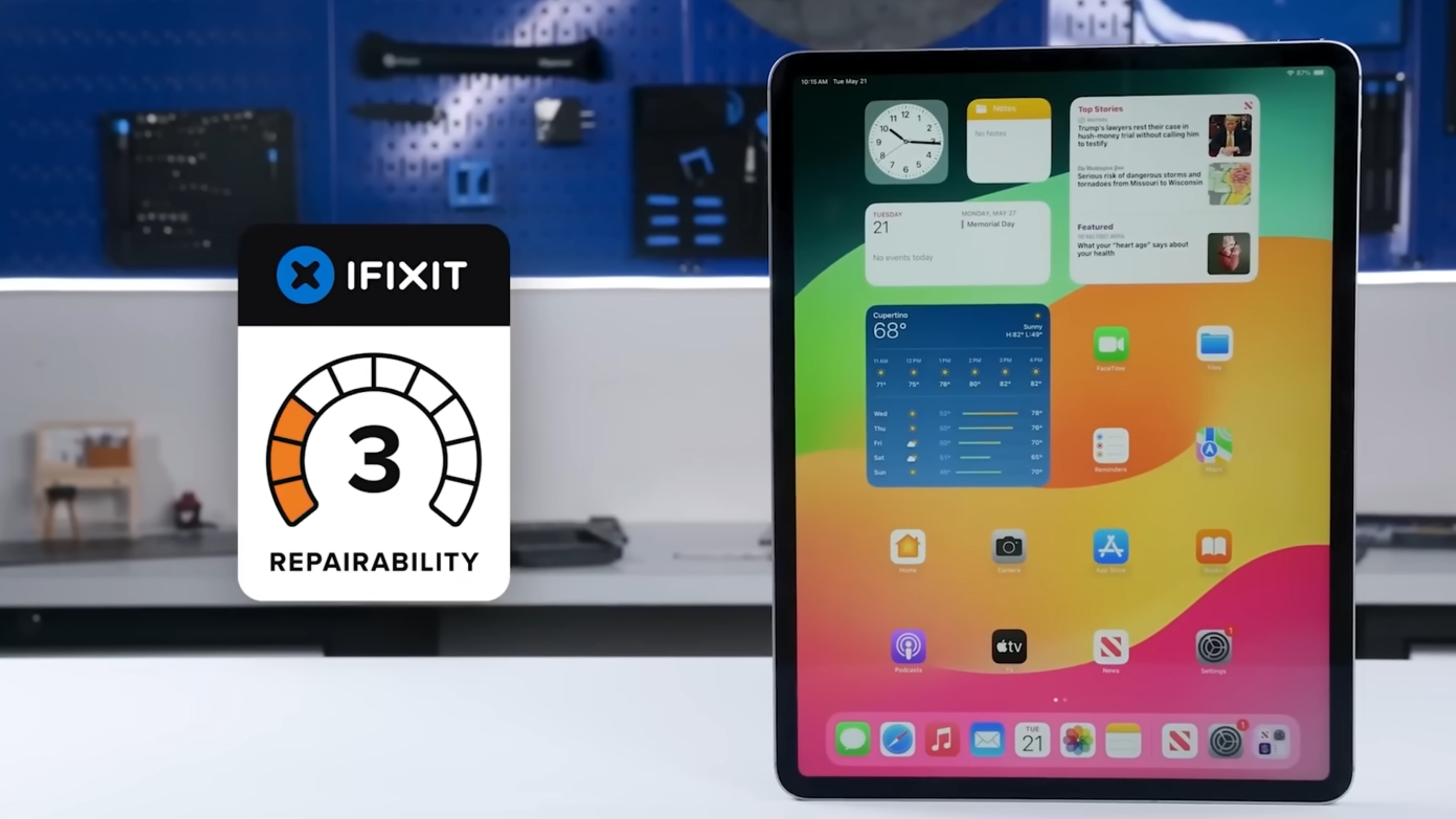
The last time we saw an iPad Air teardown was the M2 iPad Air, and iFixit gave that thing a 3 out of 10 for repairability, which is honestly pretty rough. Since then, Apple has been under a lot more pressure, especially from the EU, to improve repairability and transparency.
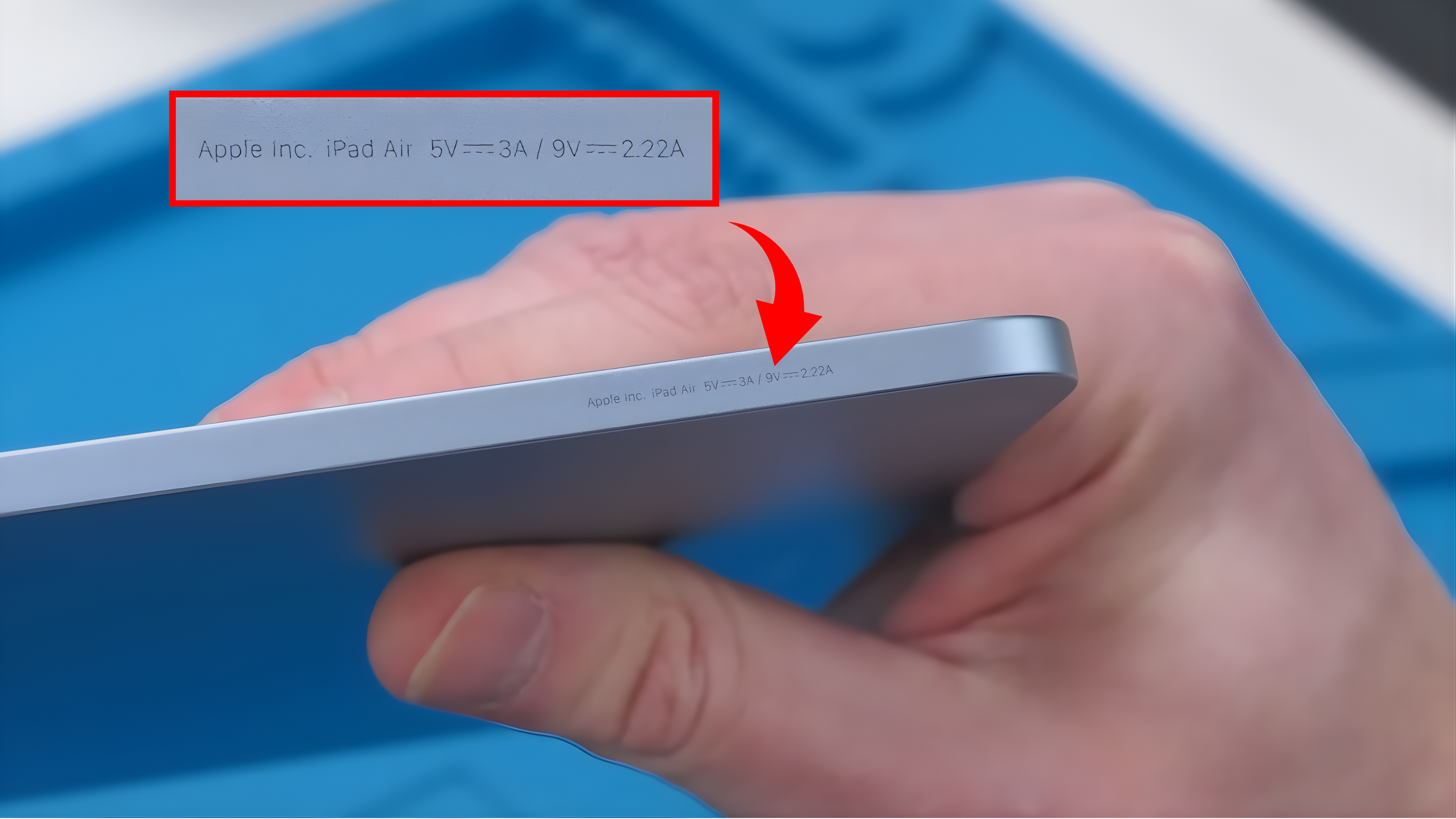
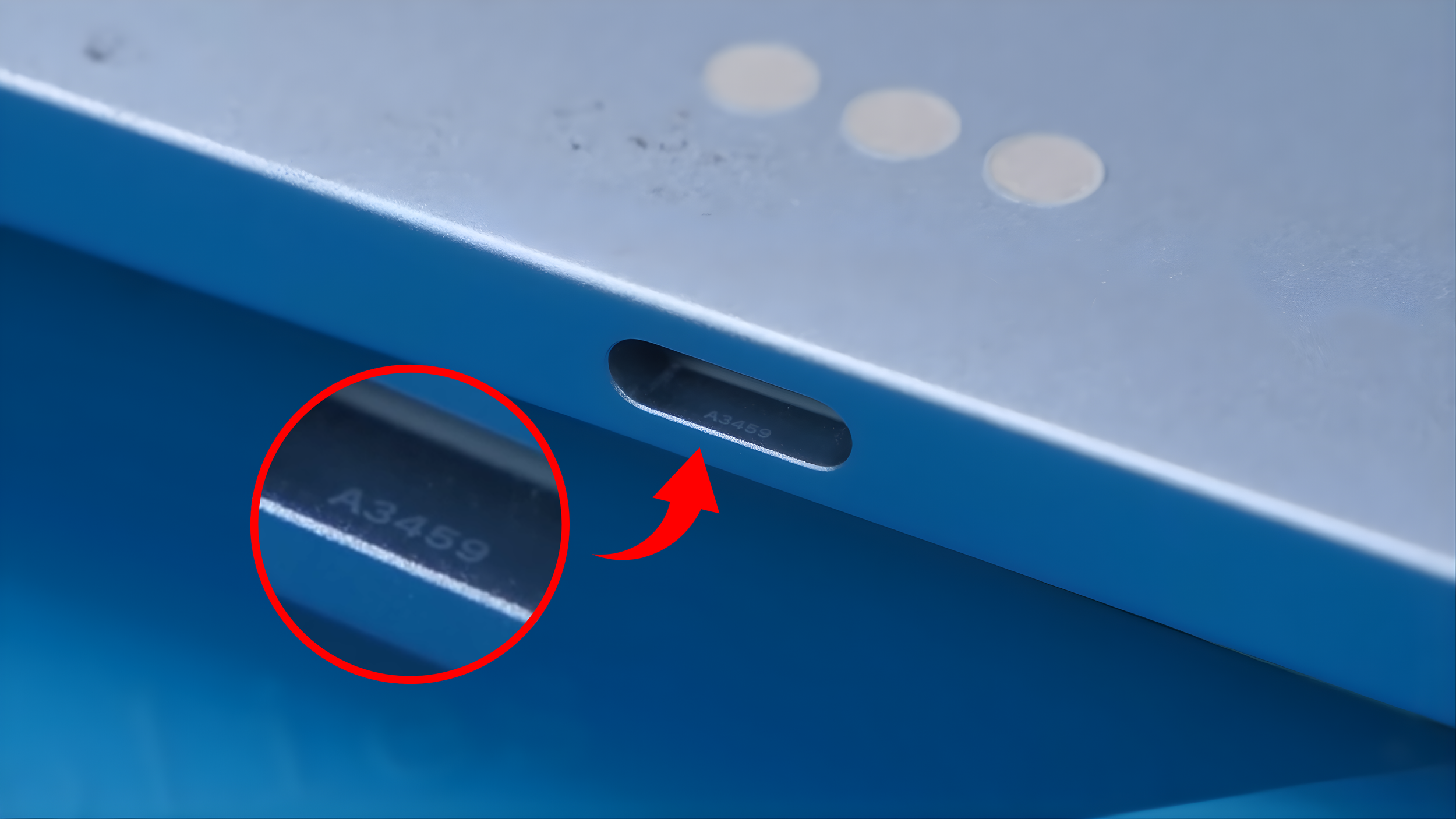
One small detail I noticed right away is something I haven’t seen before. Apple actually writes “Apple Inc.” along the side with some charging information, and if you look closely inside the USB-C port, the model number is hidden in there. It’s incredibly hard to see unless you’re really looking for it.
So the goal here is simple. Open it up, see what changed, and figure out if Apple actually fixed anything.
Let’s Open It Up
Let’s cook the iPad Air.
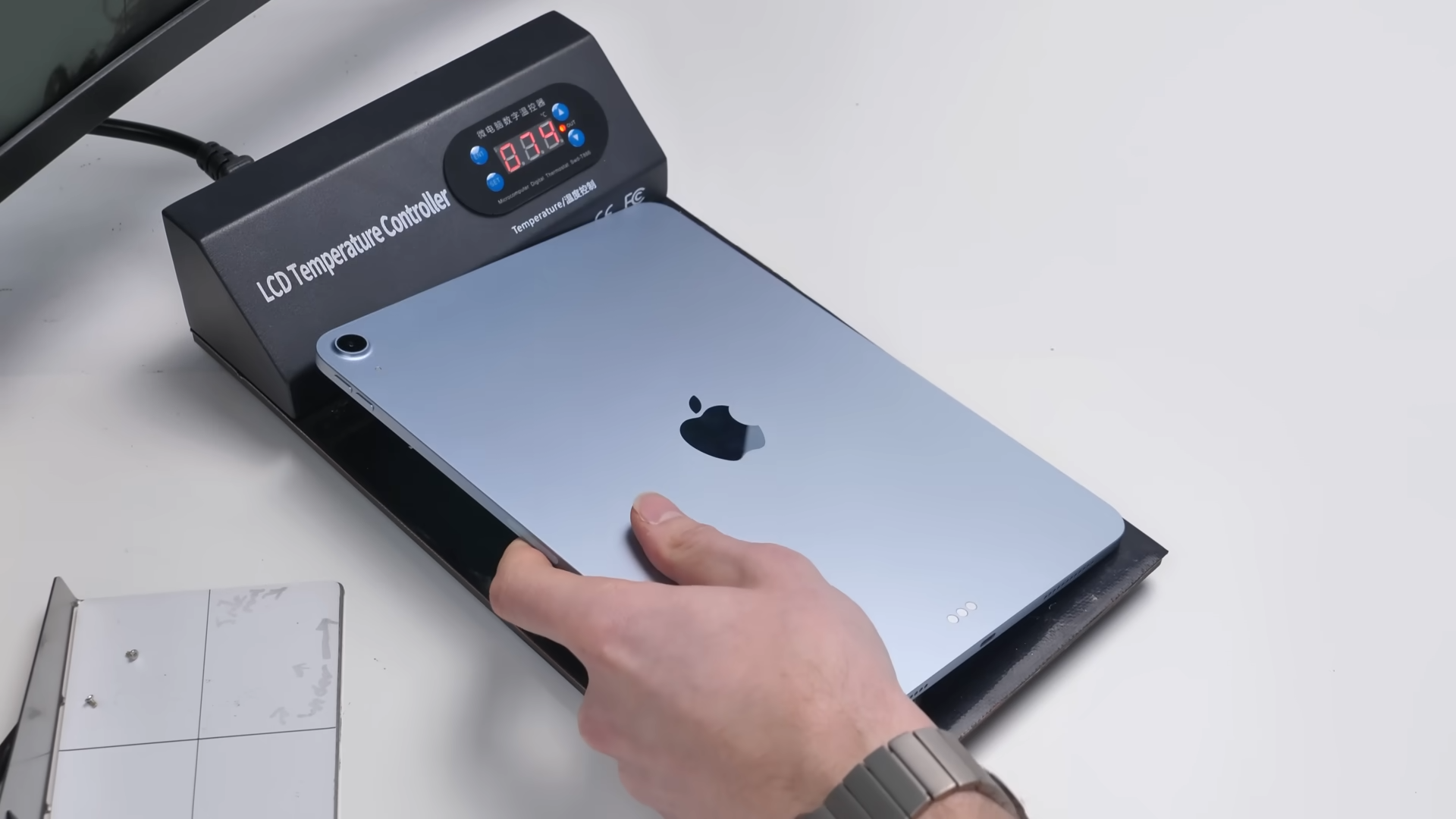
Getting inside is still the usual process. You need heat, a suction cup, and a lot of patience because the adhesive holding the display down is strong. Since it’s an LCD, you also have to be careful with alcohol because it can seep underneath and damage it.
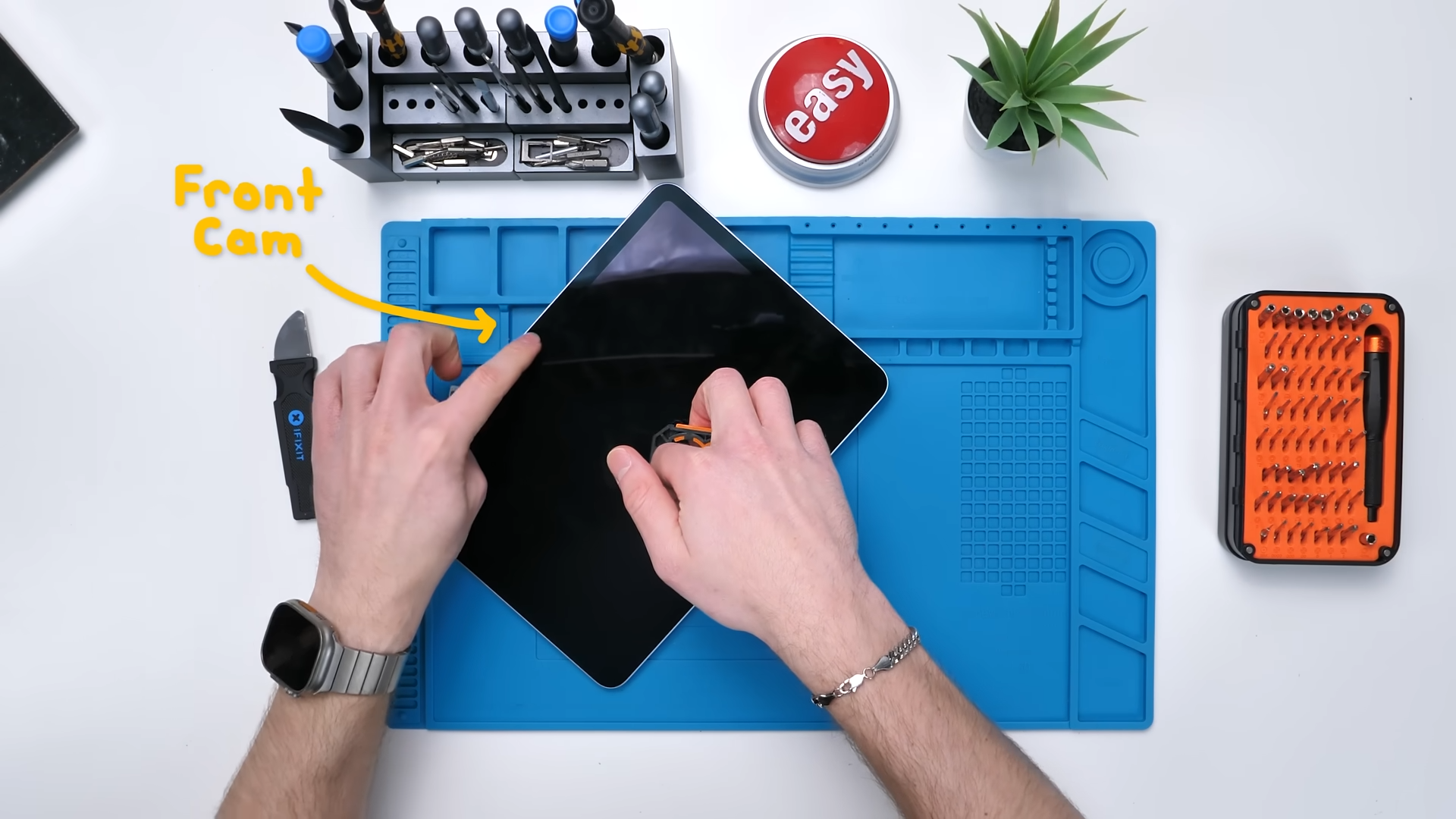
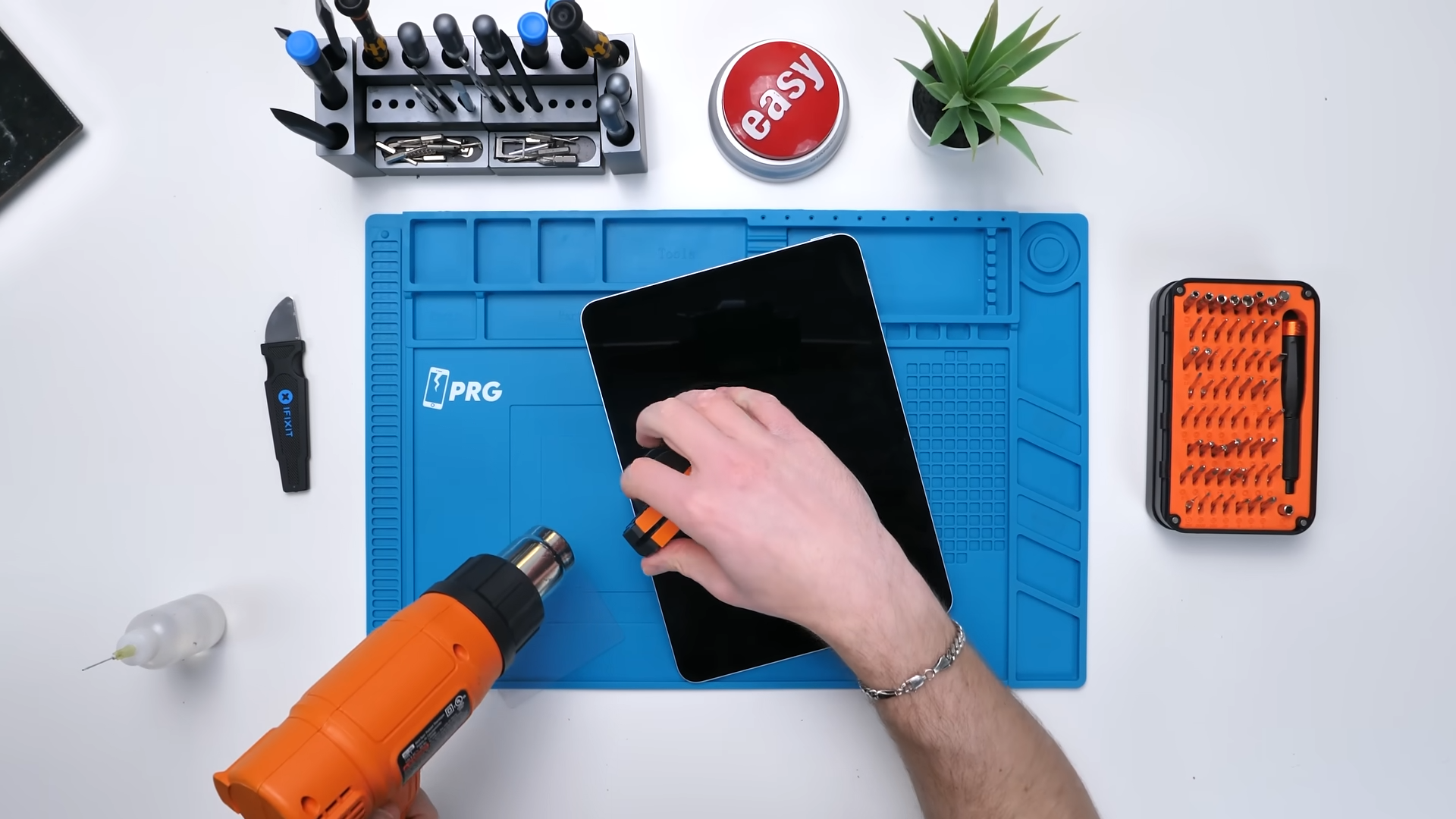
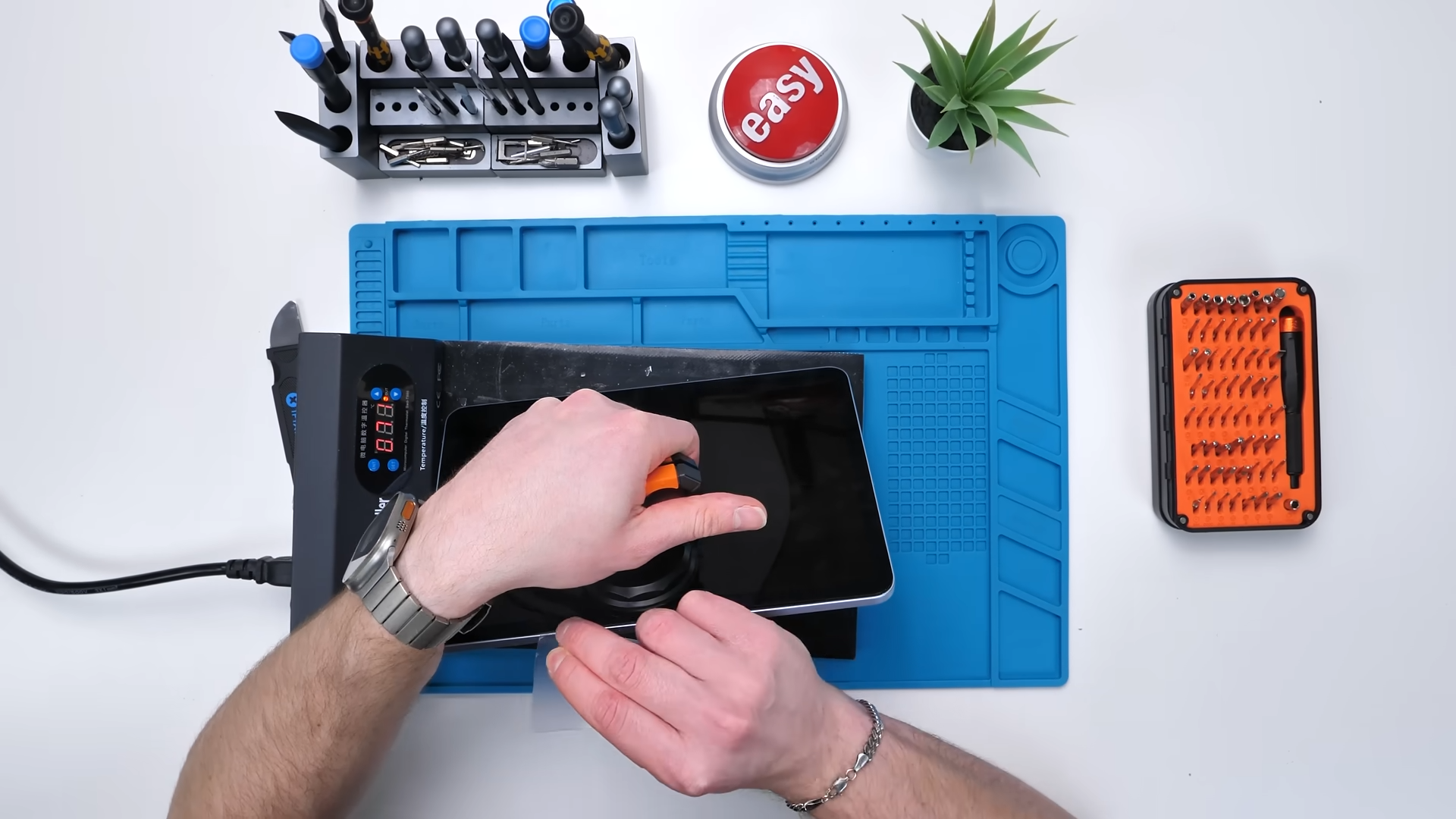
Once you finally get under the display and work your way around the perimeter, the screen lifts up and we get our first look inside.
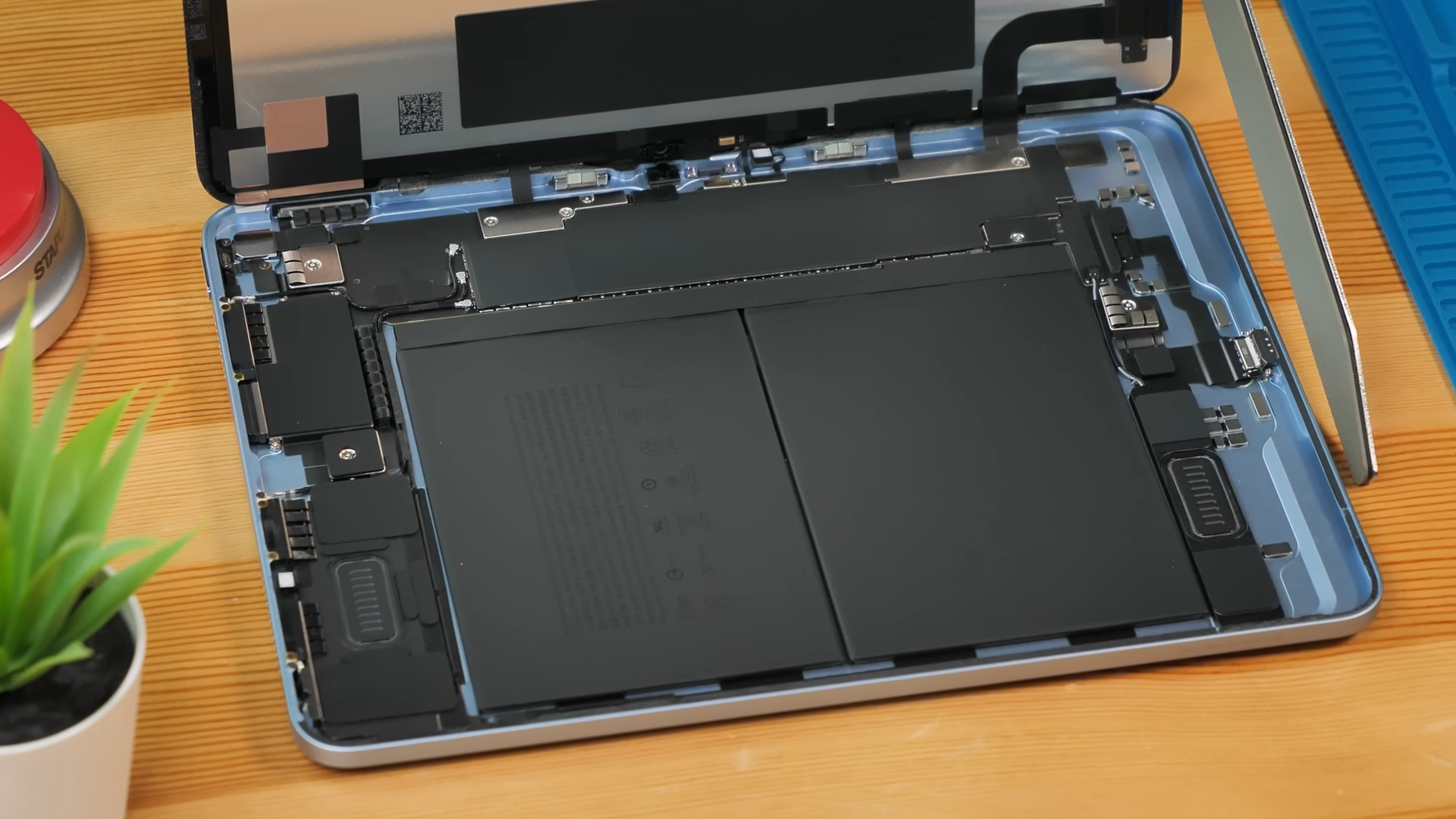
And right away, it actually looks pretty clean.
First Look Inside
Before doing anything, we have to disconnect the display, which also means doing that classic iPad move where you wedge something between the battery and the board just to cut power. It’s still annoying and still not ideal, but that’s how it’s done.
Once the battery is disconnected, pressing the power button gives no response, which confirms it’s actually cut off.
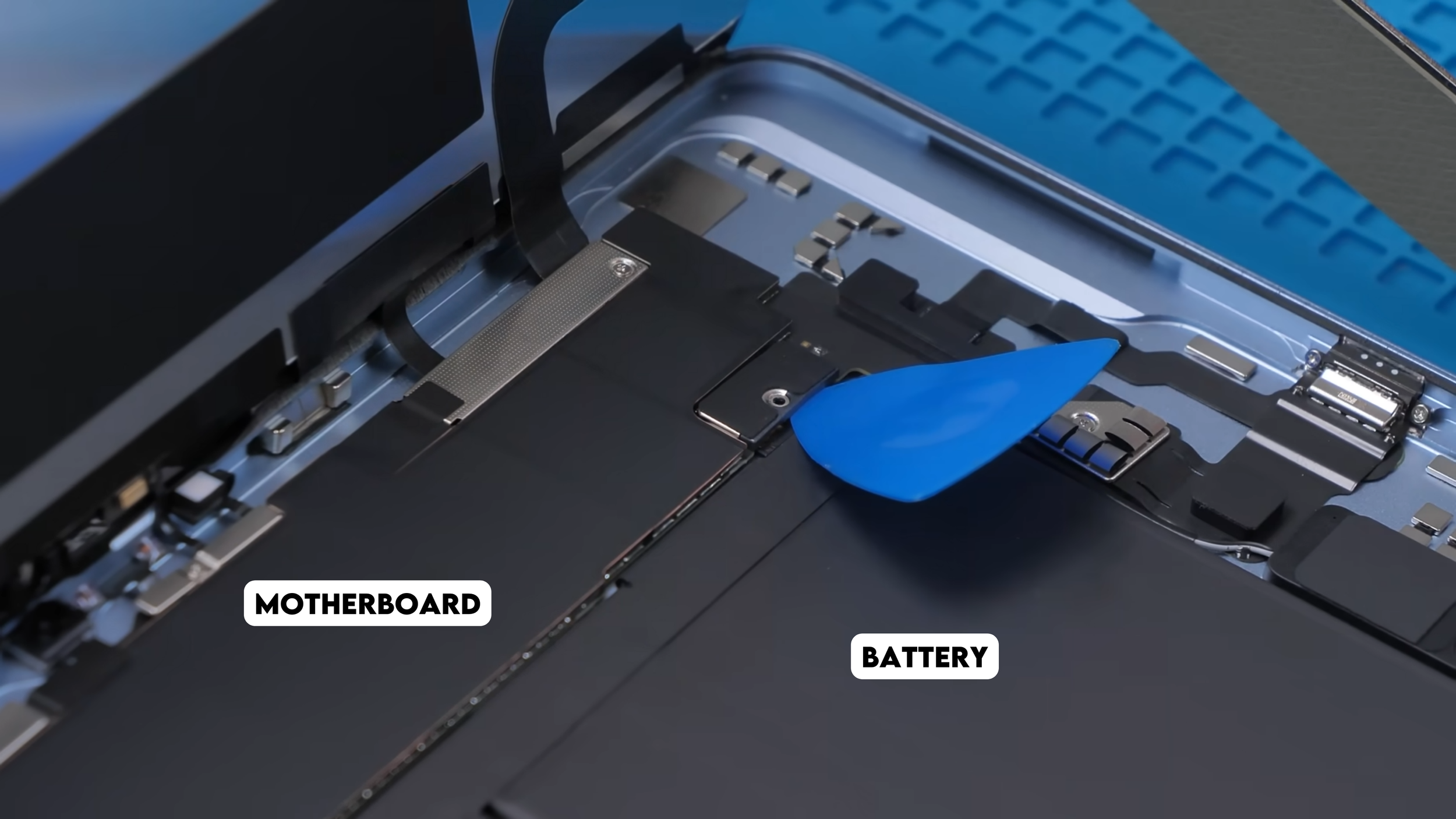
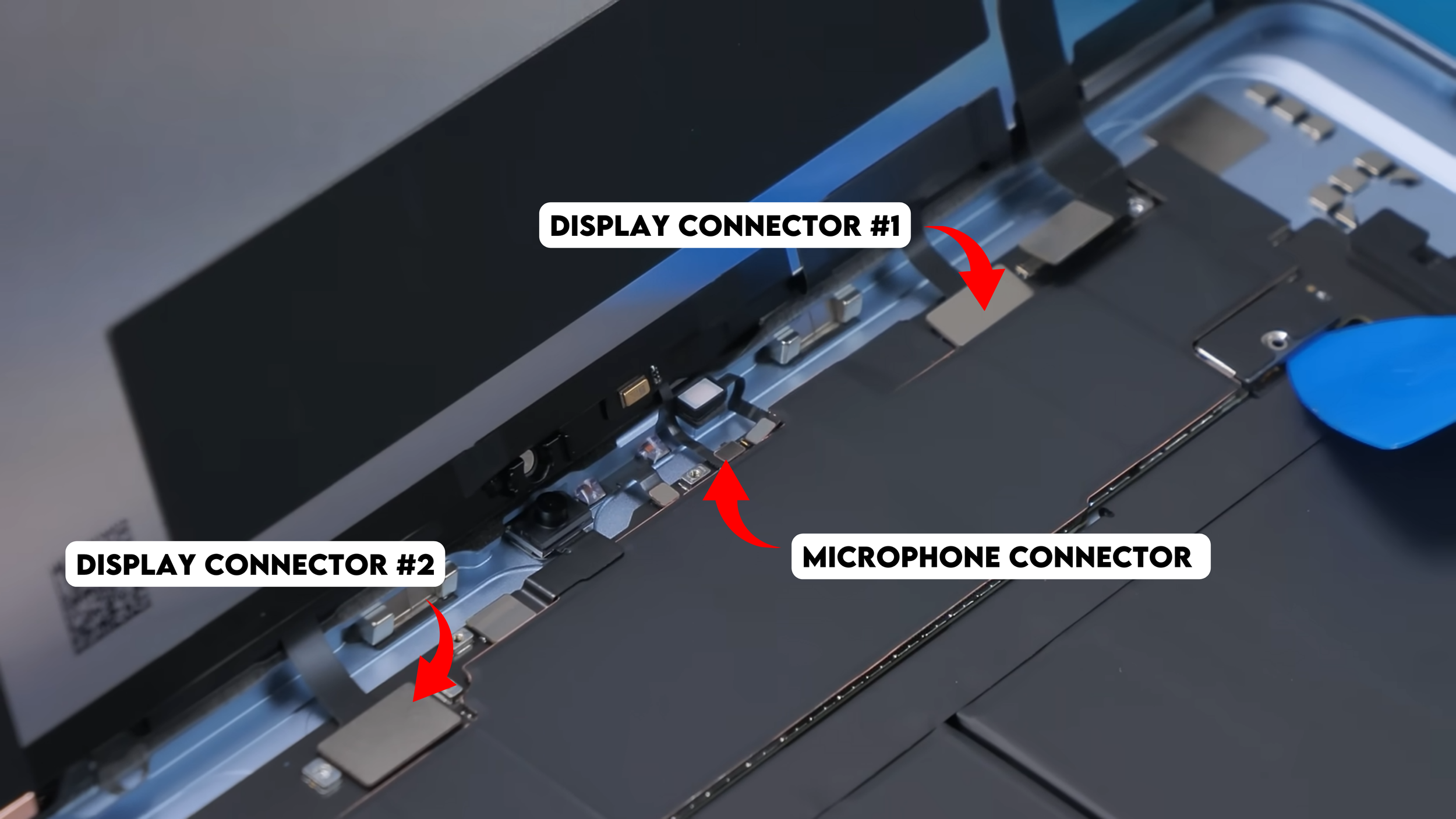
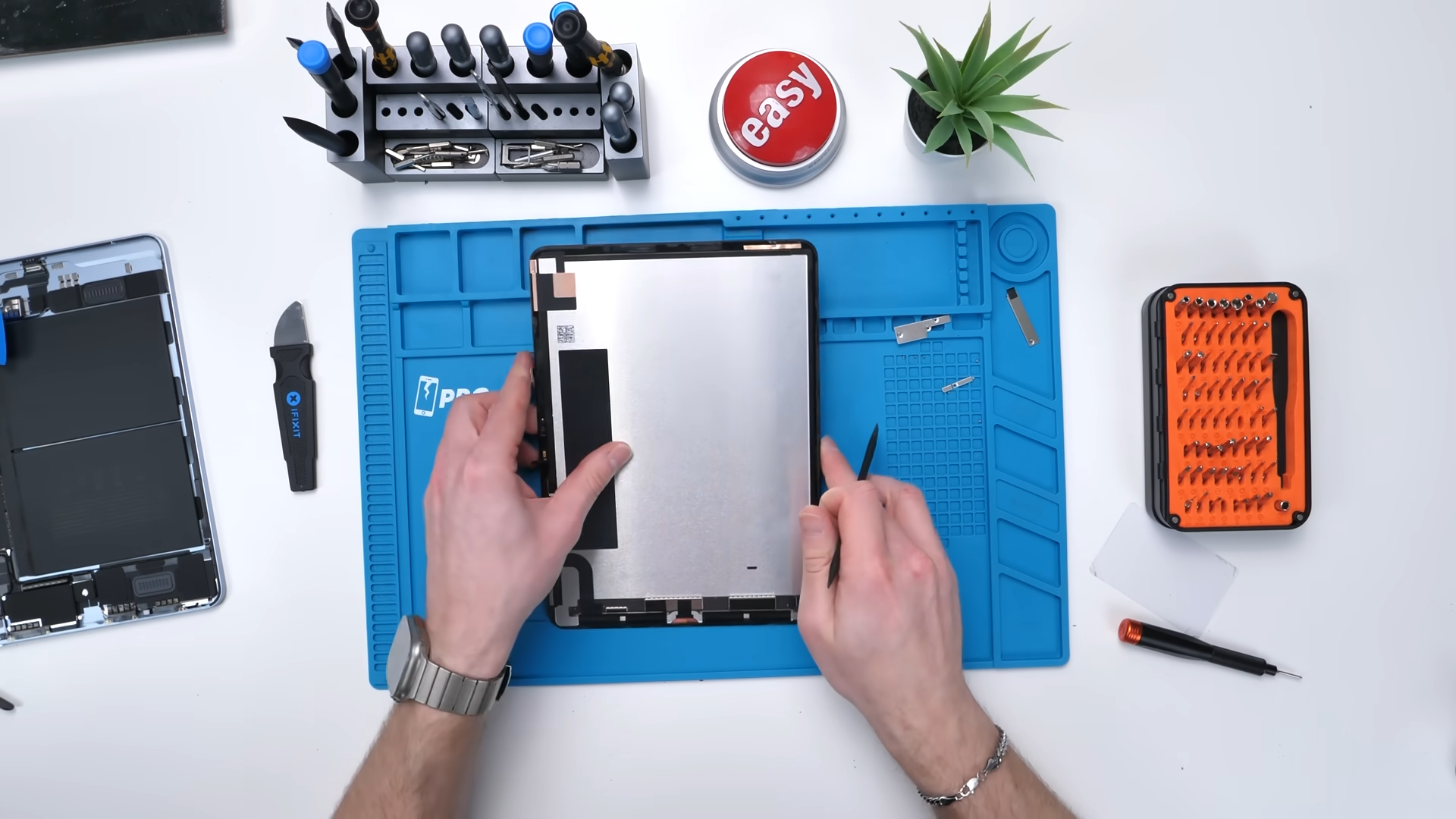
From there, we can unscrew everything connecting the screen, including the display cables and the tiny top microphone connector. Once the display is fully removed, it looks almost identical to the previous generation, so there are no major changes there. Now we can start getting into the actual components.
Battery Removal Is Finally Fixed
The first thing we’re looking at is the battery, and this is where things immediately get better.
Apple finally added pull tabs that let you remove the battery directly. You can also remove it without removing the motherboard first which is quite nice for a change.
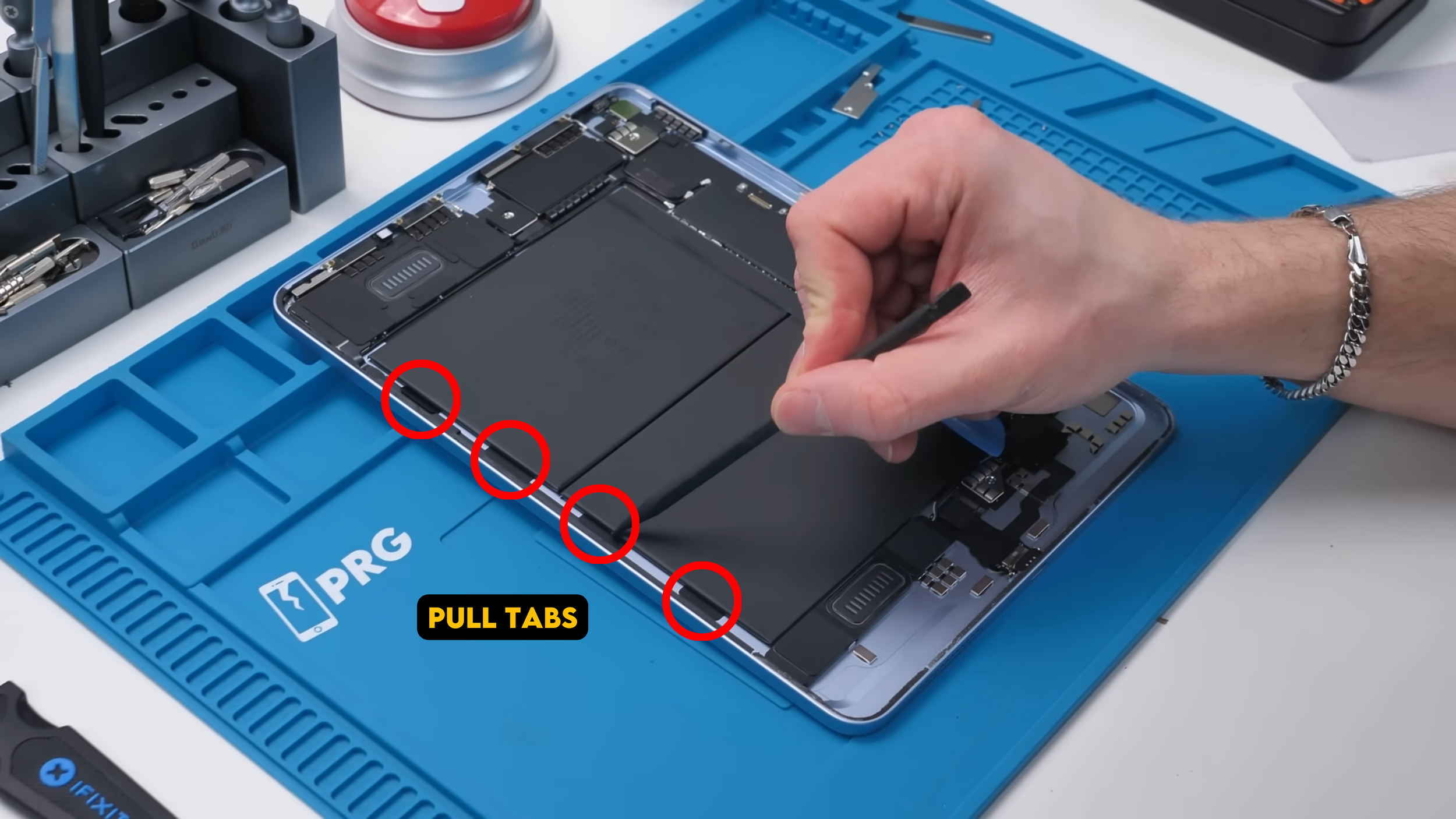
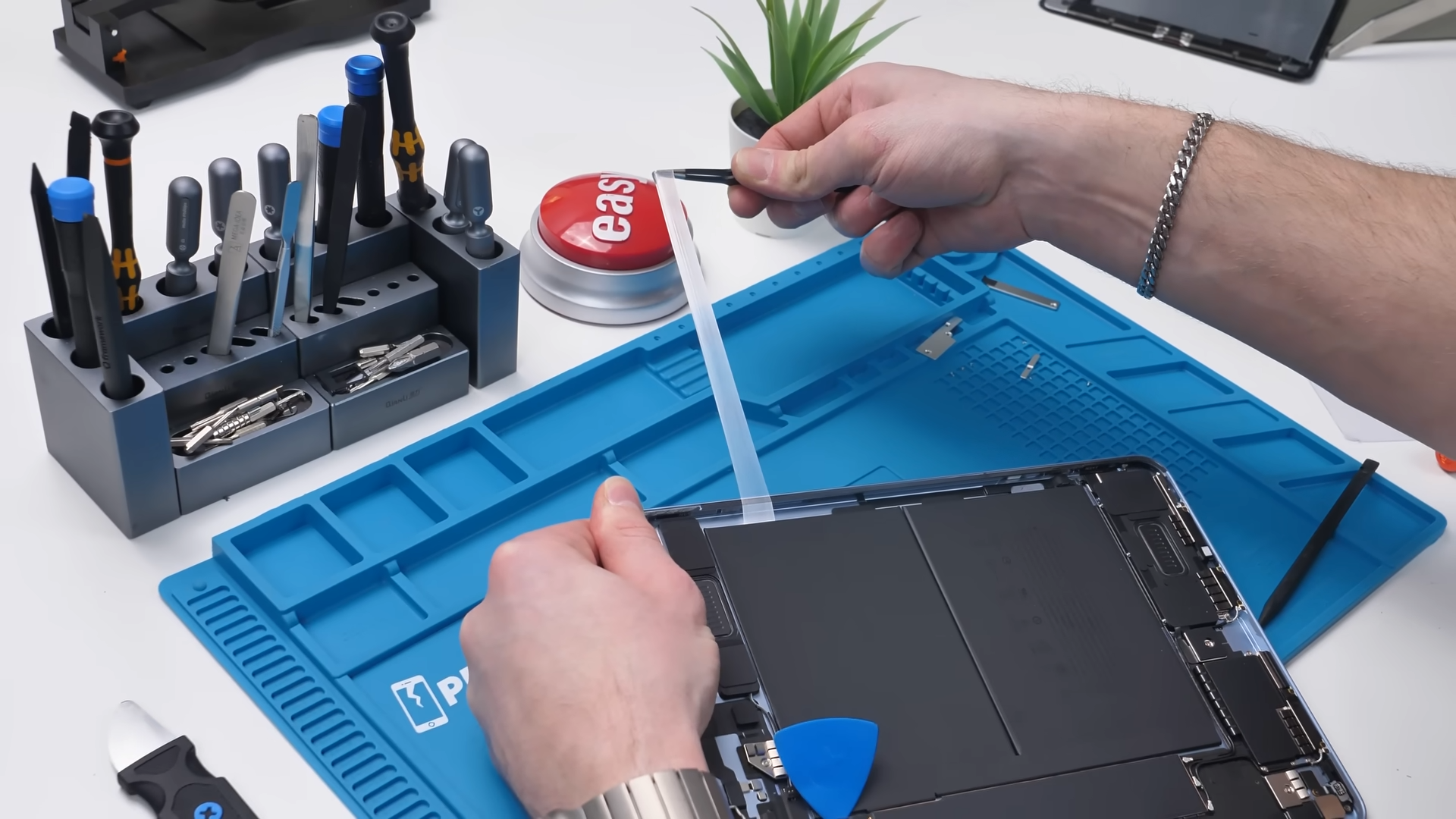
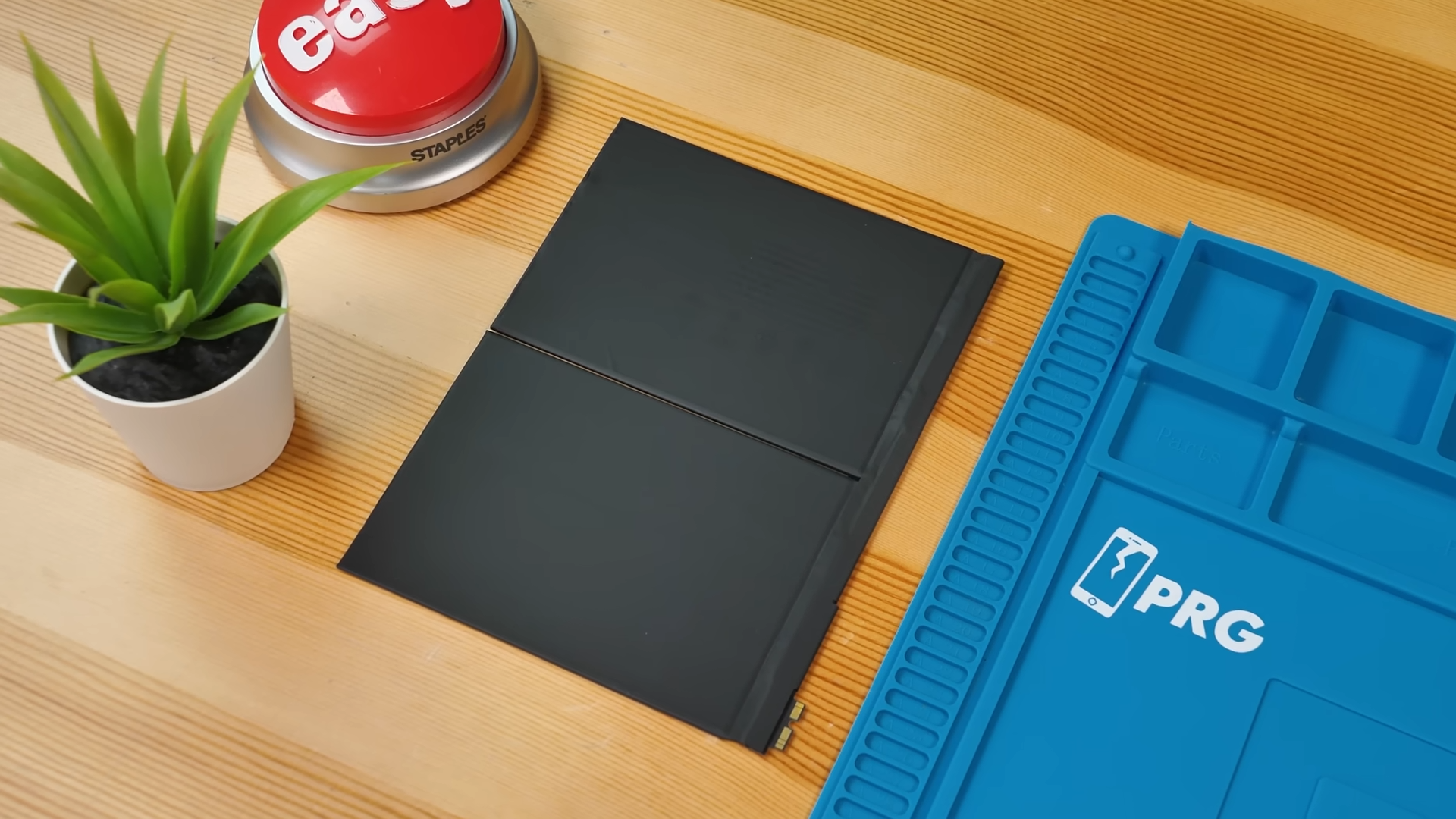
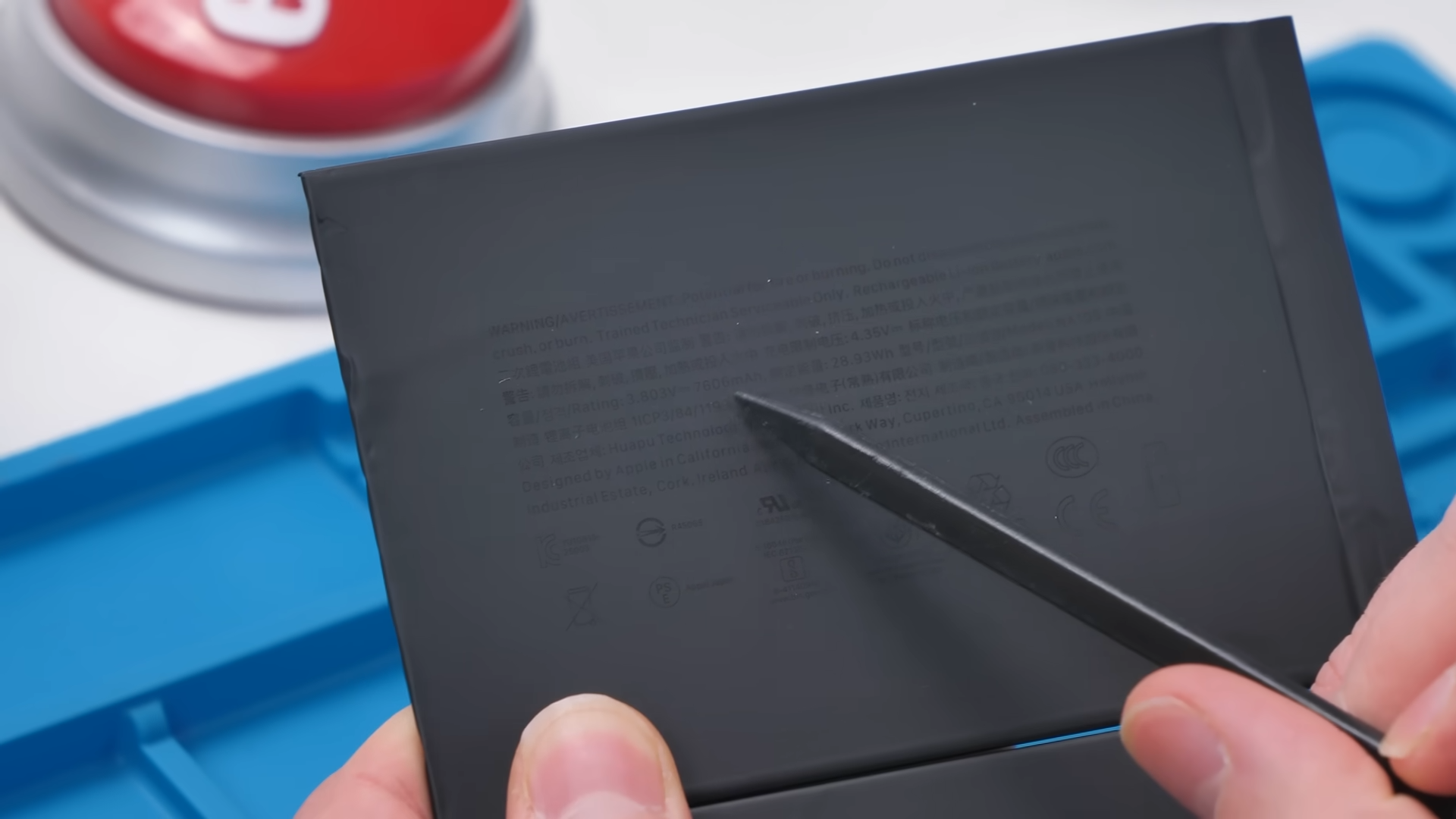
The battery itself is a 28.93Wh unit, around 7,606 mAh, and the removal process is actually somewhat straightforward for once.
Apple also finally added iPads to their self-service repair program, which means parts, tools, and manuals are now available for this device. It took a few years, but this is a big step forward.
The Charging Port Is Finally Modular
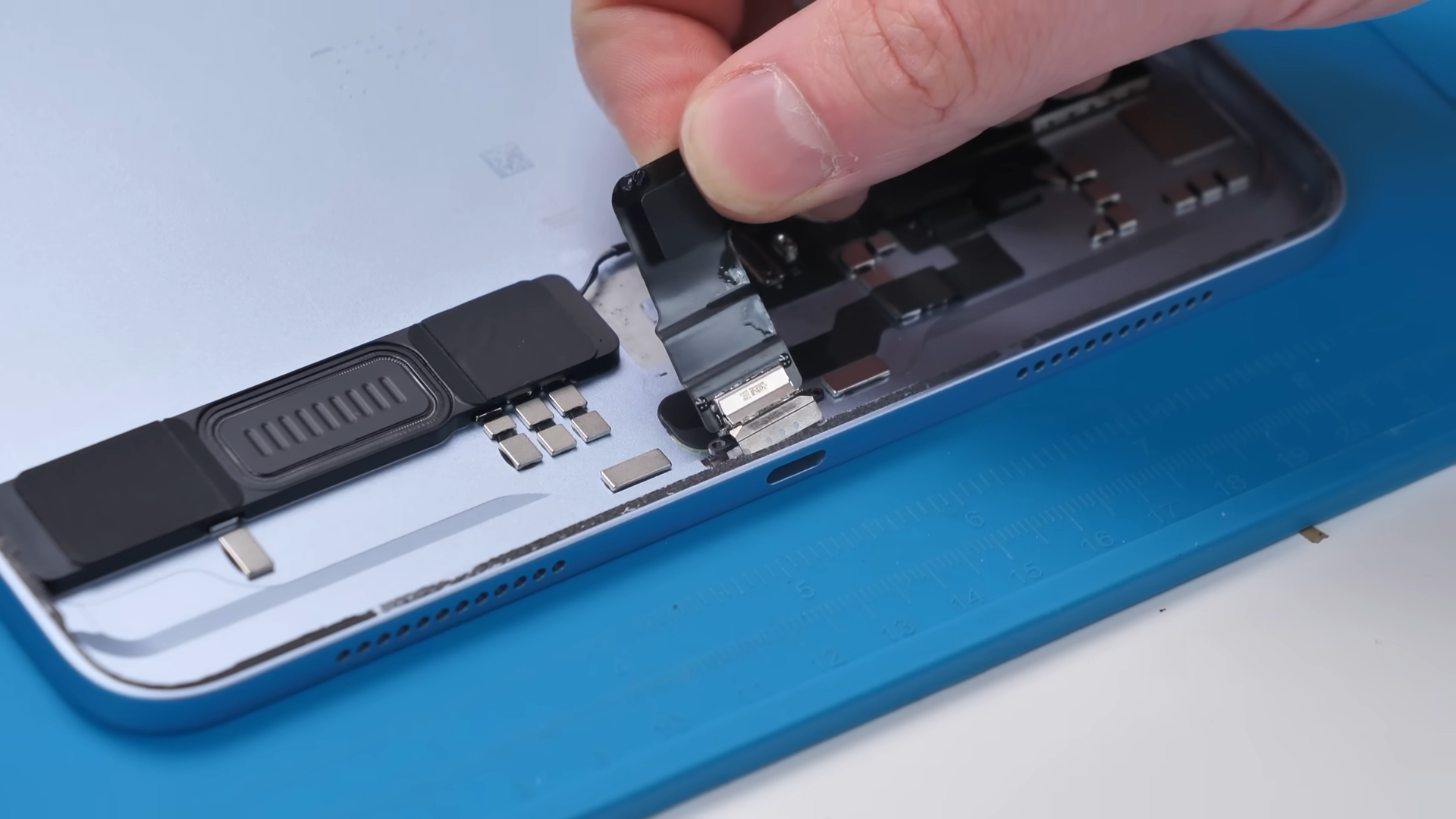
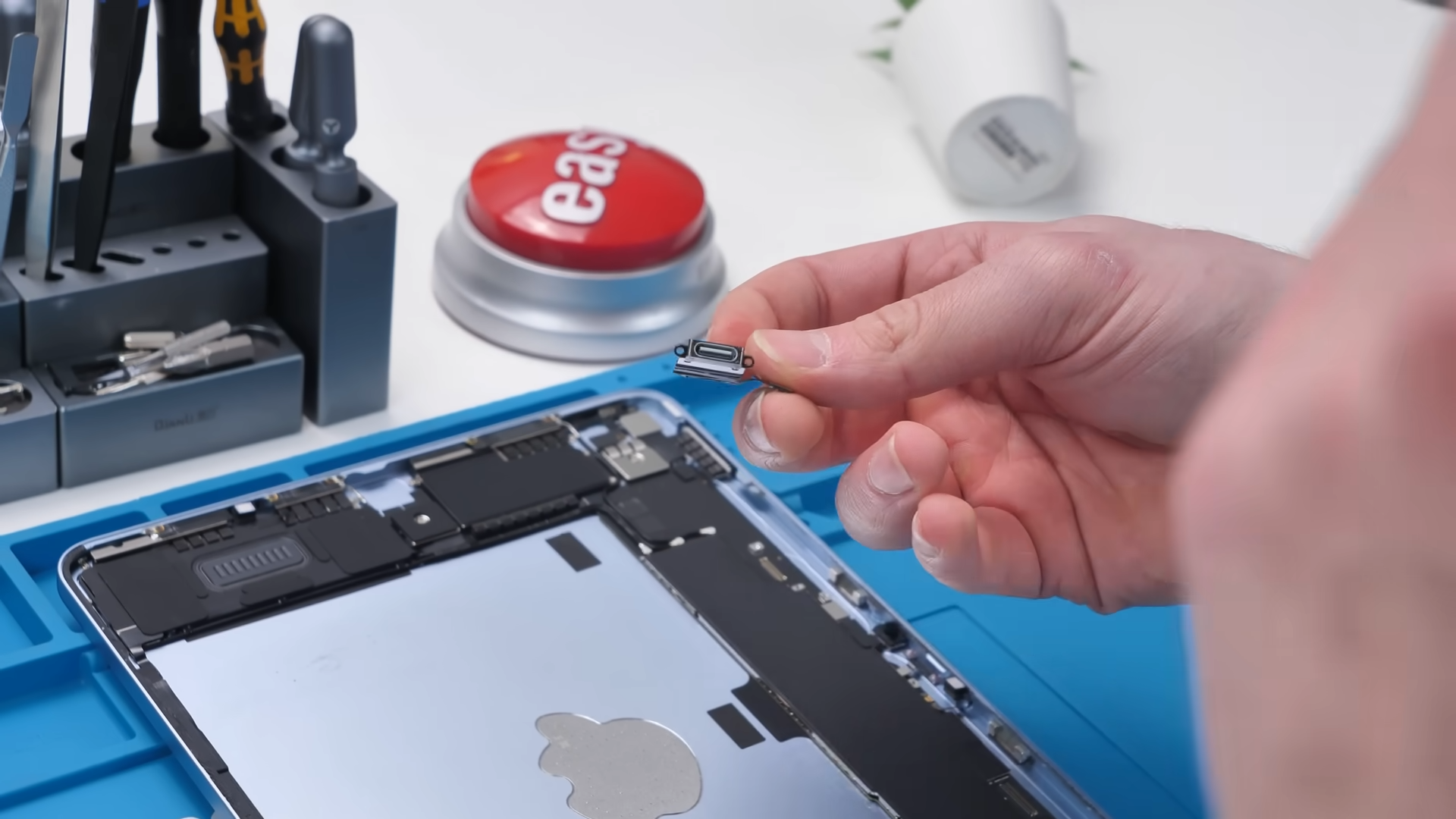
Next up is the charging port, and this is probably the biggest surprise in the entire teardown. It’s modular.
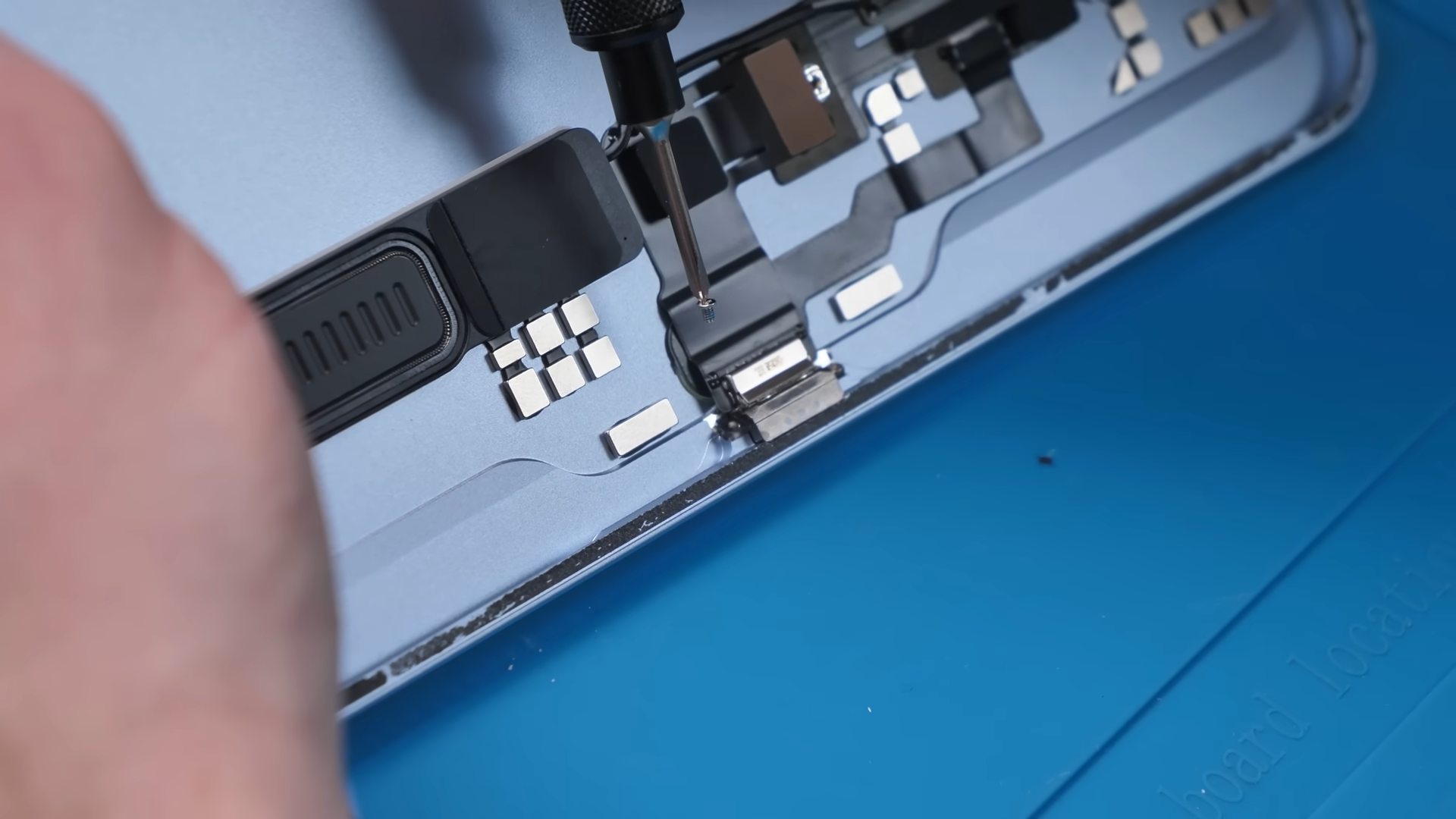
On older iPads, this was usually soldered directly to the motherboard, which made repairs expensive and complicated. But here, after removing a few screws and applying a bit of alcohol, the port comes right out.
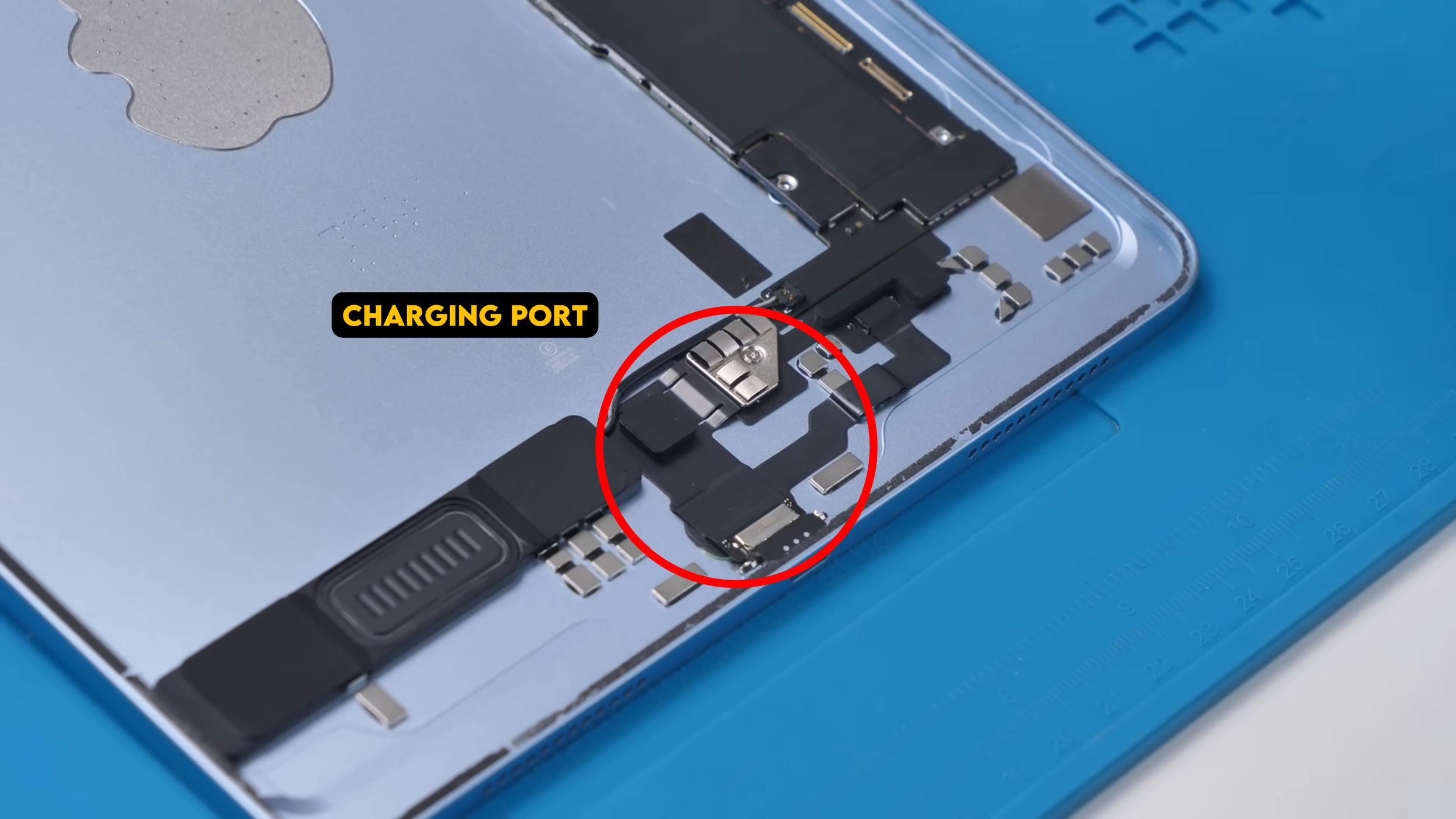
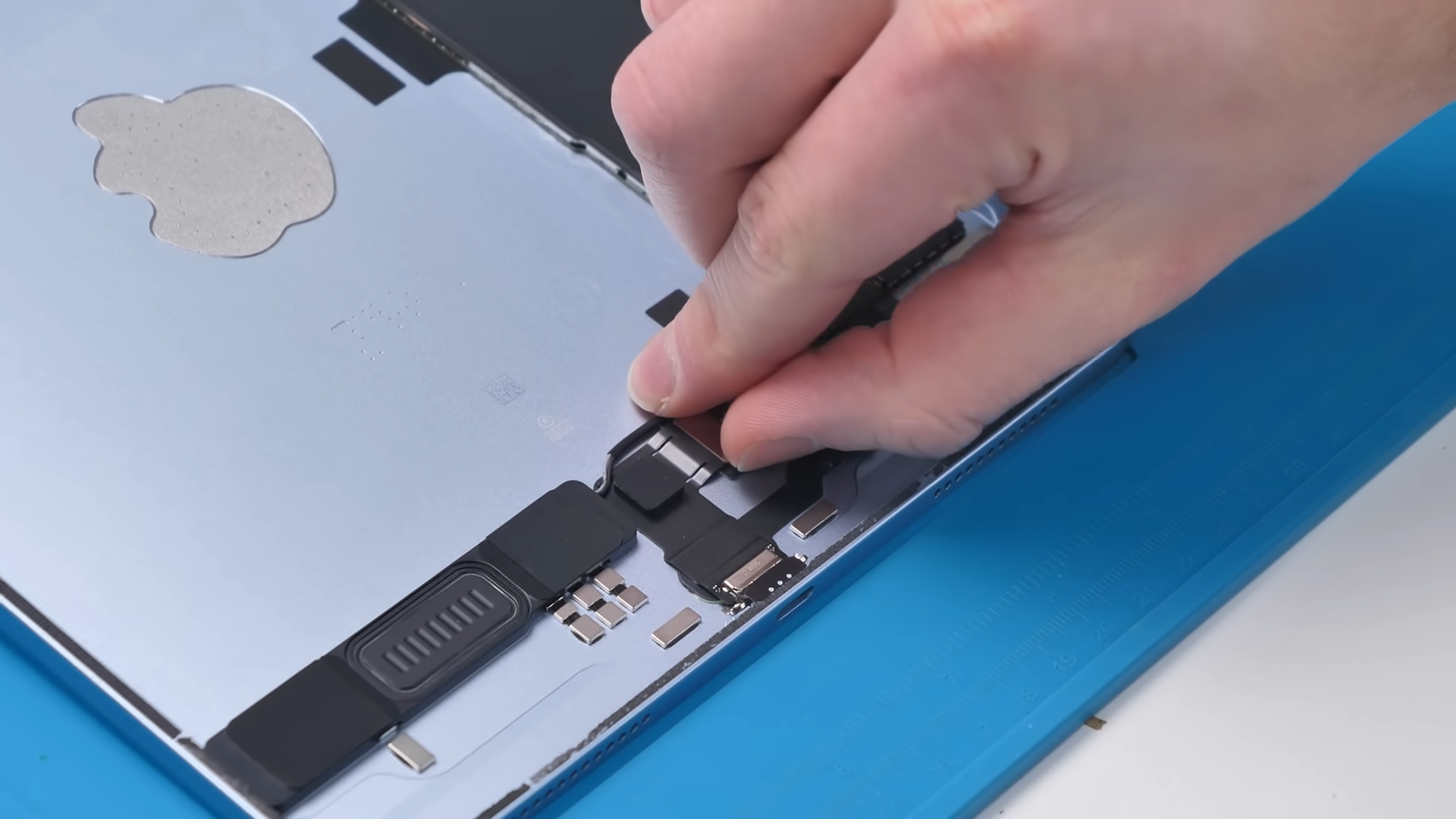
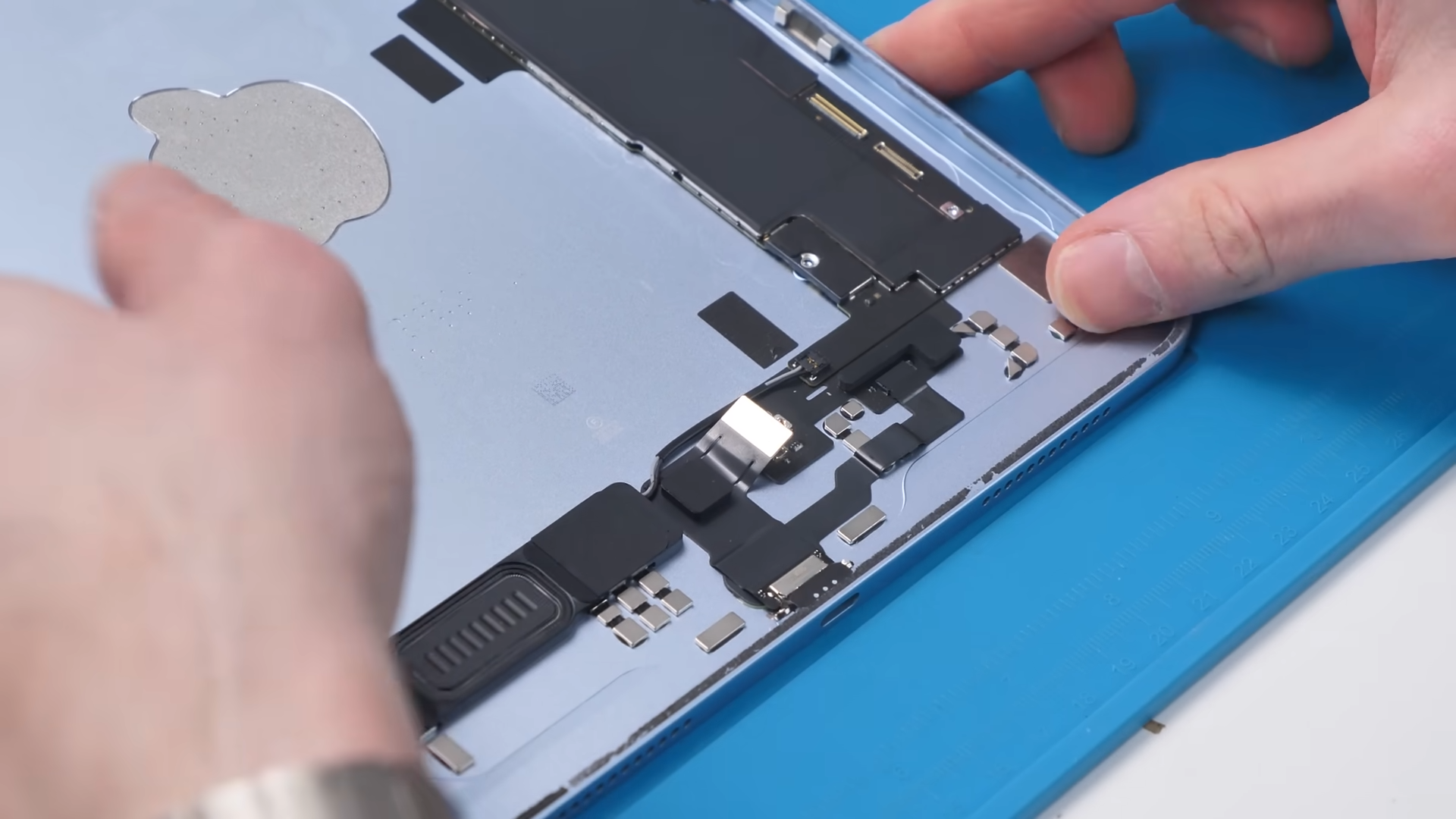
Even the way it’s mounted is a bit unusual, sitting at a slight angle, almost like the screws are fighting to hold it in place. Charging ports are one of the most common failure points, so making this modular makes repairs significantly easier and cheaper.
Taking a Look at the M4
Now we can finally get to the motherboard and see what’s powering this thing.
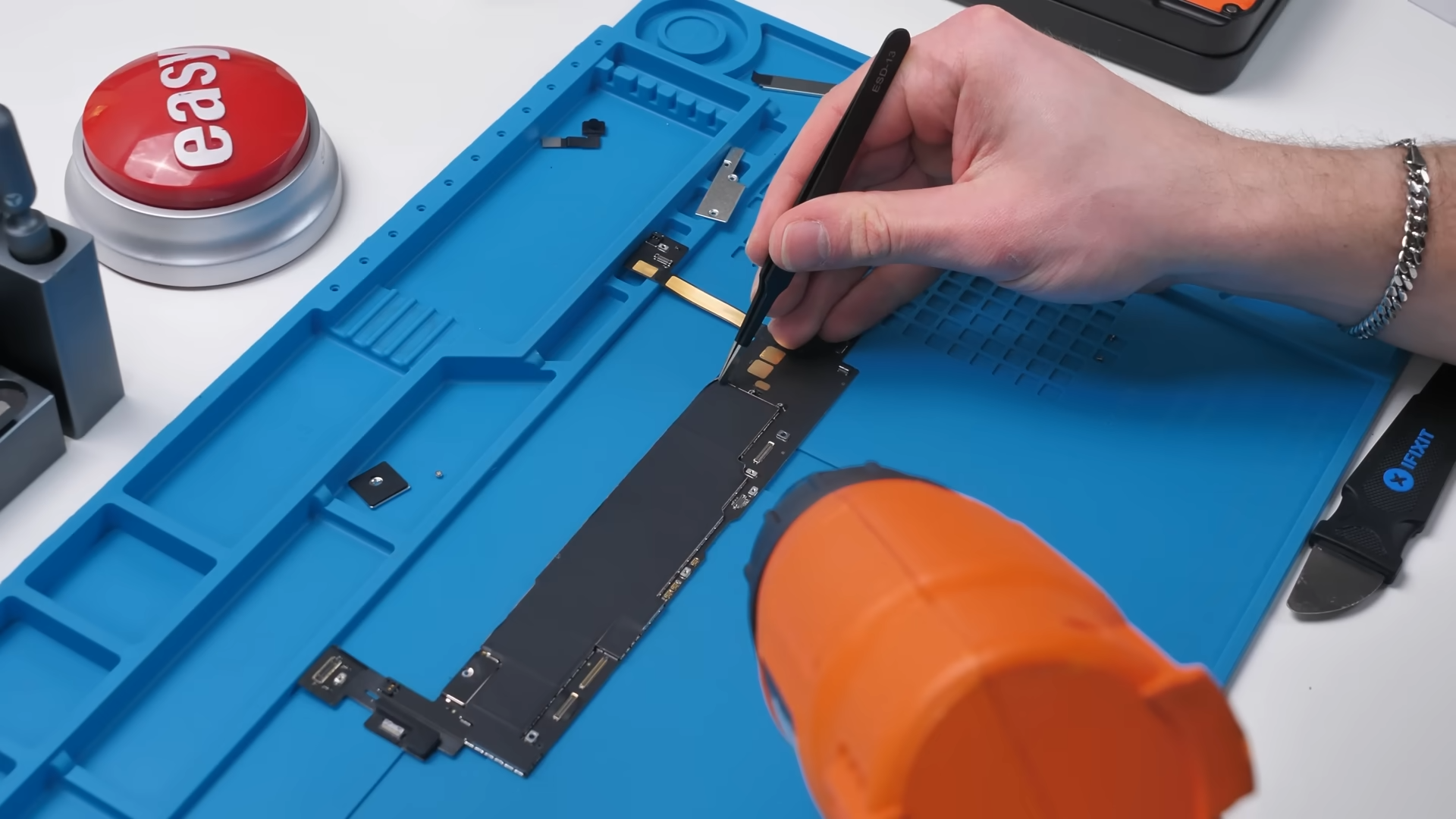
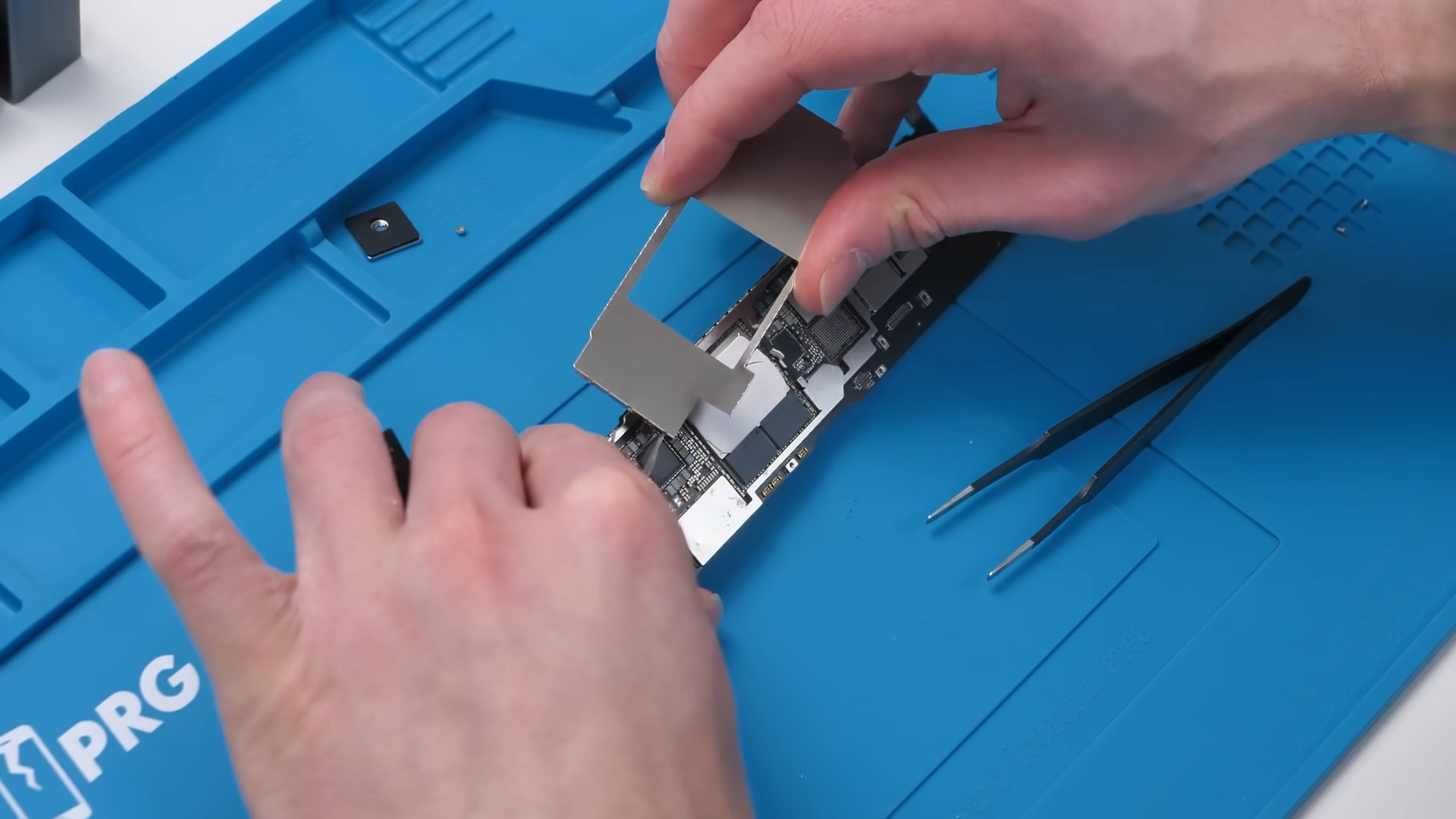
To get a proper look, we first have to heat things up and remove the graphite cooling layer sitting on top of the board. Once that’s peeled back, there’s also a metal shield covering the main components, but the nice part is it’s not soldered down, so it comes off pretty easily.
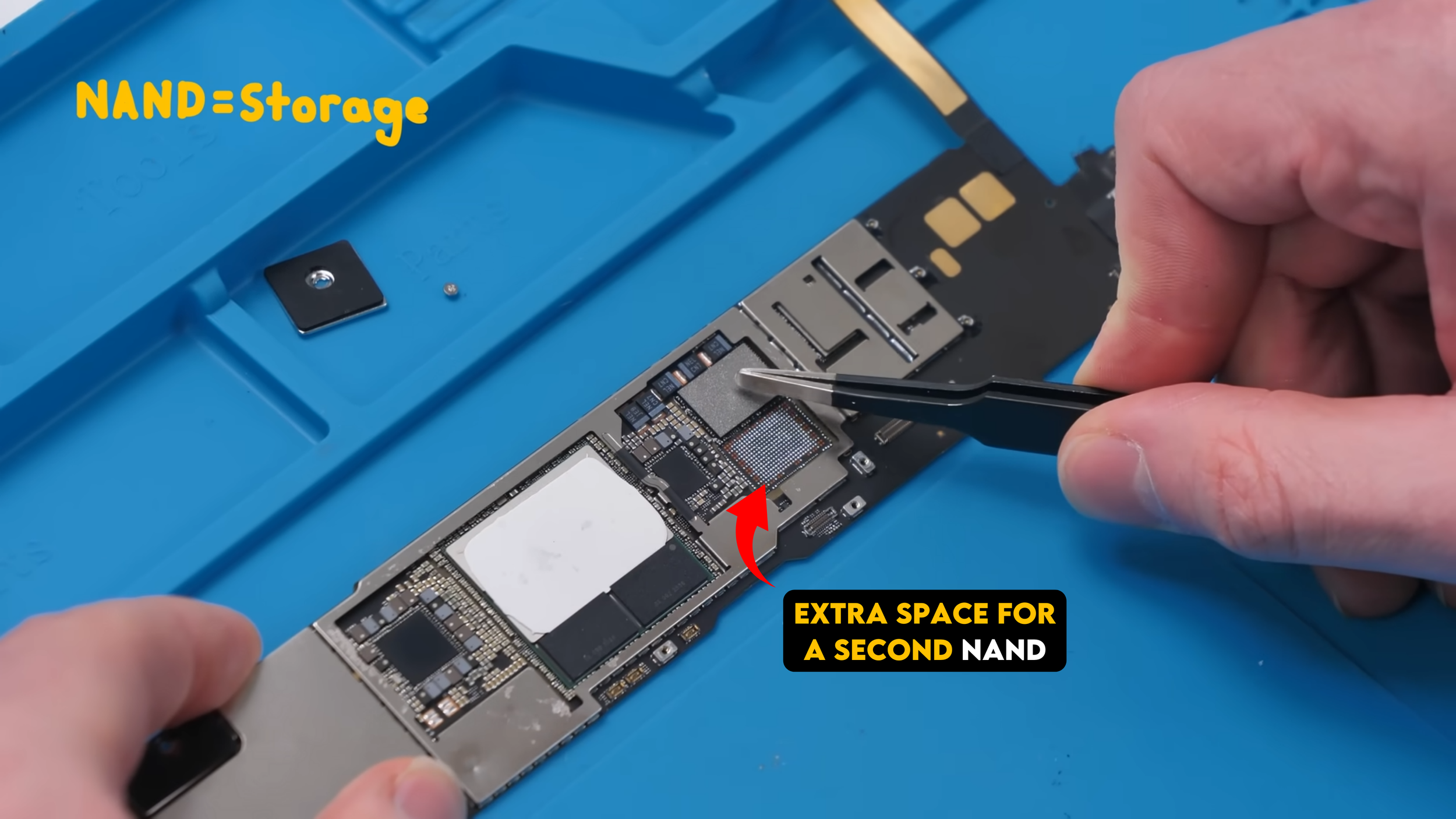
With that out of the way, one of the first things you’ll notice is the NAND storage, and right next to it there’s actually space for a second NAND chip. That’s interesting because it shows Apple is designing these boards with multiple storage configurations in mind, and technically, it means upgrades could be possible with the right tools.
And then we get to the main event.
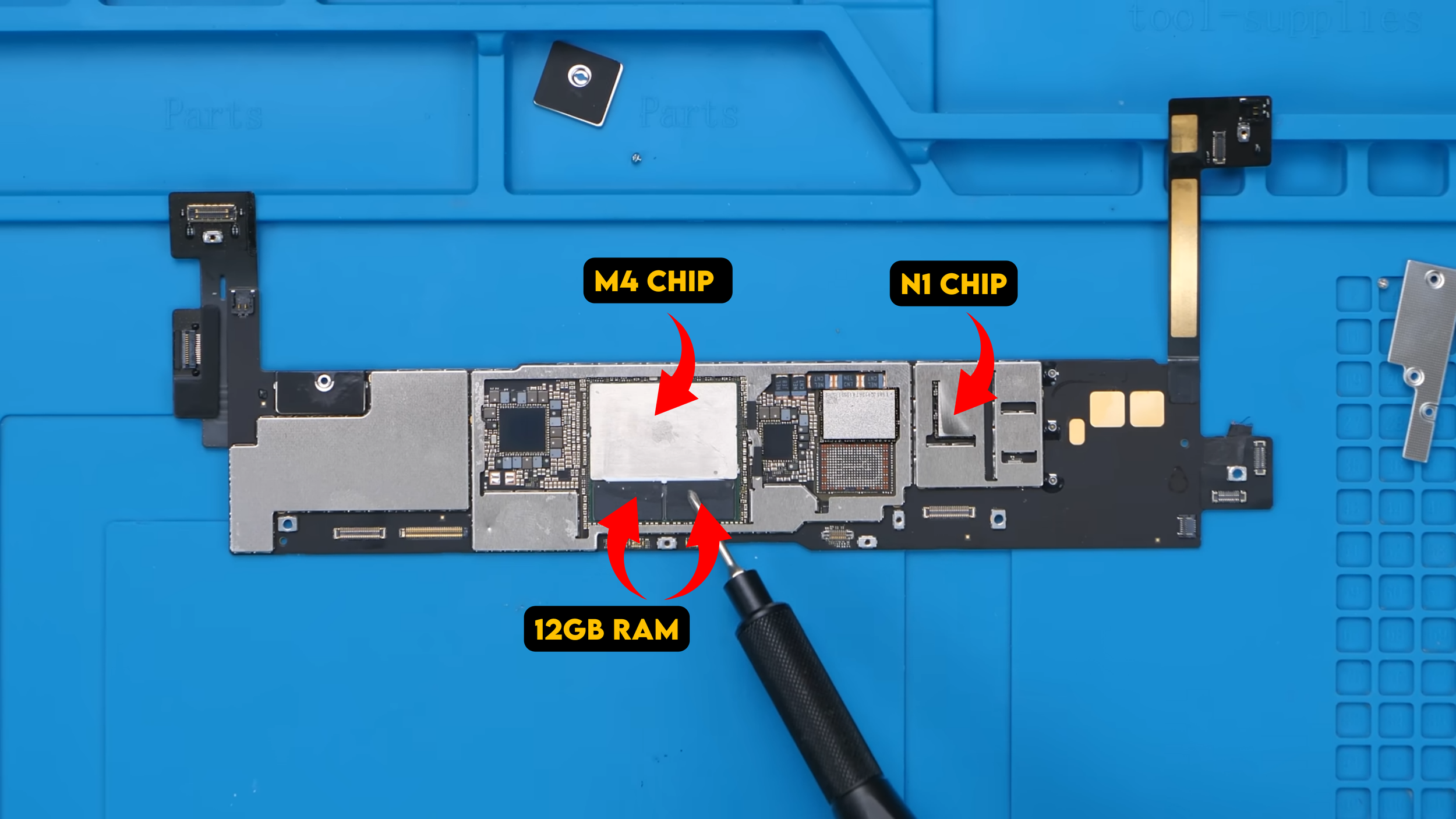
Right here is the M4 chip paired with 12GB of RAM, which is honestly overkill for most tablet use cases but still really impressive to see in a device like this. The N1 is also on the board, likely sitting under one of the remaining shields, and this iPad now supports Wi-Fi 7, which is a nice upgrade over the previous generation.
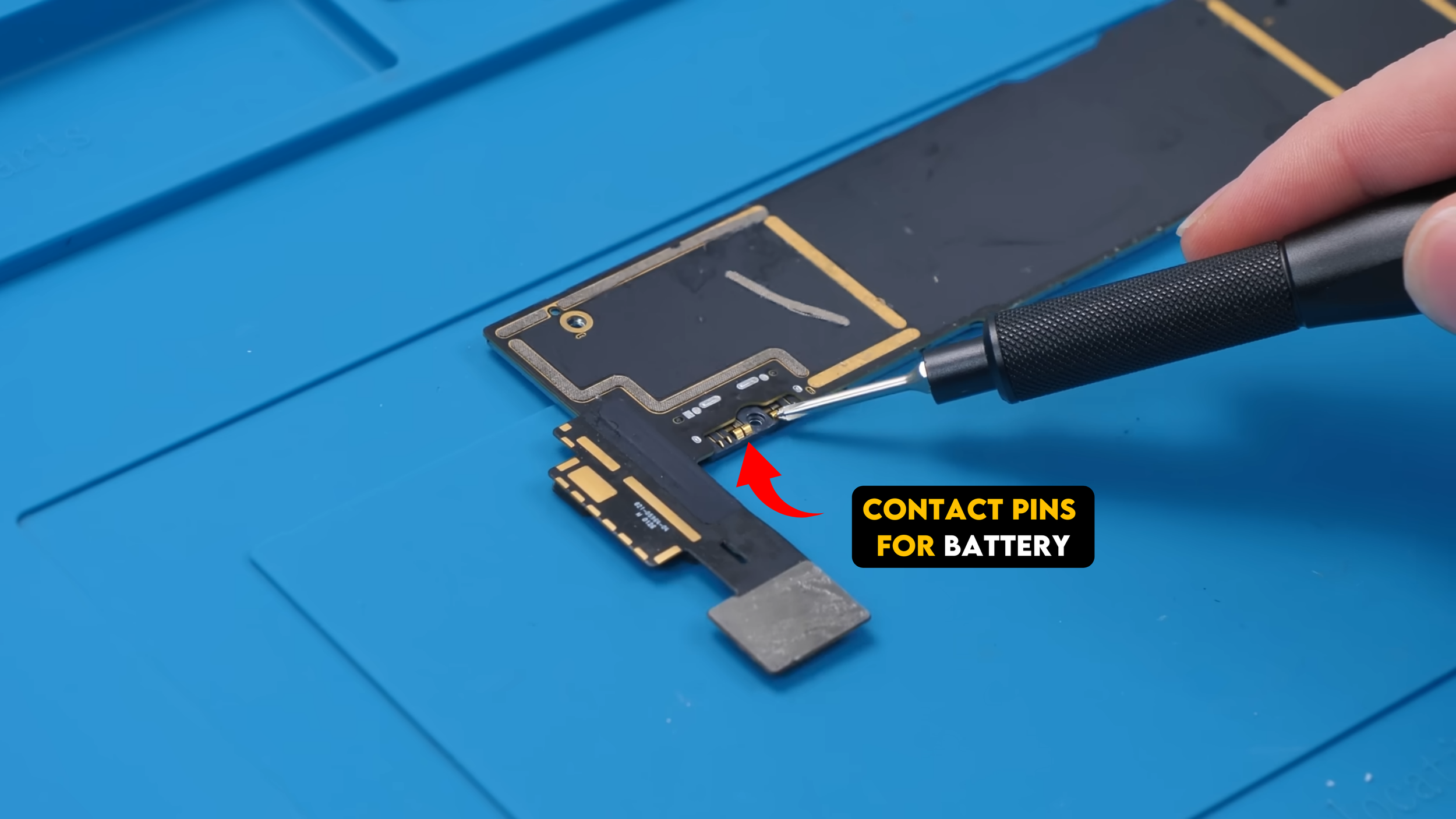
If we flip the board over, you can also see how the battery connects through simple contact pins, which is a pretty clean and straightforward design.
The Housing Still Holds It Back
Once the board is out, we can take a closer look at the housing, and this is where things start to become less repair-friendly.
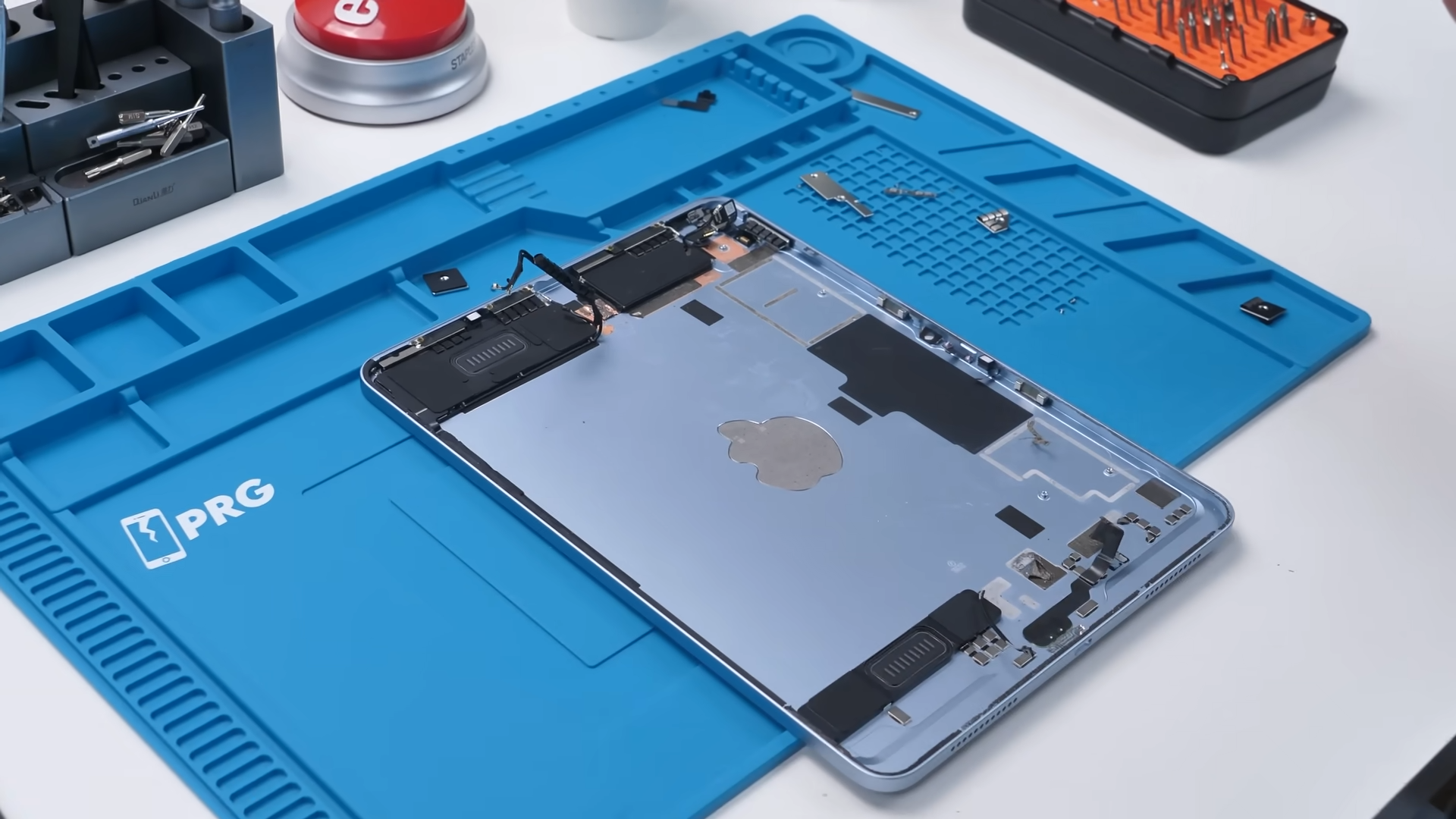
There are still quite a few components left behind once the board is out, and one of the biggest problem areas is the speaker. It can technically be removed with some alcohol, but doing that already starts to damage it, which makes it feel effectively unrepairable. There’s also another speaker up top, but that one wasn’t removed at all because it would likely break in the process.
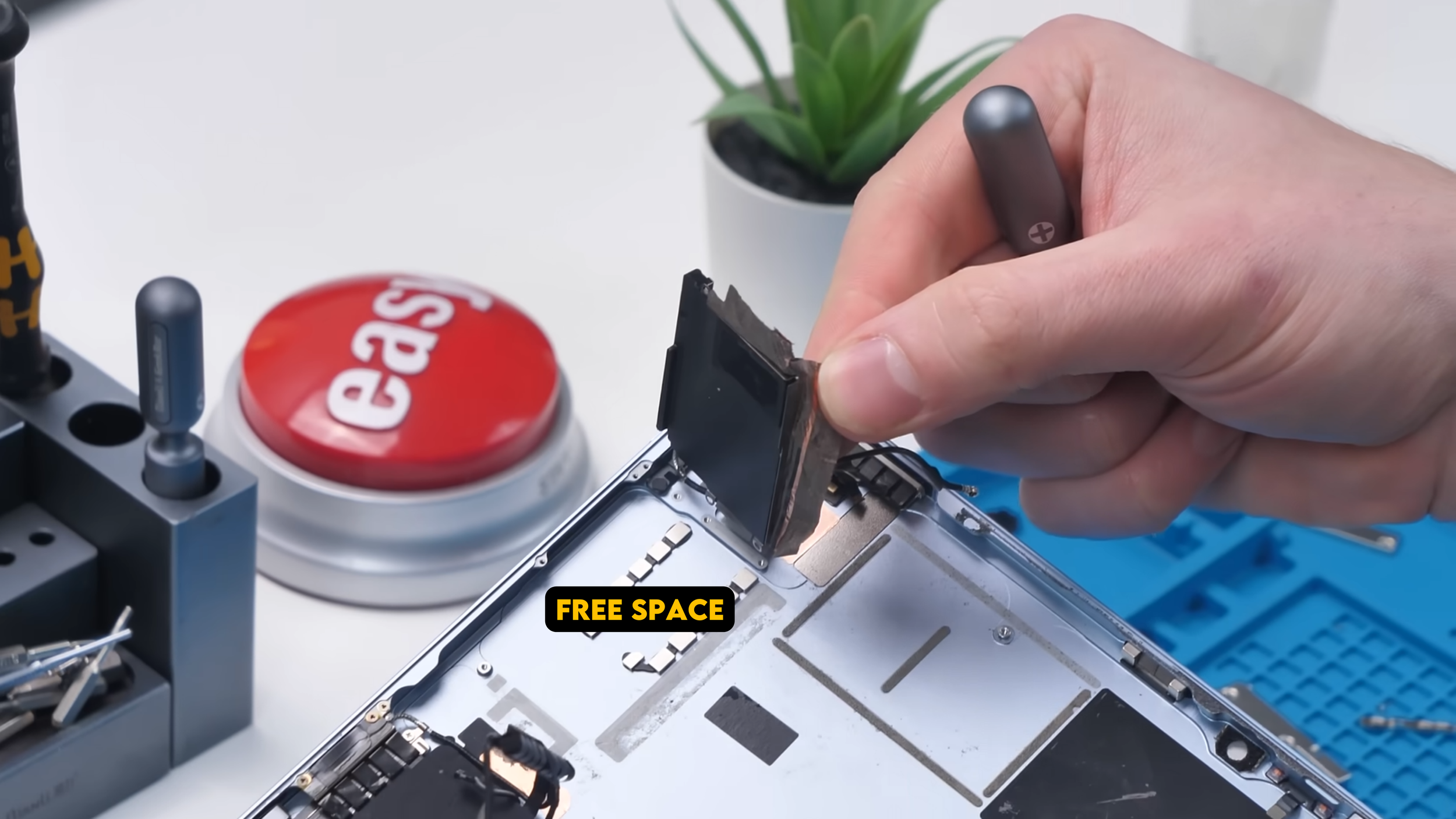
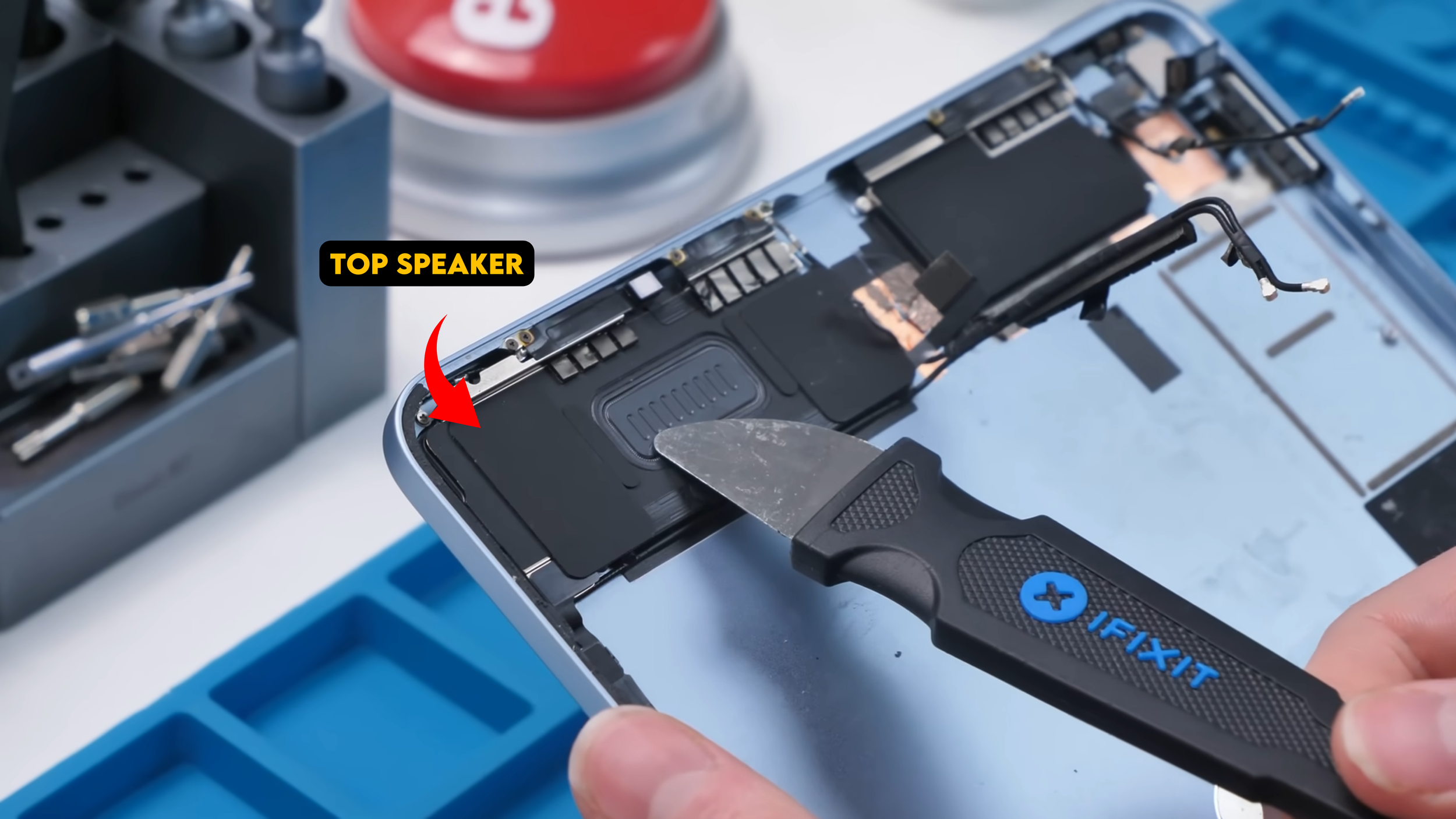
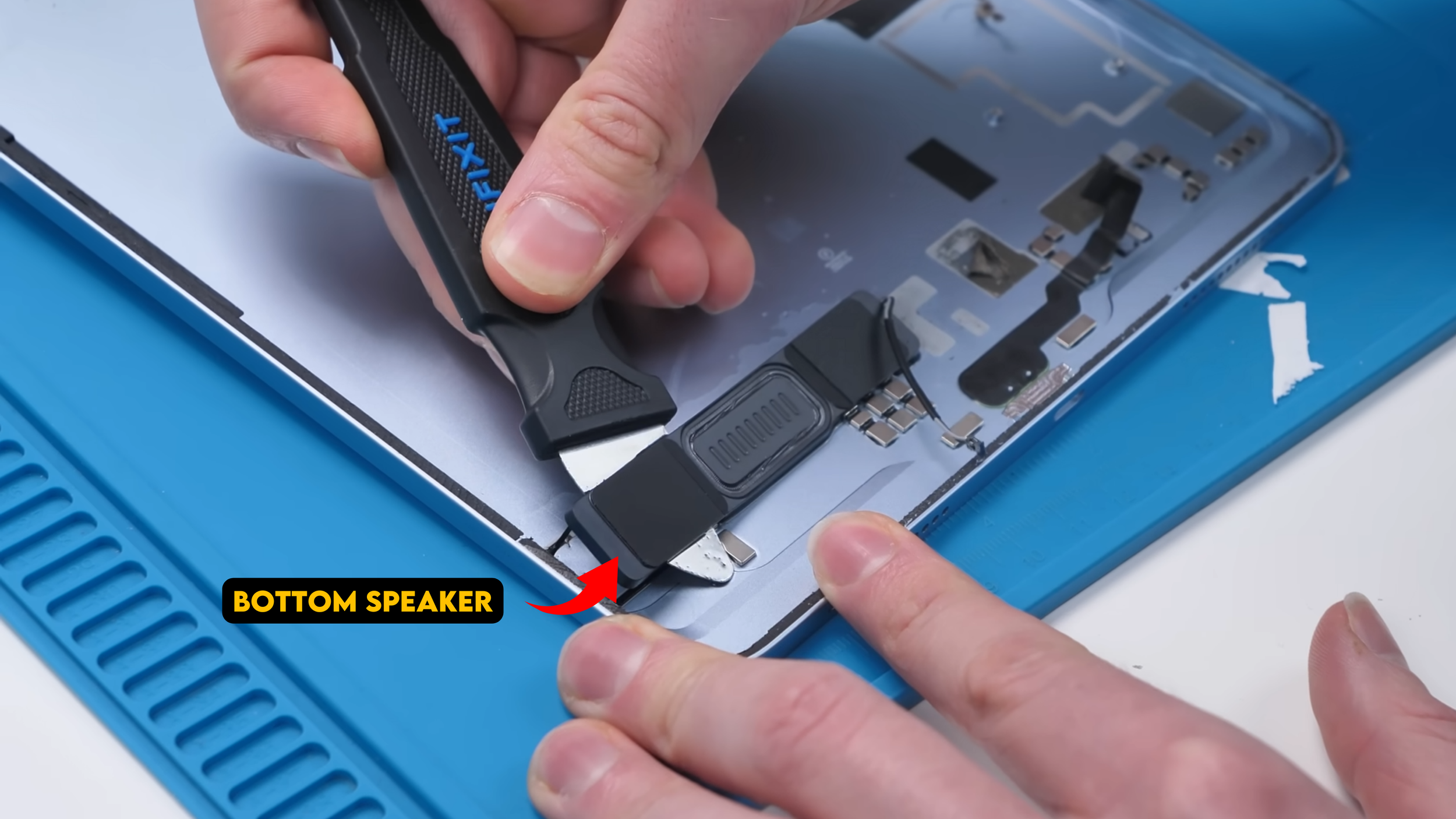
Looking around the rest of the housing, you can also spot the Wi-Fi and GPS antennas, along with a spacer that appears to have some magnets underneath it. There’s even a speaker grill at the top with no actual speaker behind it, which might help with signal reception, but it still feels like a bit of wasted space.
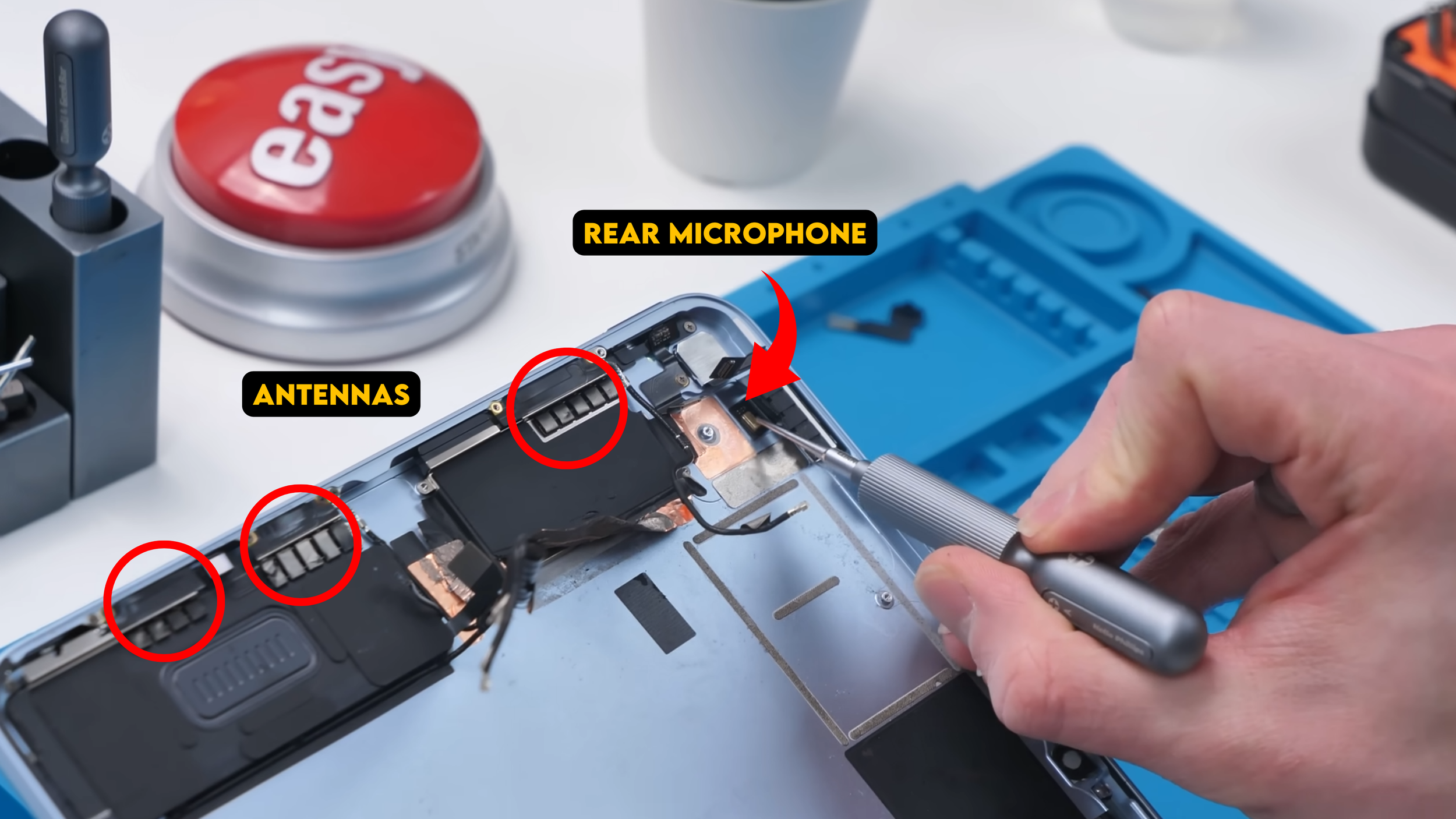
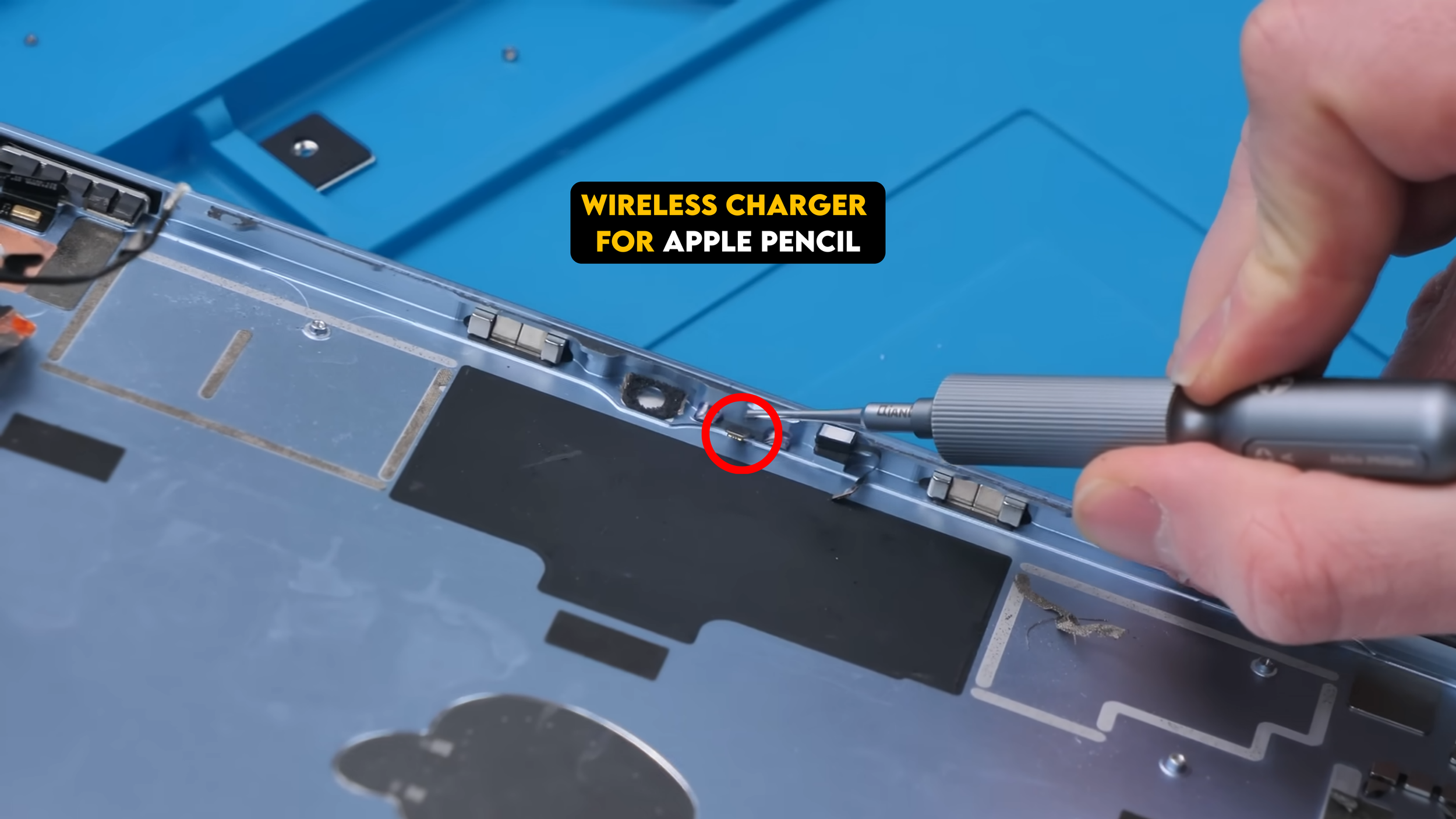
The rear camera is the same 12-megapixel unit as last generation, and right beside it sits the rear microphone, which is also part of the housing layout. There’s also the small wireless charging module for the Apple Pencil, and that part is integrated directly into the housing, so it’s not something you can remove very easily.
The EU Rating Is Weird
Now here’s where things get interesting.
The EU gave this iPad a G rating for energy efficiency, which sounds terrible until you understand how it’s calculated.
Instead of just asking how long the battery lasts, they compare battery life to battery size. Since tablets have large, high-resolution displays, they use more power and need bigger batteries, which lowers their score.
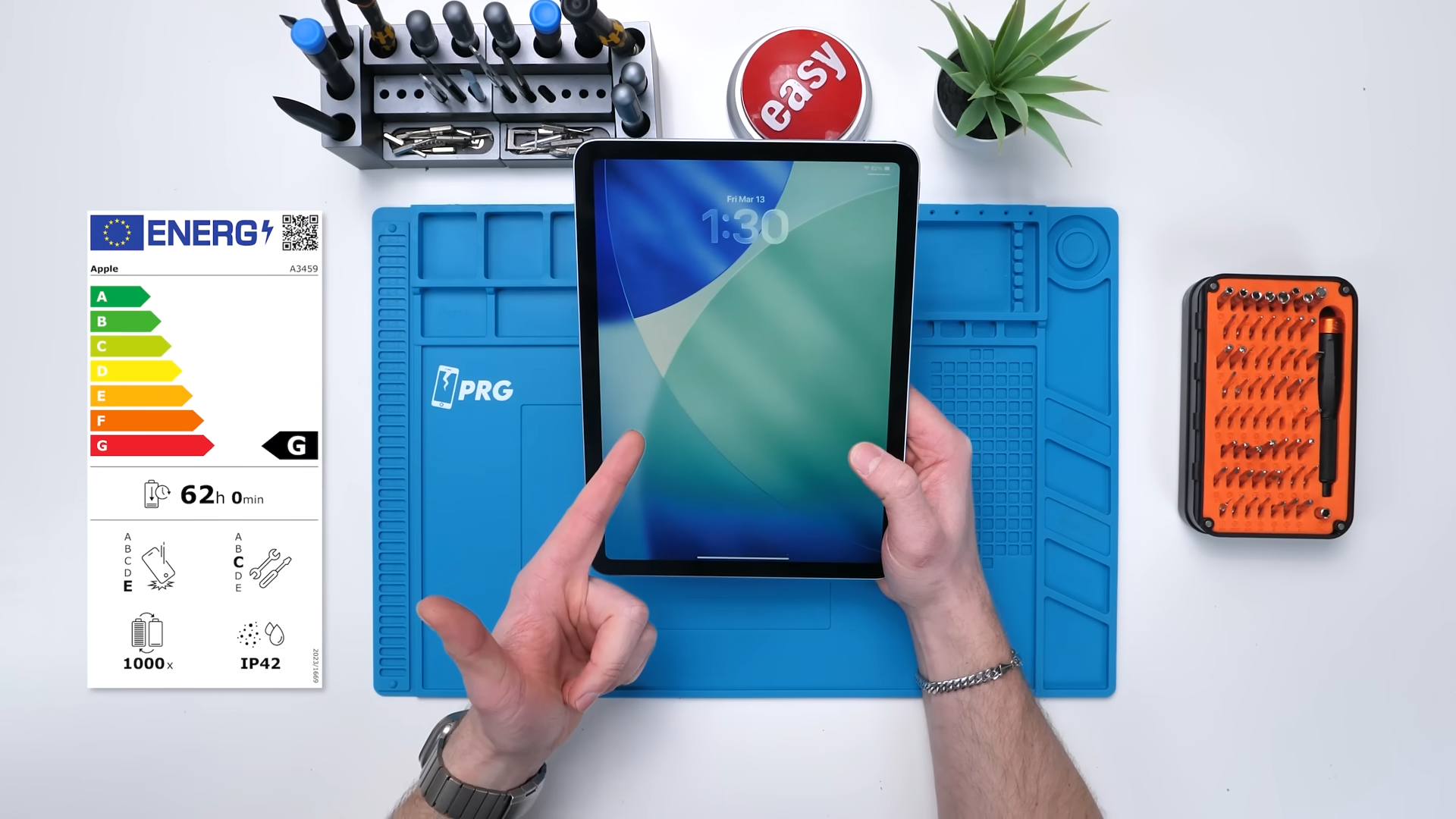
What’s actually more interesting is what the EU forced Apple to reveal.
This iPad is rated IP42 for dust and water resistance, it scored a C for repairability, and the drop rating isn’t great either. That level of transparency is something we probably wouldn’t have seen without regulation.
What Still Needs Work
Even with these improvements, there are still some familiar problems. Getting into the device is still difficult, some components remain soldered in place, and parts like the speakers aren’t designed to be removed cleanly, which makes certain repairs riskier than they need to be.
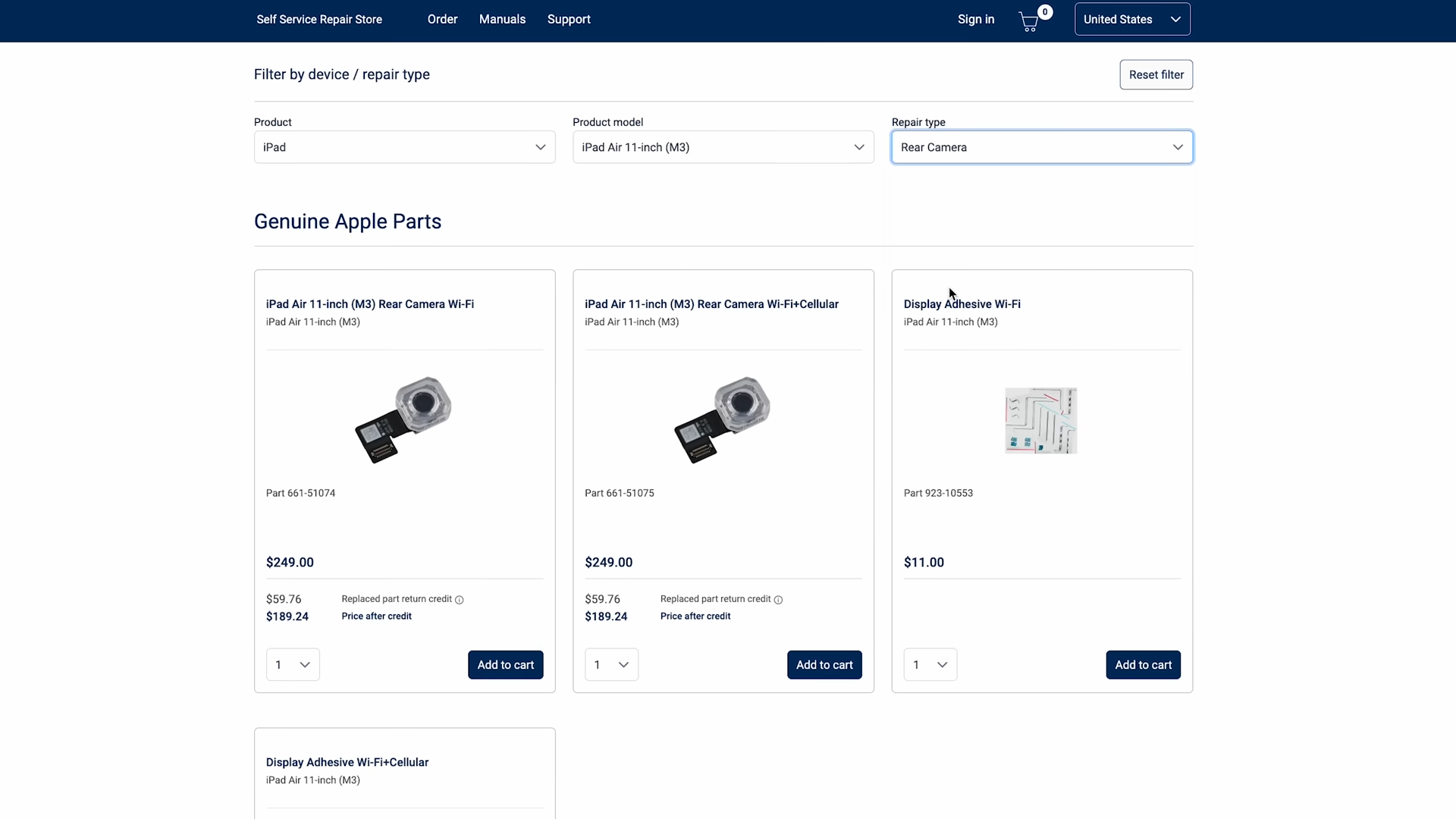
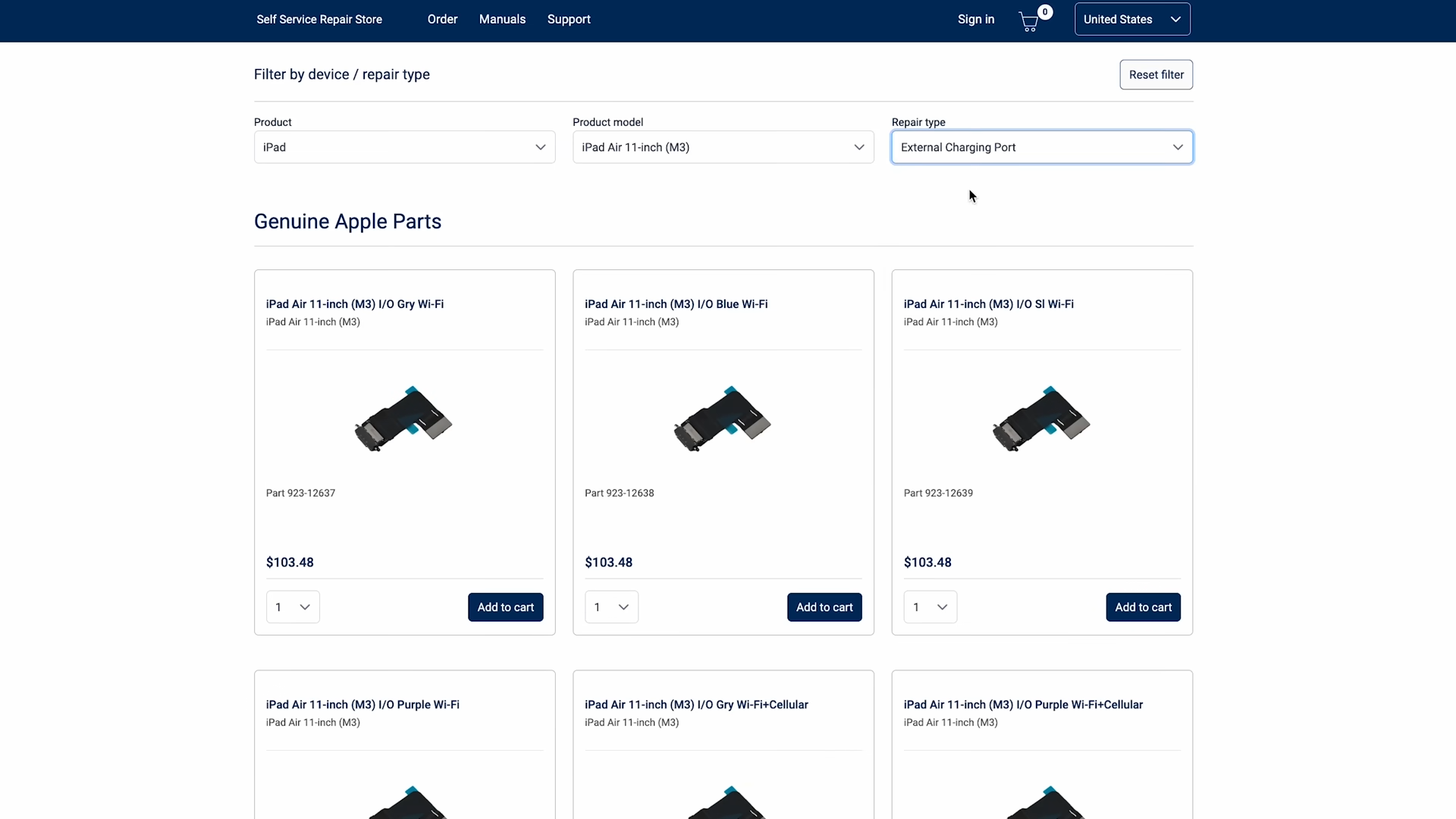
Even though Apple now provides parts and manuals through their self-service repair program, the pricing on those parts can still make repairs questionable, so while things are definitely better, they’re still not where they should be yet.
Final Thoughts
This iPad isn’t a complete turnaround, but it’s definitely a step in the right direction. The easier battery removal and modular charging port are real upgrades that actually make a difference in everyday repairs. For repair shops, that means fewer complicated jobs and more straightforward part replacements.
At the same time, there are still limitations that hold it back. If the last model was a 3 out of 10, this one probably lands somewhere around a 5. Better, but not great.
Apple is clearly starting to care more about repairability. It just took a few regulations, a few years, and a lot of broken iPads to get here.
See you in the next article!
