
Apple Watch Ultra Just Got Cameras with This $299 Wrist Accessory…
Apple Watch Ultra Finally Gets Cameras
The Apple Watch Ultra is basically a phone on your wrist, but there’s one big thing it’s missing: cameras. That’s where Wrist Cam comes in. Founded in 2012, Wrist Cam managed to raise $25 million through crowdfunding to bring cameras to your watch.
What Is Wristcam?
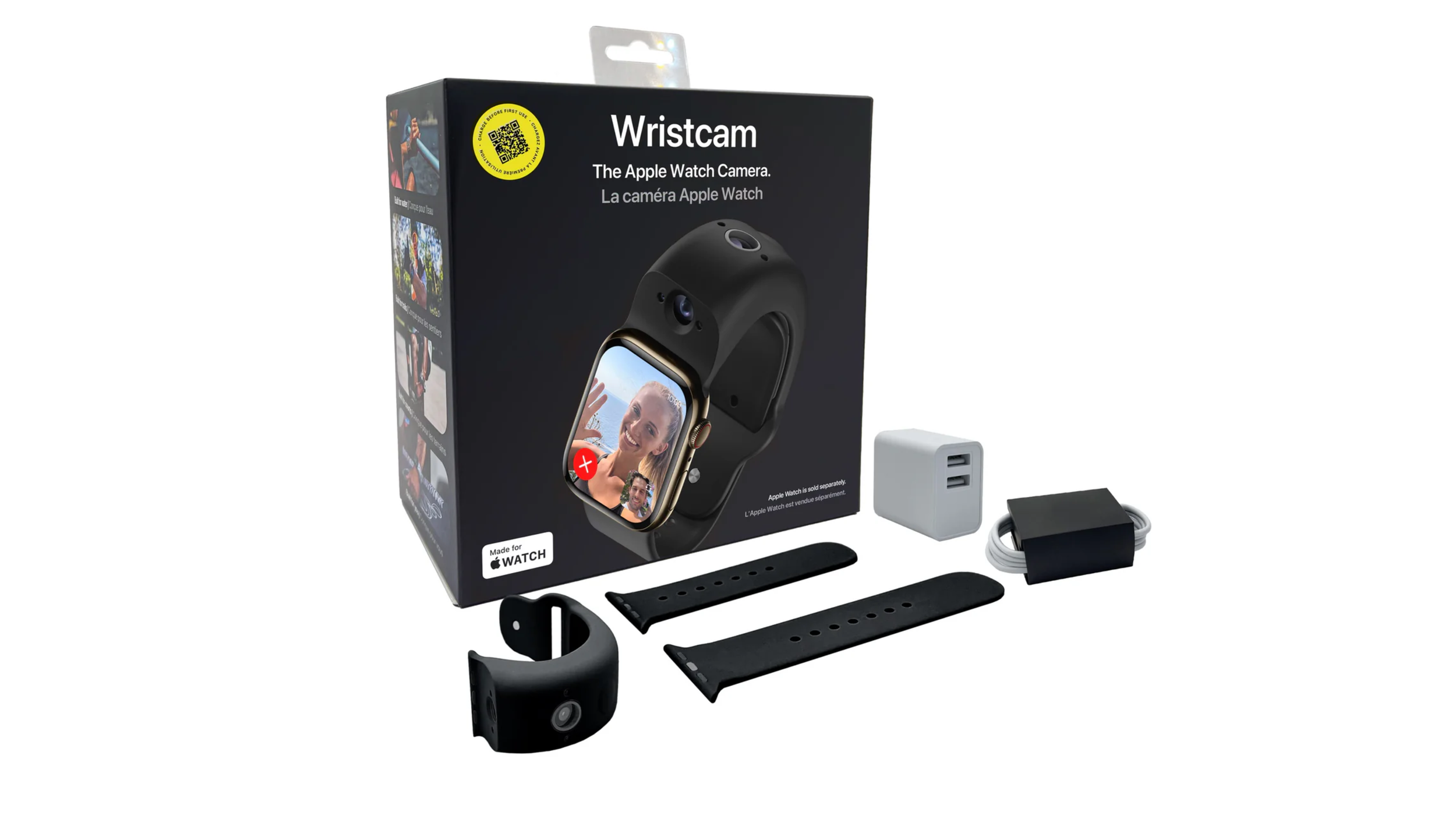
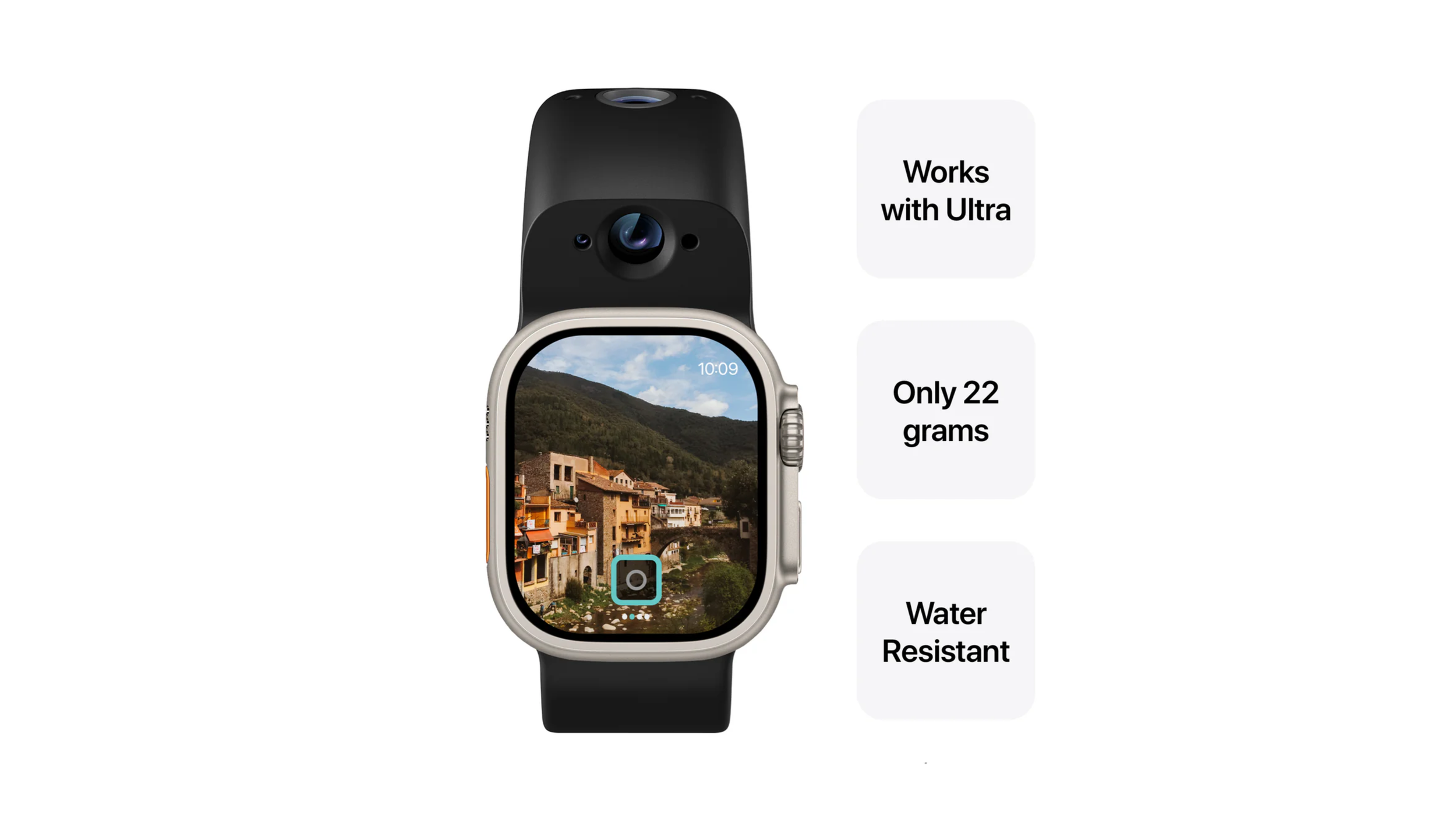
Wristcam isn’t a standalone watch or a phone. It’s a camera‑equipped band you attach to your Apple Watch Ultra (or other Apple Watch models) that adds two cameras right on your wrist. This effectively turns your watch into a device that can take photos, record videos, and even do video calls via its app.
Here’s what you should know:
| Category | Details |
|---|---|
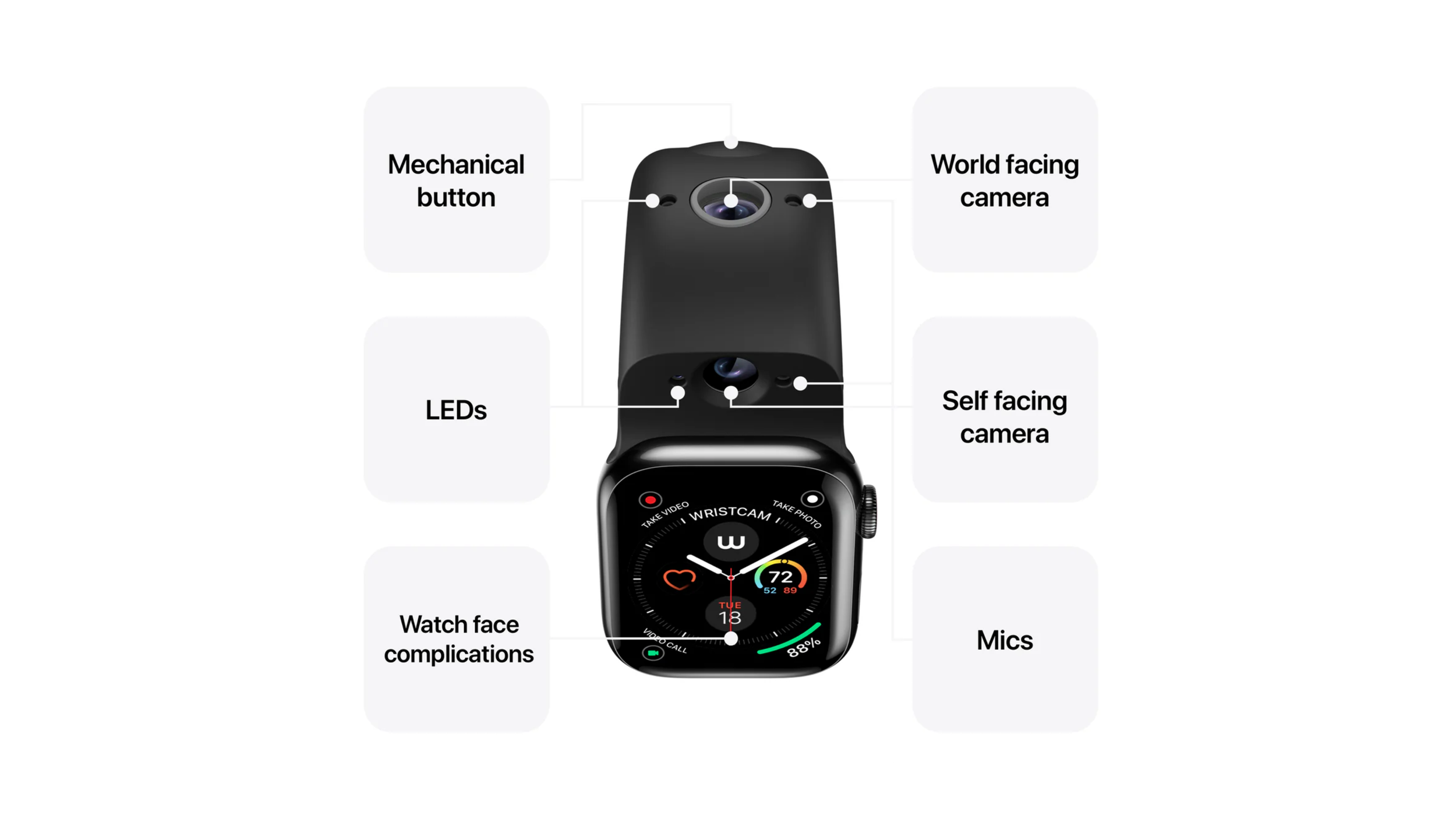
| Cameras | 8MP outward-facing camera for capturing the world, plus a 2MP selfie camera for self-portraits or video messaging. |
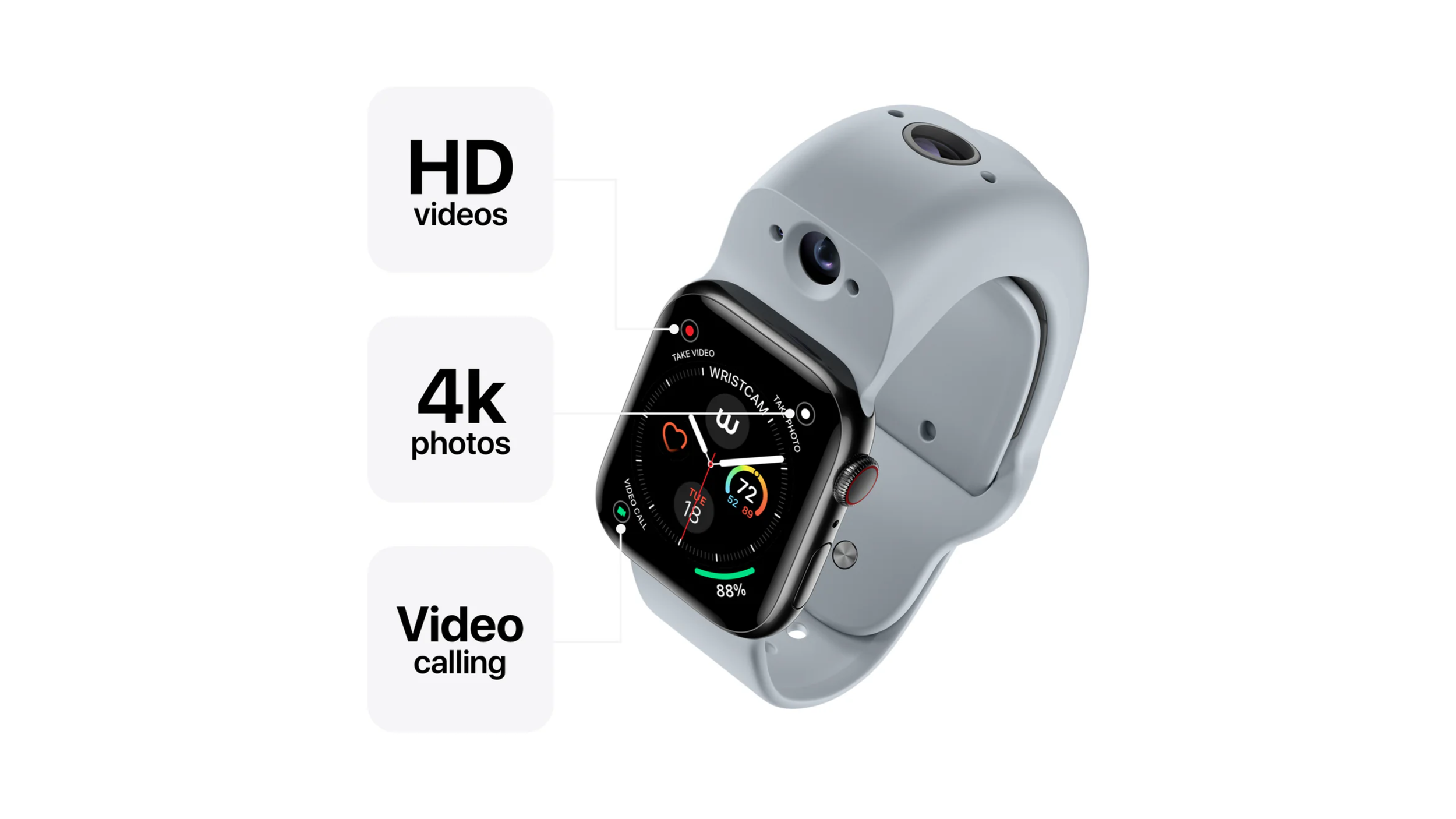
| Video & Photos | Capture still photos, record up to 1080p video, and take 4K photos. |
| Storage & Connectivity | 8GB of internal flash storage with Bluetooth 5.0 and Wi-Fi for syncing with your iPhone. |
| Battery Life | Advertised as all-day battery life with moderate use, though real-world results may vary. |
| Recording Indicator | LED lights blink to indicate when recording is active. |
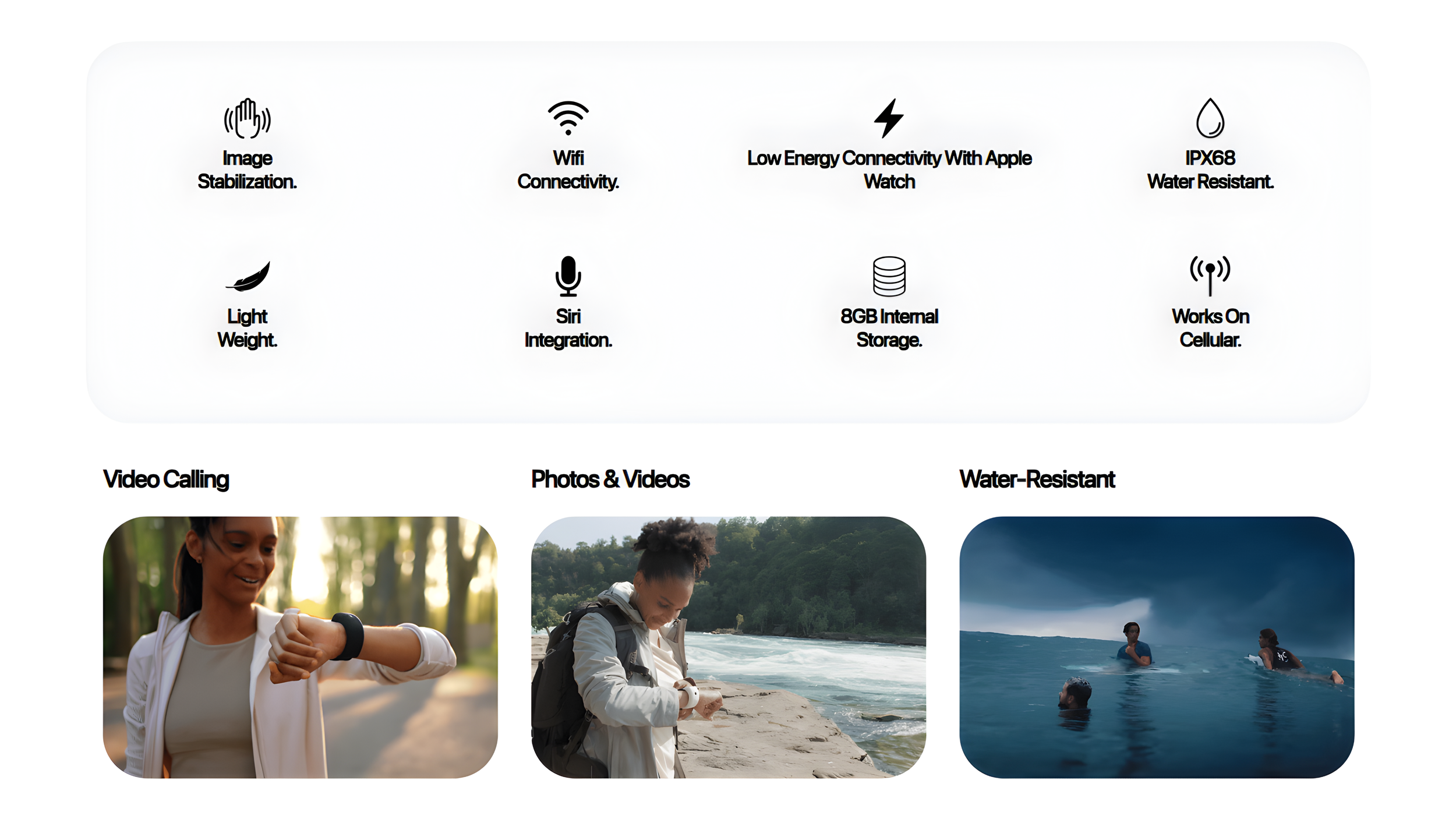
Those specs are impressive on paper for a band. But remember, this isn’t Apple building cameras into the hardware, it’s a third‑party add‑on sitting on your wrist.
What You Actually Get in the Box
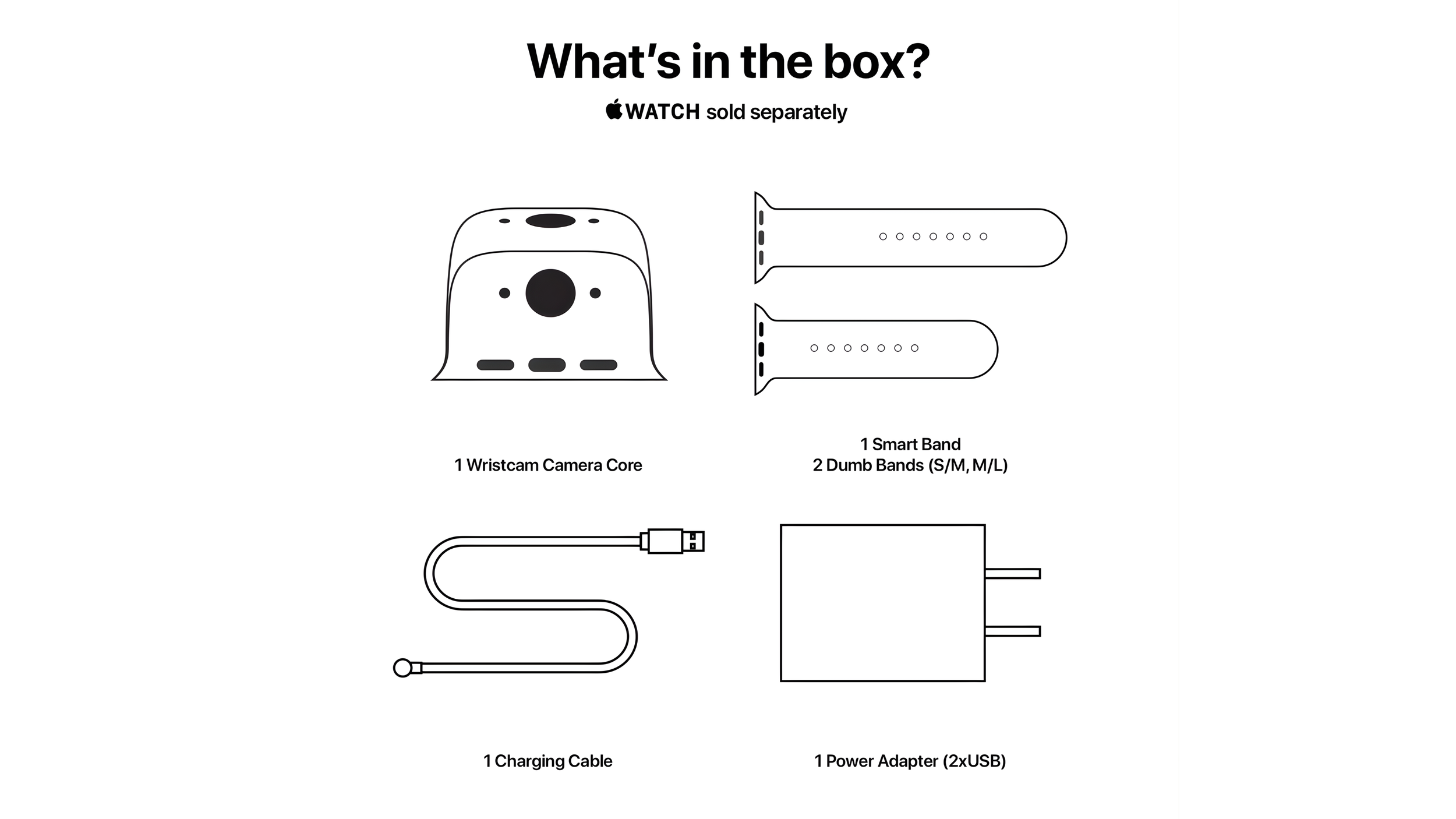
When you buy Wristcam for your Apple Watch Ultra, you get:
The camera band itself
Charging cable
Extra wrist bands
Charging Cube
Charging is separate from your Apple Watch, which means you’re now managing two batteries on your wrist. That’s a trade‑off worth thinking about before you buy.
Setting It Up
Putting the Wrist Cam on your Apple Watch Ultra, you immediately notice the weight. It’s definitely there, but nothing unbearable. The band charges separately, so your watch and camera can be juiced up independently.
Real-World Testing
Once it’s on, you can:
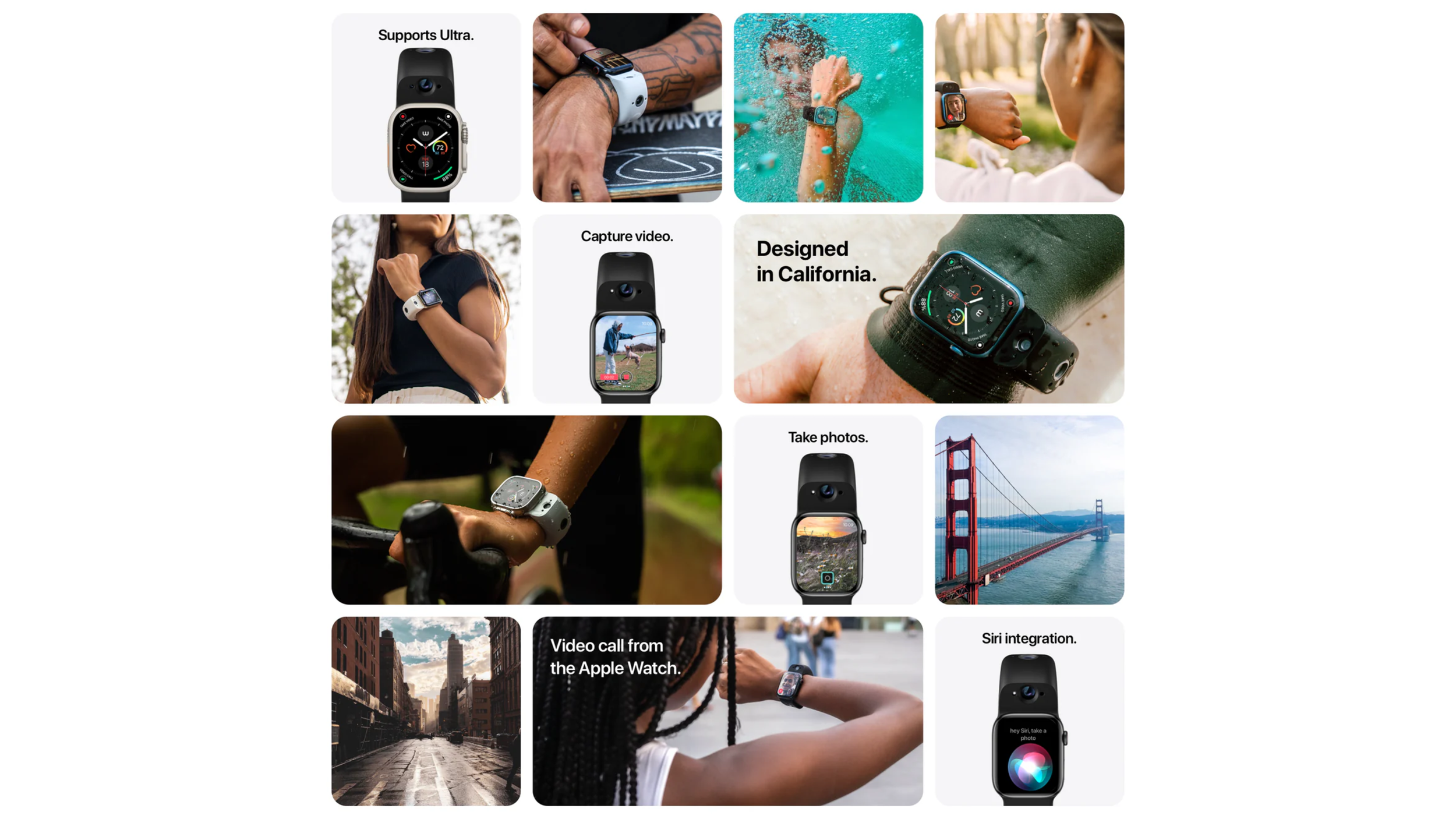
Take pictures
Shoot videos
FaceTime directly from your wrist
The concept is wild. Your Apple Watch Ultra suddenly becomes a mini phone with cameras, which is something no other smartwatch can do right now. But does convenience outweigh the bulk? That’s what we’re about to find out. I
’ll be taking this out in the real world to see if it’s actually worth the $299 price tag.
Final Thoughts
If you’ve ever dreamed of taking a selfie or FaceTiming straight from your wrist, this accessory is for you. But $299 is a lot to pay for a tiny camera upgrade, so we’ll see if the Wrist Cam really delivers in real-world use.
Why did the Apple Watch start a band? To finally face-time with style.
See you in the next article!
