
This Tiny Charging Port Problem Killed Fast Charging…
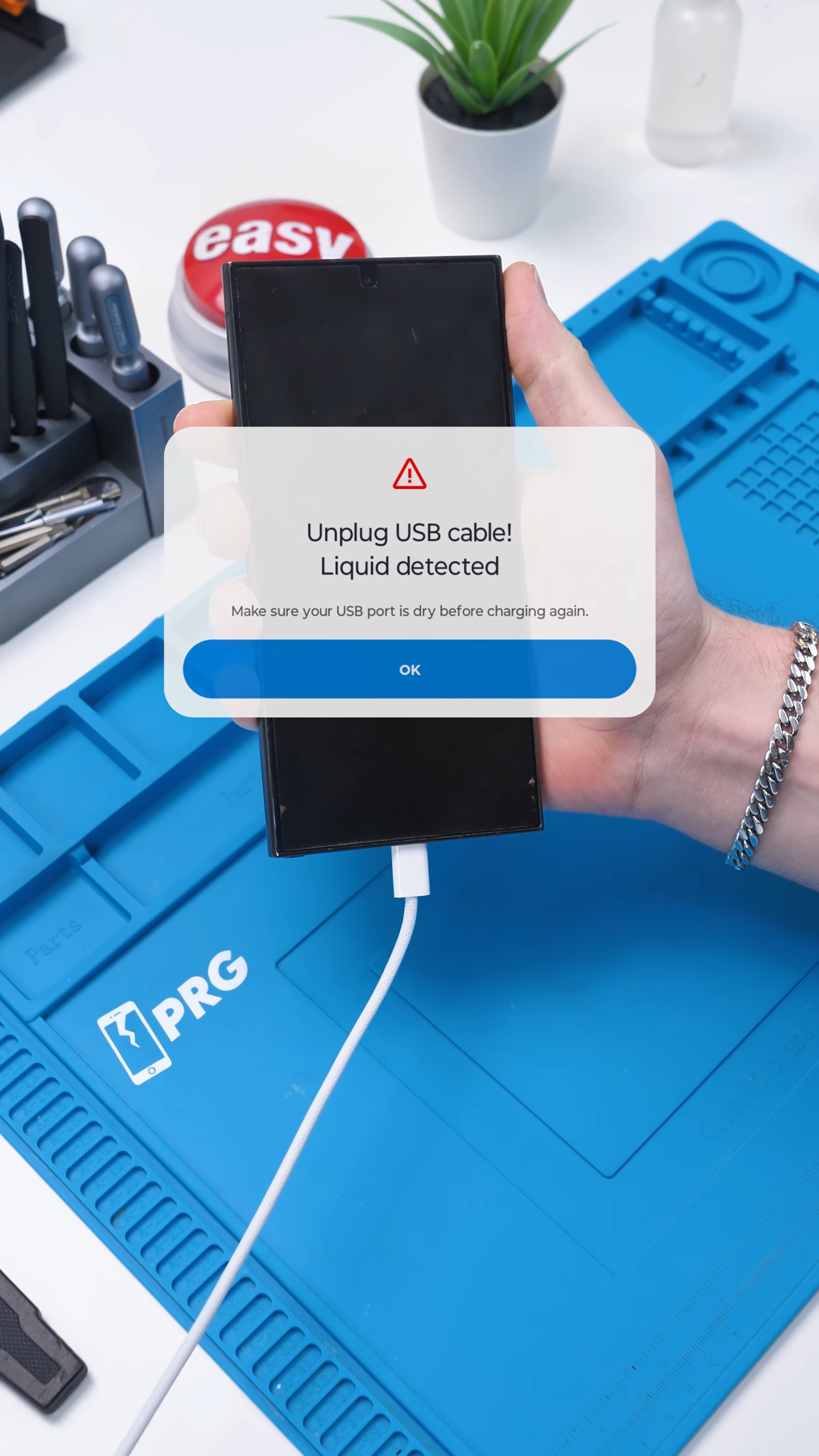
This is one of those problems that most people would never even notice.
Every time this guy plugged in his phone, a little charging message would pop up and then disappear. The phone still charged, so he assumed everything was fine. But something felt off. No matter what charger he used, fast charging was gone.
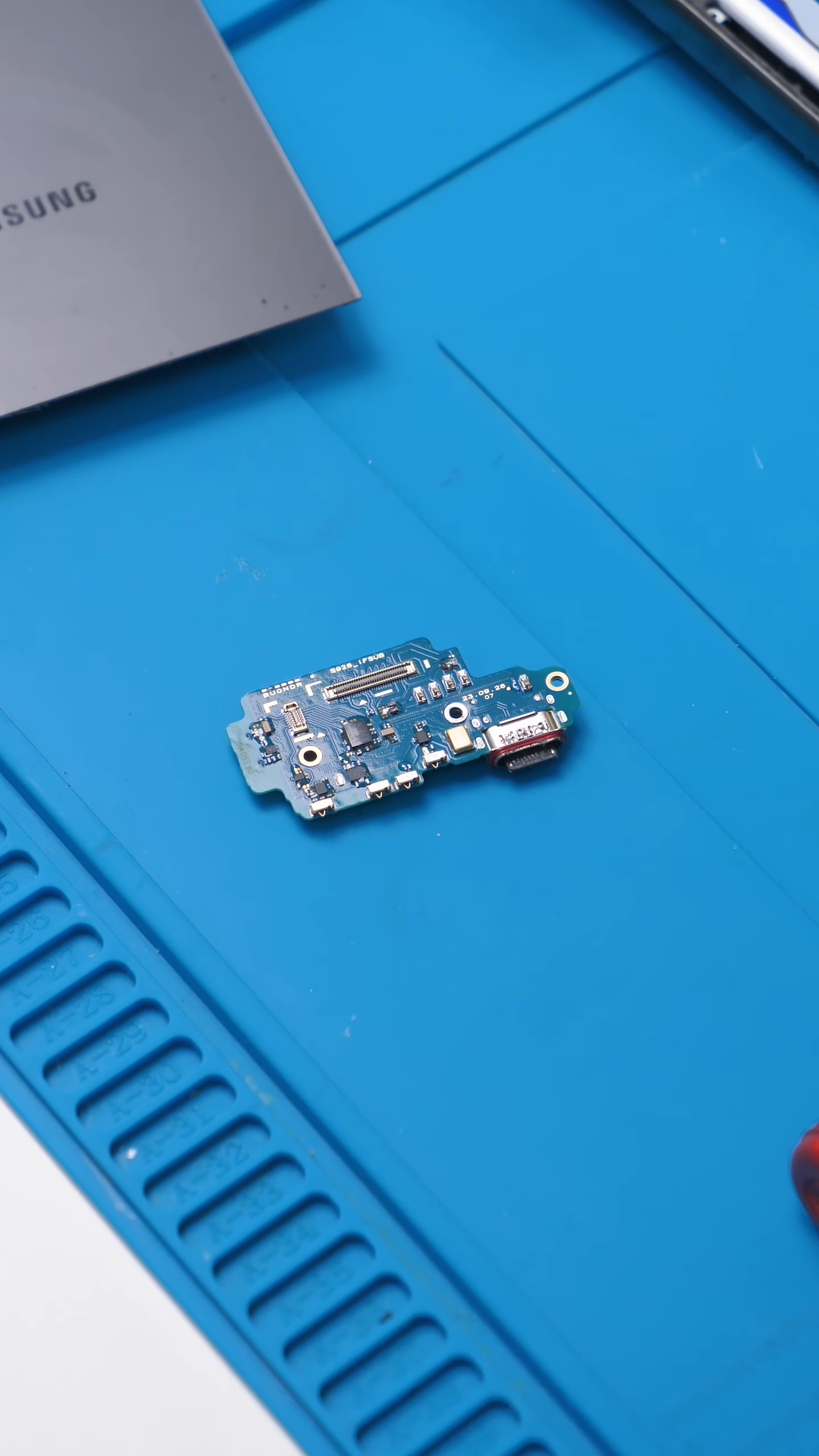
To even show you what the problem was, I had to open the phone up and pull out the charging port.
And once I did, the answer was obvious.
The phone charged, but something was wrong
At first glance, this phone looked completely normal. It powered on, the battery percentage went up, and there were no obvious errors. Most people would have stopped there. But fast charging never kicked in.
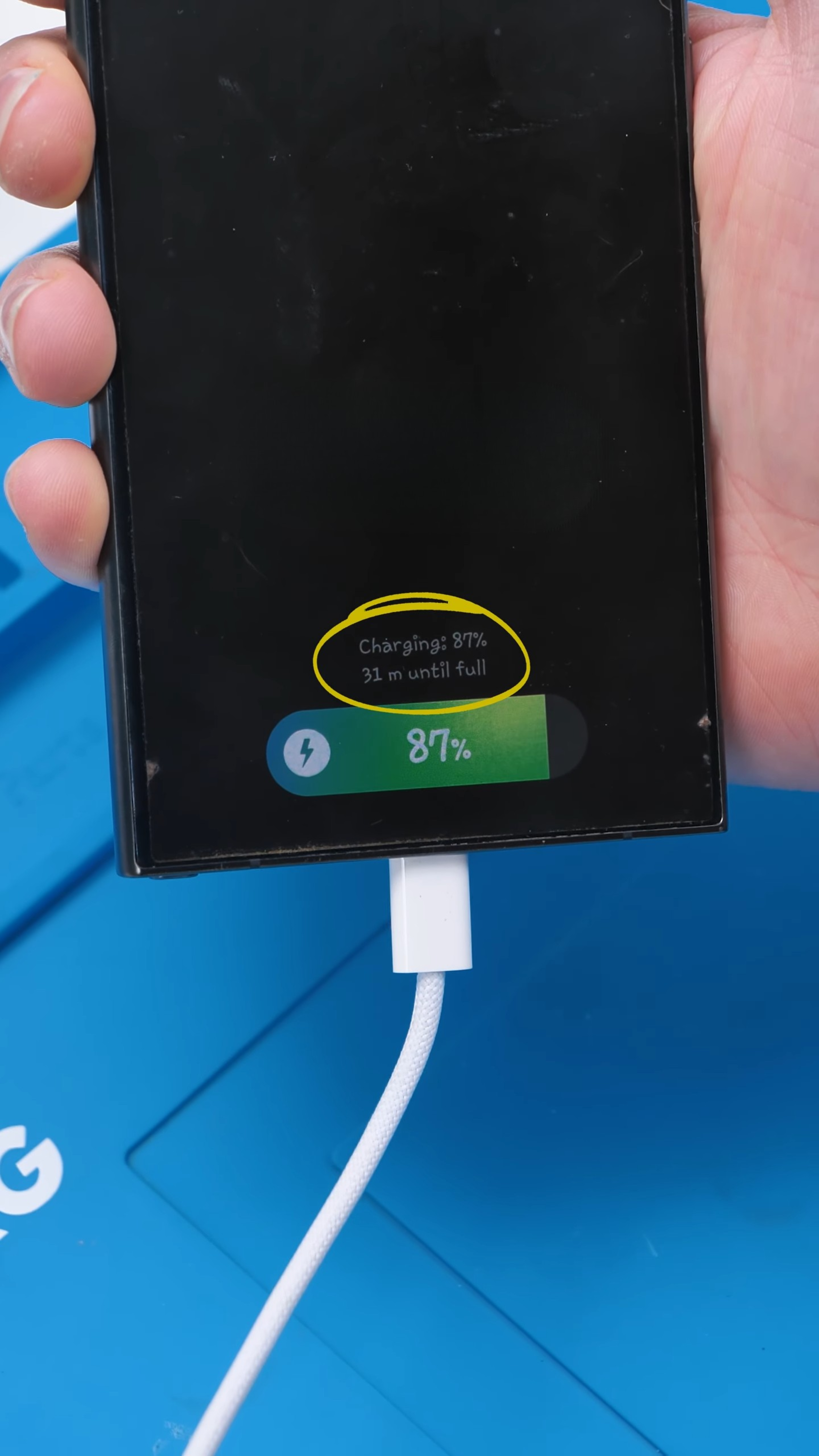
That is the key detail. If your phone suddenly takes way longer to charge, even with a fast charger you know works, something is usually blocking the phone from switching into fast charge mode.
Corrosion on the negotiation pins
From the outside, the port did not look terrible. There was no massive lint buildup and no obvious bent pins. So I opened the phone, disconnected the battery, and removed the charging port entirely. Once it was out, we found our culprit.
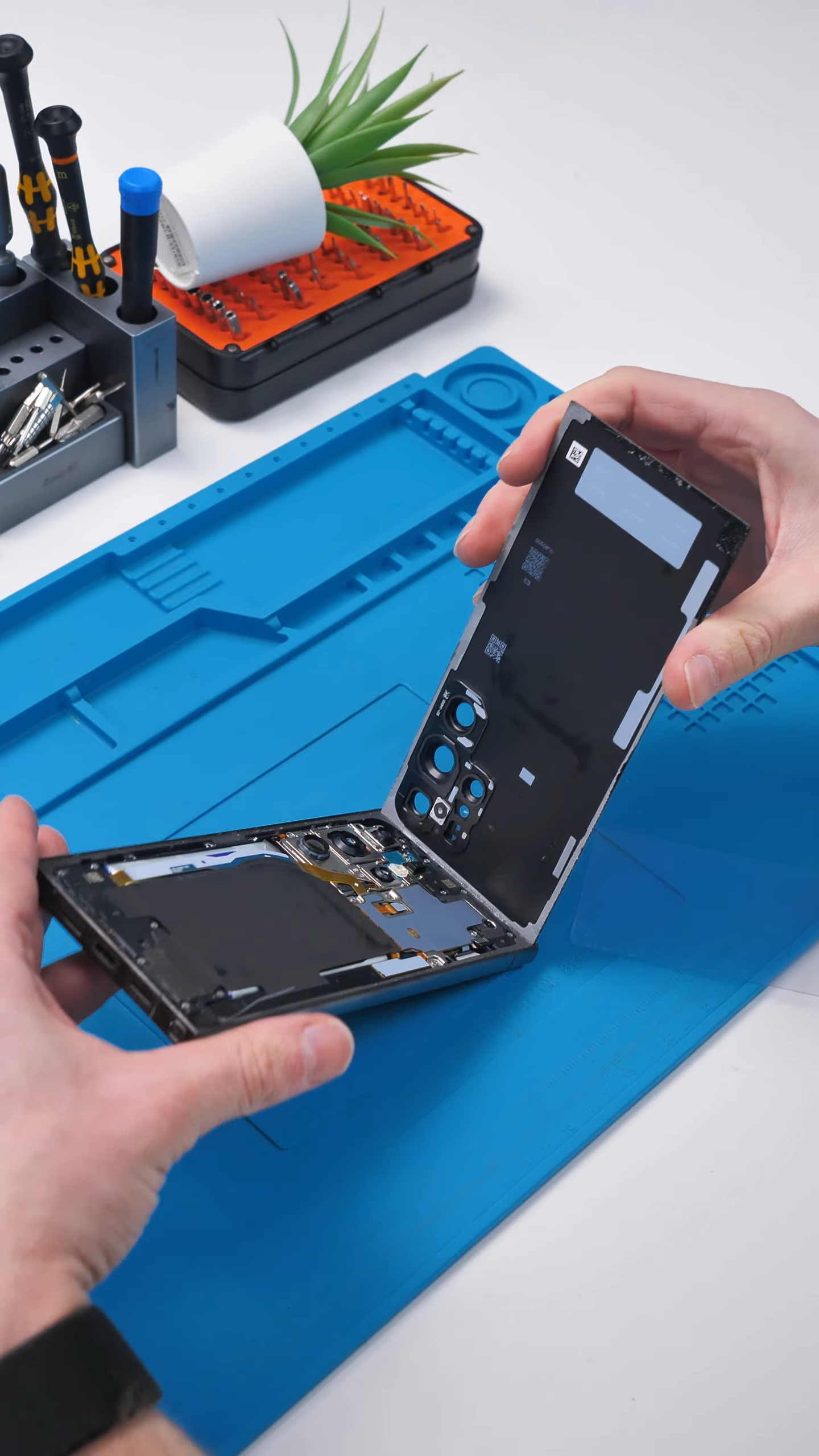
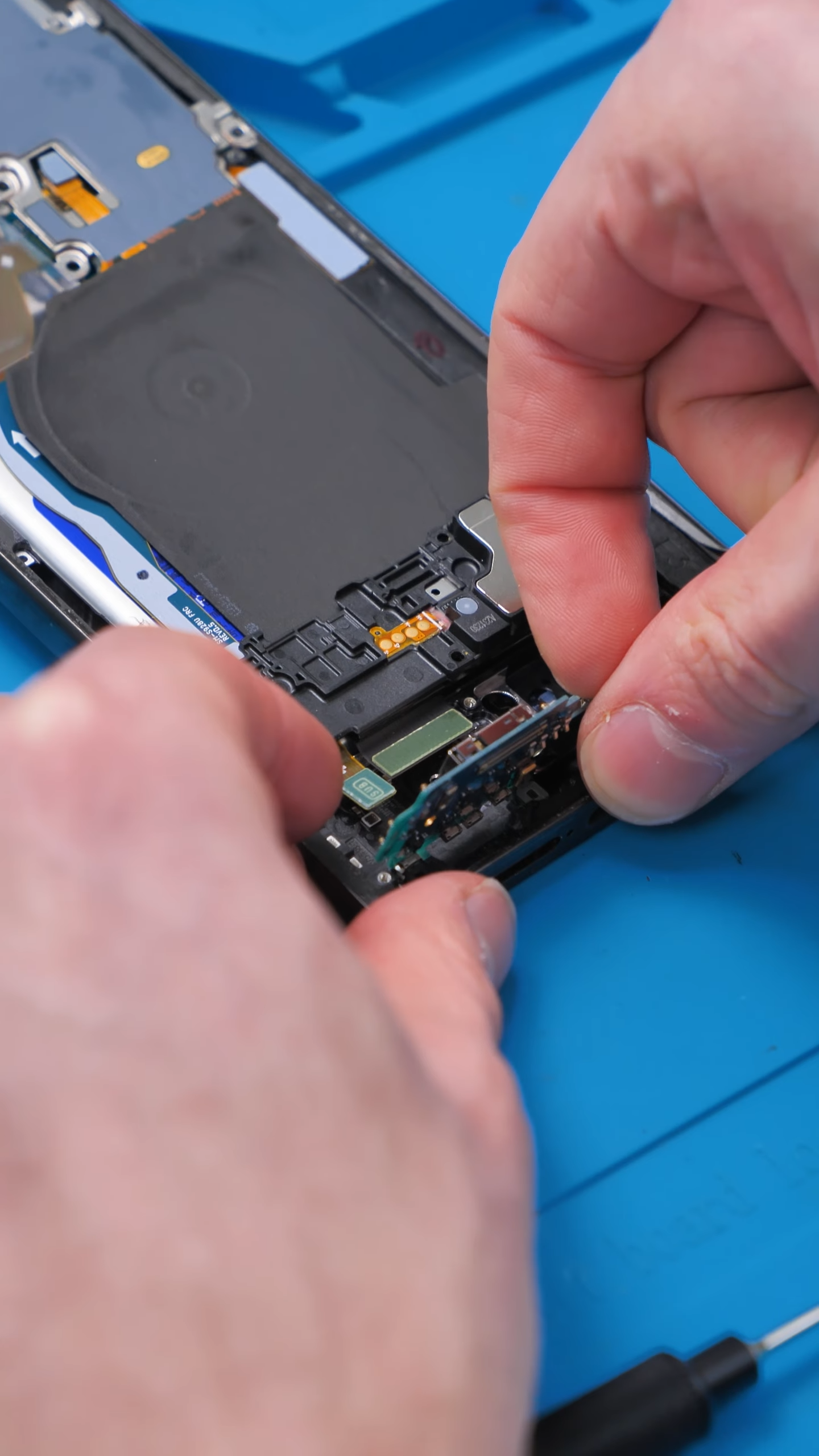
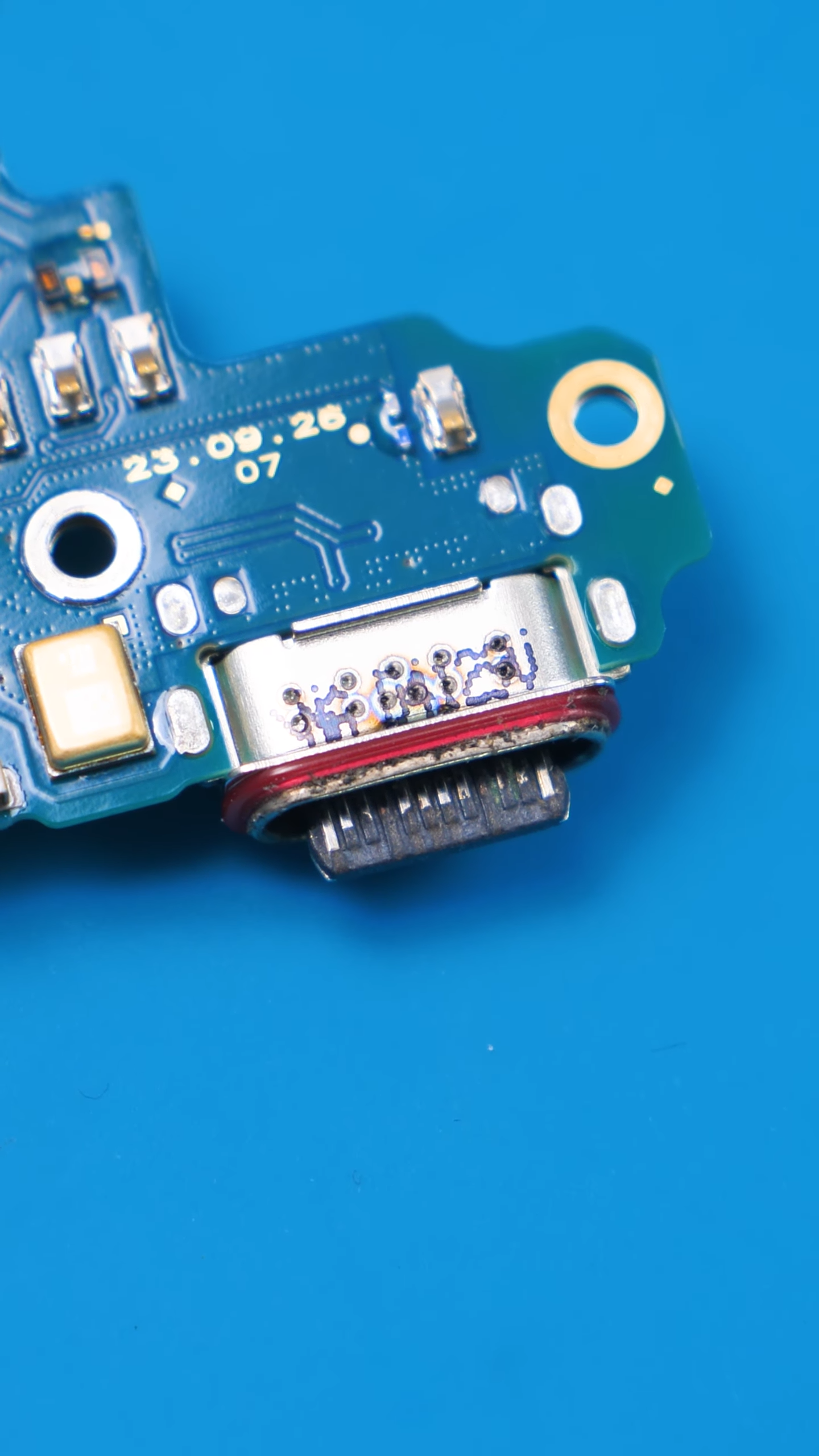
Inside the charging port, some of the tiny pins were corroded.
How fast charging actually works
Fast charging in modern phones is not just about pushing more volts and amps down the cable. It is a negotiated handshaking process between the charger and the phone. On USB-C devices that commonly use USB Power Delivery or proprietary fast charge protocols, that negotiation runs over the CC (configuration channel) pins.
If those pins are corroded or the connection is unreliable, the charger and phone cannot agree on the higher voltage or current profiles and the charger falls back to basic, slow charging.
Less technically, the phone can still get juice through the main power lines, so it will still show charging. But because the negotiation path is damaged, the phone will refuse or be unable to request higher voltages or currents. That is why the device topped up slowly but could not fast charge.
That is exactly what happened here.
The fix was simple
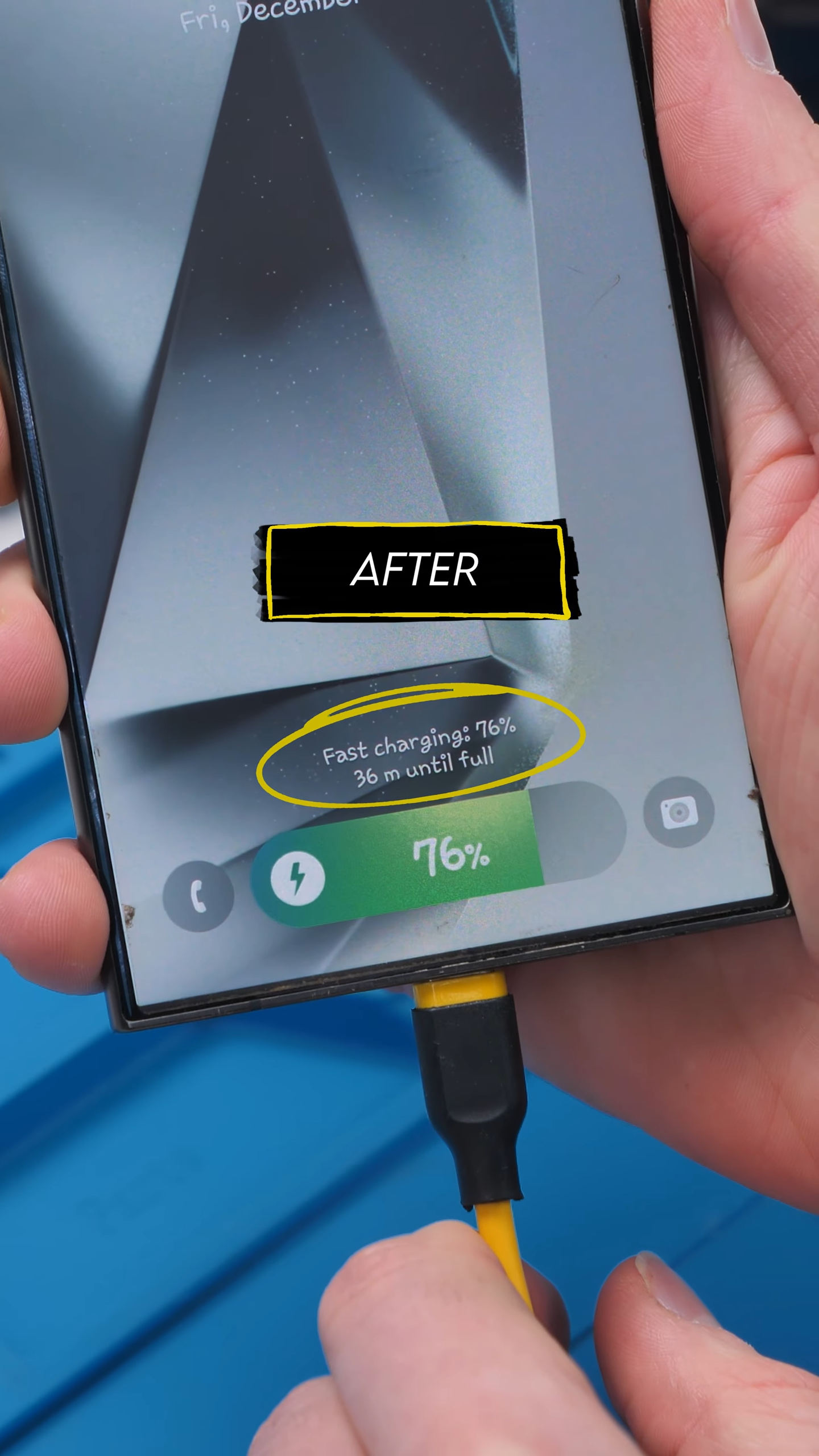
Once the problem was identified, the fix was straightforward. I installed a brand new charging port, reassembled the phone, and tested it again.
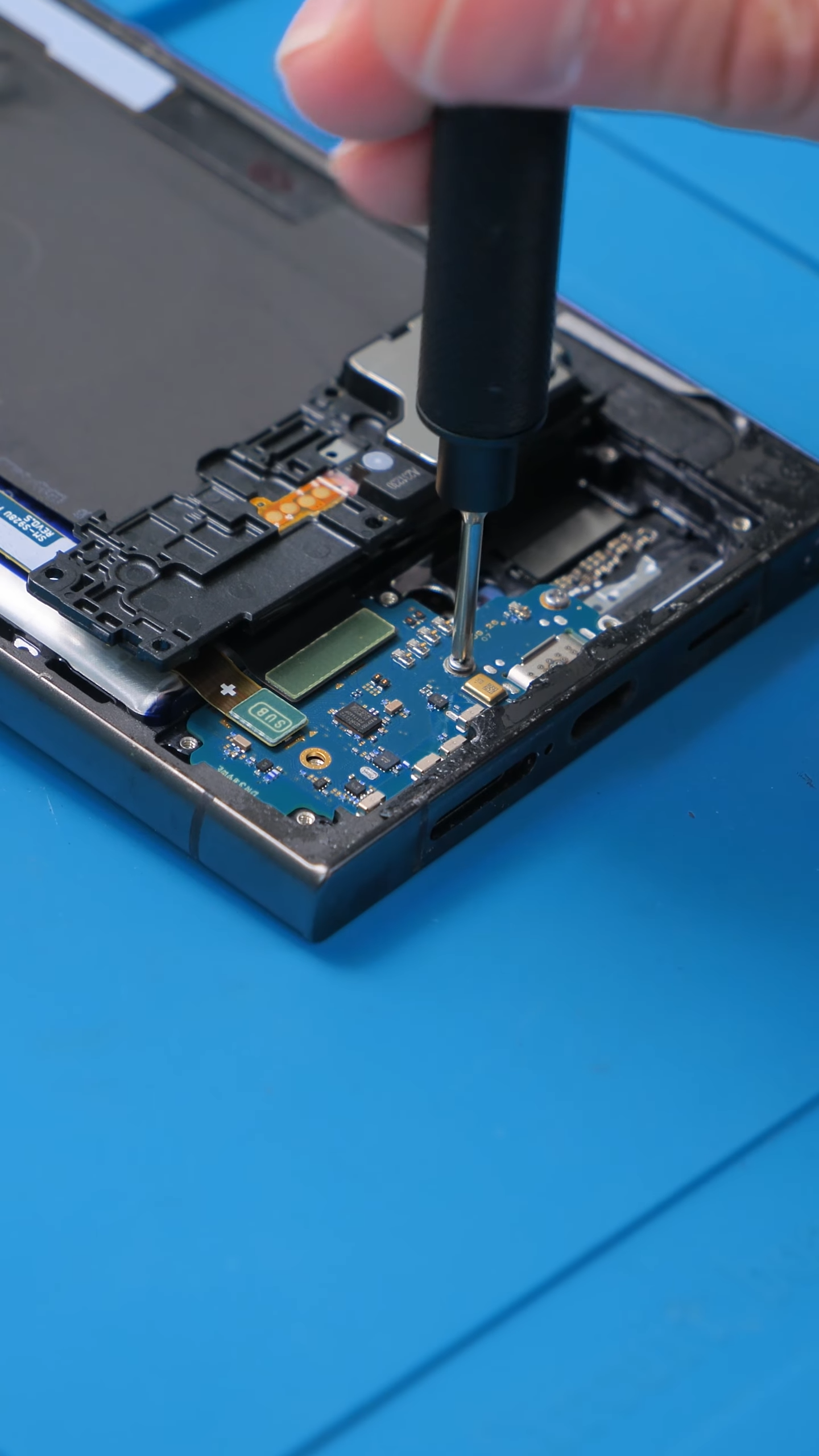
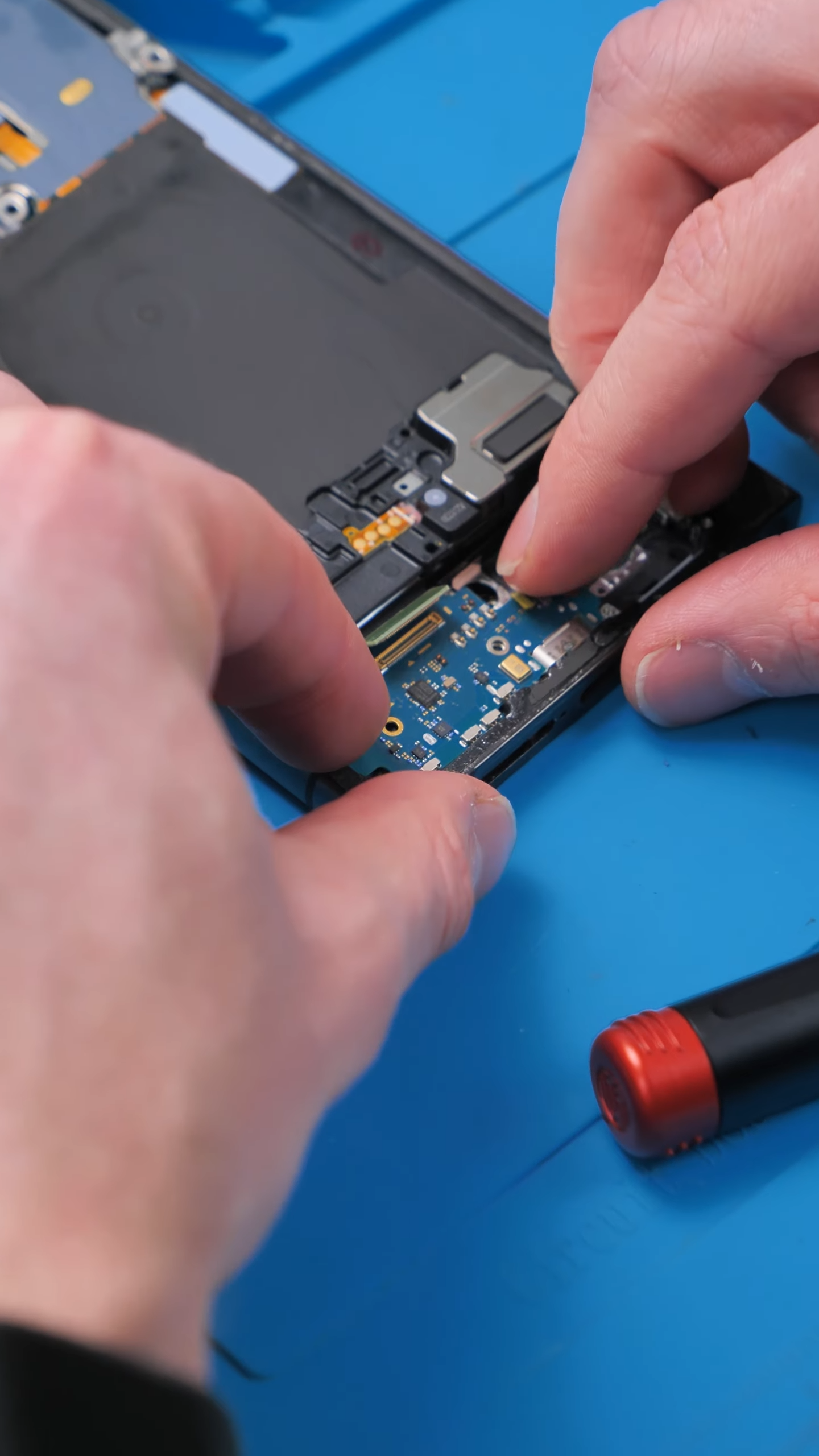
This time, the negotiation completed instantly. and fast charging was back!
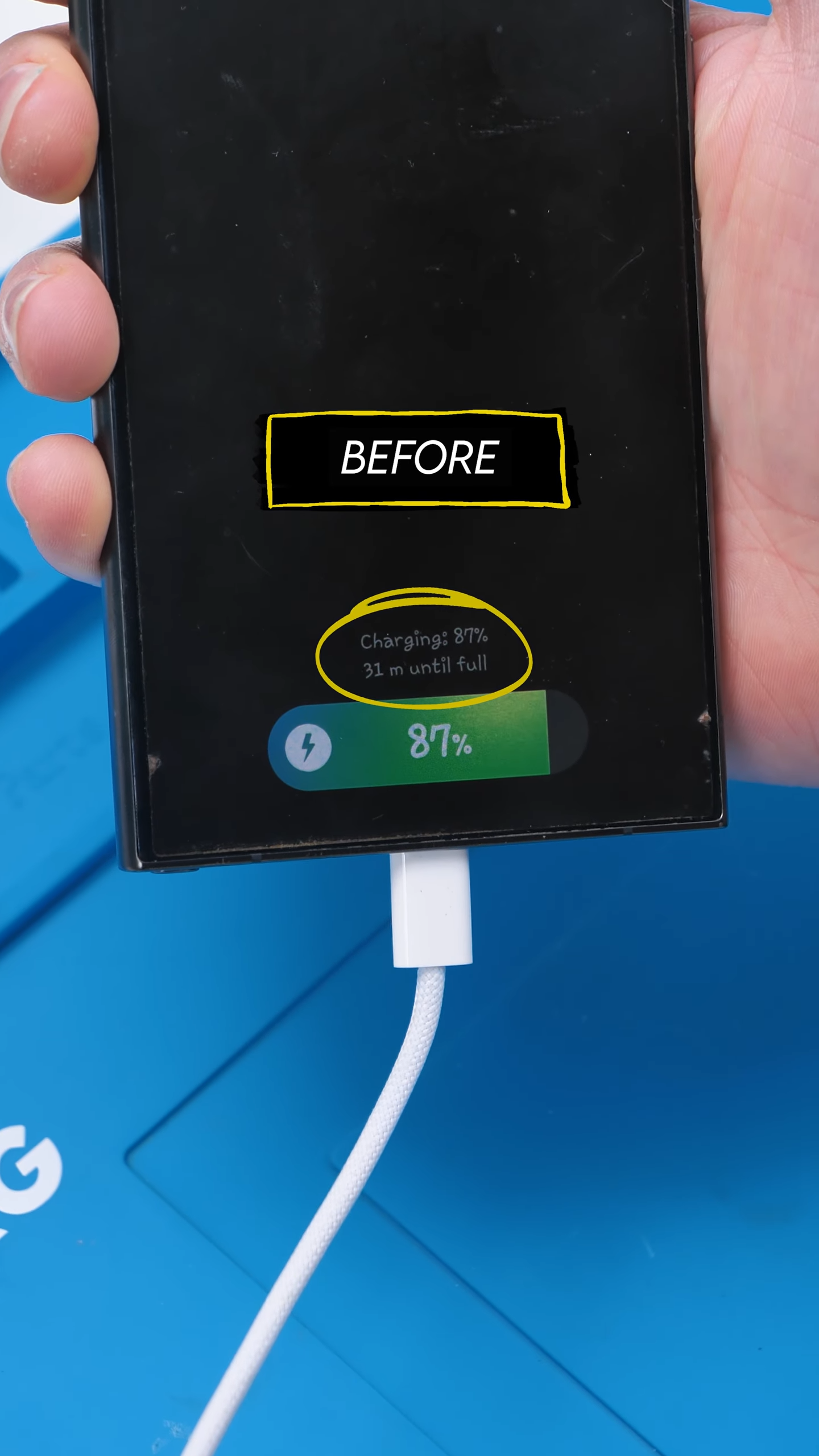
Why cleaning does not always work
A lot of people try to fix charging issues by cleaning the port. That works great for lint and dust, but corrosion is a different story.
When corrosion forms on the pins themselves, especially the negotiation pins, cleaning rarely restores reliable communication. Even if it works temporarily, the problem usually comes back.
In cases like this, replacing the charging port is the only real fix.
Signs this might be happening to your phone
If you are seeing any of these, this exact issue could be the cause:
Phone still charges, but fast charging never activates
Charging message flashes briefly when plugging in
Charging speed changes depending on cable angle
Port has been exposed to moisture in the past
You can swap chargers and cables all day, but if the negotiation pins are damaged, fast charging is not coming back without a repair.
| Charging Port Care Tips |
|---|
| Keep the charging port as dry and lint free as possible. Dust and pocket debris are common causes of problems. |
| Use dust plugs if you carry your phone in dirty pockets or a bag. |
| Avoid cheap, unbranded cables. A damaged cable can put extra strain on the port and cause hotspots. |
| If the phone reports moisture, do not force charging. Let it dry out fully and follow the phone maker guidance. On many models, moisture detection intentionally blocks charging to prevent corrosion. |
Final thoughts
This is a perfect example of how a tiny, hidden problem can create confusing symptoms. The phone was technically working, but not the way it was supposed to. Fast charging relies on clean, intact negotiation pins. Once corrosion interferes with that conversation, the charger and phone stop agreeing, and charging slows to a crawl.
Thankfully, a new charging port solved everything and this phone is back to charging like it should.
Turns out the charger and the phone just were not on speaking terms anymore. A new port fixed their relationship.
See you in the next article!
