
The One Repair Problem Samsung Still Hasn’t Fixed
Samsung actually built a feature that is supposed to make repairs easier and safer. It’s called Maintenance Mode, and the idea behind it is genuinely great. When enabled, the phone creates a temporary profile that hides personal data like photos, messages, accounts, and apps. This lets technicians test hardware like cameras, speakers, sensors, and connectivity without exposing any private information.
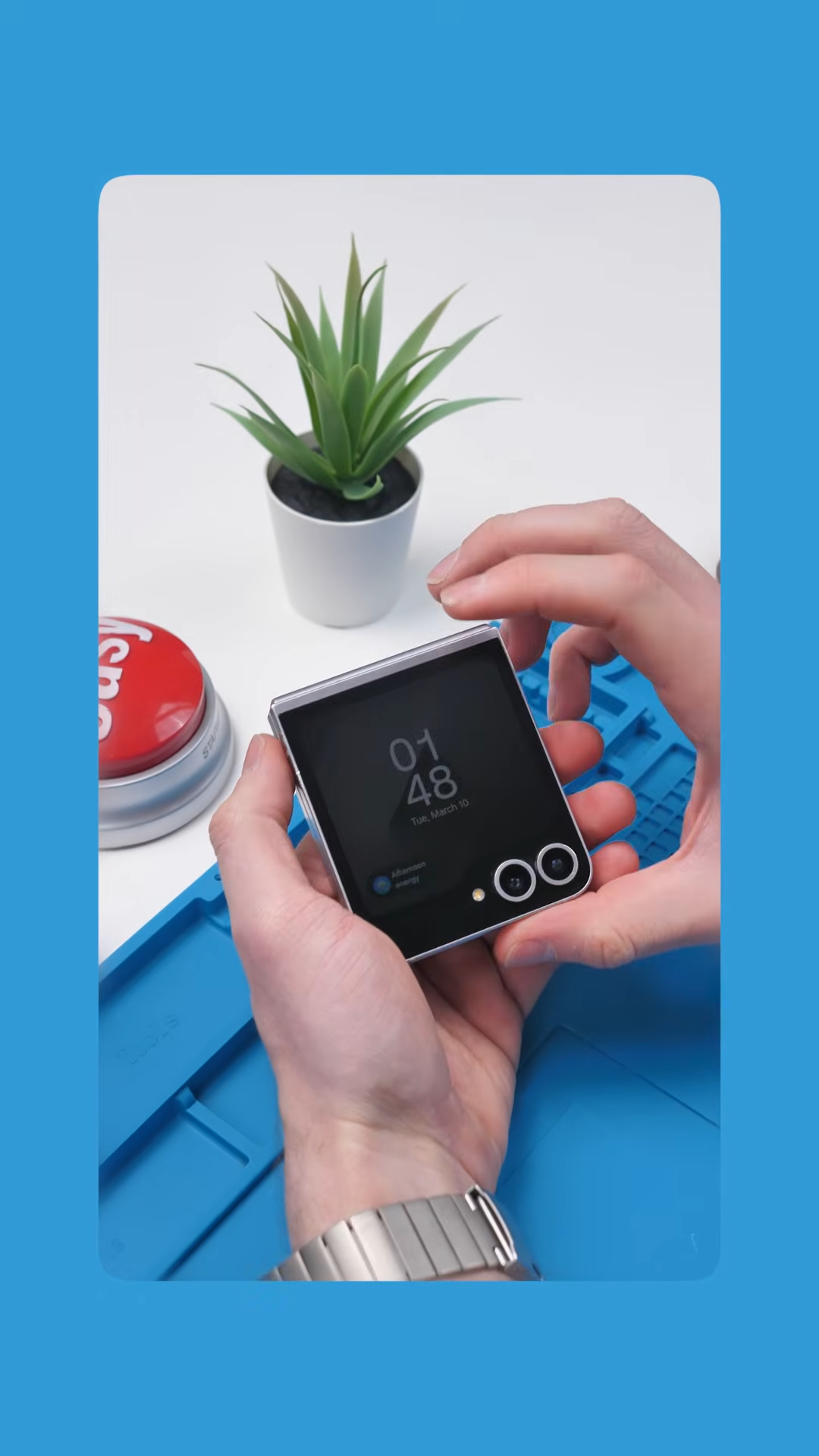
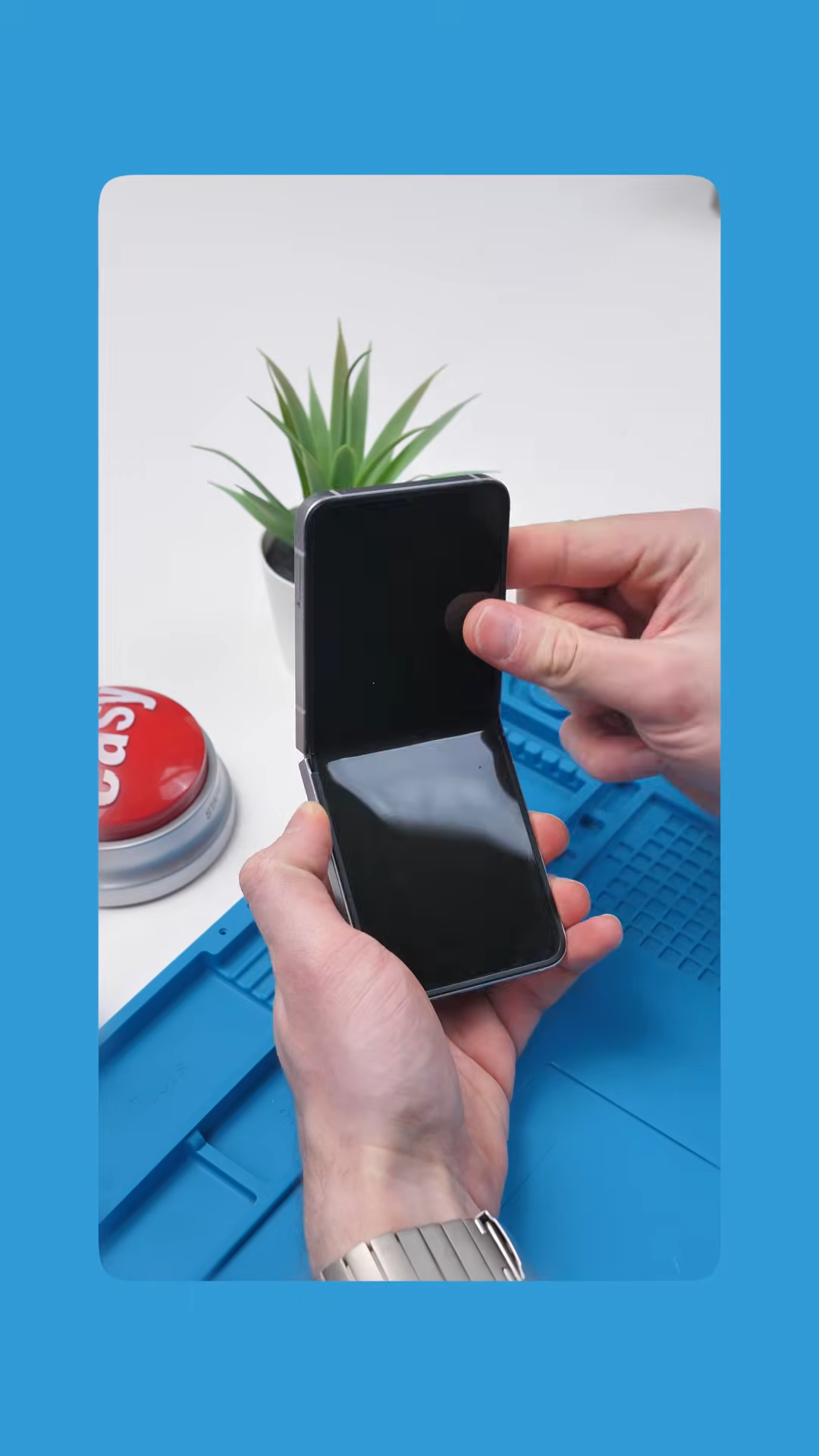
In theory, this solves one of the biggest problems in the repair industry. Modern smartphones hold everything from banking apps to personal photos, so handing your device to a technician can feel like handing over your entire digital life. Maintenance Mode locks all of that down while still allowing the phone to function normally for diagnostics and testing.
The problem starts when the main display is broken.
The Foldable Problem
This issue becomes especially noticeable on foldable phones like the Galaxy Z Flip 6.
If the inner screen stops working, navigating through the settings menu becomes almost impossible. That alone can prevent someone from enabling Maintenance Mode before a repair.
Foldable phones should technically avoid this issue. After all, they have two displays.
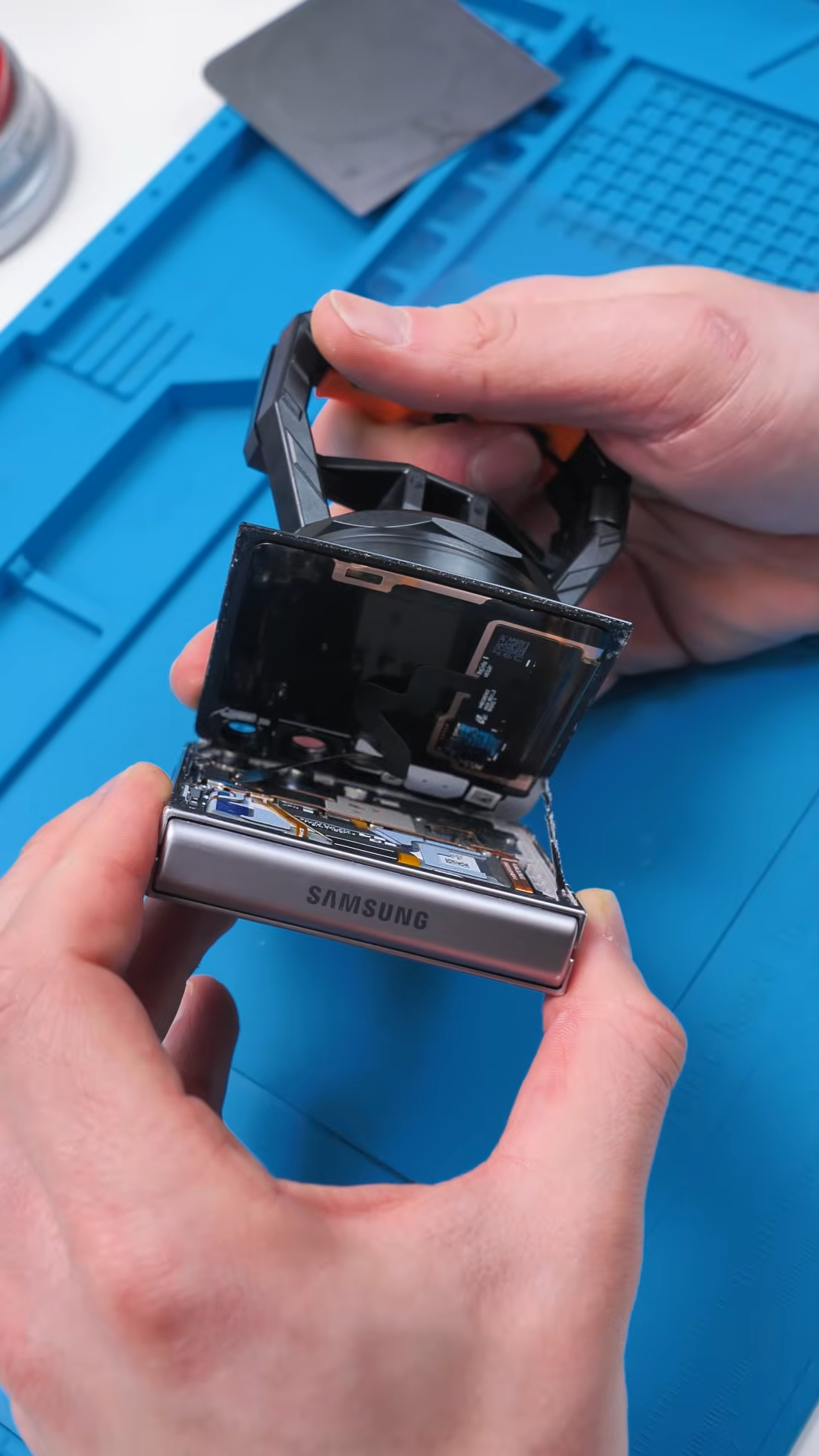
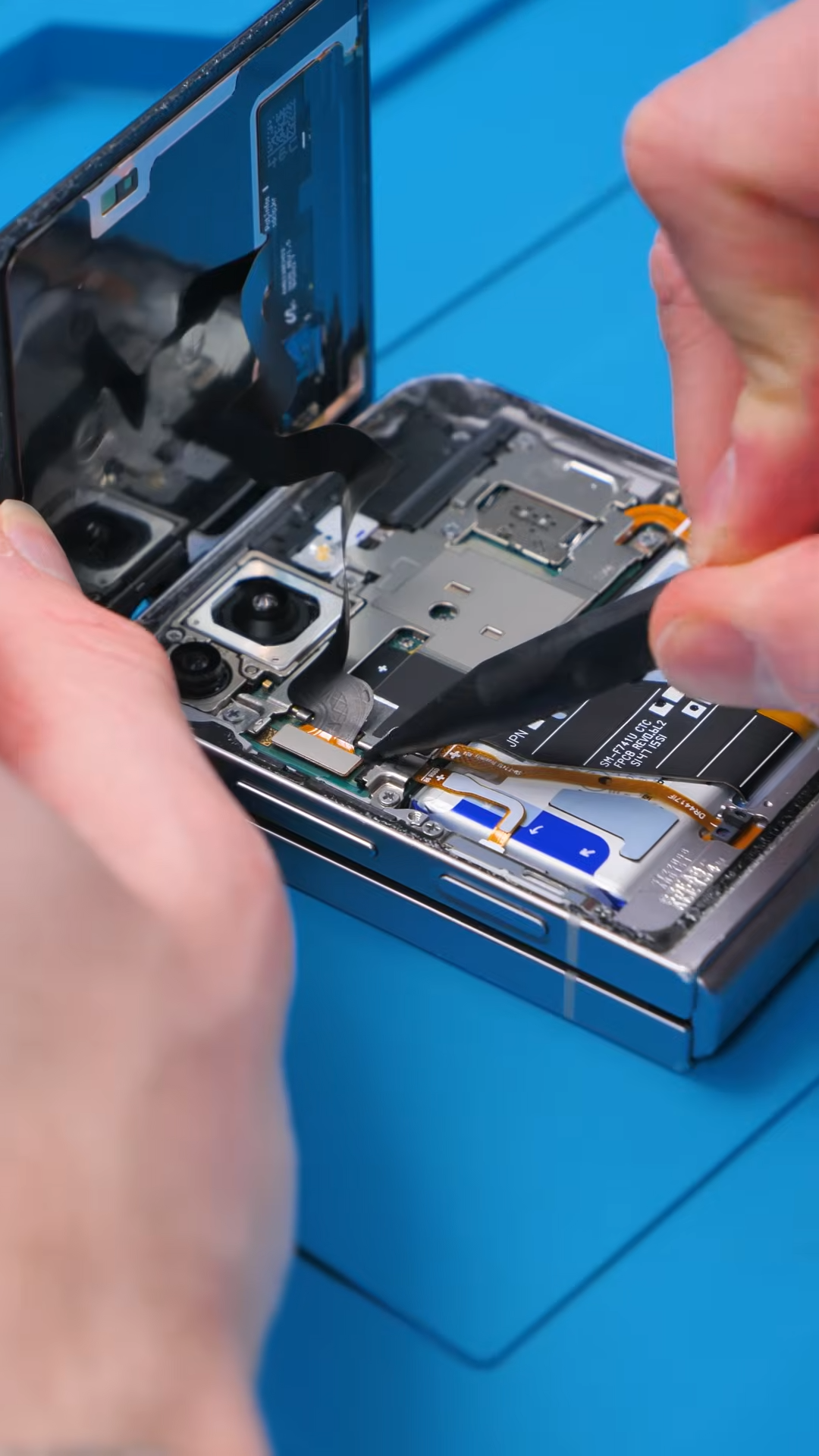
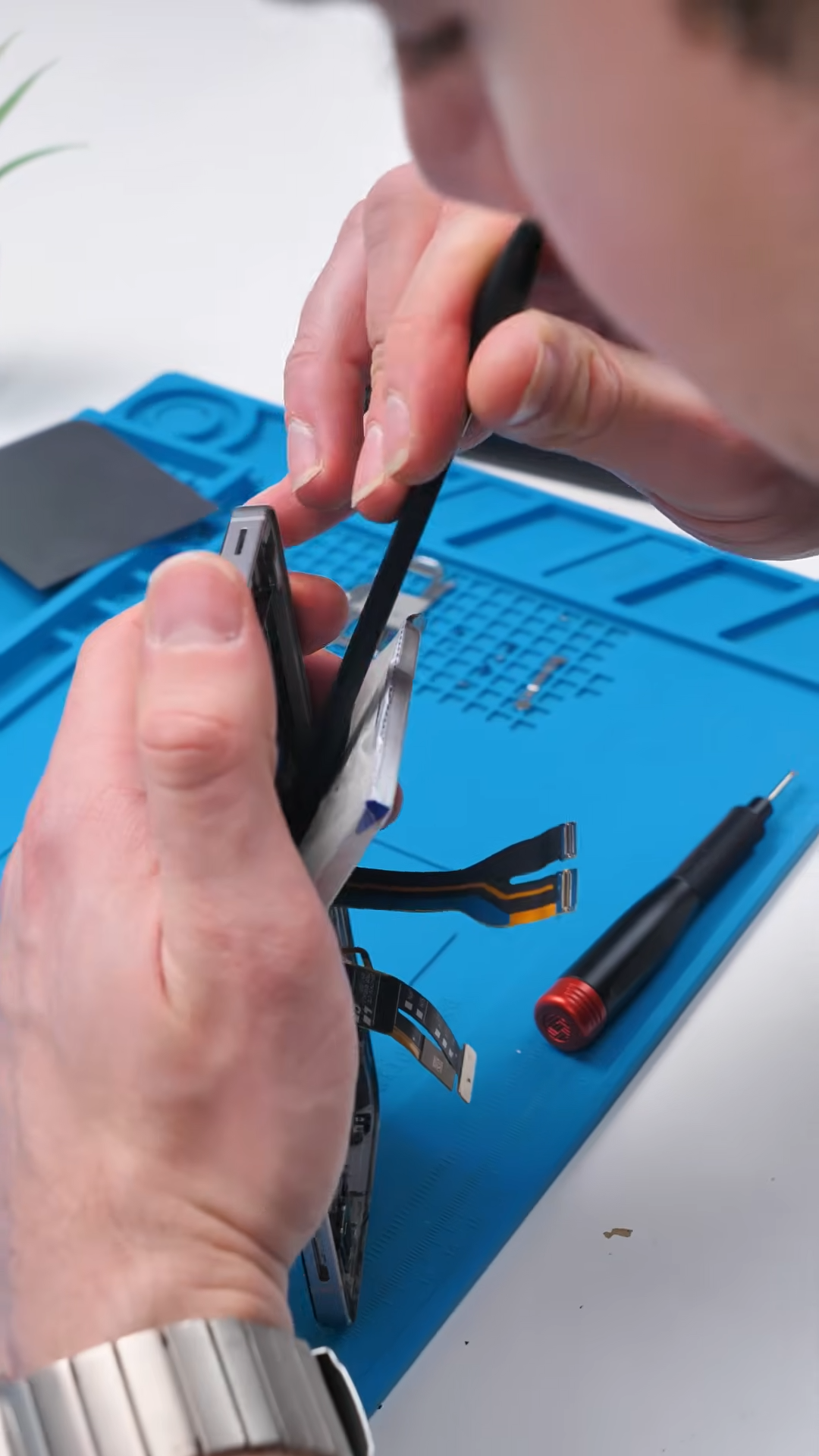
If the main display breaks, the outer screen should still allow access to the phone and its settings. But in practice, that is not how it works. Even with the outer screen functioning normally, you still cannot activate Maintenance Mode once the internal display is damaged.
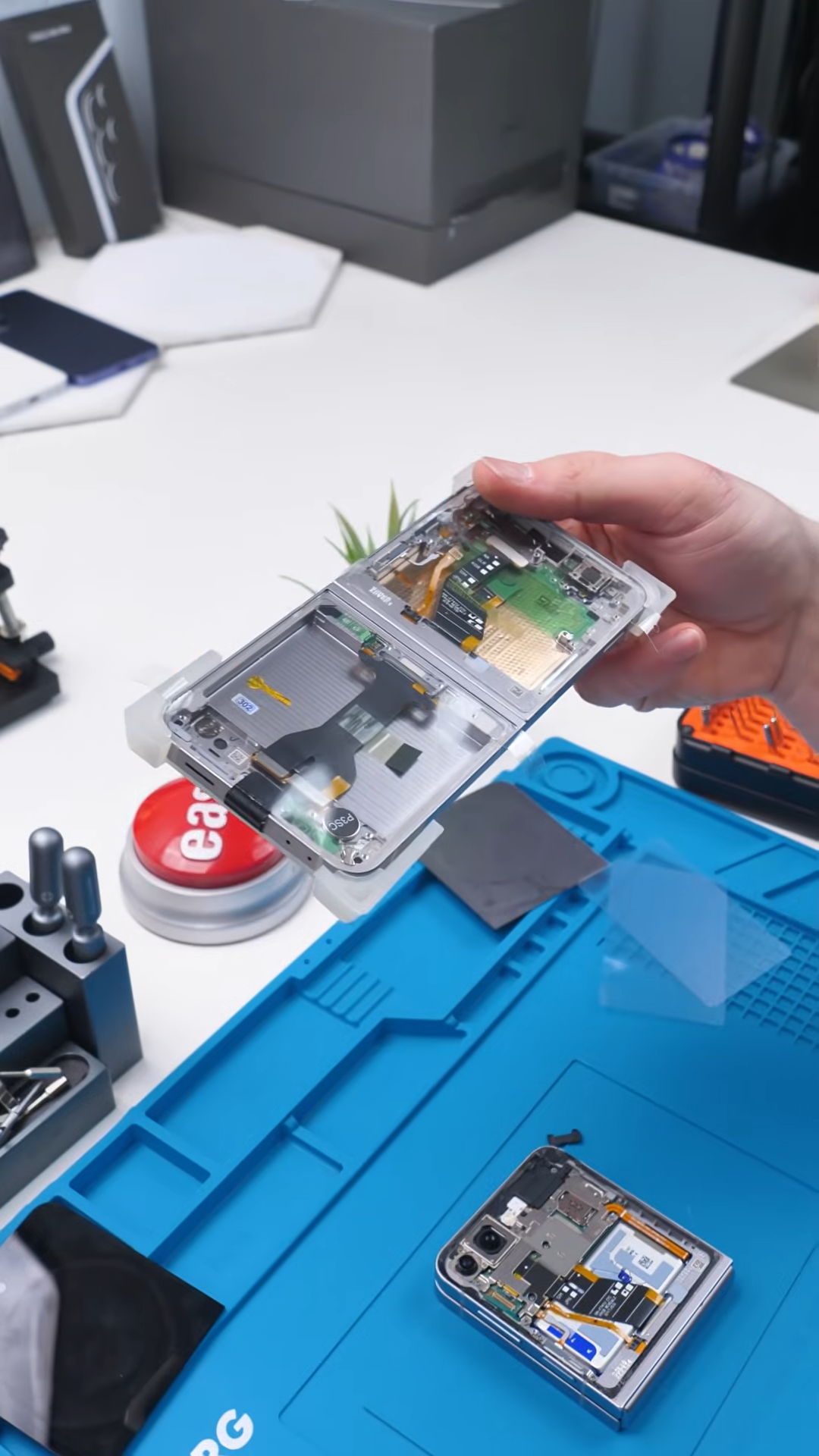
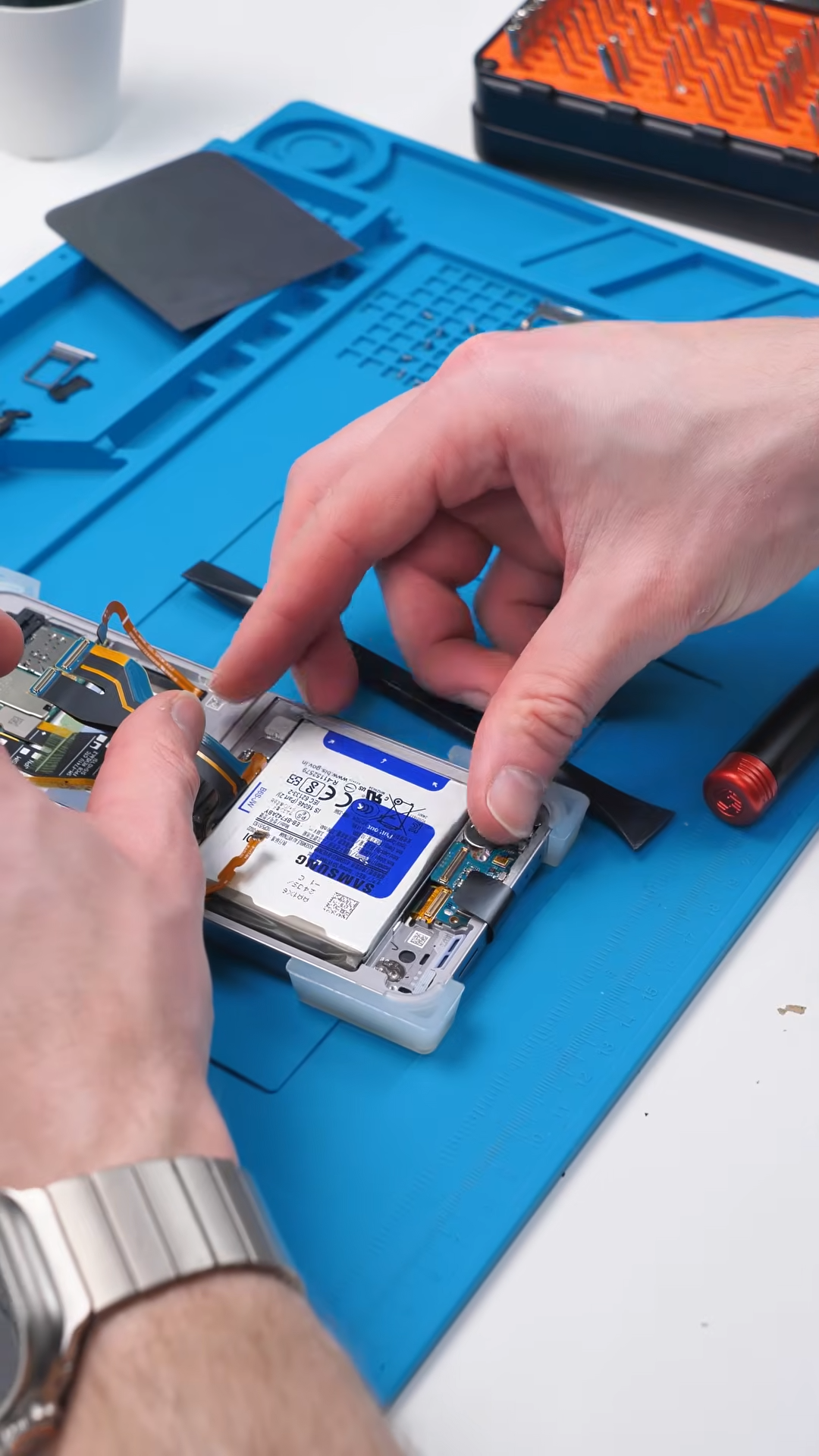
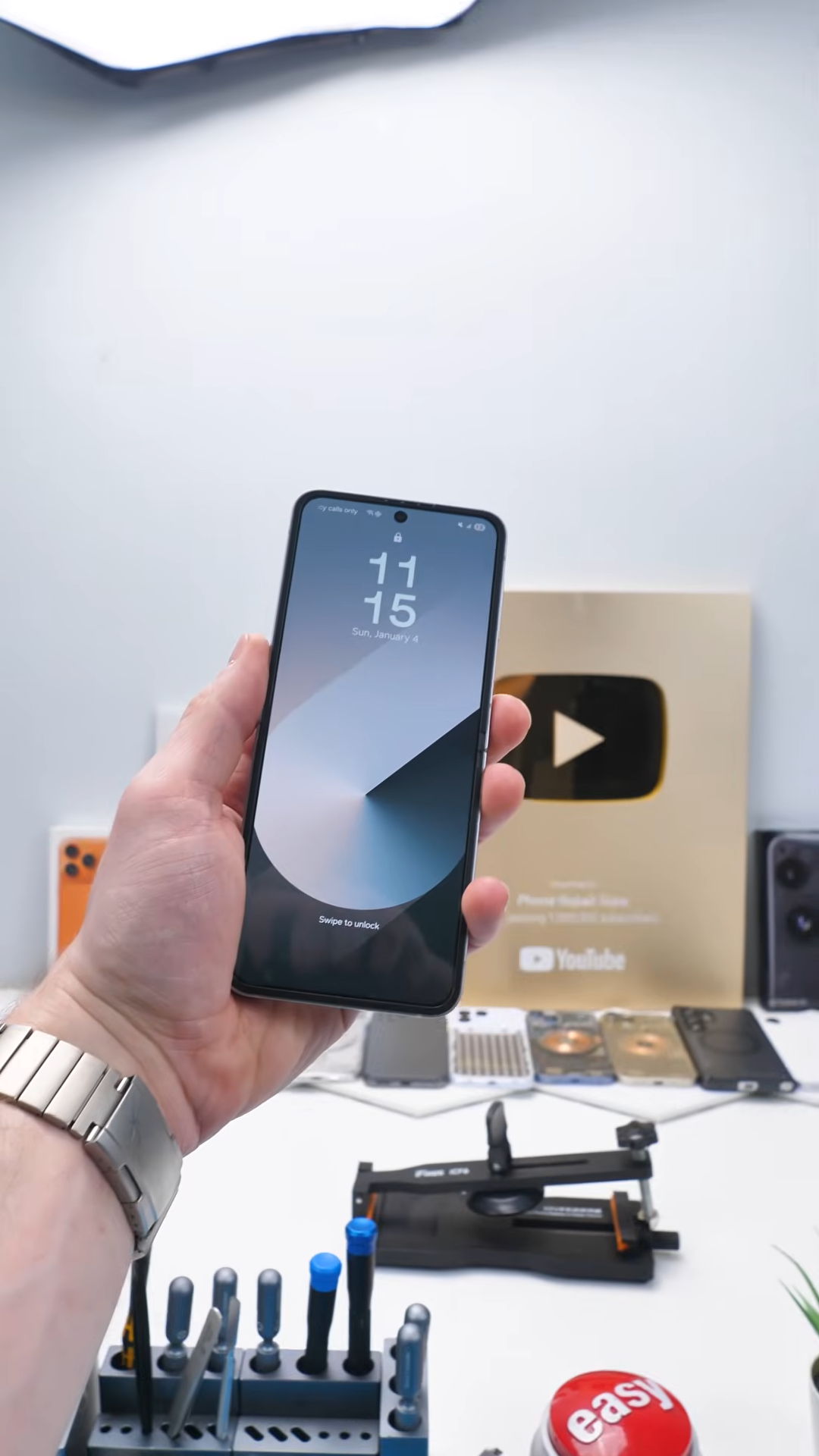
So despite having a second screen available, the feature that is meant to protect user data during repairs becomes inaccessible in one of the most common repair scenarios.
Why This Matters for Repairs
Without Maintenance Mode enabled, technicians are placed in a difficult situation.
They either have to test the phone while the user’s personal data is still accessible, or they must repair the device first and only discover afterward if something else is broken. Neither option is ideal.
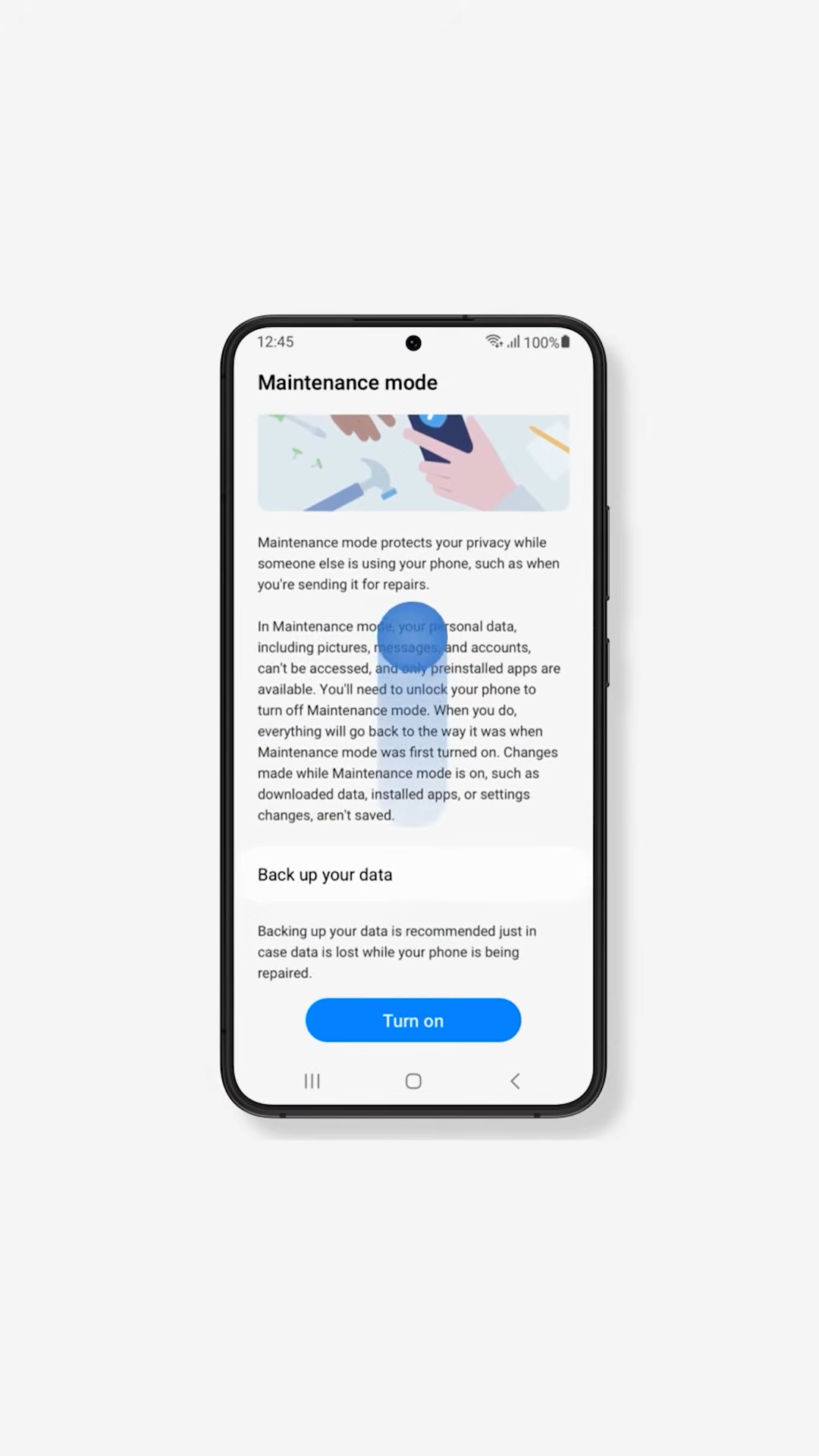
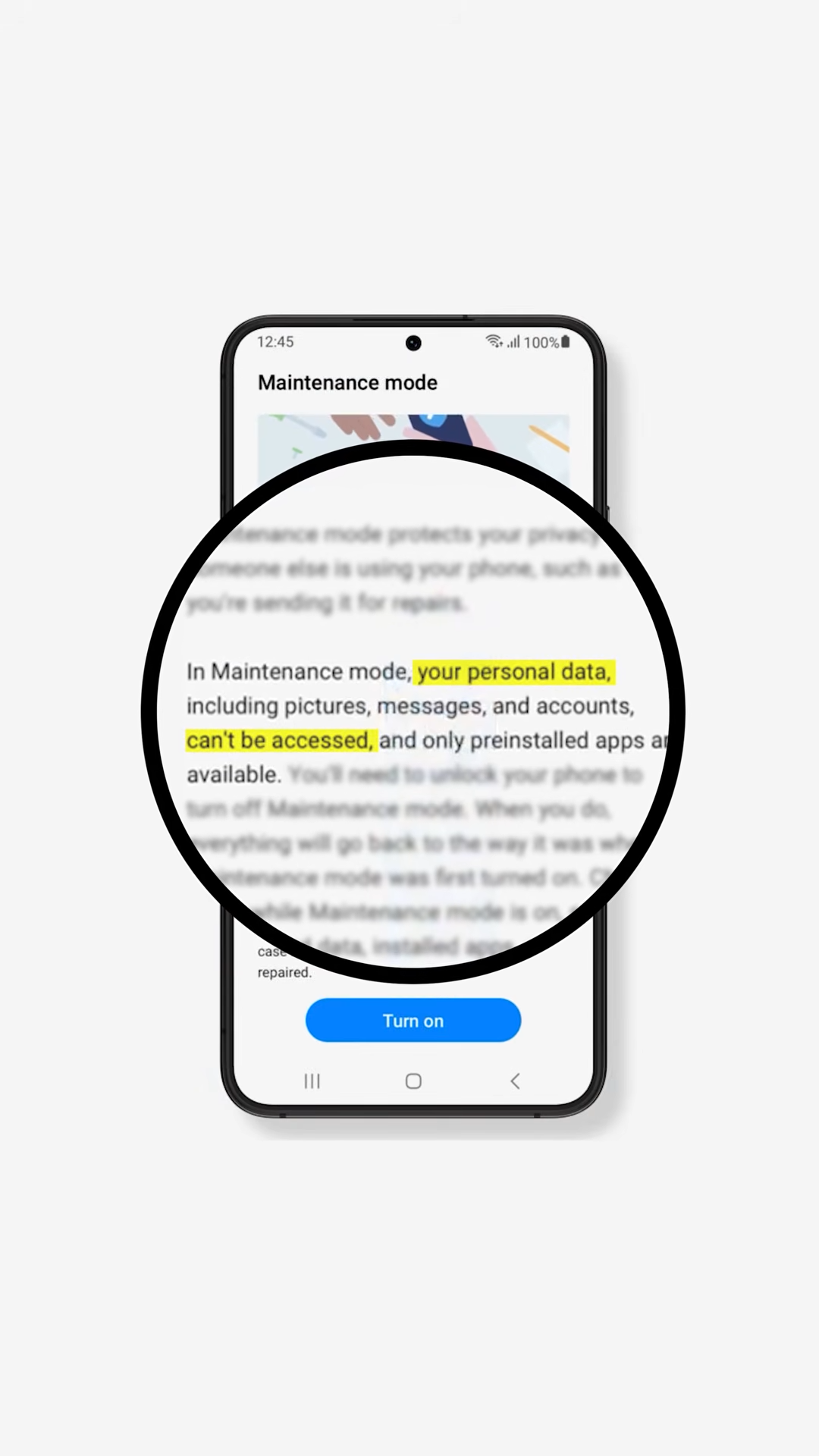
Maintenance Mode was designed specifically to prevent this situation by isolating personal data while allowing full hardware diagnostics. But because the feature requires navigating through the settings menu, a damaged screen can completely block access to it.
And on foldable phones, even having a second display does not currently solve that problem.
A Fix That Would Be Easy
This is something that could be solved fairly easily.
Samsung could allow Maintenance Mode to be activated from the outer display when the main screen is not working. Another option would be enabling it through the recovery menu or allowing remote activation through a Samsung account.
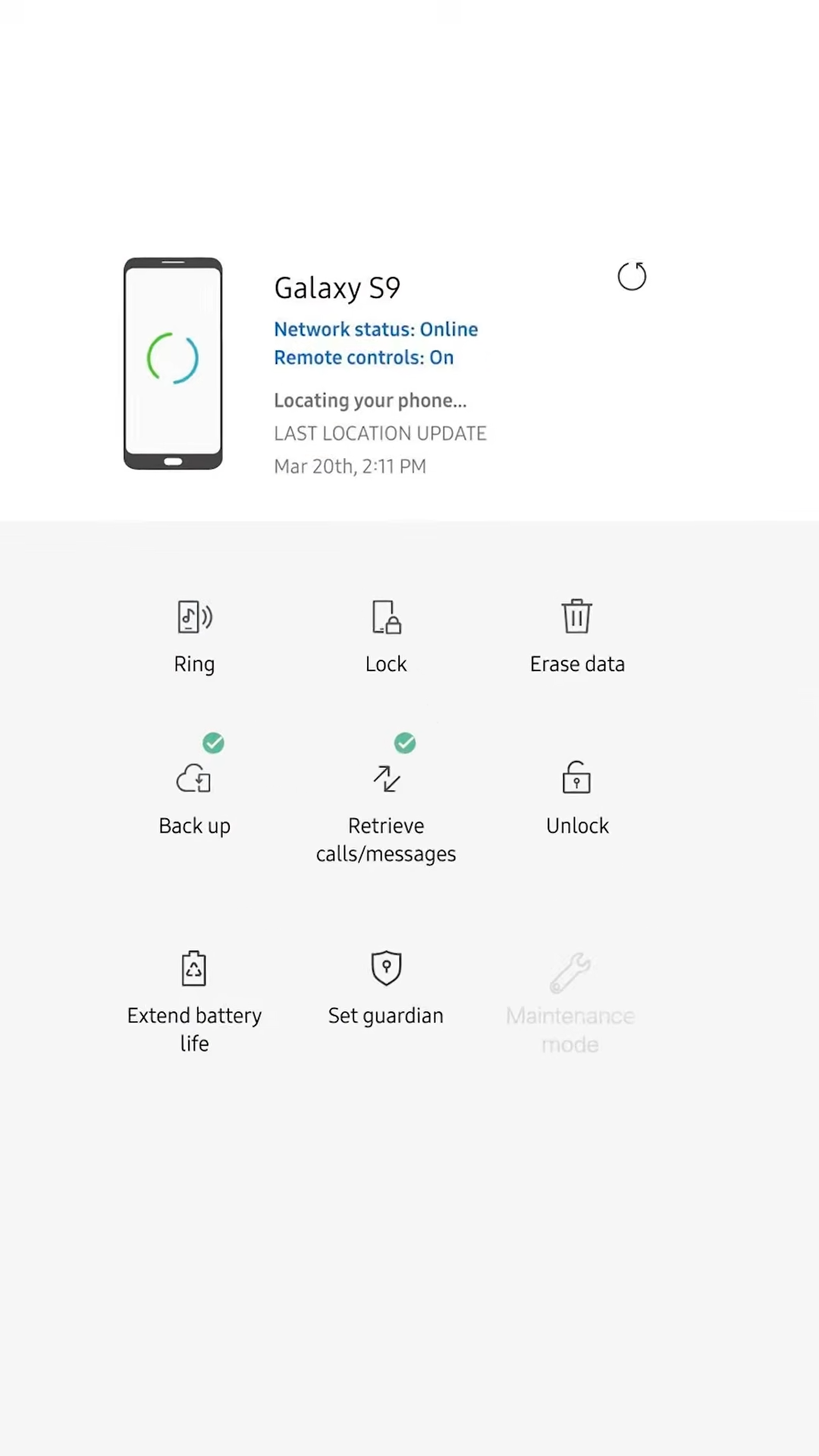
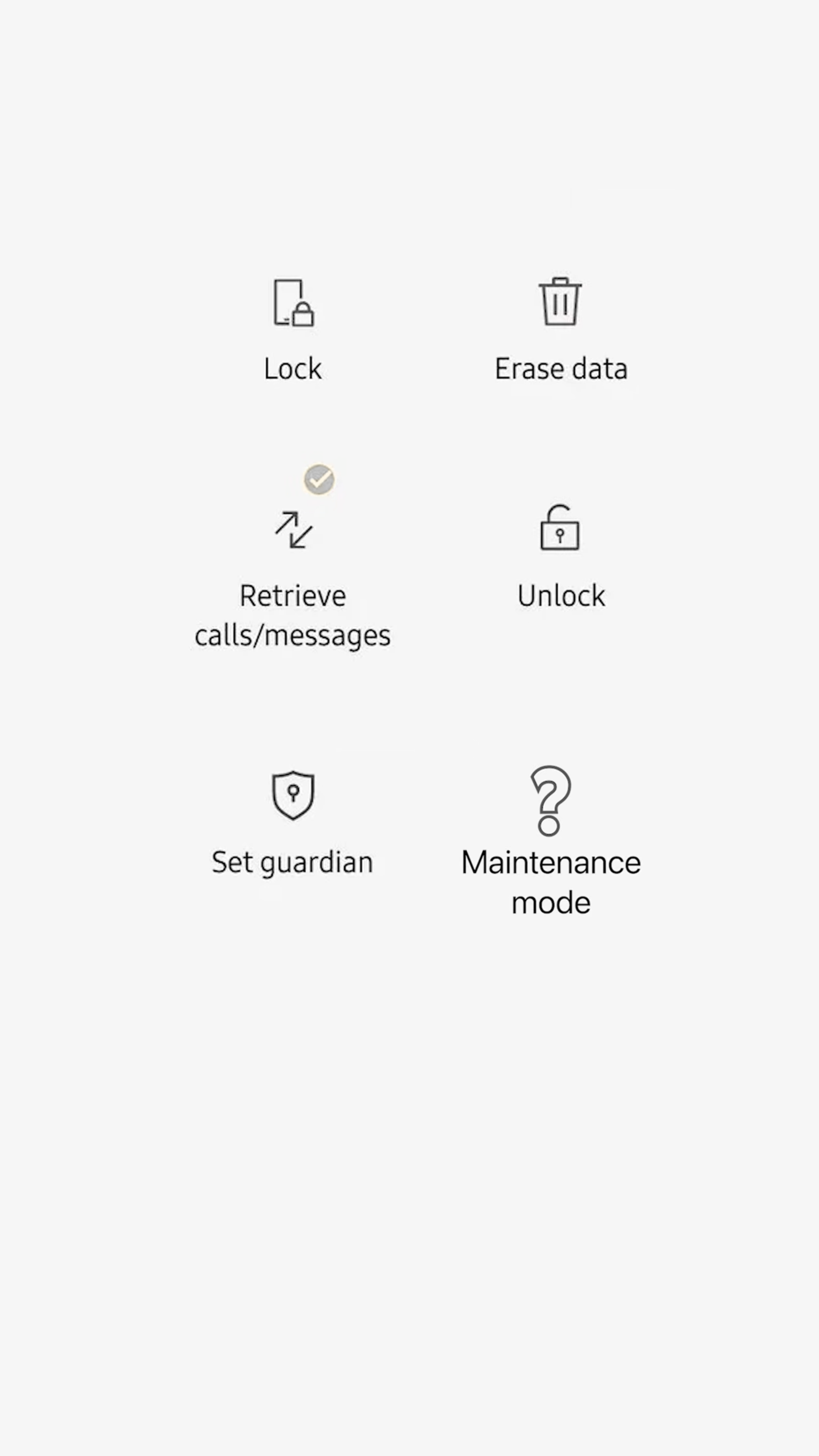
Any of these solutions would allow technicians to safely test devices even when the primary display is damaged.
Until then, repair shops working on foldable devices are stuck with a strange situation where the phone technically includes a feature designed to protect user data during repairs, but the moment the screen breaks, that feature becomes impossible to use.
Final Thoughts
Maintenance Mode is a genuinely useful idea. It allows repair technicians to fully test a device while keeping personal data locked away, which benefits both users and repair shops.
But features like this only work if they are accessible when things go wrong. When a broken screen prevents the feature from being activated, especially on a phone that already has a second display, the entire system starts to fall apart.
Foldable phones are becoming more common, and inner display damage is one of the most frequent repairs on these devices. Making Maintenance Mode accessible from the outer screen, a recovery menu, or even remotely would turn this feature into the tool it was meant to be.
Right now, it is a great idea that unfortunately disappears at the exact moment you need it most.
See you in the next article!
