
The iPhone Duo has one of the cleanest layouts I’ve seen inside a foldable. Those little magnets in the middle look like something out of Tony Stark’s workshop. Can I make the back transparent without ruining them?
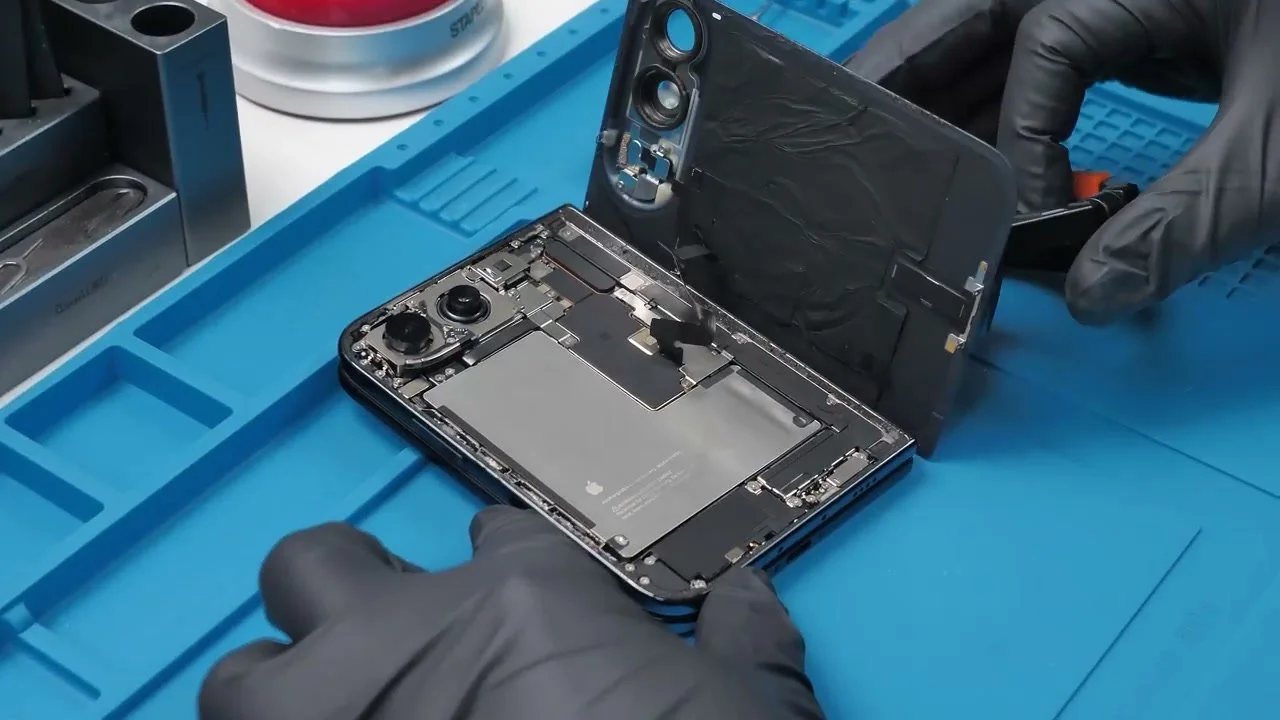
At the time of this mod, I don’t have replacement parts to fall back on. I get one shot at keeping the original pieces intact.
Getting the Delicate Parts Out
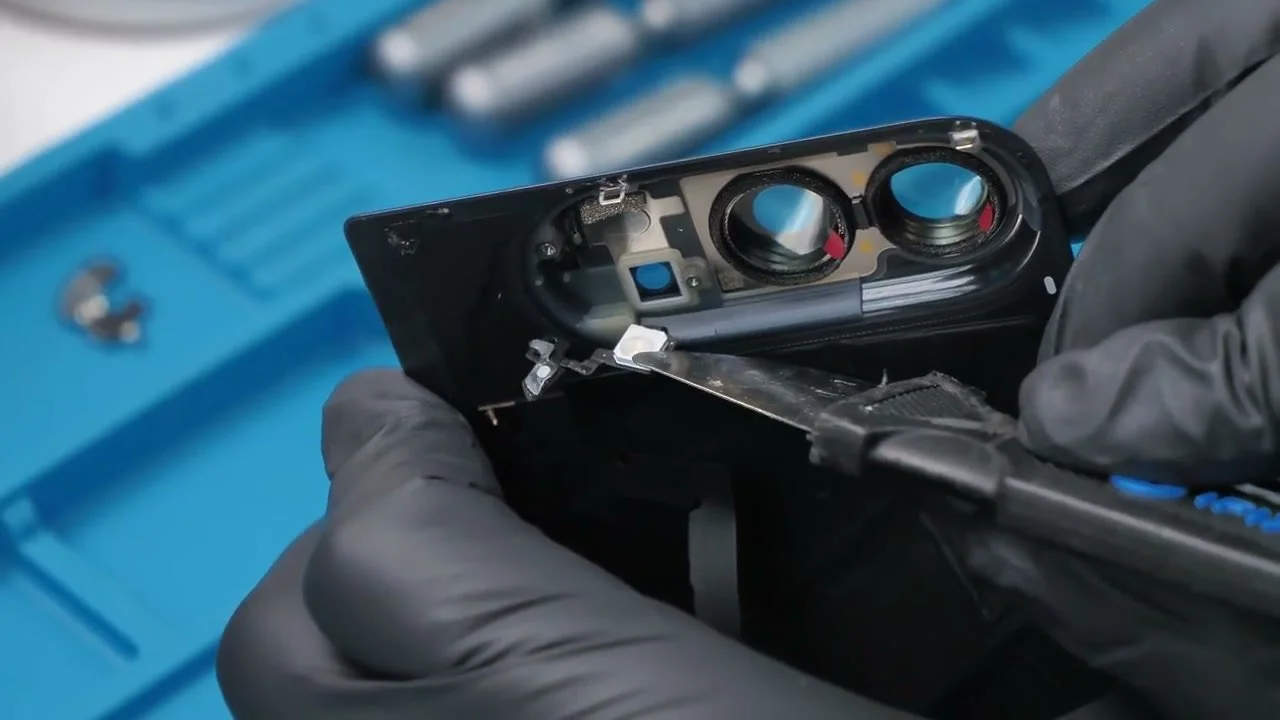
With the back lifted, I remove the two Phillips screws holding the flash and rear microphone, protect the camera surrounds, then lift the small components out. If I damage those, the whole idea is in trouble before the glass is even clear.
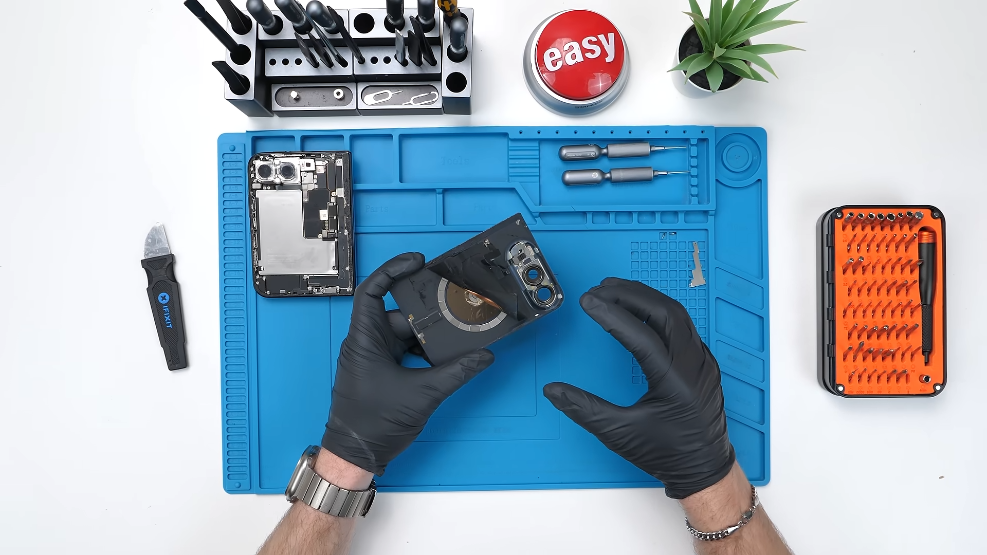
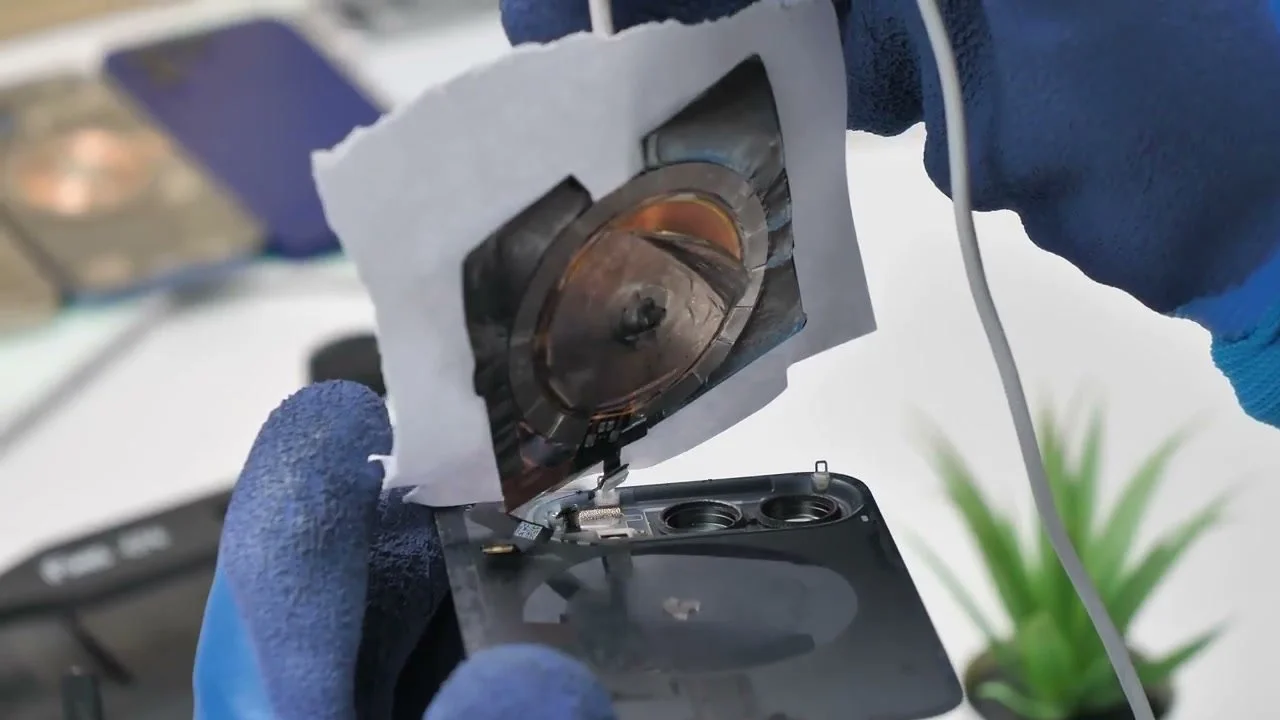
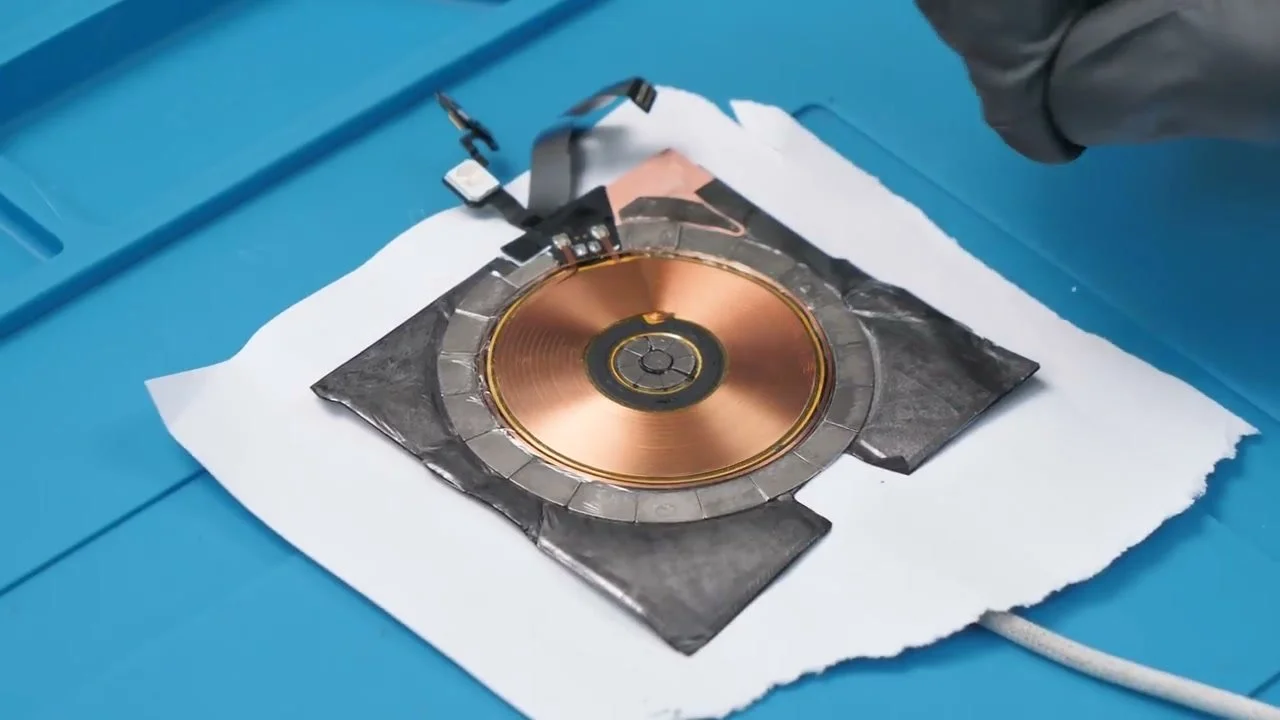
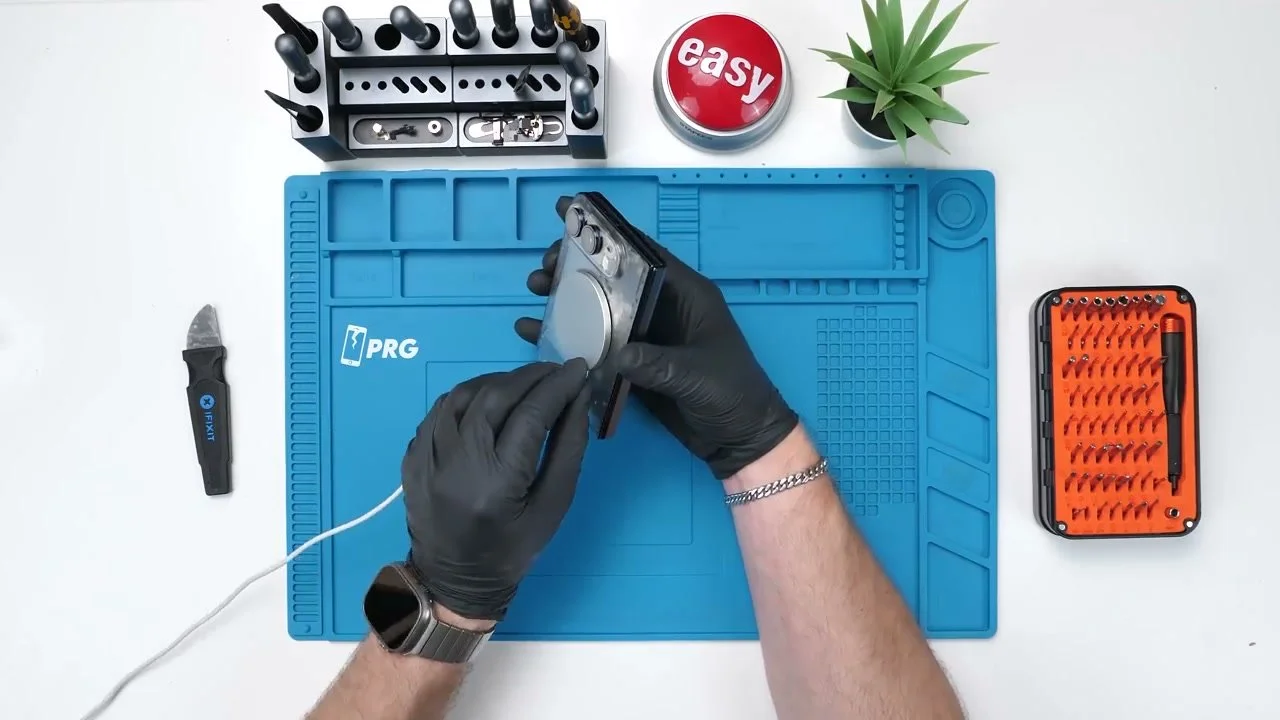
Next comes the charging coil and its thin magnets. A MagSafe puck, a sheet of paper and heat help me lift the assembly.
Most magnets come away with it; the others need transferring individually. Getting them off is one thing. Keeping that precise layout looking tidy is another.
Turning the Back Glass Clear
The thin glass flexes with heat, which makes this part a little nerve-racking. I remove the lower screw plate and the remaining magnets, scrape away the silicone around the cameras, then work the metal supports free. I keep the rear microphone mesh for reassembly.
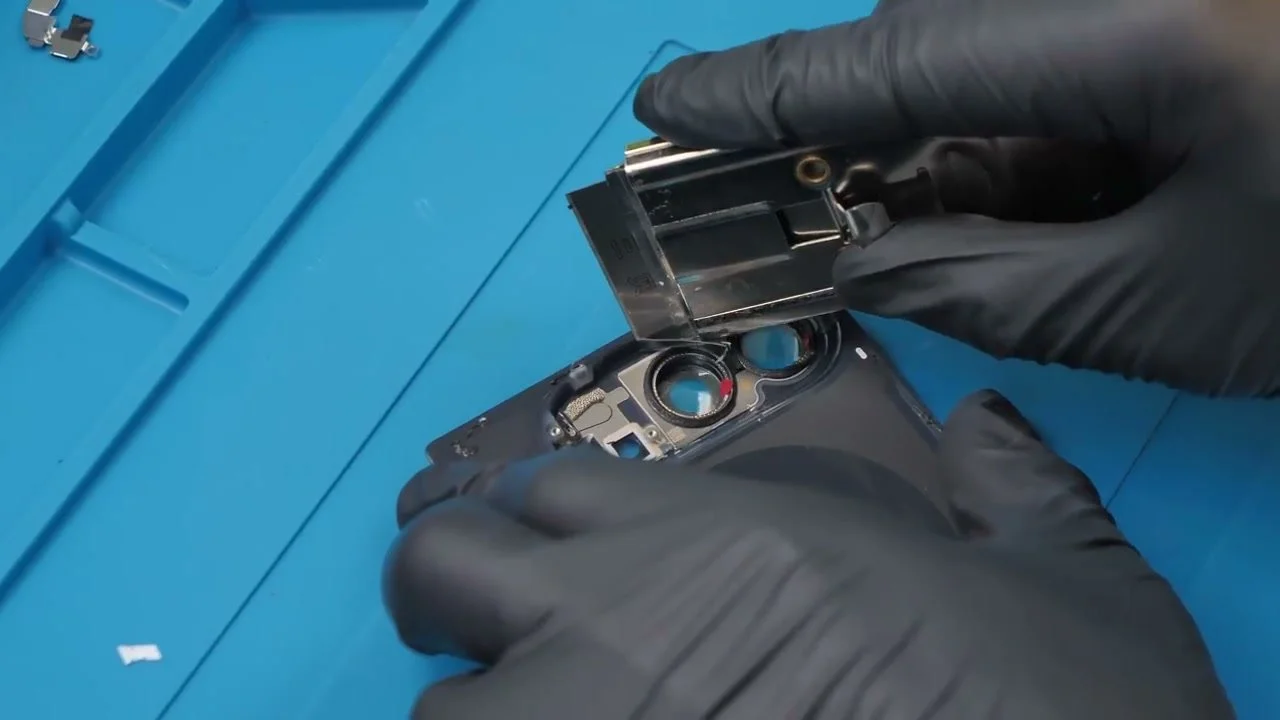
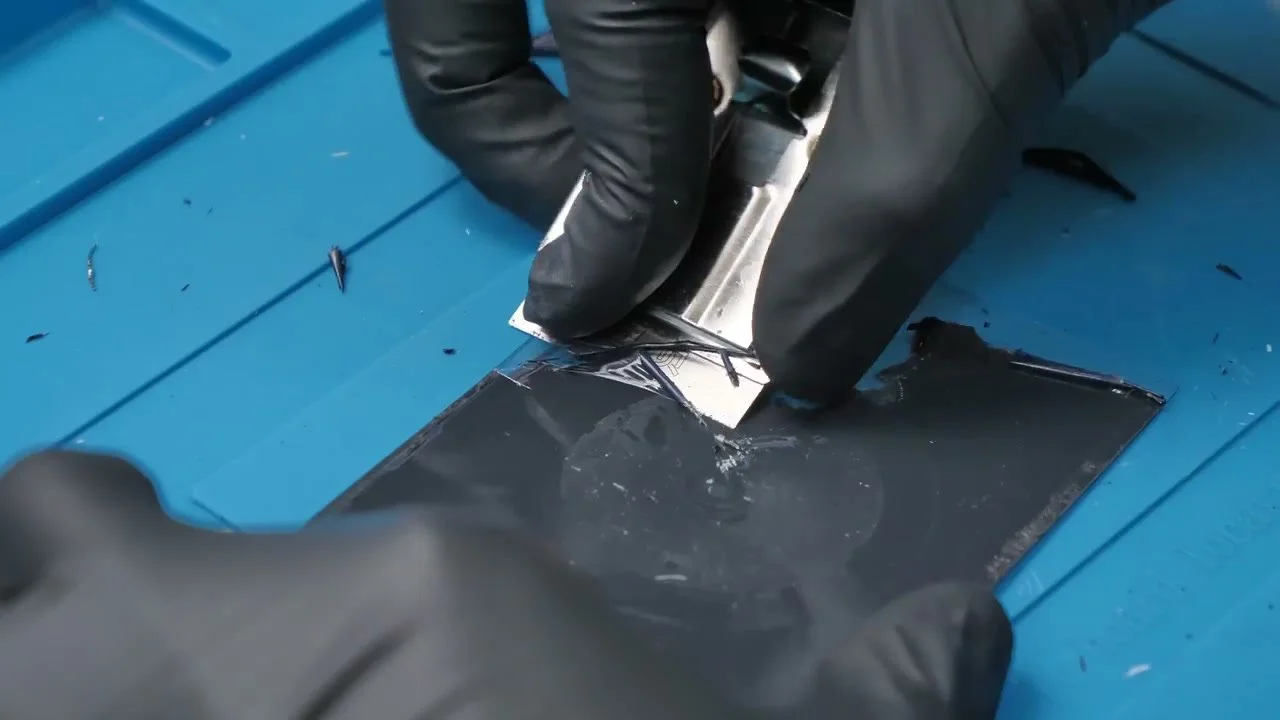
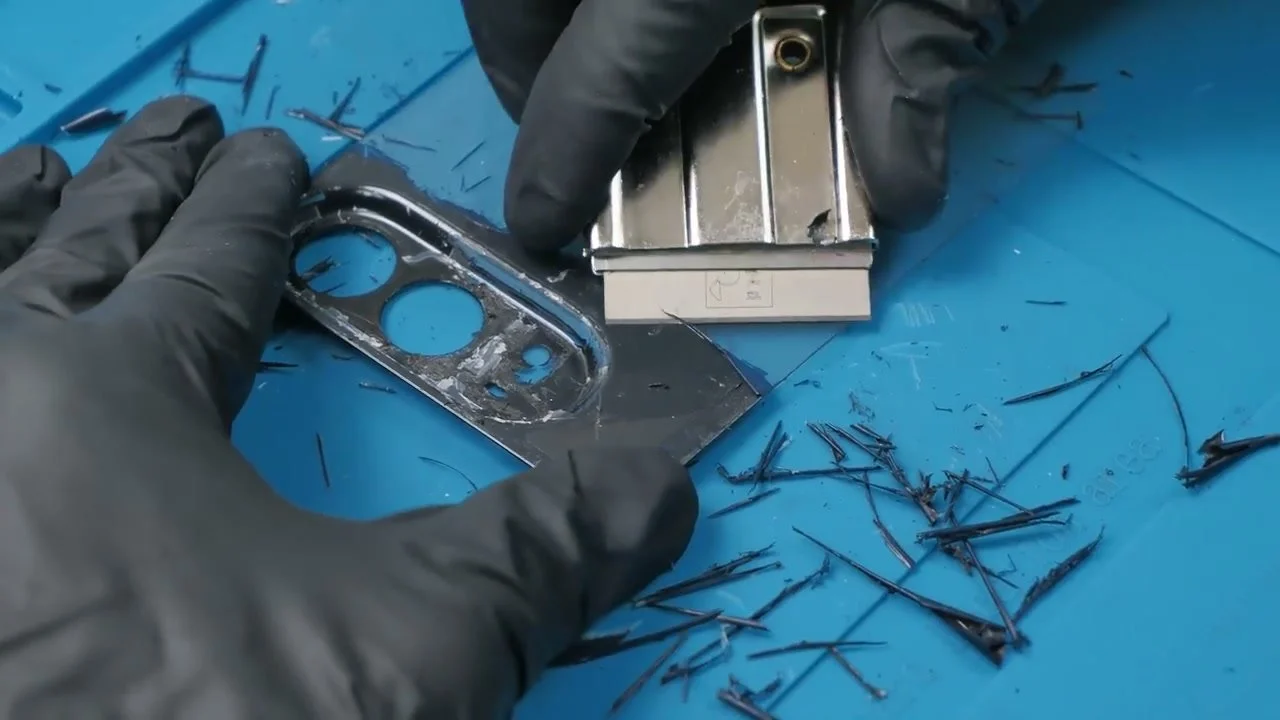
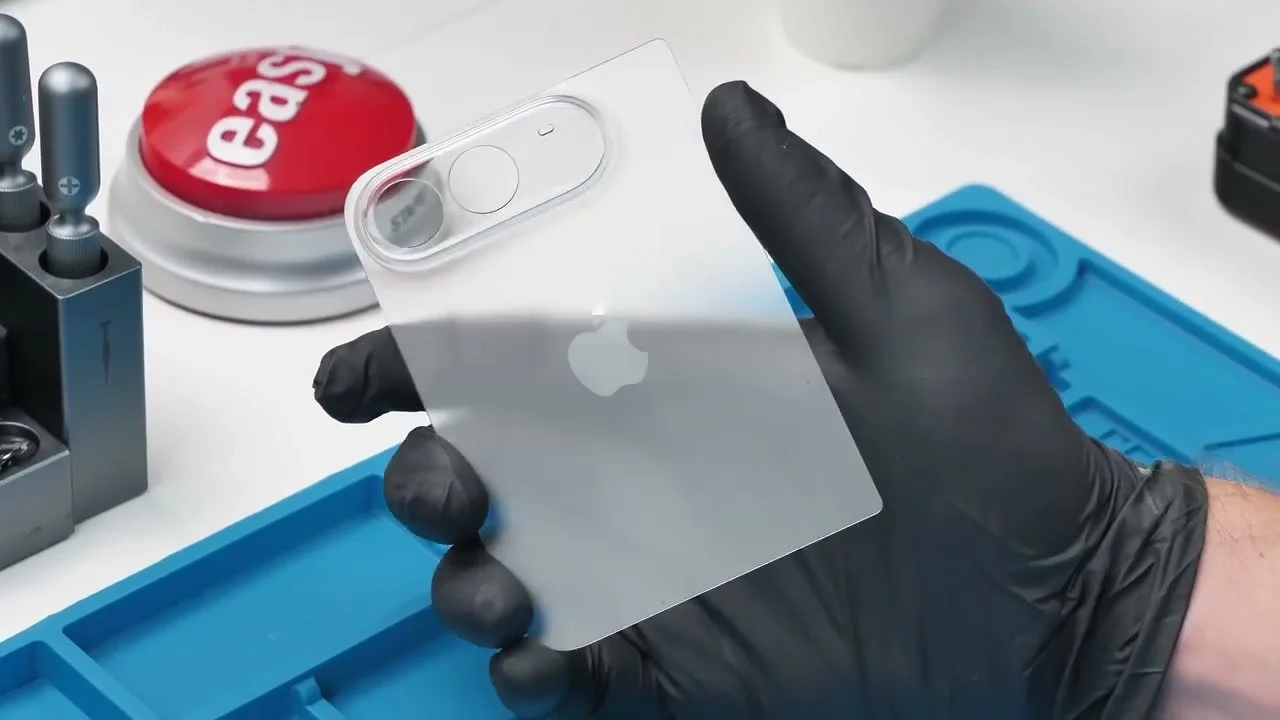
Then comes the slow part: scraping the baked-on paint away, bit by bit. Paint thinner hasn’t worked well for me on these mods. The flat area is manageable; the curved camera plateau takes much more patience.
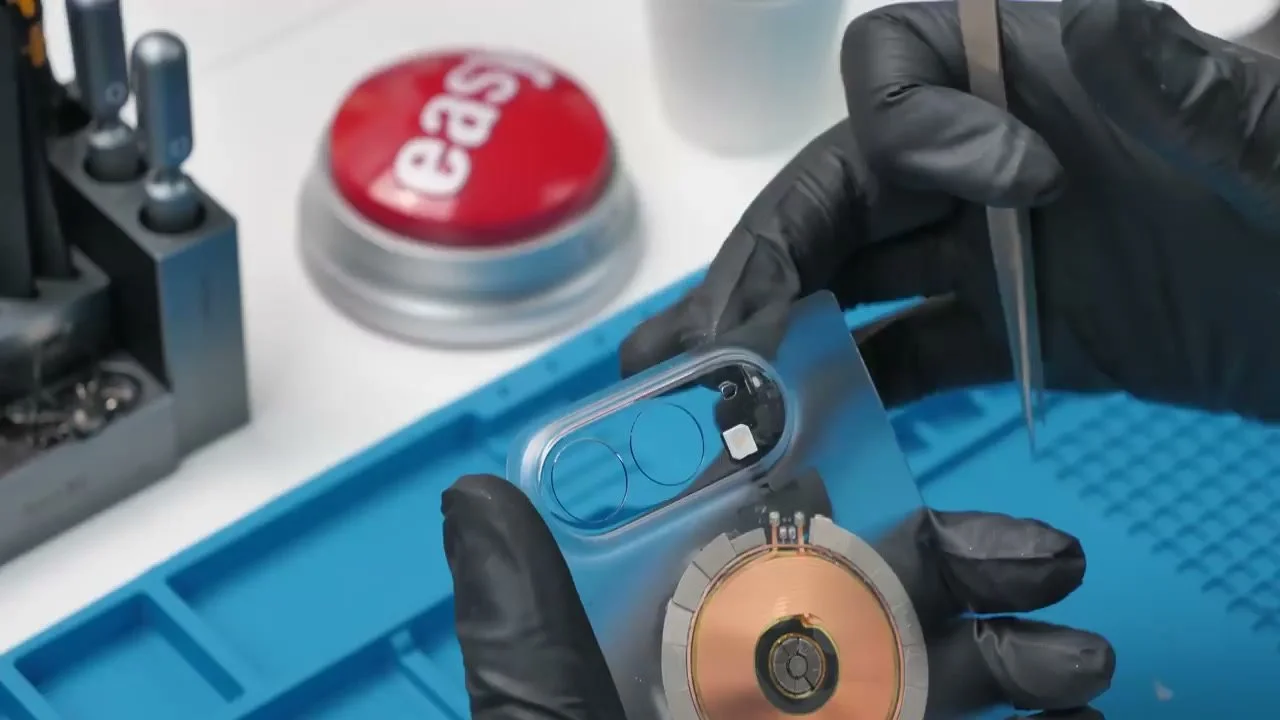
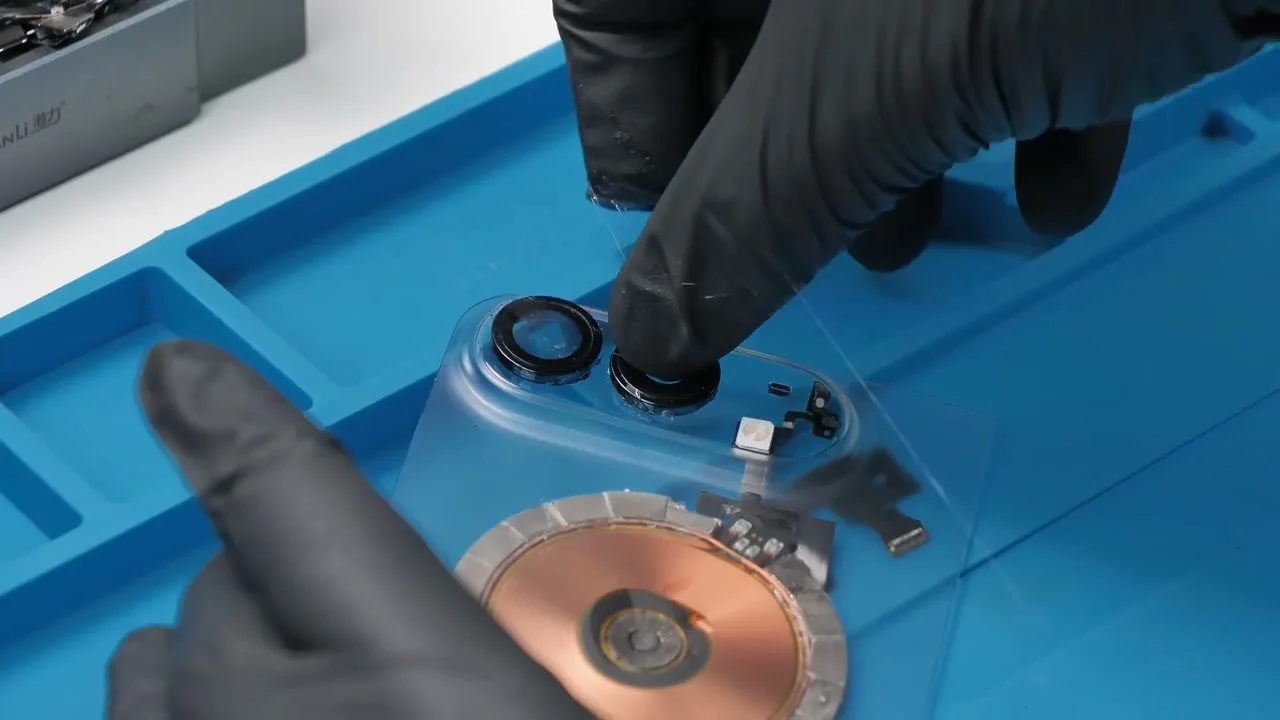
After hours of scraping, the back is clear, including the Apple logo and camera area. I trim the excess graphite around the coil, centre the assembly on the glass, then return the microphone mesh and camera surrounds.
I clean the camera glass and any residue before putting the back on. It is coming together, but one tiny piece still has other ideas.
One Magnet Nearly Spoils It
One magnet won’t sit flat. There simply isn’t enough room. I try loosening the adhesive and shifting the neighbouring pieces, then press the final magnet into place.
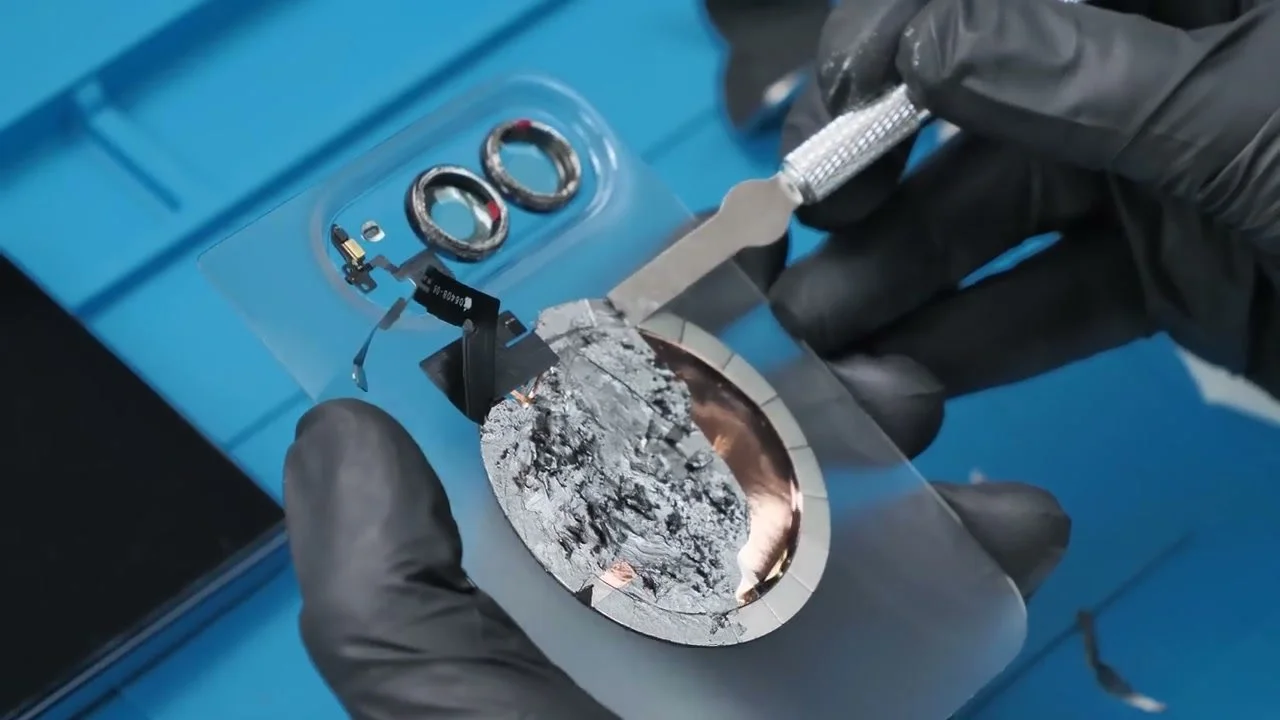
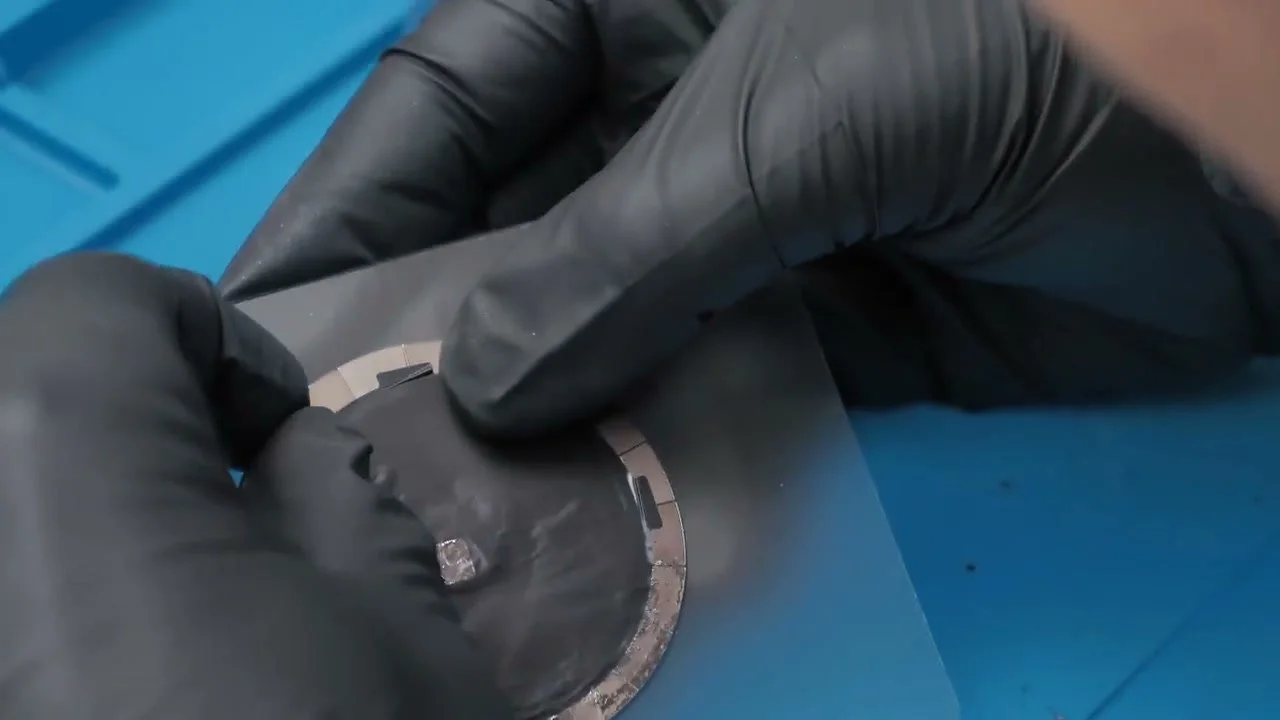
The magnet cracks. After all that work, that hurts. I flip it to hide the crack and slide it into the space I’ve made. I also leave out the bottom magnets to keep more of the internals visible through the small rear panel.
Now I can connect the back glass to the Duo and put the phone together again.
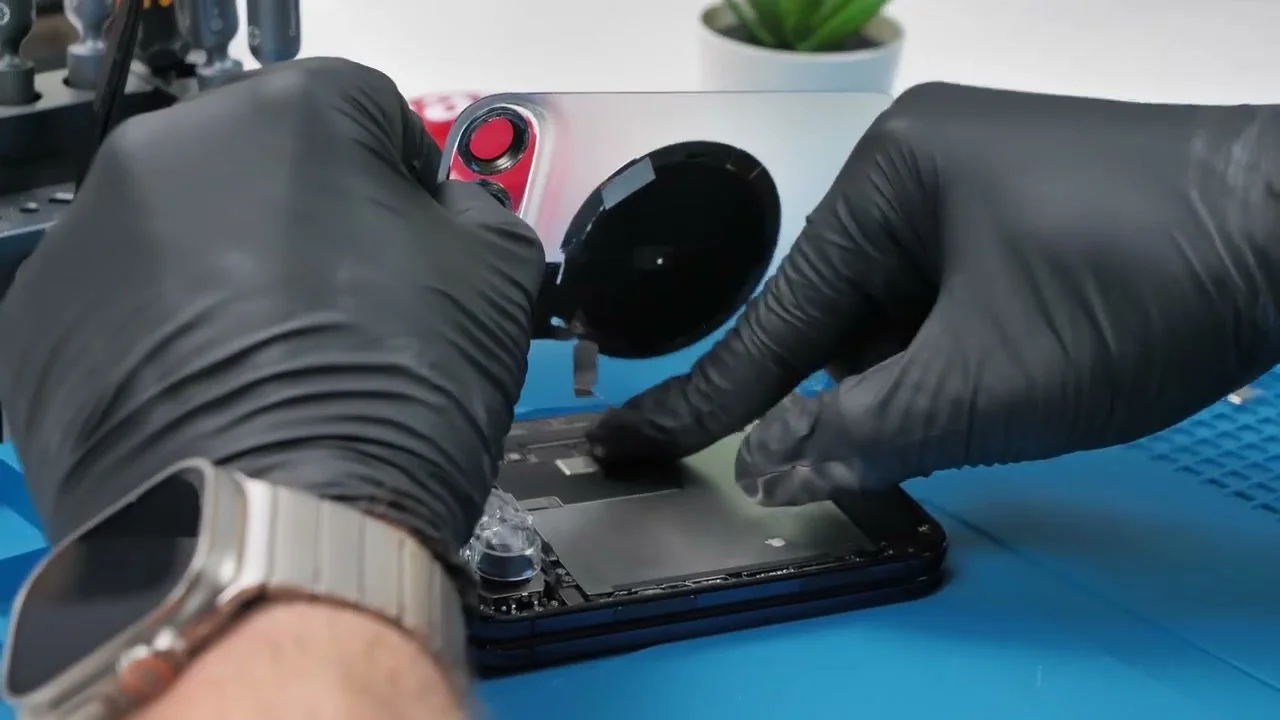
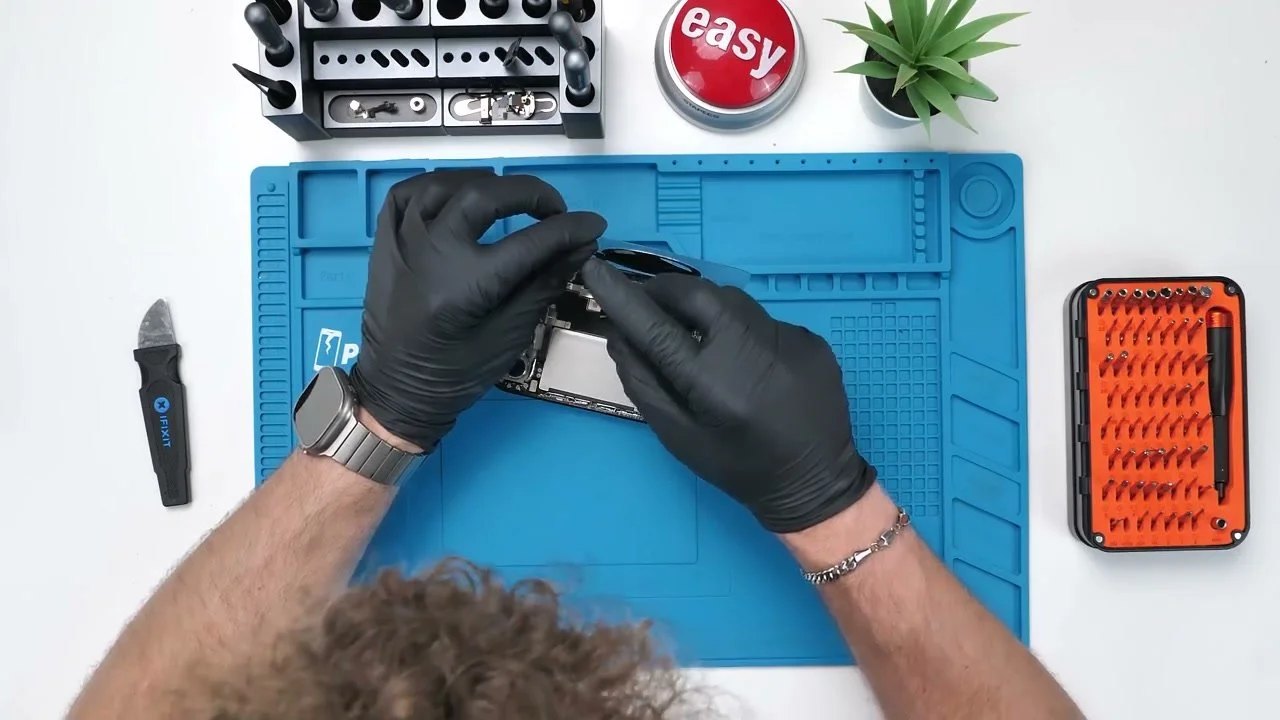
The back is on. Time to find out whether the charging coil and flash still work.
Clear Back, Working Coil, Working Flash?
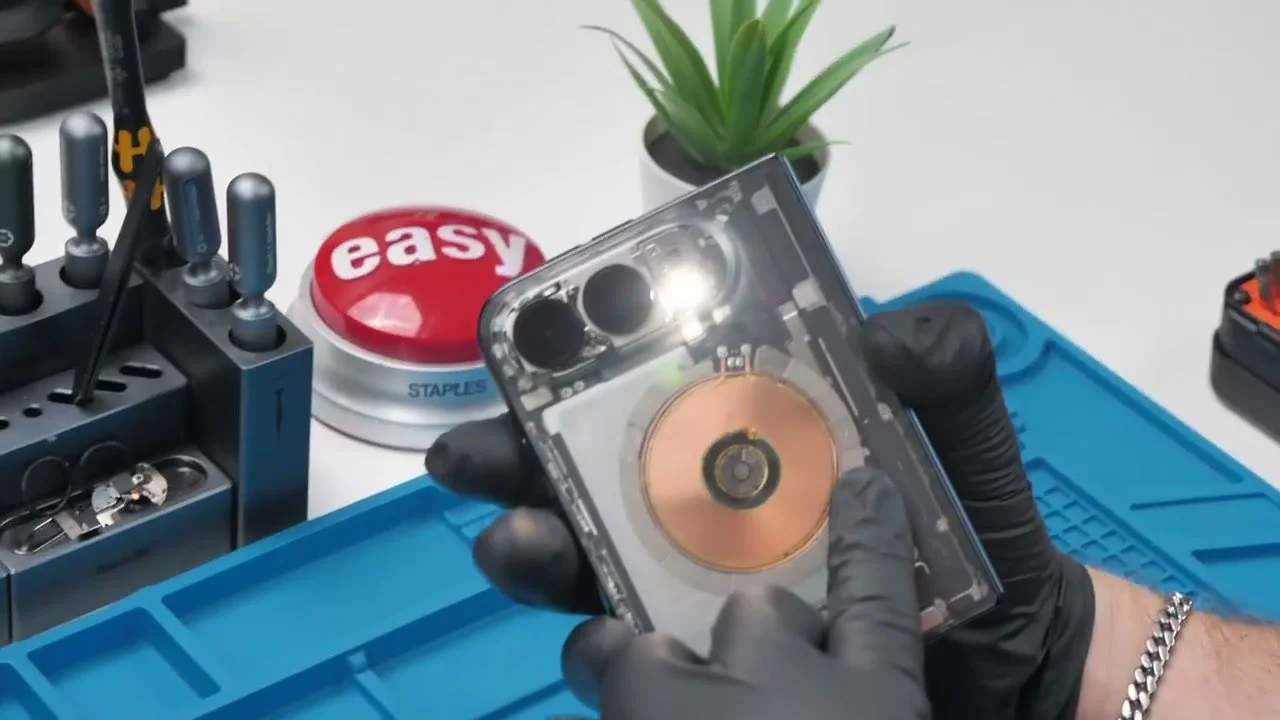
The Duo finally shows off that clean layout. It isn’t pristine, but I love the view through the glass, especially those tiny centre magnets. My transparent iPhone Air still takes first place; this one comes second.
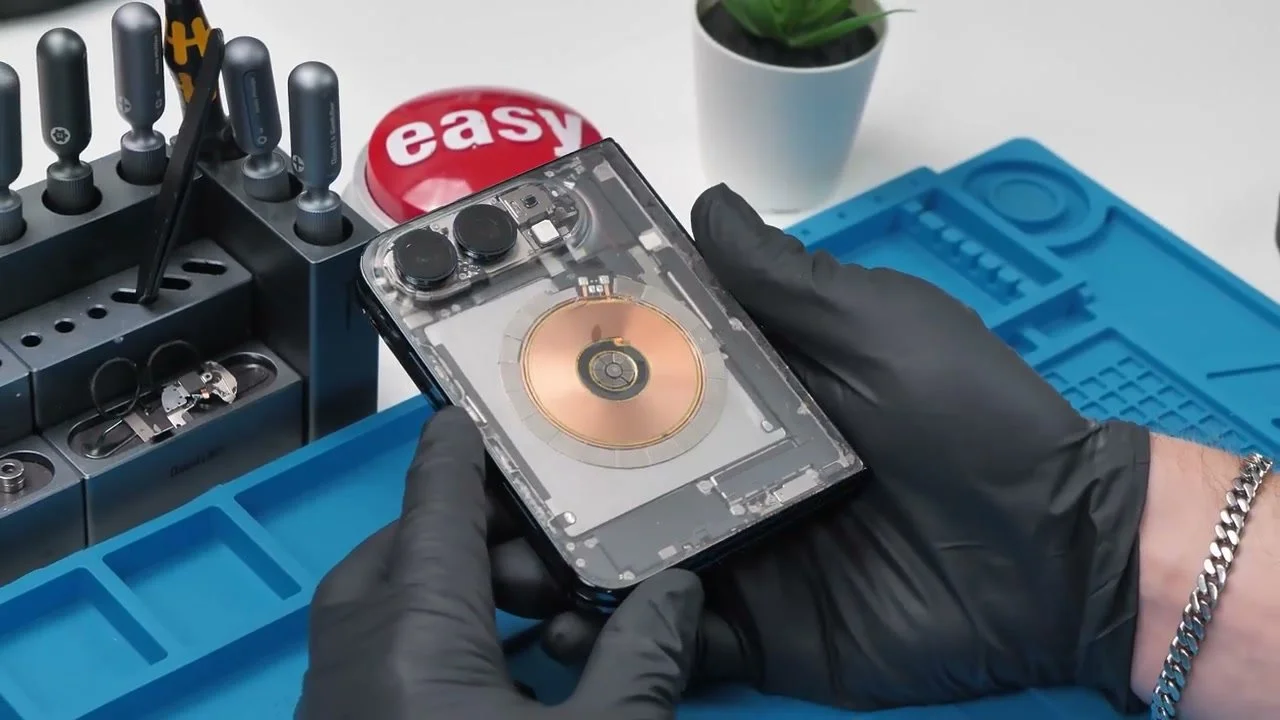
Looks are only half the job. I attach the wireless charger and the phone starts charging. Then I switch on the flash. That works too.
Final Thoughts
One cracked magnet, hours of scraping, and a very expensive experiment. The finish isn’t perfect, but I got the clear back I wanted, with the charging coil and flash still working.
Those tiny magnets made this much harder than I expected. Seeing them through the glass, with the phone back together, makes the effort feel worth it.
See you in the next article!
