
Apple Finally Fixed iPhone Recovery and Nobody Noticed…
Apple spent a lot of time talking about AI during WWDC 2026, but one of iOS 27's most practical features barely got a mention. And honestly, it may end up saving more iPhones than any AI feature ever will.
@iFixit
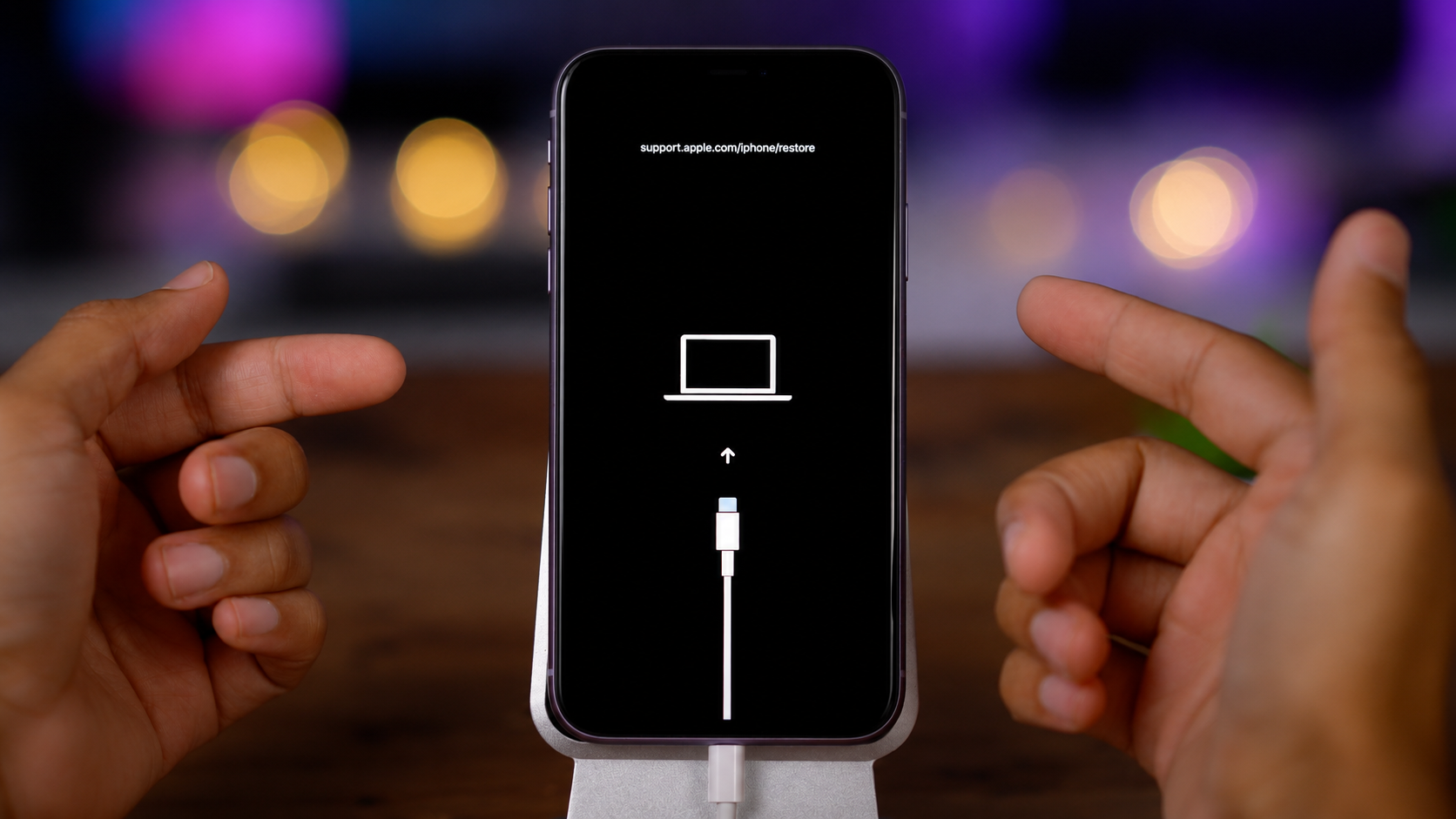
For years, recovering a broken iPhone has been surprisingly inconvenient. If an update failed or the device got stuck in a boot loop, users often had to find a computer just to reinstall iOS.
With iOS 27, Apple is finally changing that.
Your iPhone Can Now Recover Itself
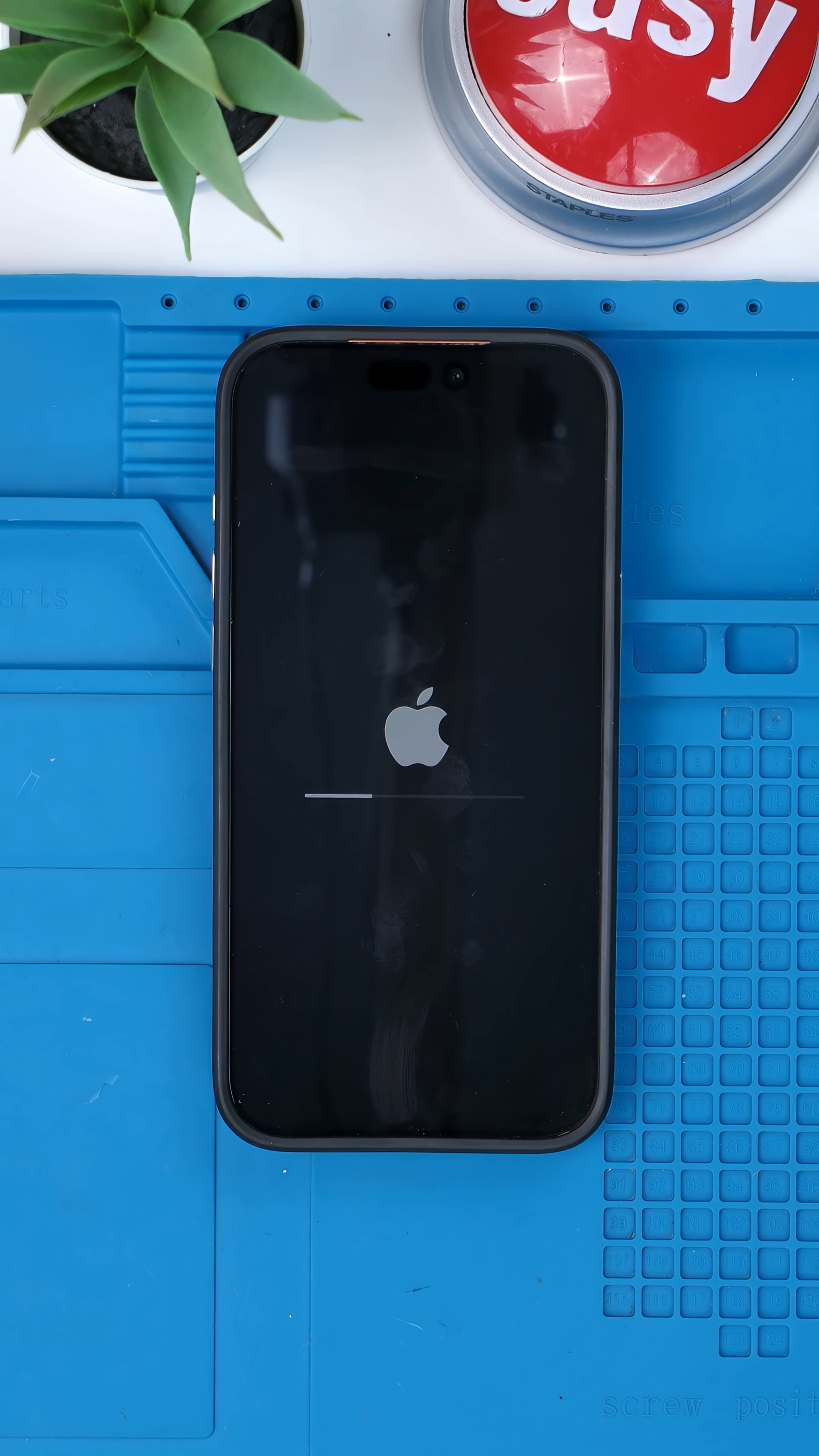
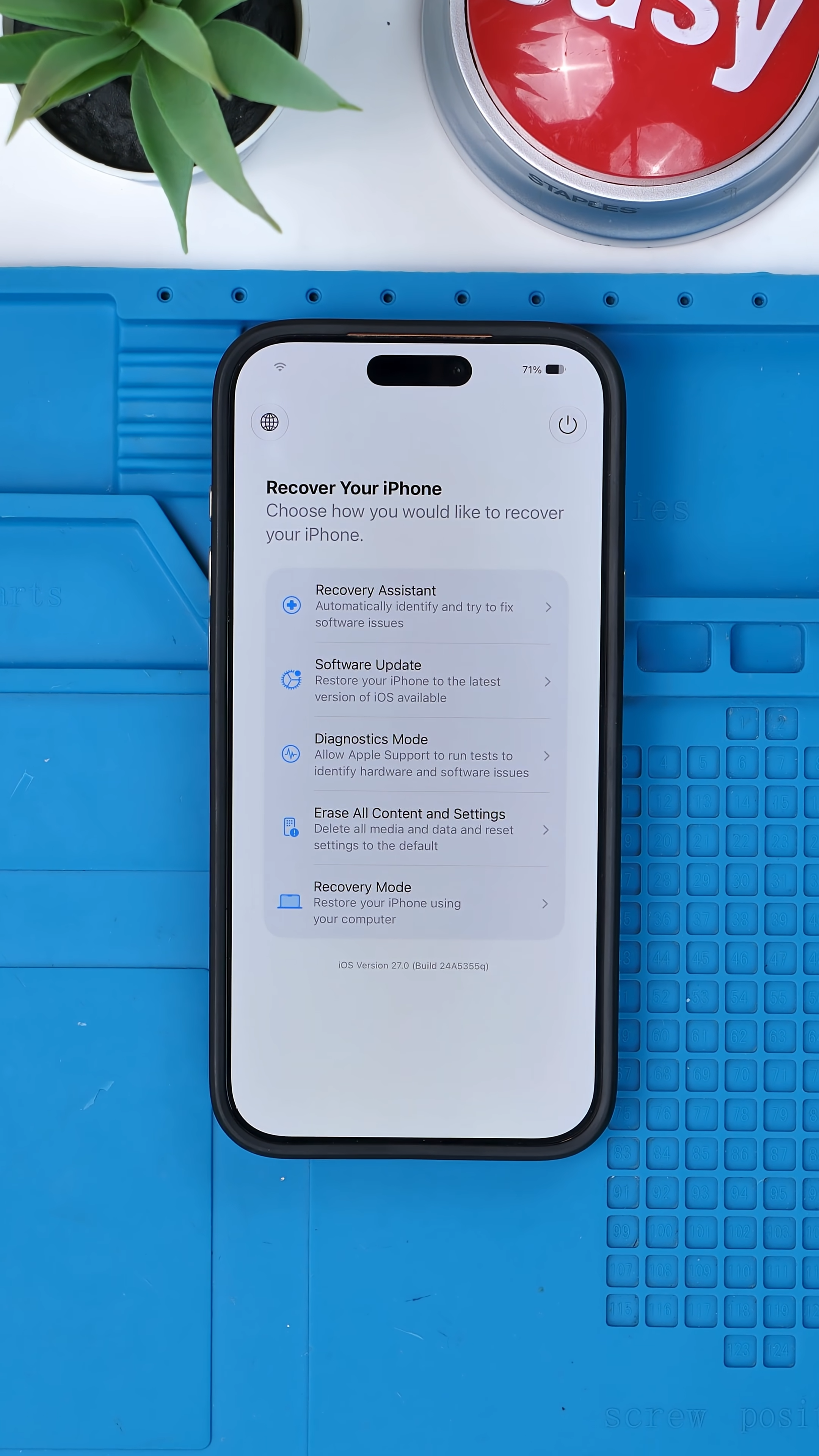
iOS 27 introduces a new recovery environment that works independently from the main operating system, similar to the recovery mode found on modern Macs. If something goes wrong, users can boot into a dedicated interface without loading the full version of iOS.

From there, users can access tools such as:
Diagnostics Mode
Recovery Assistant
Software Update
Erase All Content and Settings
Recovery Mode
The feature can even display battery percentage and automatically connect to previously known Wi-Fi networks, making recovery possible without cables or external hardware.
Getting into the new recovery environment is surprisingly simple.
1. Power off the iPhone
2. Press the Volume Up button
3. Press the Volume Down button
4. Press and hold the Power button.
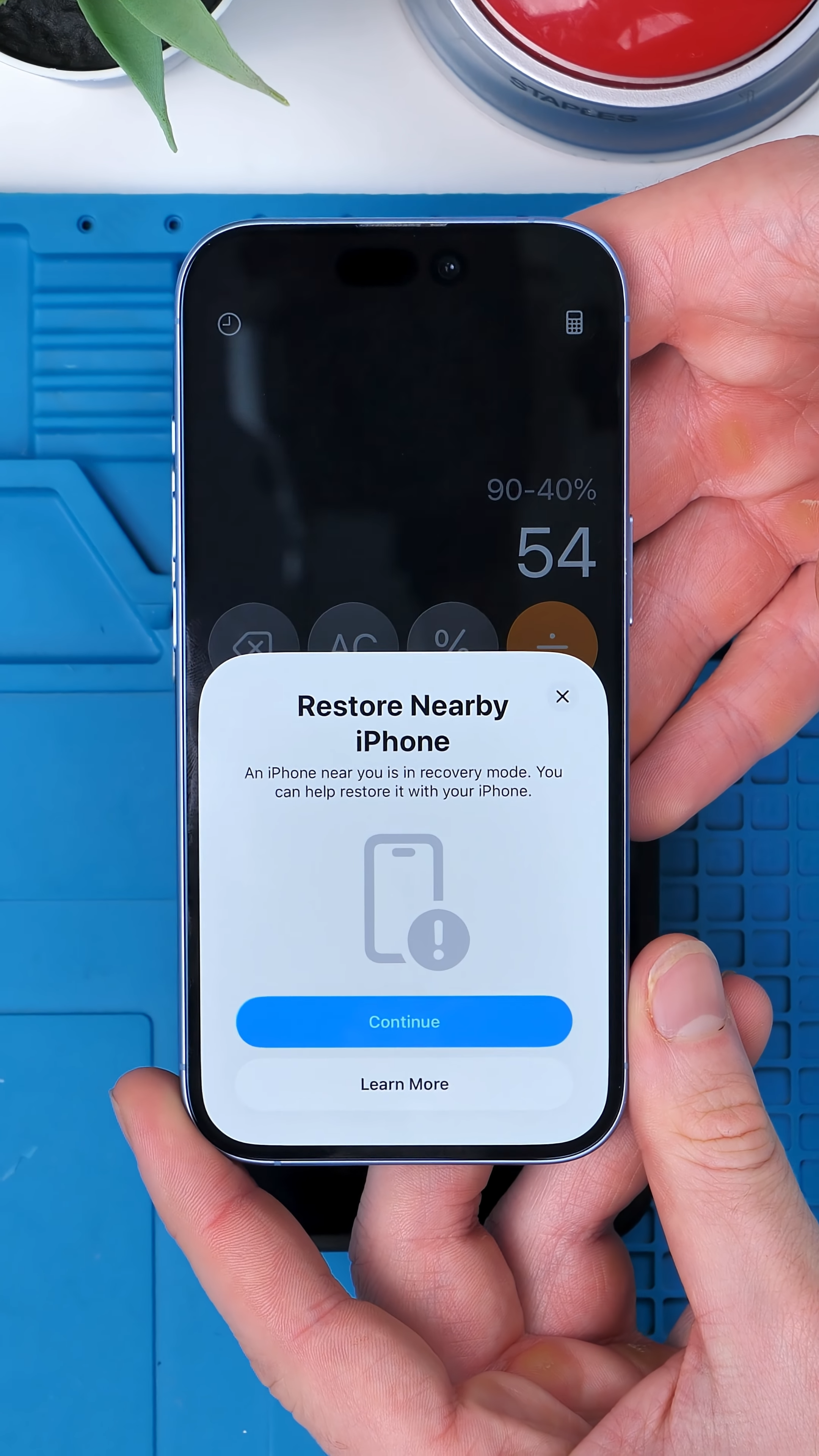
Instead of loading iOS, the device boots into a dedicated recovery interface where users can run diagnostics, access Recovery Assistant, or even reinstall iOS using another nearby Apple device.


Until now, serious software issues often meant connecting your iPhone to a computer and using Finder or iTunes to restore it. Apple's own support documents still describe that traditional process for older versions of iOS.
A Big Step Toward Computer-Free Recovery
One of the most useful changes in iOS 27 is that fixing a software issue no longer always requires a computer.
Using another nearby Apple device, compatible iPhones and iPads can reinstall software wirelessly, making it far easier to get a device back up and running.
That may not sound revolutionary, but many people no longer own a computer. If an iPhone fails during an update while traveling or away from home, getting access to one isn't always possible.
Computers still have a place for advanced repairs and deeper system restores, but for everyday users, iOS 27 removes a major barrier that has existed for years.
What once required cables and external hardware can now happen directly from the device itself.
Final Thoughts
Recovery tools are one of those features you rarely think about until you desperately need them.
That's why this may quietly become one of the most important additions in iOS 27.
Because the best recovery system isn't the one with the most features. It's the one you never have to leave home to use.
See you in the next article!
