
Why You Should Rescue Your Stadia Controller Before It’s Too Late…
People have been talking about Stadia controllers like they were doomed the moment Stadia shut down. Google refunded the hardware, shut off the servers, and the controllers were basically stuck in Wi-Fi mode unless you used their official rescue tool.

©️venomuk.com
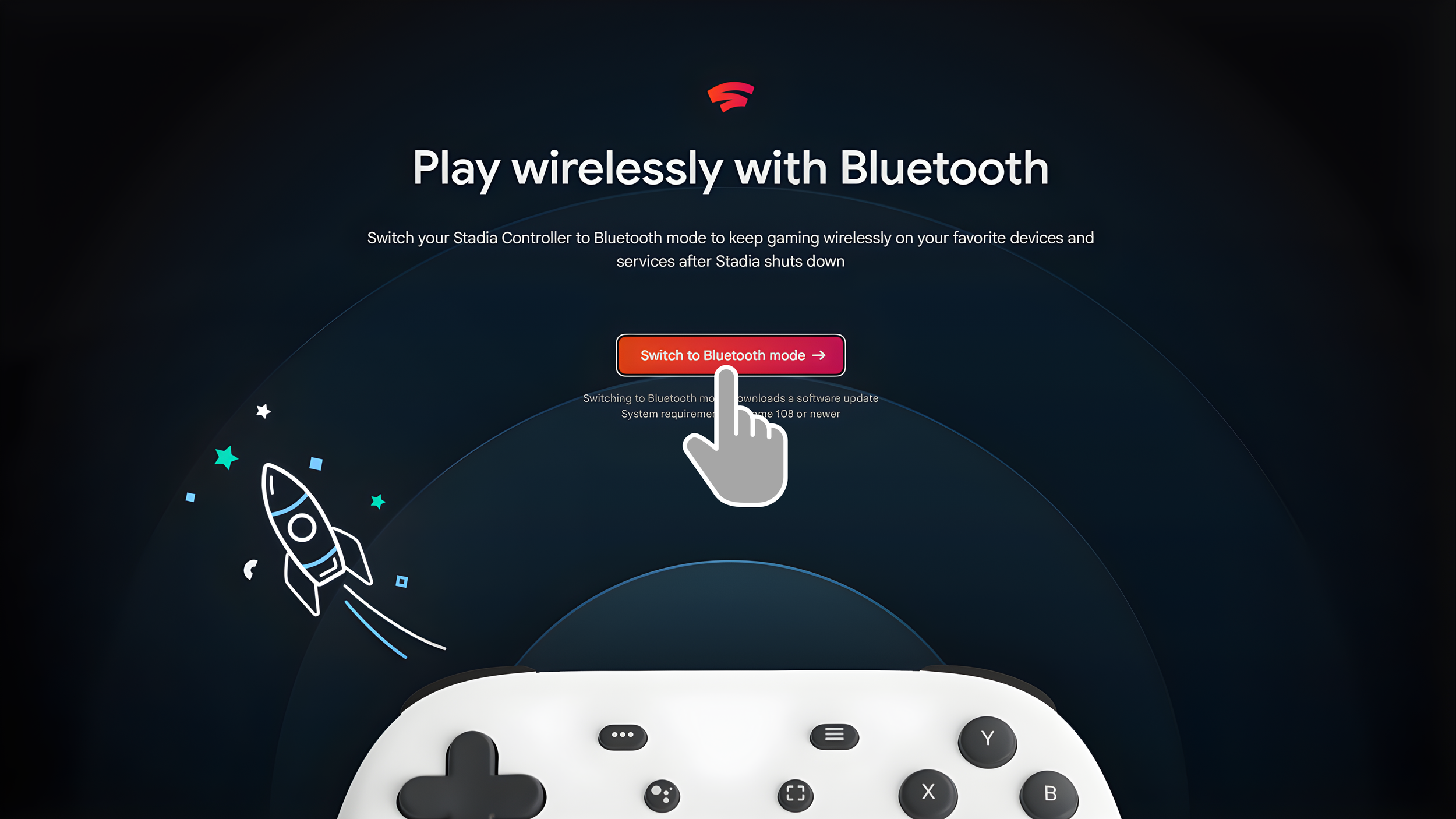
And now time is almost up. Google’s Bluetooth conversion tool for the Stadia controller stops working after December 31, 2025. Once that date passes, there is no guarantee you will ever be able to update the controller again. If you thrifted one, grabbed one for free, or just tossed it in a drawer thinking it would never work again, this is your last window to bring it back to life.
Steam Support Makes It Worth Saving
What surprised me was how much better Steam has made this controller recently. SteamOS now treats the Stadia gamepad like a fully supported device:
| Stadia Button | Steam/SteamOS Function | Notes |
|---|---|---|
| Google Assistant Button | Programmable M1 Macro Key | Can assign custom actions in Steam |
| Screenshot Button | Take Screenshot | Works in SteamOS |
| Stadia Button | Xbox Button Function / Shortcuts | Quick access menu, mouse cursor, brightness & volume adjustments |
| Stadia + A | Open Quick Access Menu | Shortcut for Steam Deck users |
| Stadia + Right Stick | Summon Mouse Cursor | Quick navigation in SteamOS |
| Stadia + Left Stick | Adjust Volume / Brightness | Easy system adjustments without leaving game |
One thing to note is that it still has some limitations: no gyro, no back buttons, the headphone jack does not work in Bluetooth mode, and it cannot store more than one pairing at a time. But as a secondary controller or a cheap pickup from a thrift store, it’s surprisingly good.
How to Activate Bluetooth Mode
Follow these steps to save your Stadia controller before the deadline:
| Step | Instruction |
|---|---|
| 1 | Plug controller into desktop computer using USB cable. |
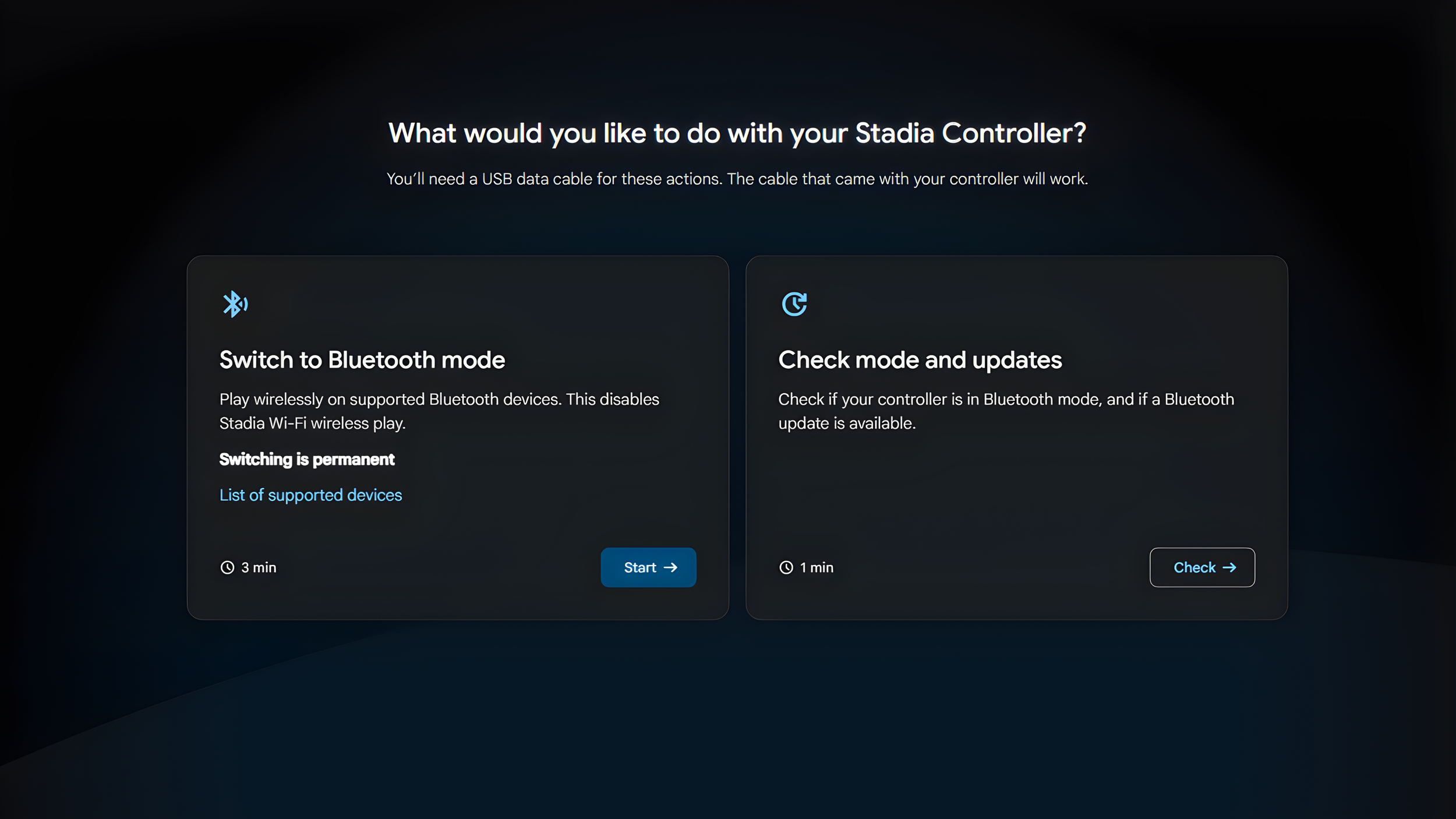
| 2 | Open browser and go to Stadia page for the rescue tool. |
| 3 | Follow the instructions to update controller to Bluetooth mode. |
| 4 | Pair your controller: Hold Stadia + Y to enter pairing mode. |
| 5 | Connect to Steam or device via Bluetooth. |
After this, the Stadia controller is ready to be used with Steam, SteamOS, or other platforms that support generic Bluetooth controllers.
Final Thoughts
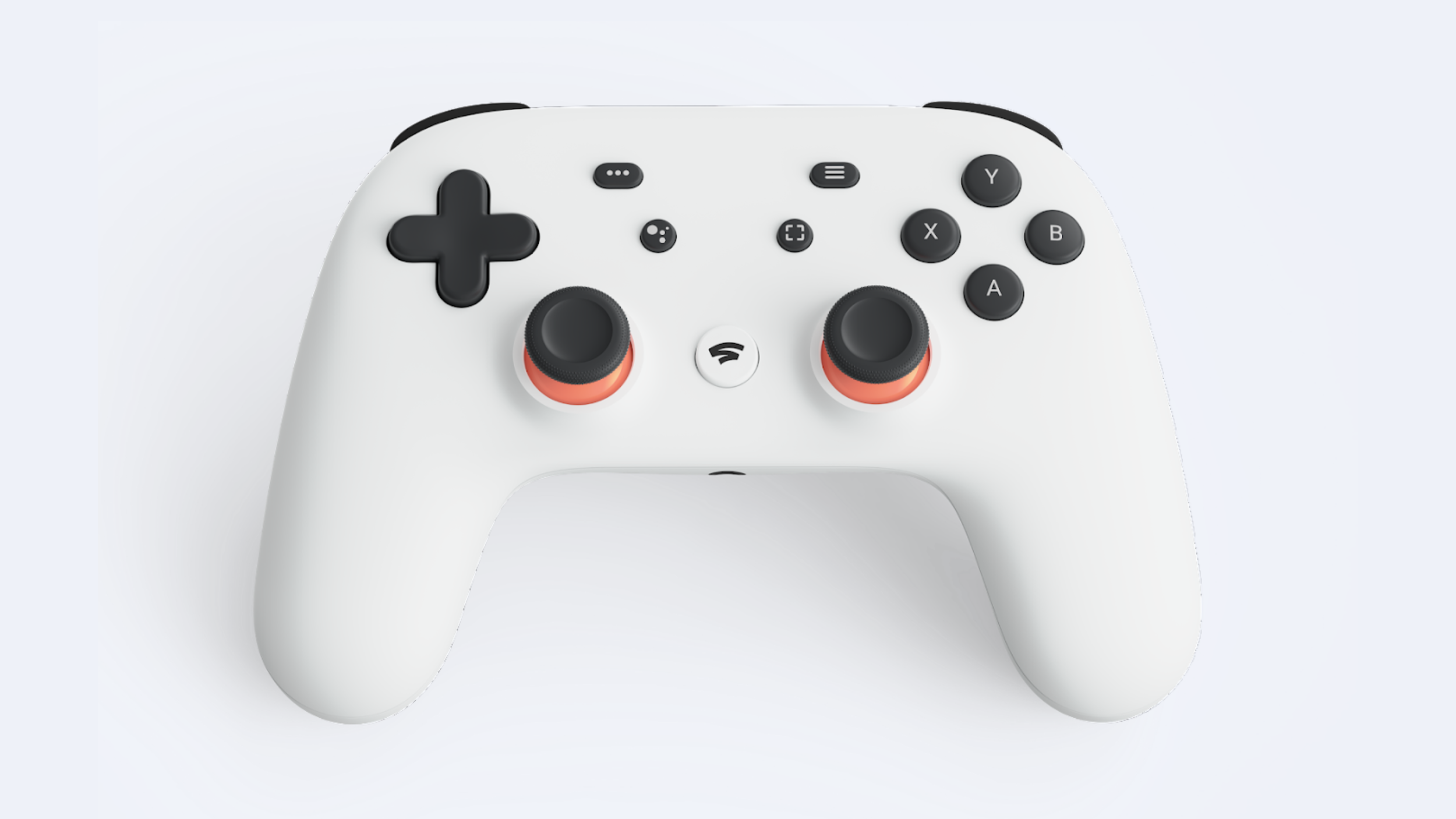
If you have a Stadia controller lying around, now is the time to rescue it. It’s cheap, surprisingly functional, and thanks to Steam, more useful than it ever was under Google’s old cloud gaming setup. December 31, 2025, is your hard cutoff after that, you may never get a working Bluetooth update.
For anyone who wants a secondary gamepad or just wants to save a piece of gaming history from the Google graveyard, this is your last chance.
See you in the next article!
