
Apple finally wants our fingerprints on a MacBook screen. I have a few questions. Some can wait until we start taking it apart.
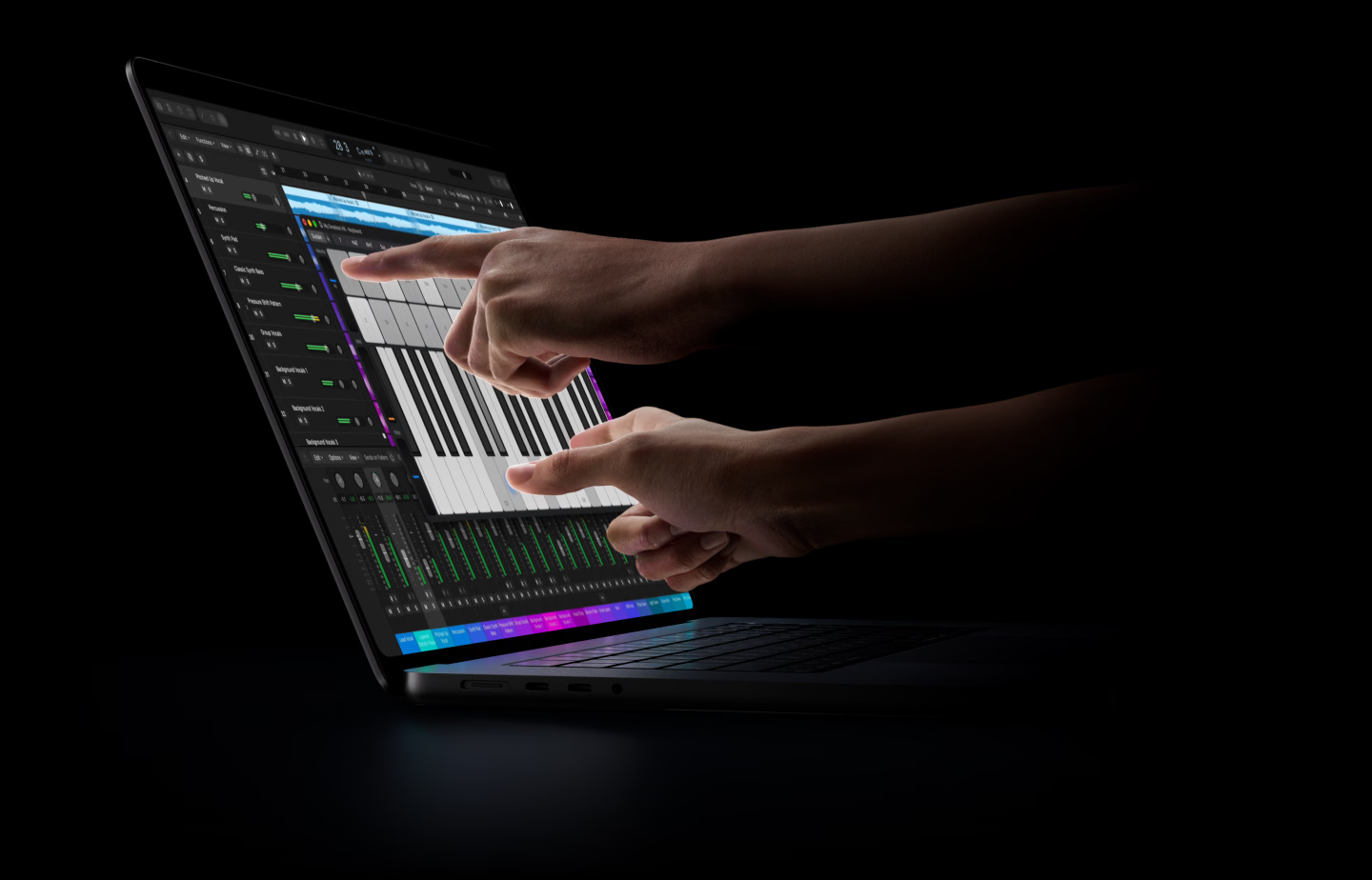
The touchscreen MacBook Pro is official. Apple announced it on October 28, with 14-inch and 16-inch models powered by M5 Pro or M5 Max. Availability begins November 6. This is separate from the M6 MacBook Pro announced a day earlier.
Will You Actually Touch It?
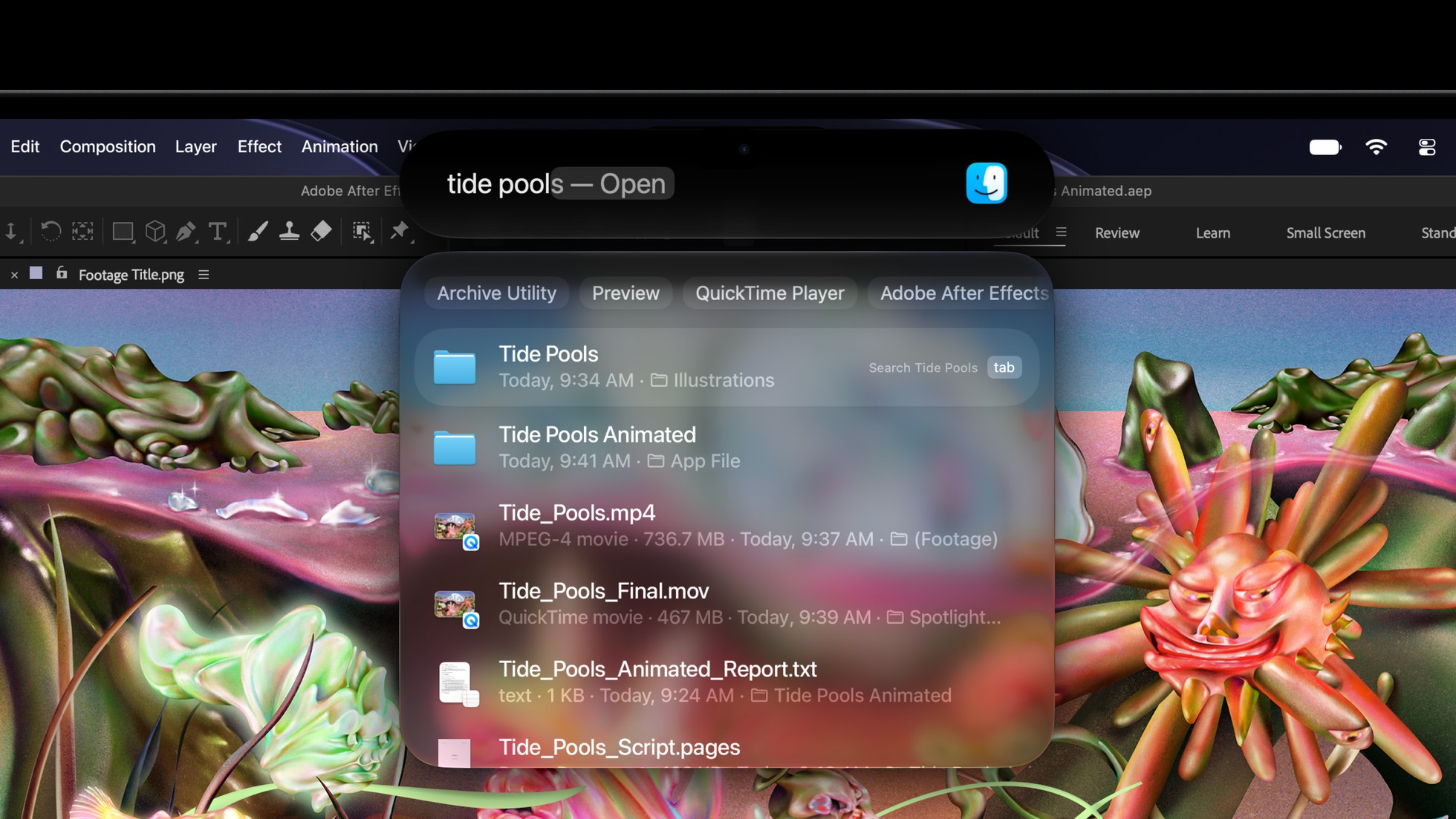
I can see the appeal of reaching into a photo to zoom, adjusting something onscreen, then going straight back to the keyboard. Apple’s pitch is touch alongside the trackpad, rather than making you reach for everything.
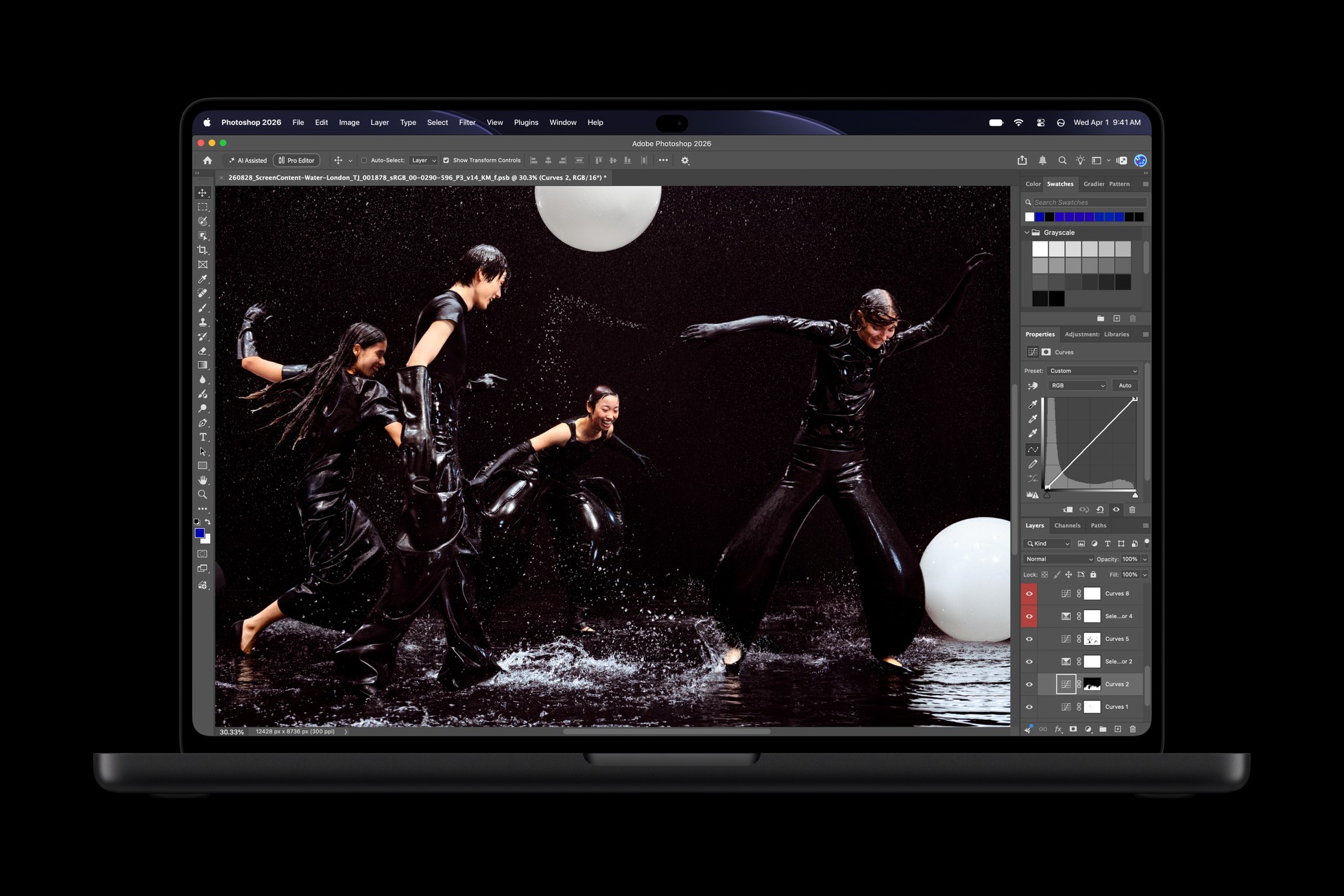
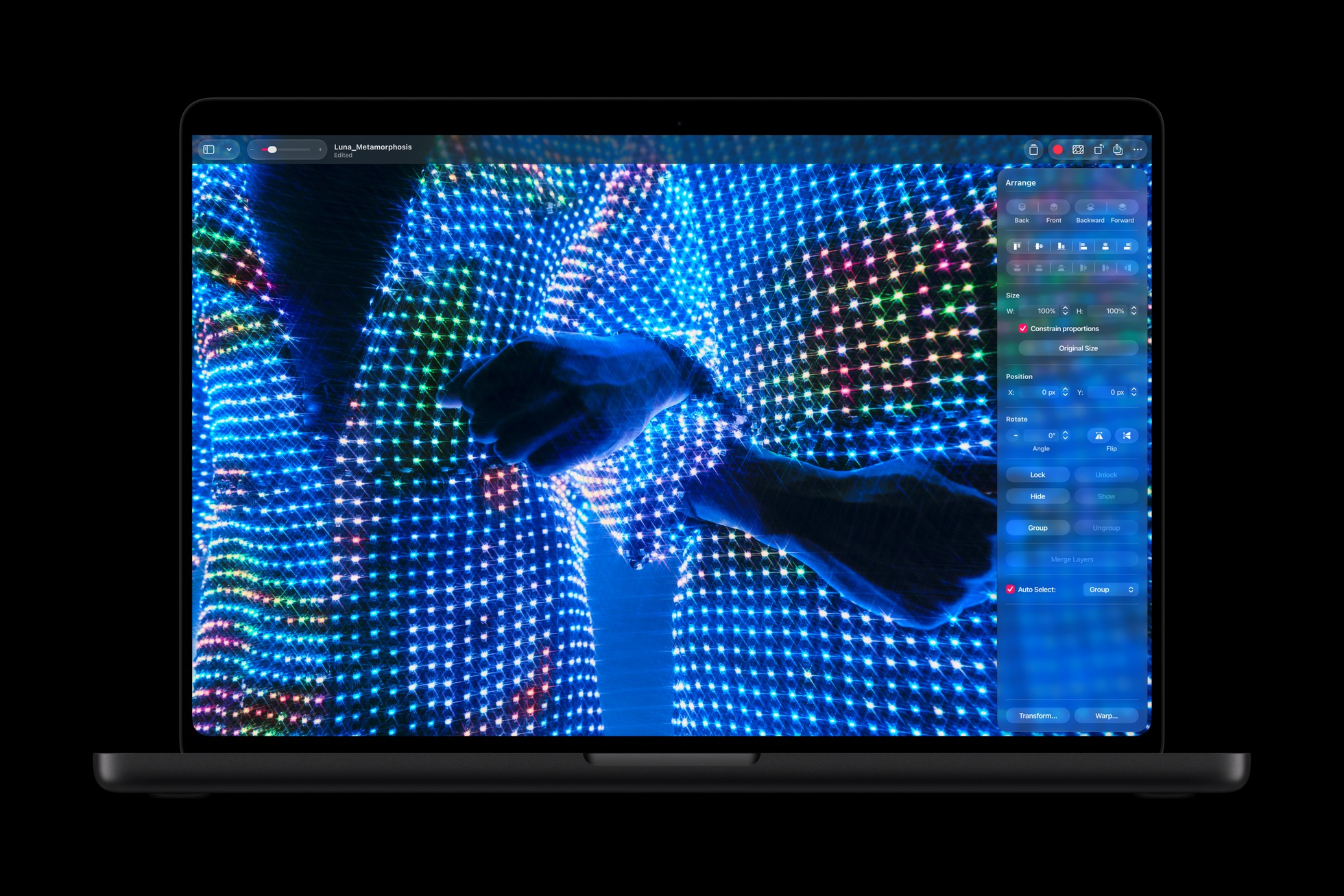
TechRadar’s early hands-on found the gestures natural. That is encouraging, but would I still be tapping the screen after the first week? Or would muscle memory send me straight back to the trackpad?
There Is More to This Screen
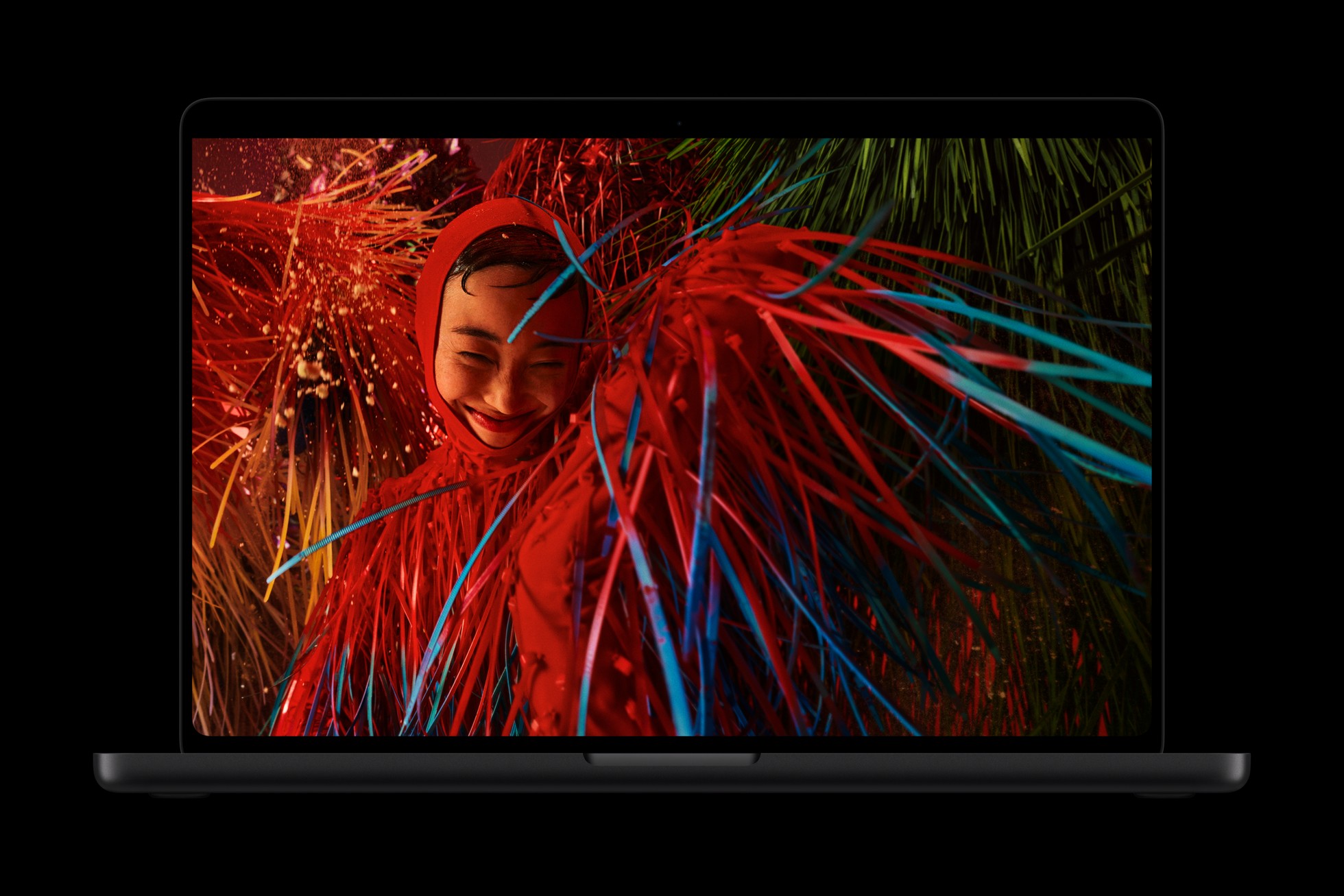
The new PROLED XDR display uses tandem OLED, with Apple claiming up to 2,000 nits of peak brightness and refresh rates up to 120Hz. Touch might grab the headline, but the panel itself could be the bigger draw.
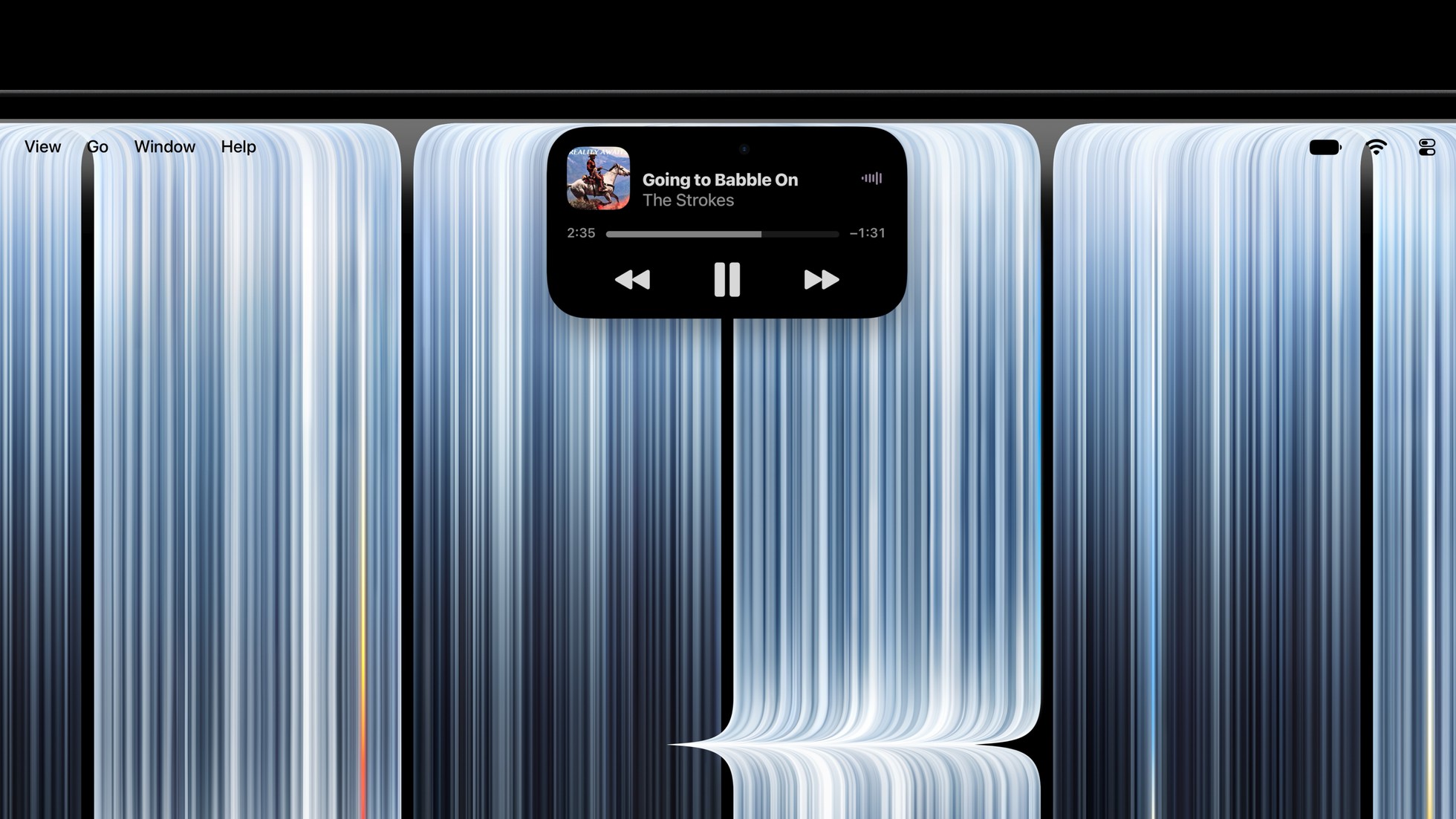
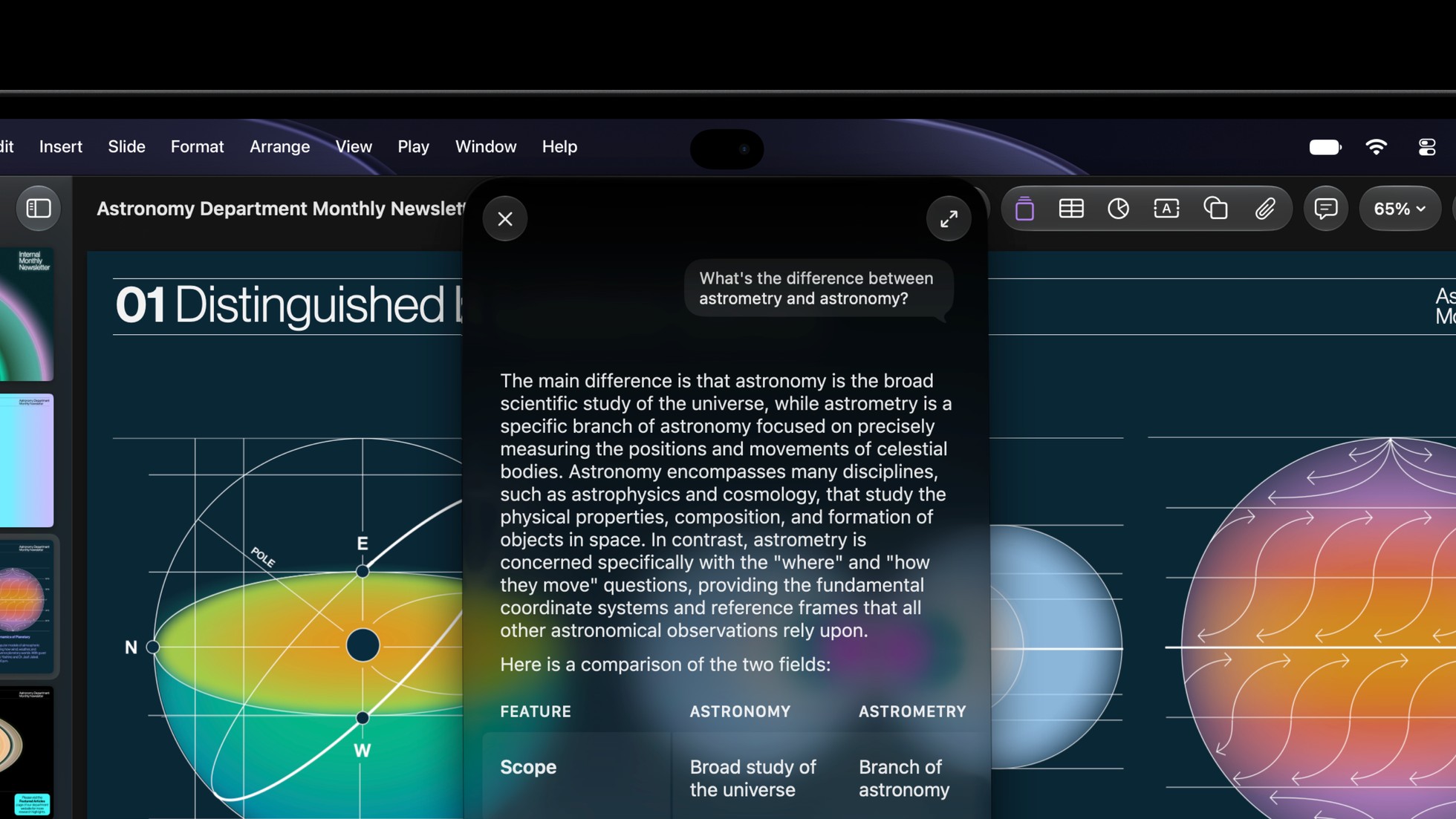
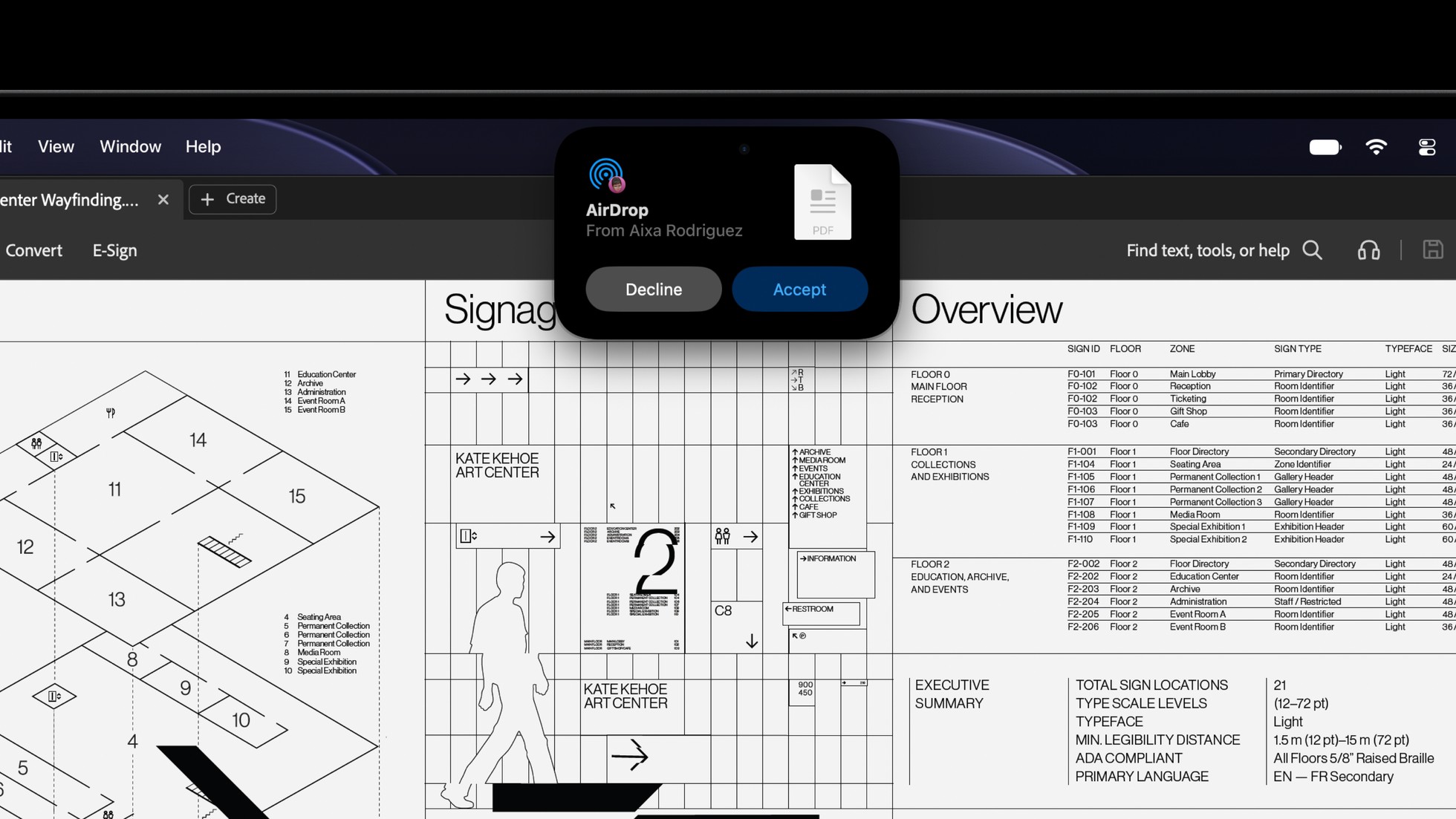
The Dynamic Island comes over too, bringing controls and updates near the camera. Some of its features depend on Siri AI being available and enabled. Useful shortcut, or another thing asking for your attention?
At $2,899 for the 14-inch M5 Pro model in the U.S., I would want the whole package to make sense for my work. That price buys the laptop, not just the ability to poke its screen.
We Are Going Under the Lid
The outside is interesting. We’re going to tear this one down and see what is happening underneath. I want a closer look at how this new display fits together and what replacing it would involve.
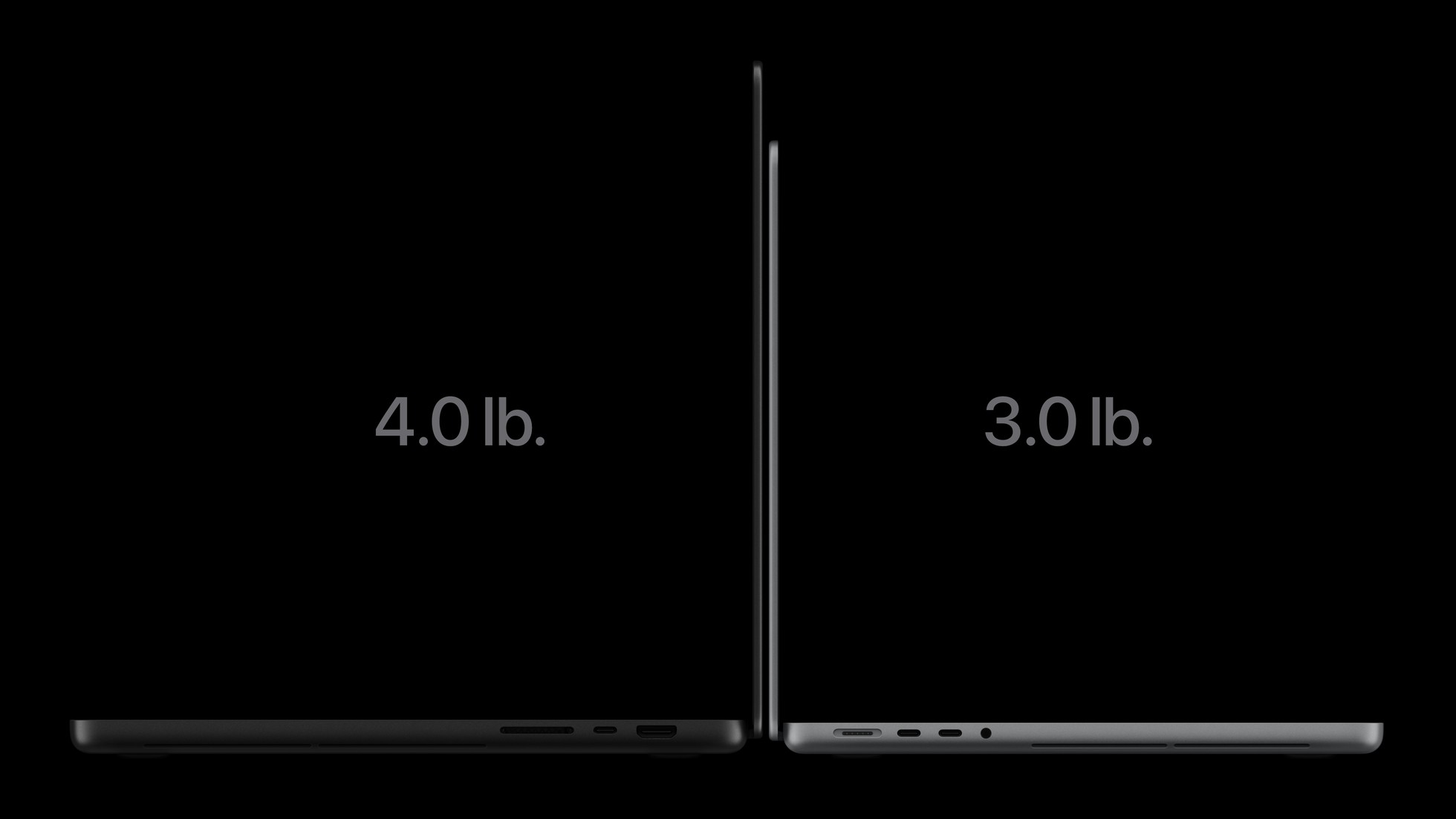
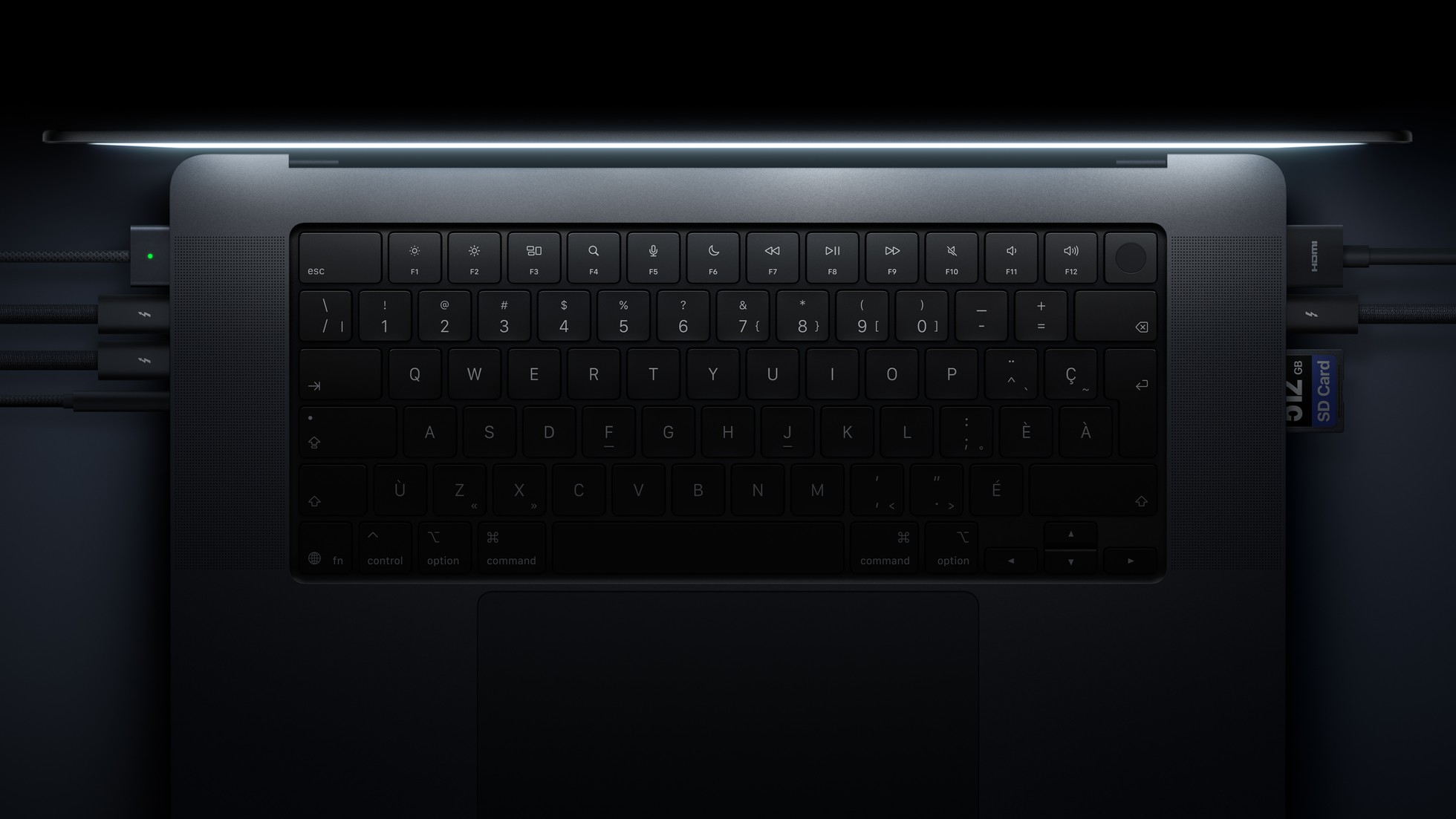
Apple says the hinge has been redesigned for stability during touch. That gives us something else to look at when the tools come out.
A nice tap in a demo is one part of the story. Getting inside the machine should give us plenty more to talk about.
Final Thoughts
I like the idea of having another option. I am more curious about whether touch will become a habit, and what this screen will look like from the repair bench.
Is a touchscreen a good move for the MacBook, or something you would barely use? Would you buy it for touch, for OLED, or stick with what you have?
And when we open it up, will the engineering impress us as much as the display? Let’s find out.
See you in the next article!
