
Most people panic when their phone gets stolen, but the first few minutes matter. Both Apple and Android give you a way to remotely locate and lock the device before someone can access your information.
Lock the Phone Immediately
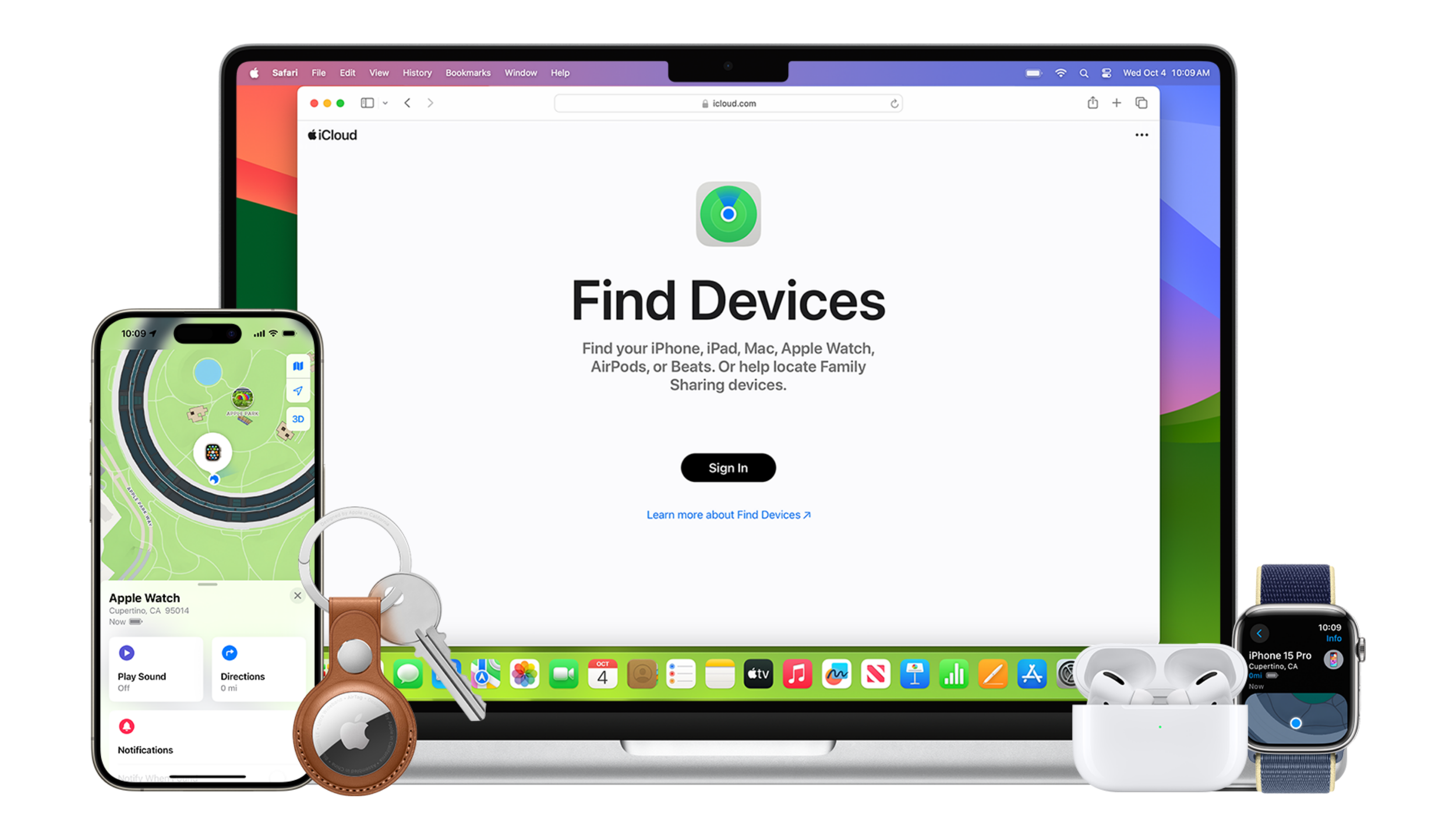
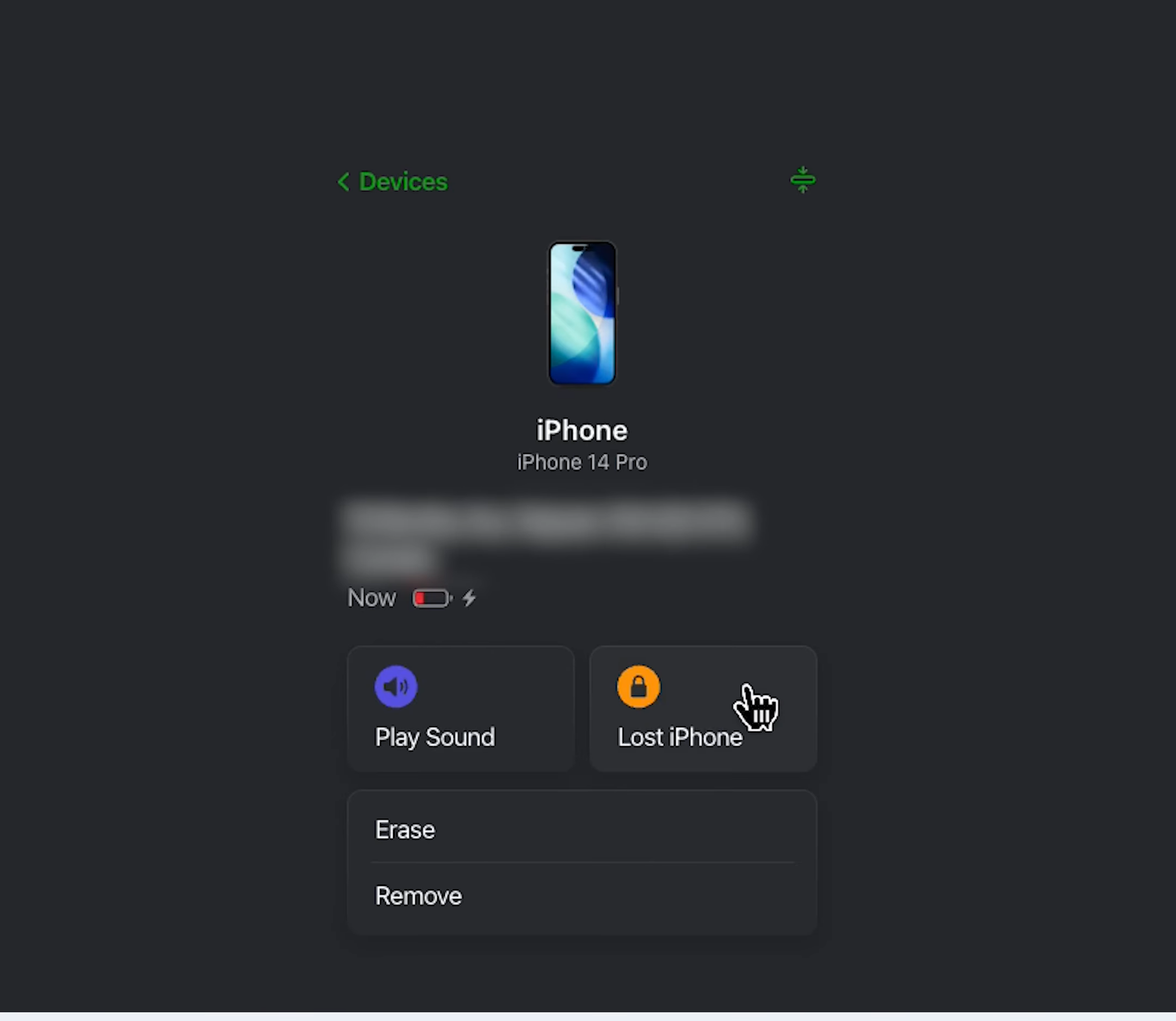
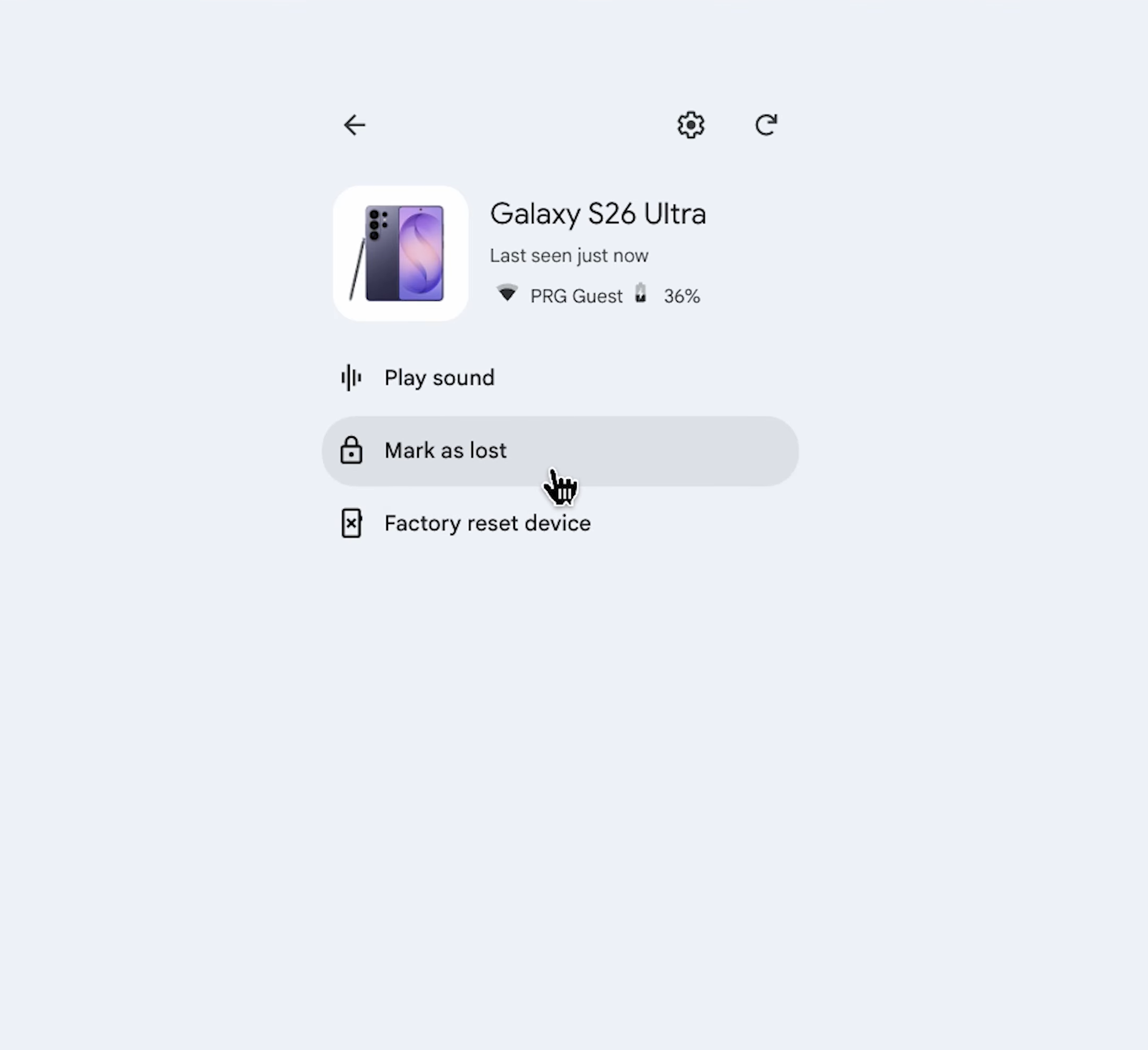
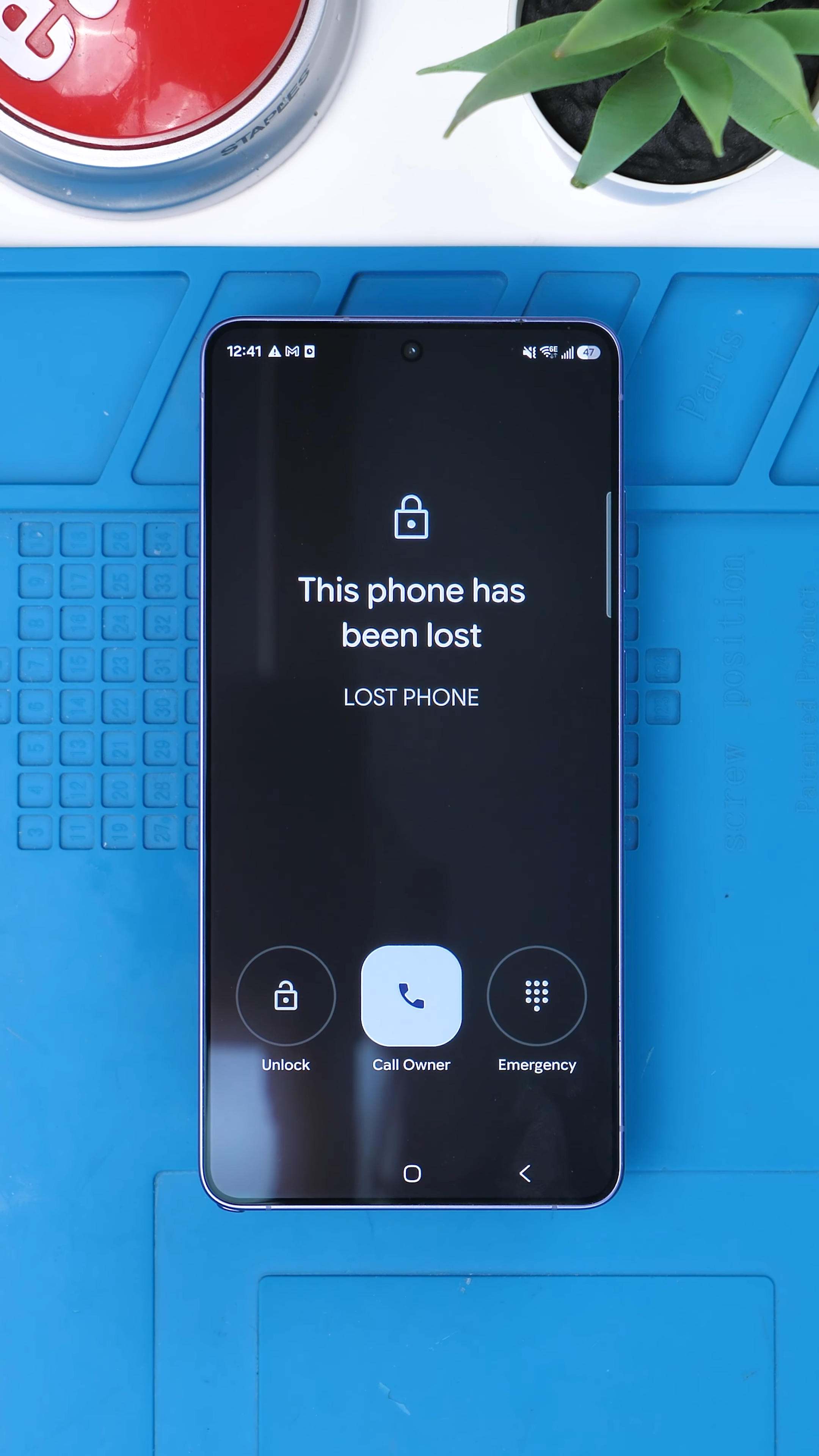
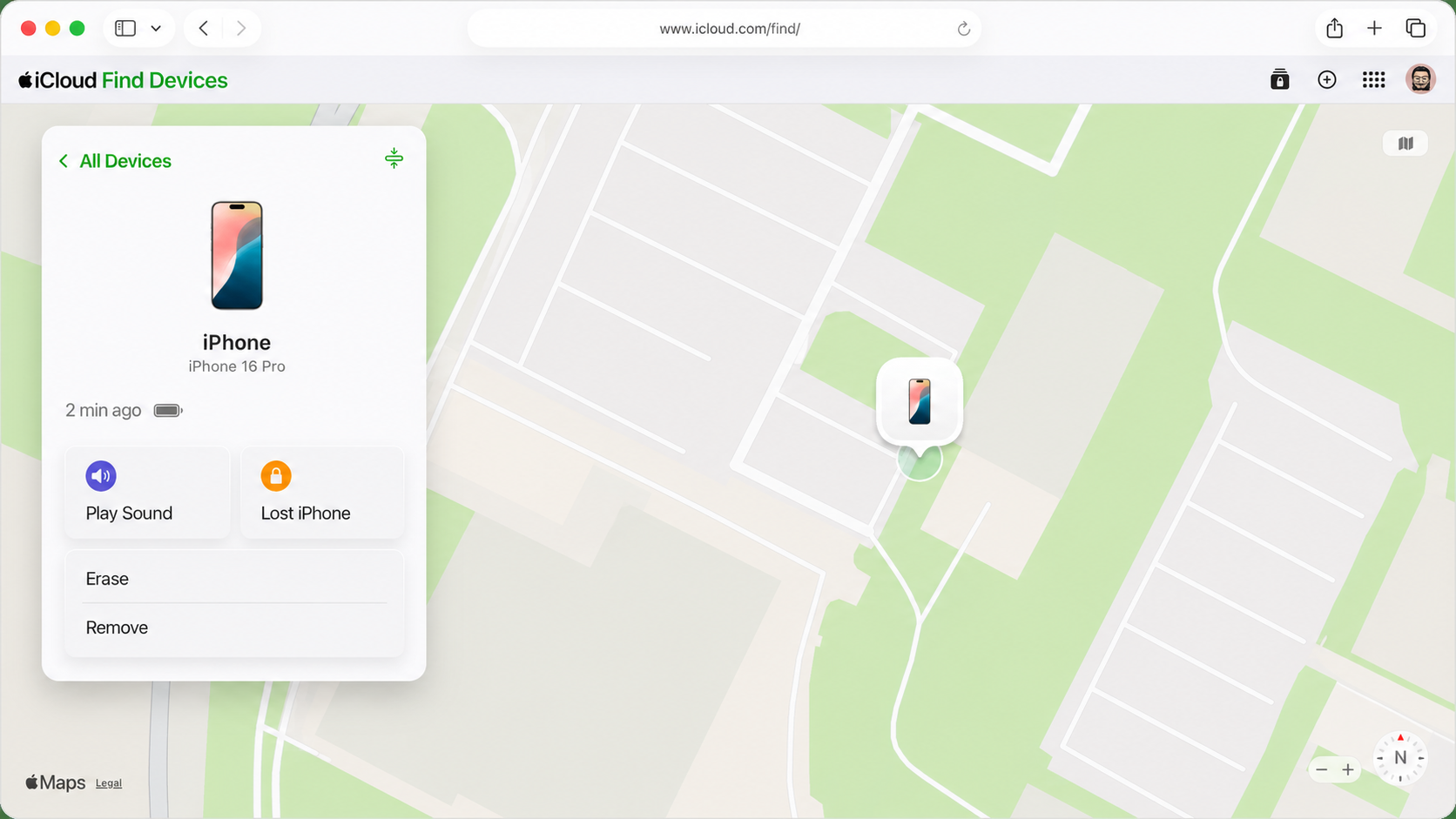
For an iPhone, visit iCloud.com/find or open Find My on another Apple device. Select the missing iPhone and activate Lost Mode. For Android, open Google’s Find Hub, choose the phone, and select Mark as lost. This locks the device and allows you to check its available location.
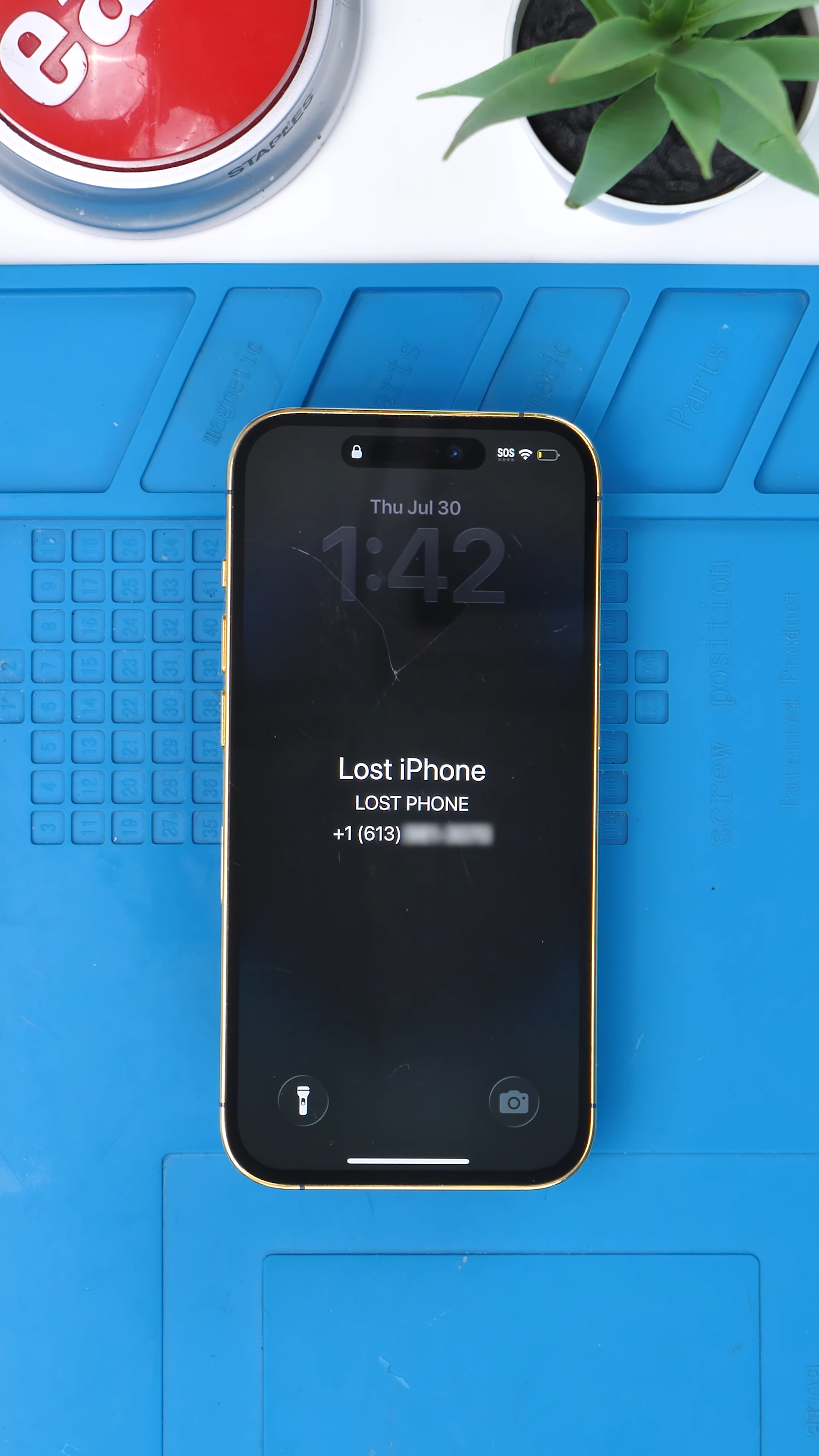
If you simply misplaced the phone, you can display a safe contact number and message on the lock screen. However, Apple warns against showing personal contact information when the phone was clearly stolen because thieves may use it for phishing or social engineering.
Protect It and Check Your Coverage
If the phone appears at an unfamiliar location, don’t confront anyone yourself. Save screenshots of its location, report the theft to police, and ask your carrier to suspend the cellular service. Do not remove the iPhone from Find My. Removing it disables Activation Lock, making the phone easier for someone else to activate and resell.
Then check the credit card used to purchase the phone. Some cards include insurance that may cover theft, although limits, deductibles, eligibility requirements, and required documents vary. You may need proof of purchase and a police report to file a claim.
Final Thoughts
Turning on Lost Mode won’t guarantee that a stolen phone comes back, but it can protect your information and make the device harder to use. Act quickly, avoid sharing personal information with anyone contacting you about the phone, and check your insurance before assuming the entire cost is lost.
See you in the next article!
