
There’s a hidden MacBook “cheat code” that most people have probably never used, but it could be one of the most important checks you perform before buying a used Mac.
It opens Apple’s built-in diagnostic system, where you can test the computer’s hardware and find problems that may not be obvious during a quick inspection.
It Starts With the Hidden Power Button
Begin with the MacBook completely turned off. Press and hold the power button until “Loading startup options” appears, then release it when the startup options screen loads.
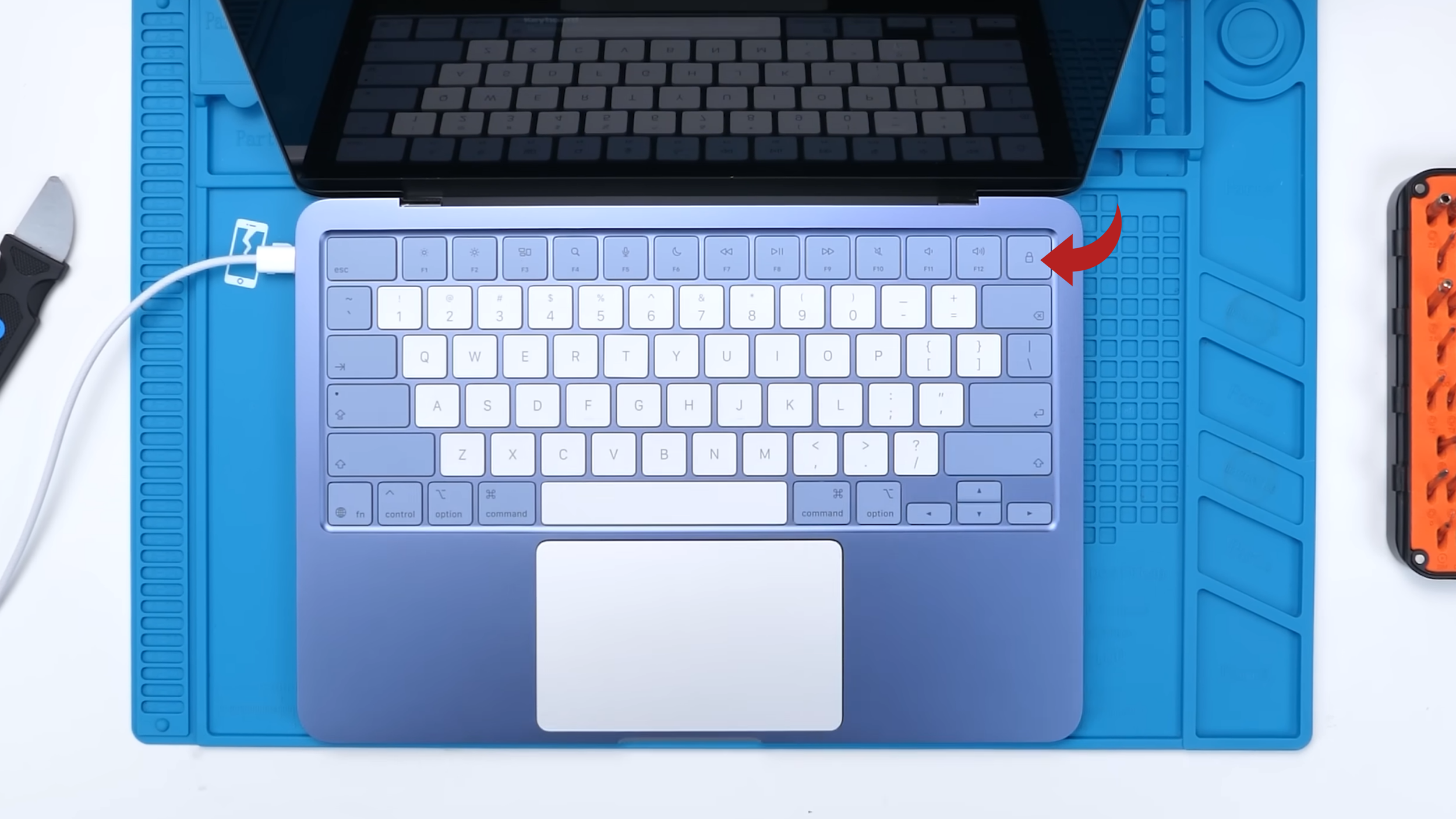
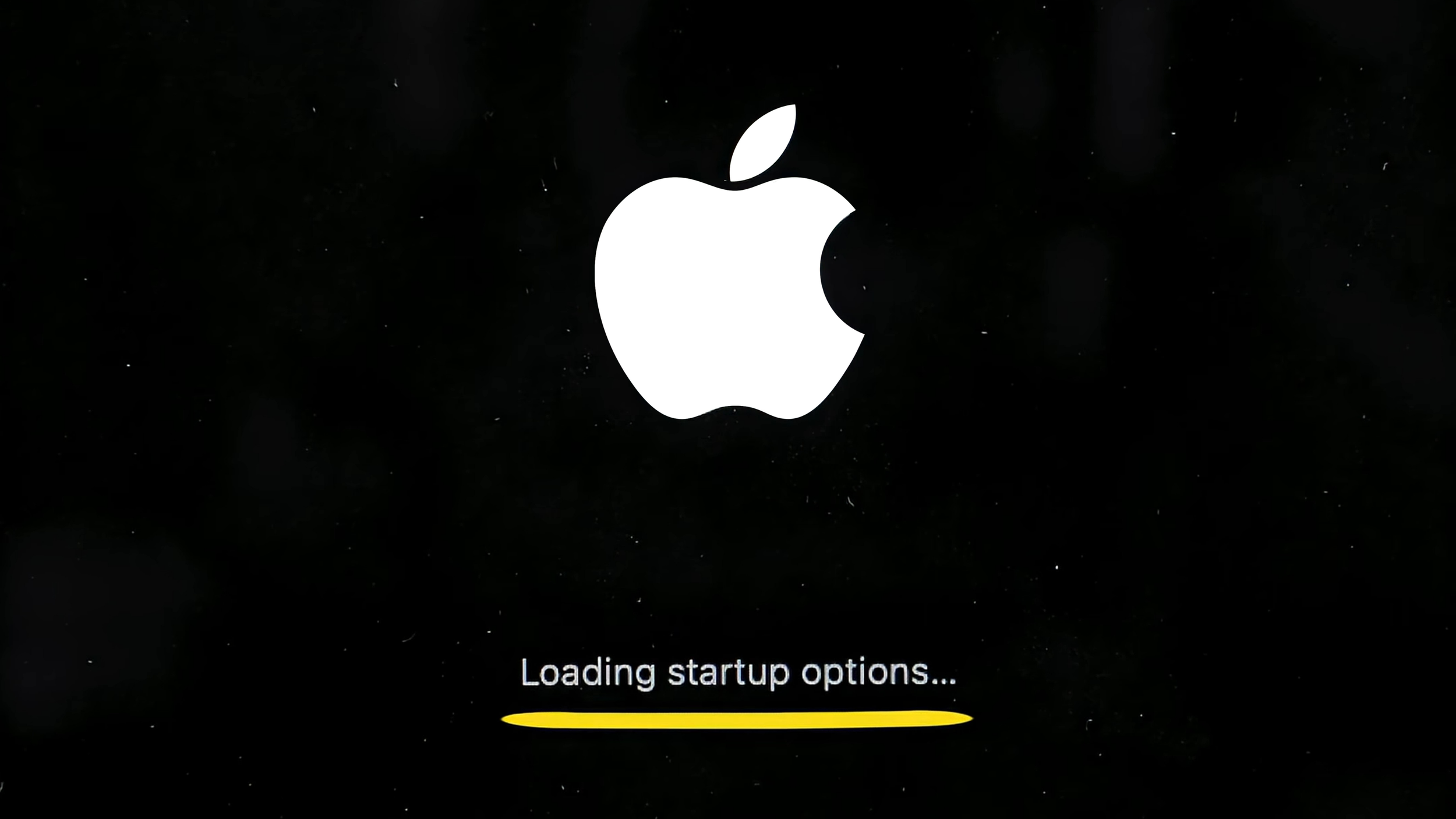
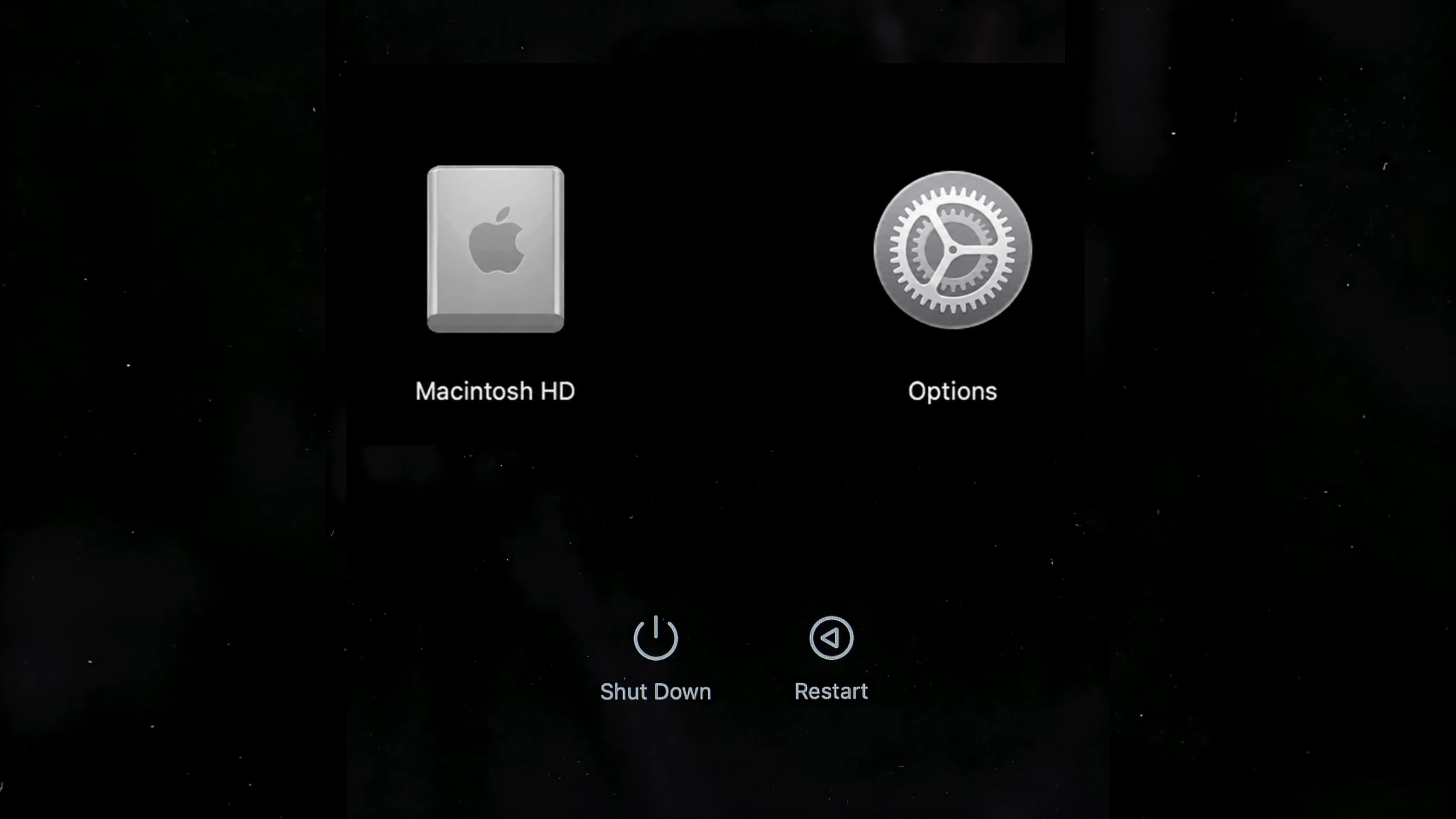
On newer MacBooks, the power button is also the Touch ID sensor in the top-right corner of the keyboard. It isn’t clearly marked, and I’ve genuinely had customers who didn’t know how to turn their MacBook on because of it.
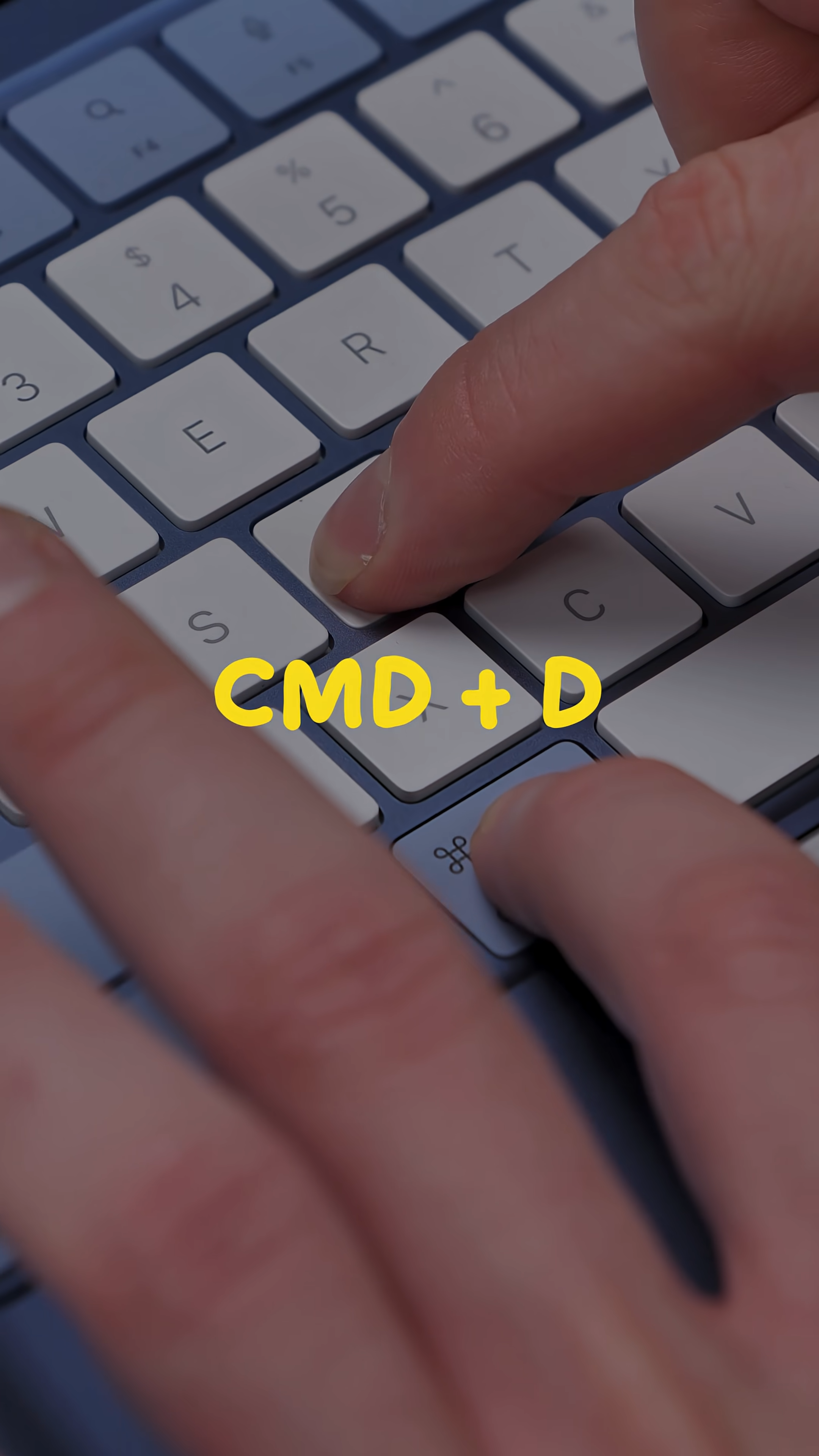
Once the startup options appear, press and hold Command + D until the Mac restarts.
The Diagnostic Menu Reveals What Works
That shortcut opens Apple Diagnostics, giving you a way to check the MacBook’s internal hardware instead of trusting that everything works.
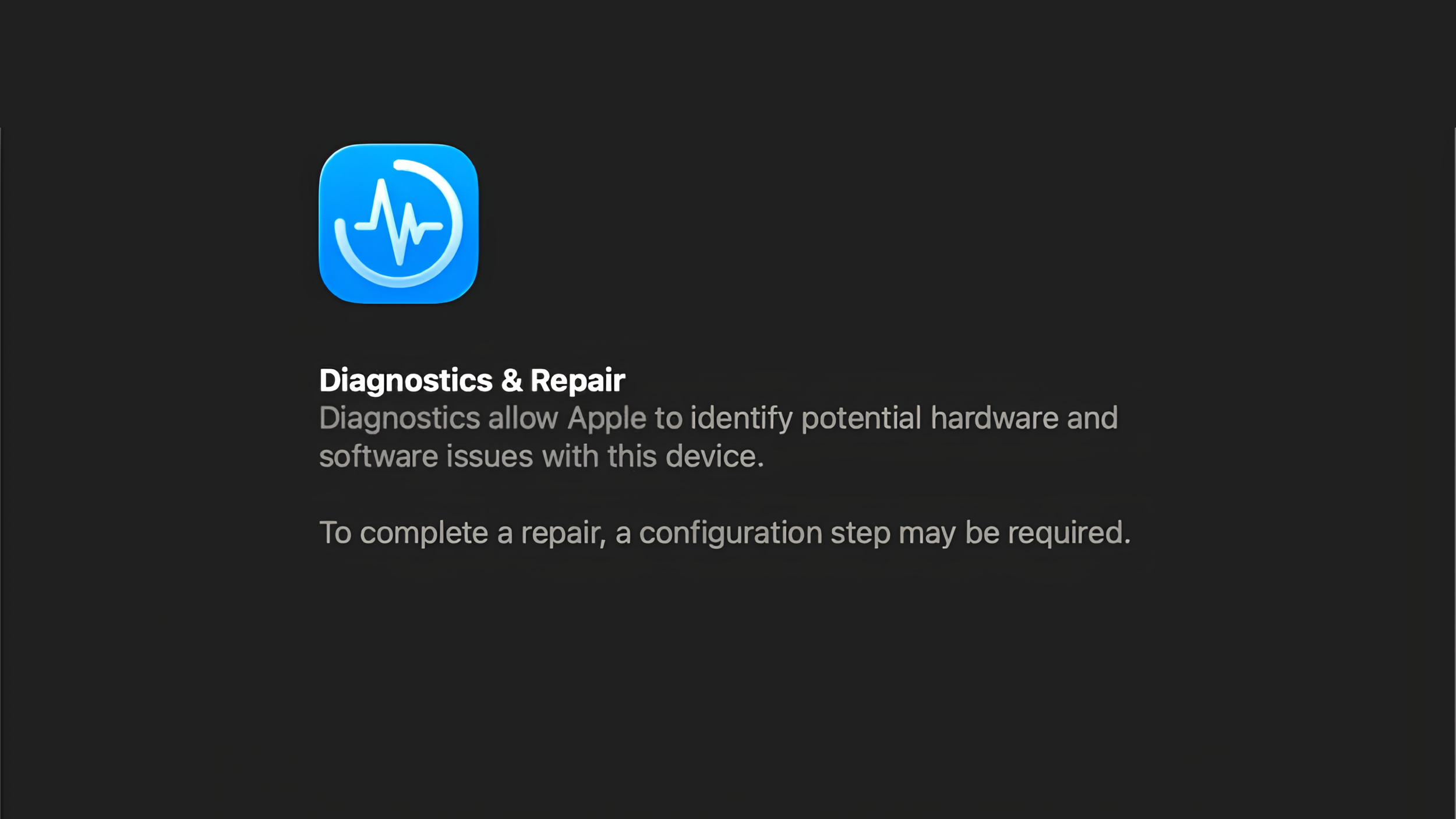
According to Apple, the tool can identify potential problems with components such as the logic board, memory, and wireless hardware. On Macs running macOS Tahoe 26 or later, you can also select individual diagnostics for parts such as the display, keyboard, and trackpad.
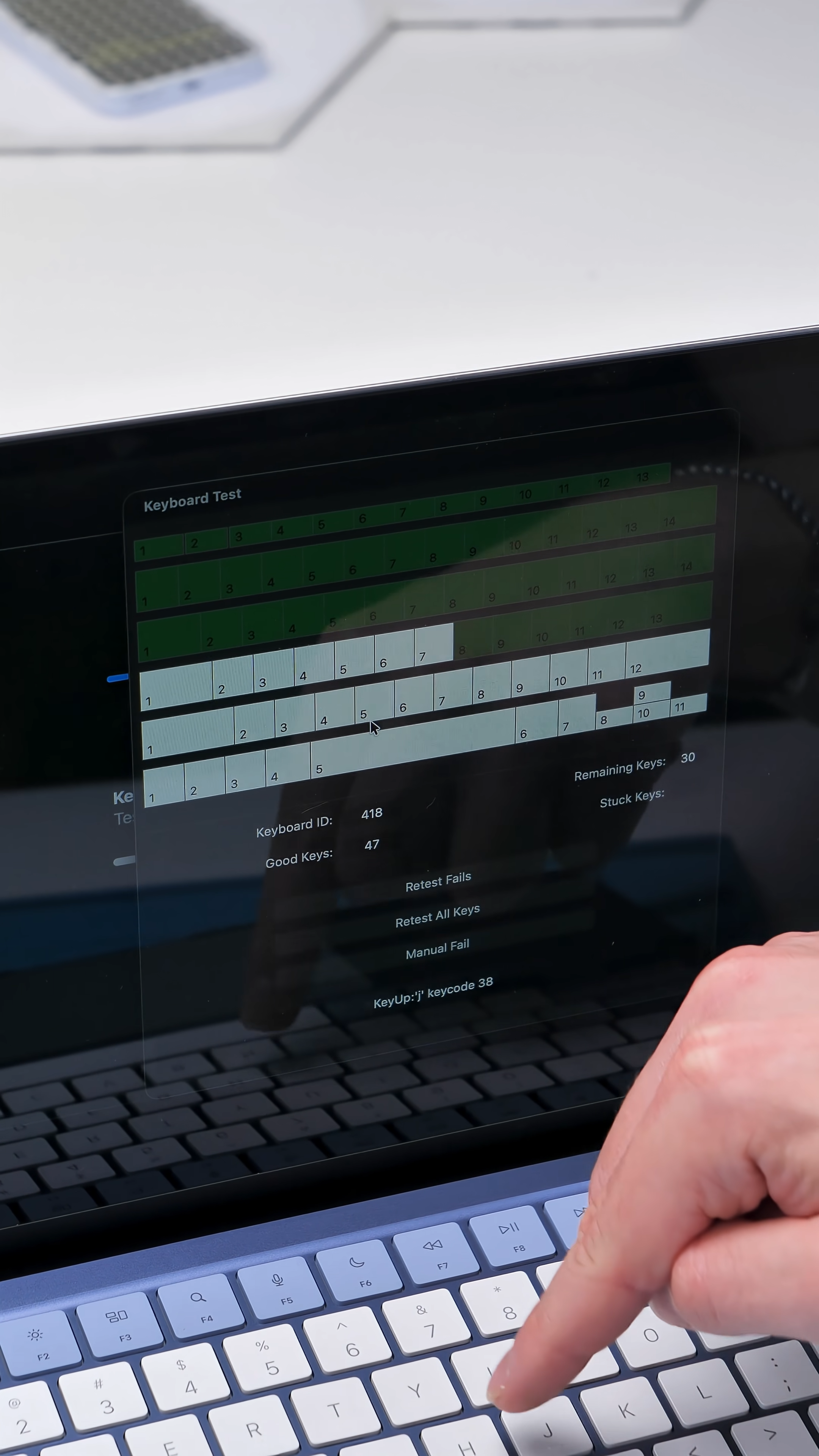
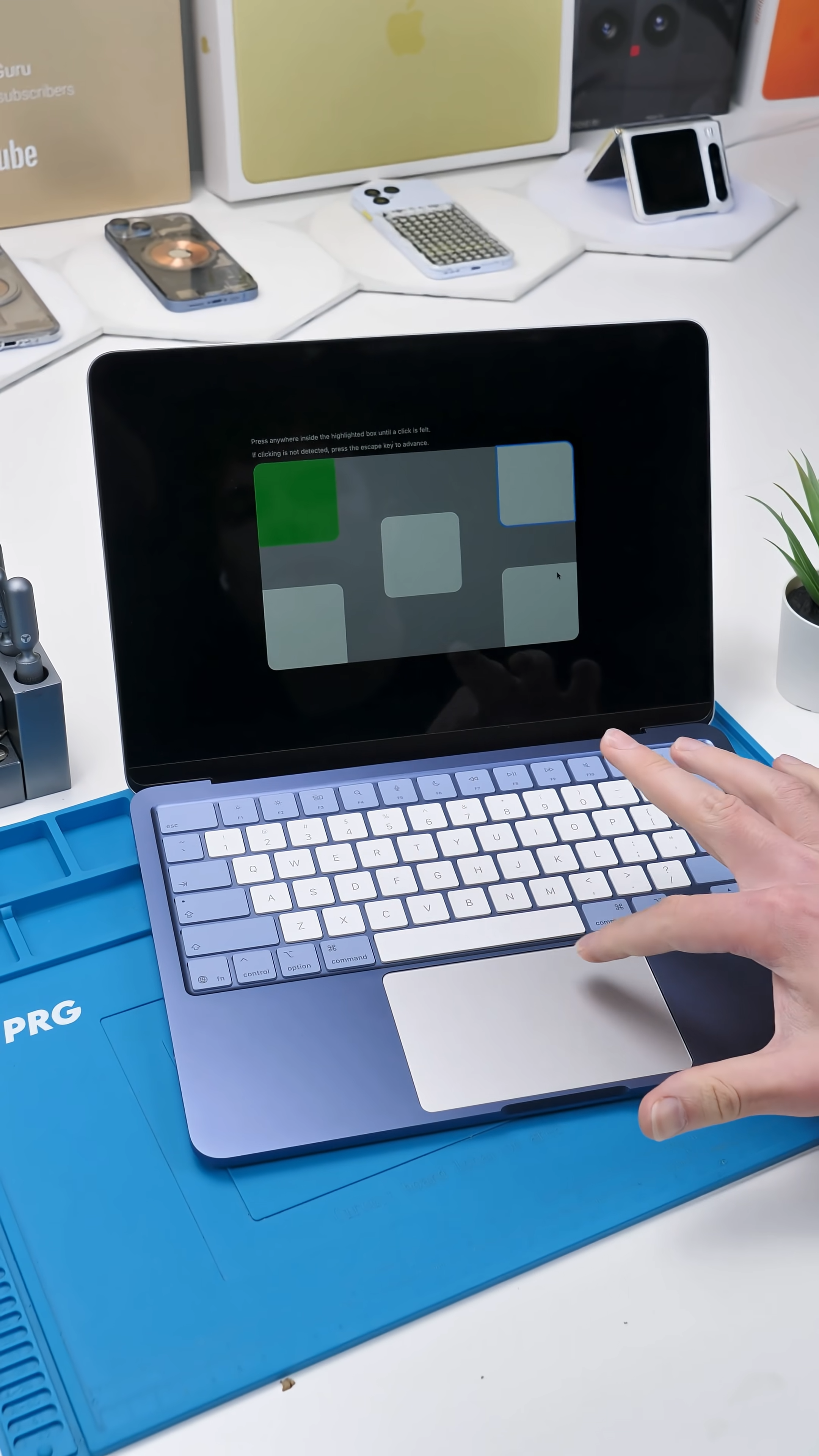
The exact tests available can vary depending on the MacBook and its macOS version, but the results may include reference codes that point toward specific hardware problems.
Why Used MacBook Buyers Should Know This
A MacBook can boot normally while still hiding a faulty key, display issue, wireless problem, or another hardware defect that only appears during proper testing.
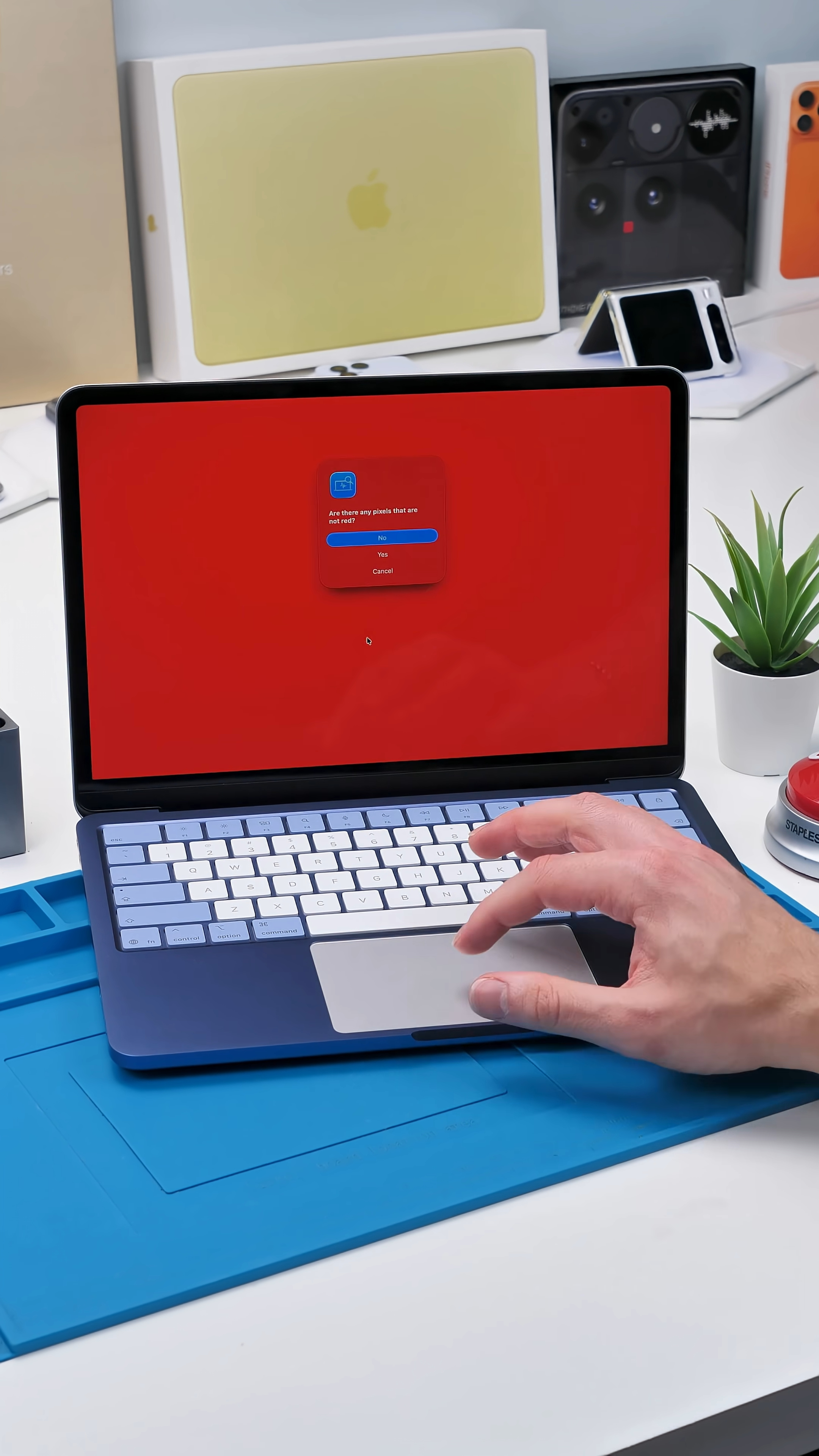
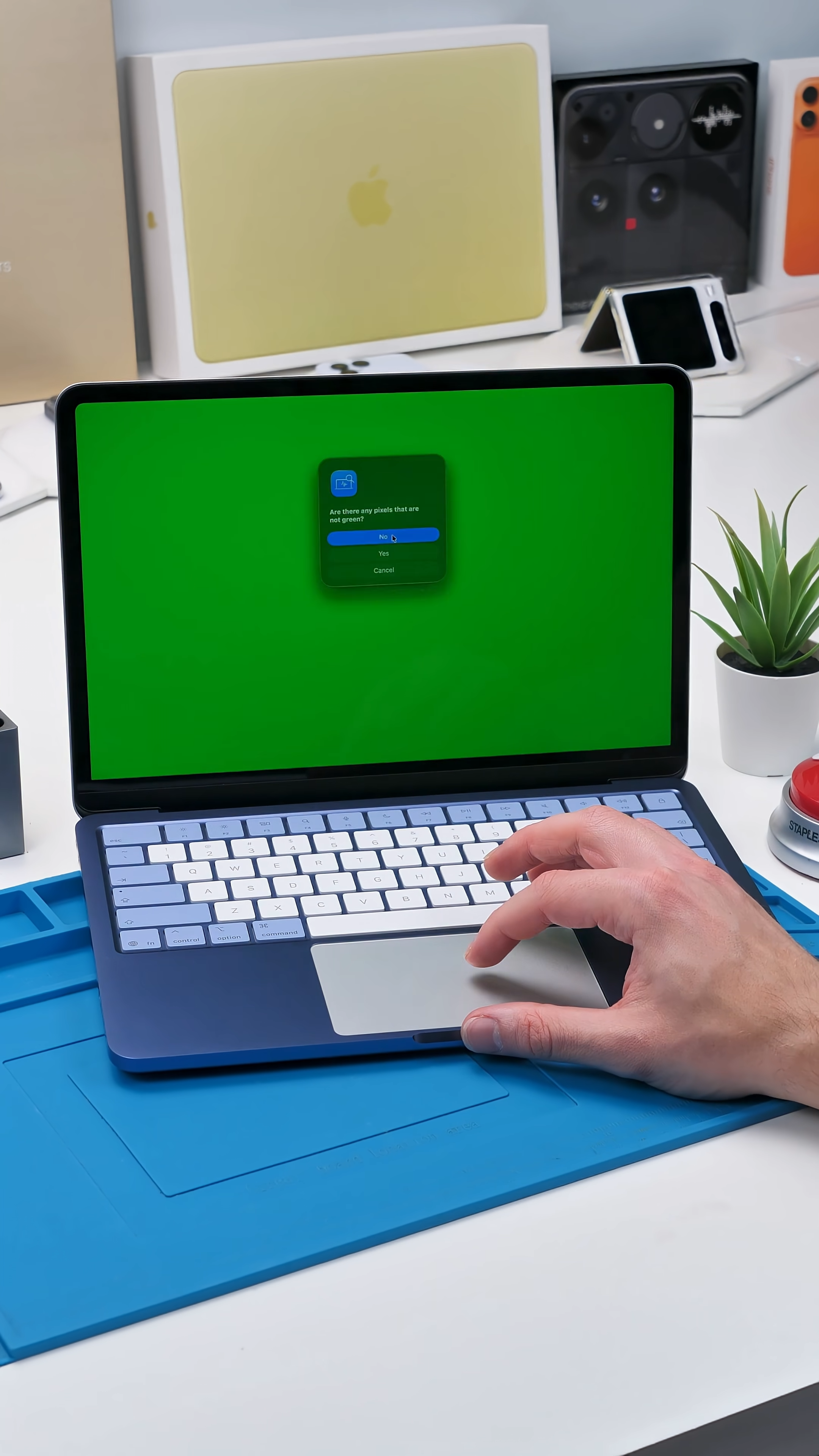
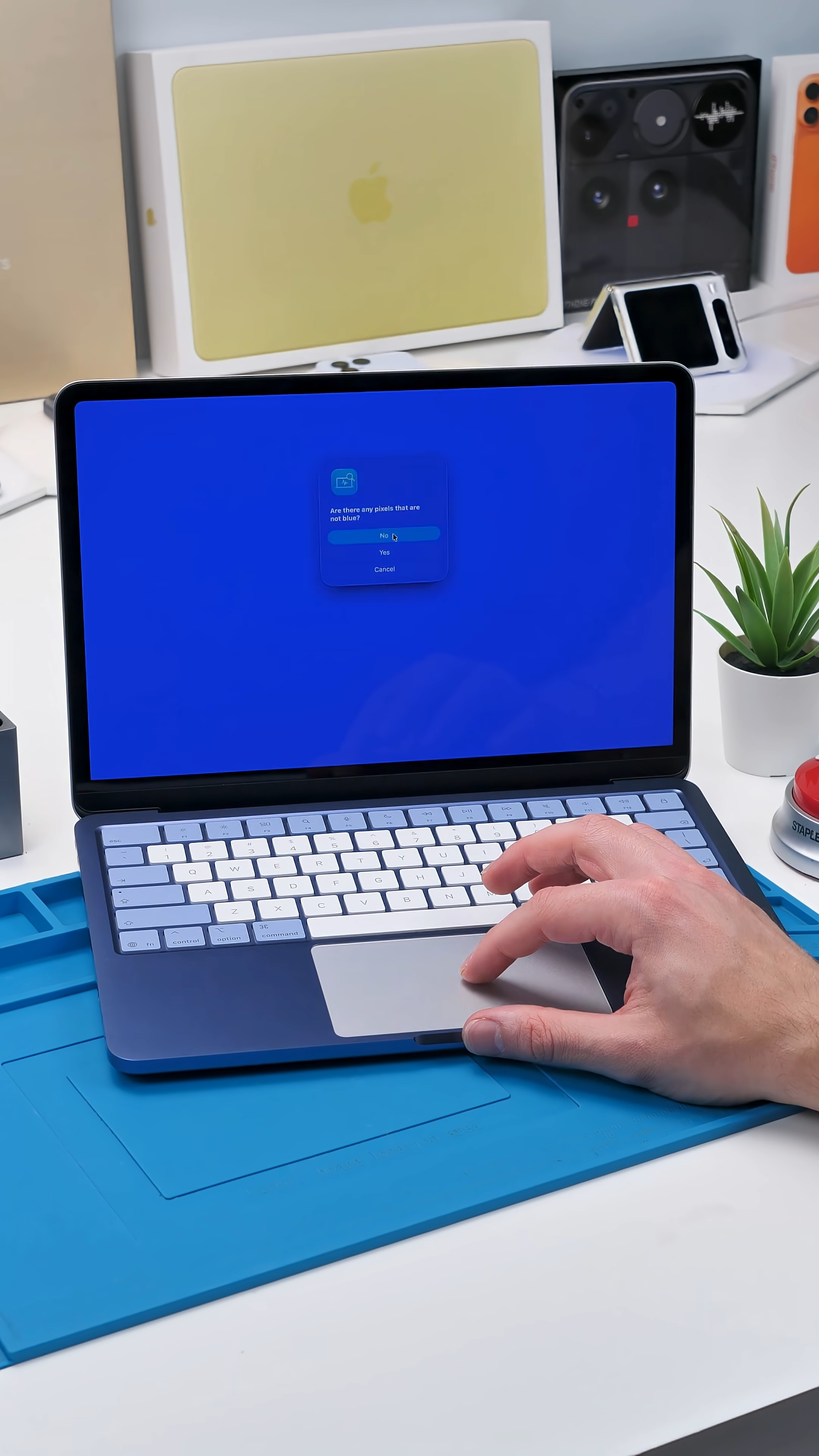
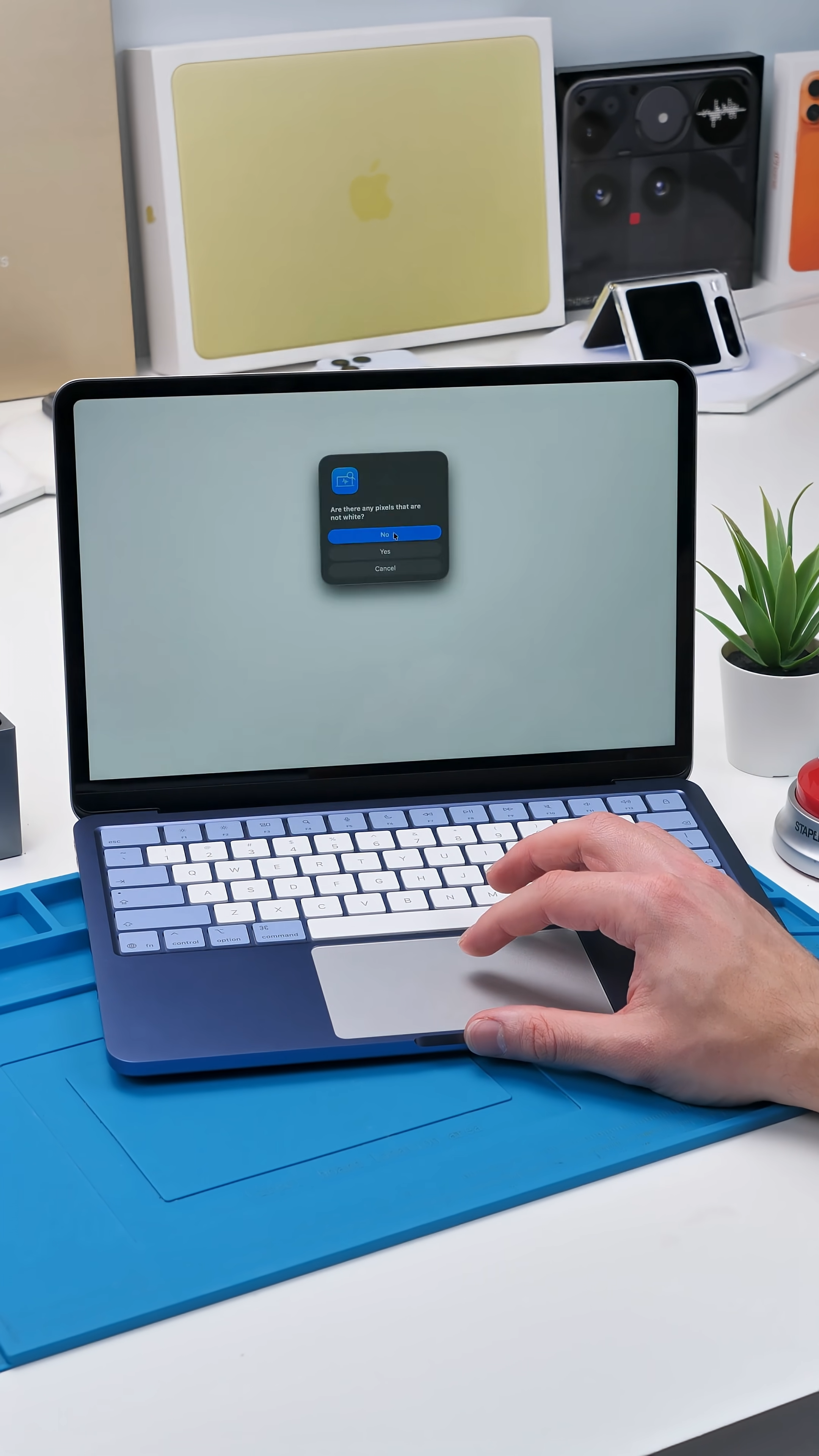
Apple Diagnostics won’t replace a complete physical inspection, but it provides far more information than simply turning the MacBook on and clicking around for a few minutes. If you’re buying or selling a used Apple silicon MacBook, this should be one of the first checks you run.
Final Thoughts
This isn’t really a secret cheat code. It’s Apple’s built-in diagnostic tool hiding behind a startup shortcut that most MacBook owners never learn.
Holding the power button and then pressing Command-D only takes a few minutes, but it could expose the exact problem someone hoped you wouldn’t notice before buying their MacBook.
See you in the next article!
