
Why Do AirPods Suddenly Scream in Your Ear?
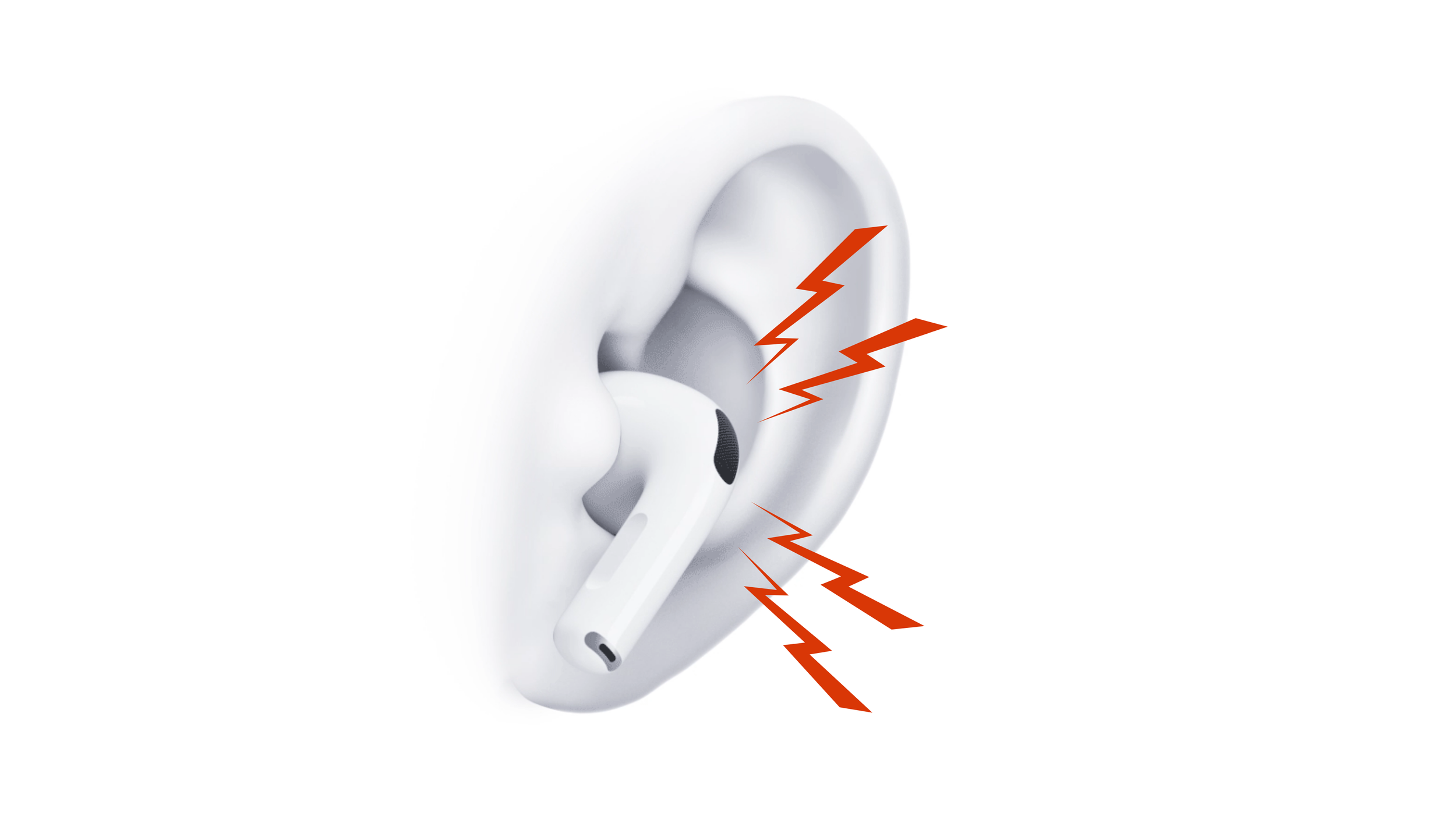
If your AirPods Pro suddenly whistle, squeal, or produce a piercing high-pitched noise, take the affected AirPod out of your ear first.
This can happen when inserting or adjusting an AirPod, touching its exterior, or using Active Noise Cancellation and Transparency Mode. A brief whistle does not always mean the speaker is broken, but AirPods that repeatedly screech during normal use may have a more serious problem.
Why Do AirPods Pro Whistle?
AirPods Pro use external and inward-facing microphones for Active Noise Cancellation and Transparency Mode. These microphones listen to the sound around and inside your ear, while the speaker produces audio and the signals used to reduce outside noise.
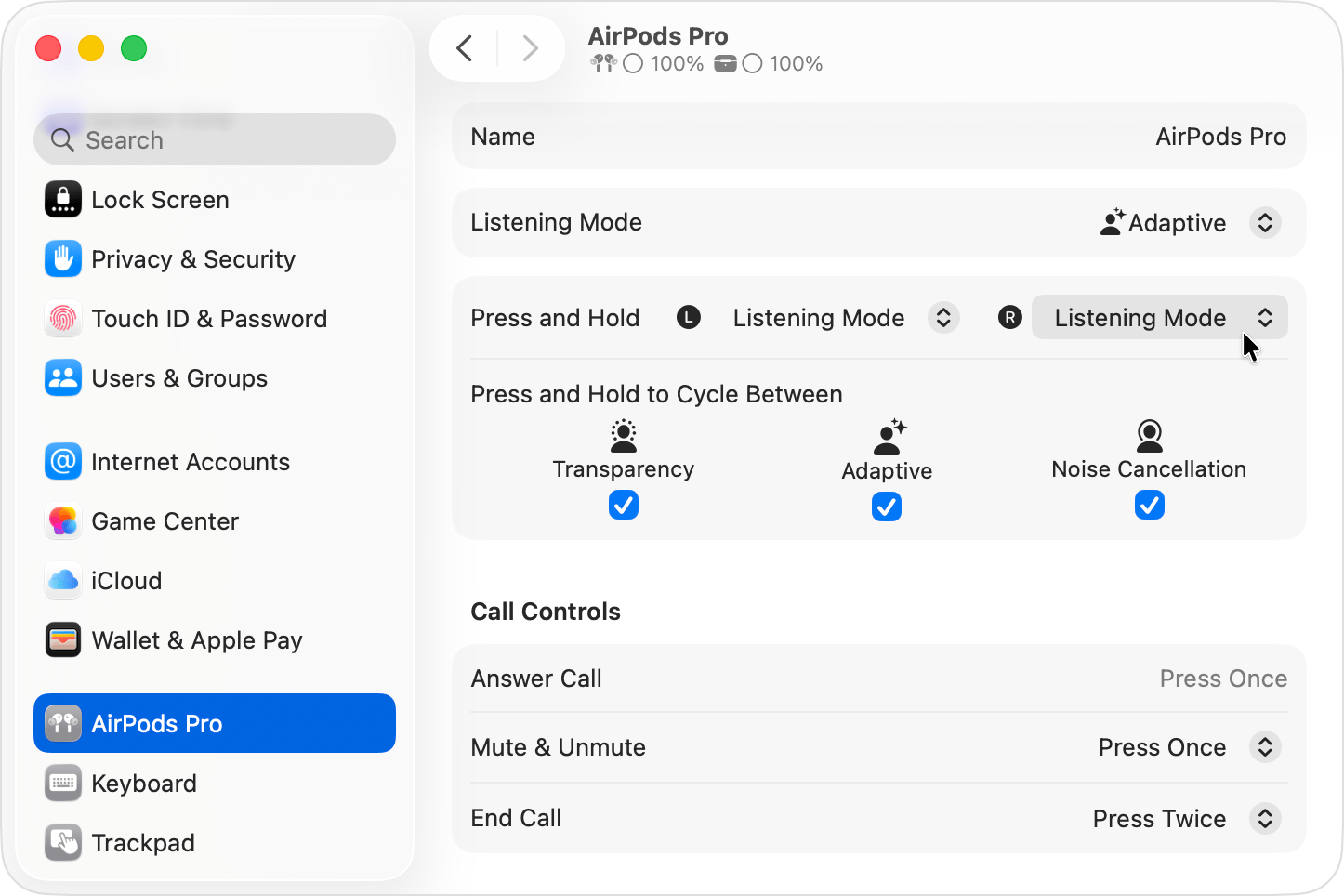
Under certain conditions, the microphone can pick up sound from the AirPod’s own speaker and create a feedback loop. It is similar to the squeal produced when a microphone gets too close to a loudspeaker, only this is happening inside a much smaller space.
Apple specifically warns that blocking or covering an external microphone may cause temporary high-pitched squeals, chirps, feedback, or other audio problems.
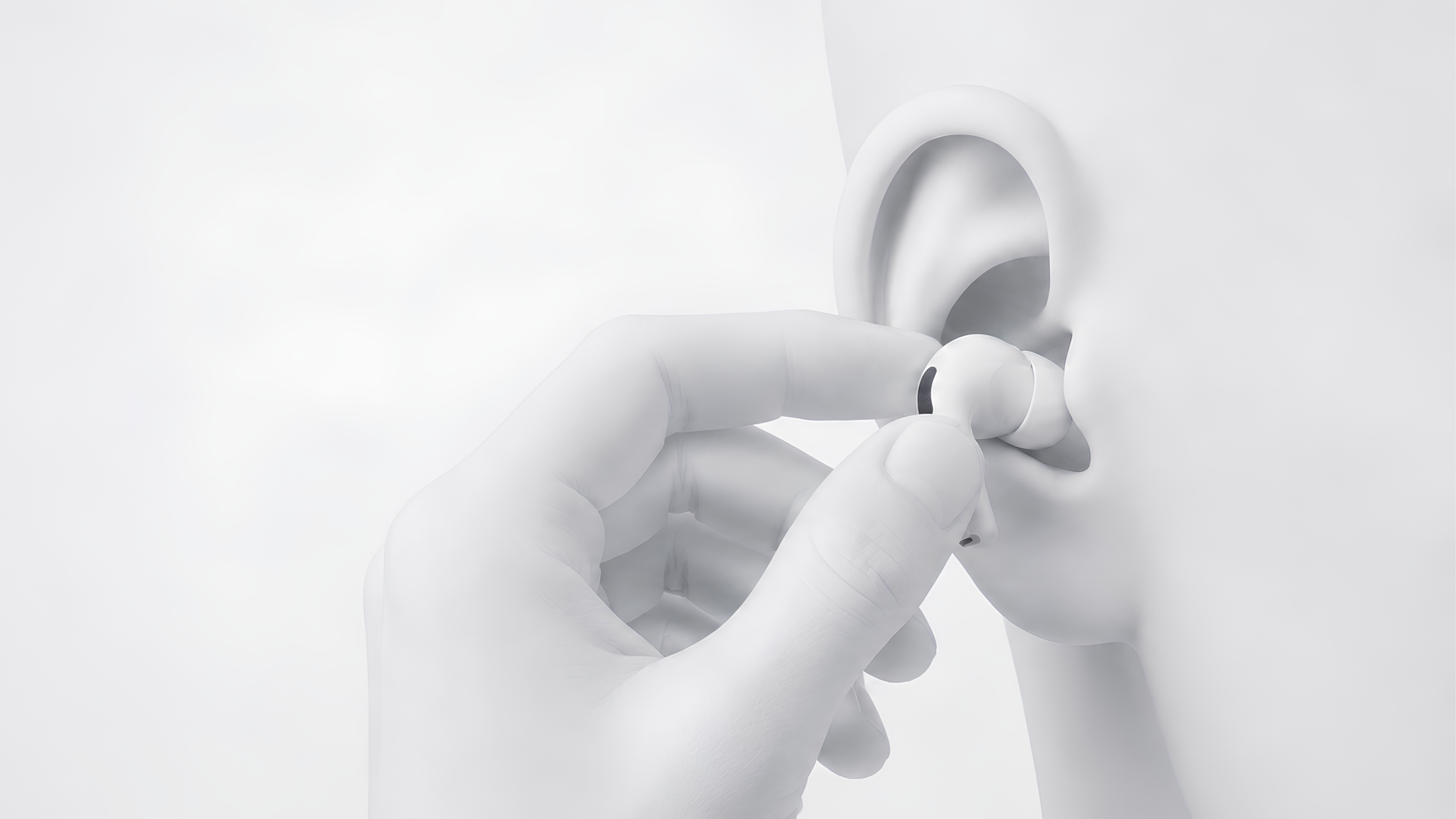
This explains why some AirPods whistle when putting them in or touching them. Your finger may cover a microphone while also changing the seal between the silicone tip and your ear.
Other possible causes include earwax, dirt, moisture, a damaged ear tip, or a blocked microphone or vent mesh. If the AirPods Pro high-pitched noise happens constantly, an aging or damaged microphone, speaker, or another internal component may be responsible.
What Should You Do?
An occasional feedback noise that only happens while physically covering the AirPod is not necessarily a hardware failure. Repeated AirPods Pro whistling without touching or adjusting them is more concerning, especially if it is accompanied by crackling, weak Noise Cancellation, distorted Transparency Mode, or missing bass.
| 1. Remove the affected AirPod. If the noise stops immediately, check whether you were pressing against or covering one of its microphones. |
| 2. Clean the AirPod carefully. Earwax and debris around the microphone, speaker, or vent meshes can interfere with its audio system. Follow Apple’s cleaning instructions for your AirPods Pro model instead of poking sharp tools into the openings. |
| 3. Inspect the silicone tip. Remove any debris and check for tears, deformation, or an improper connection. |
| 4. Let everything dry completely. If the problem began after exercise, rain, cleaning, or heavy sweating, moisture may be affecting one of the meshes. |
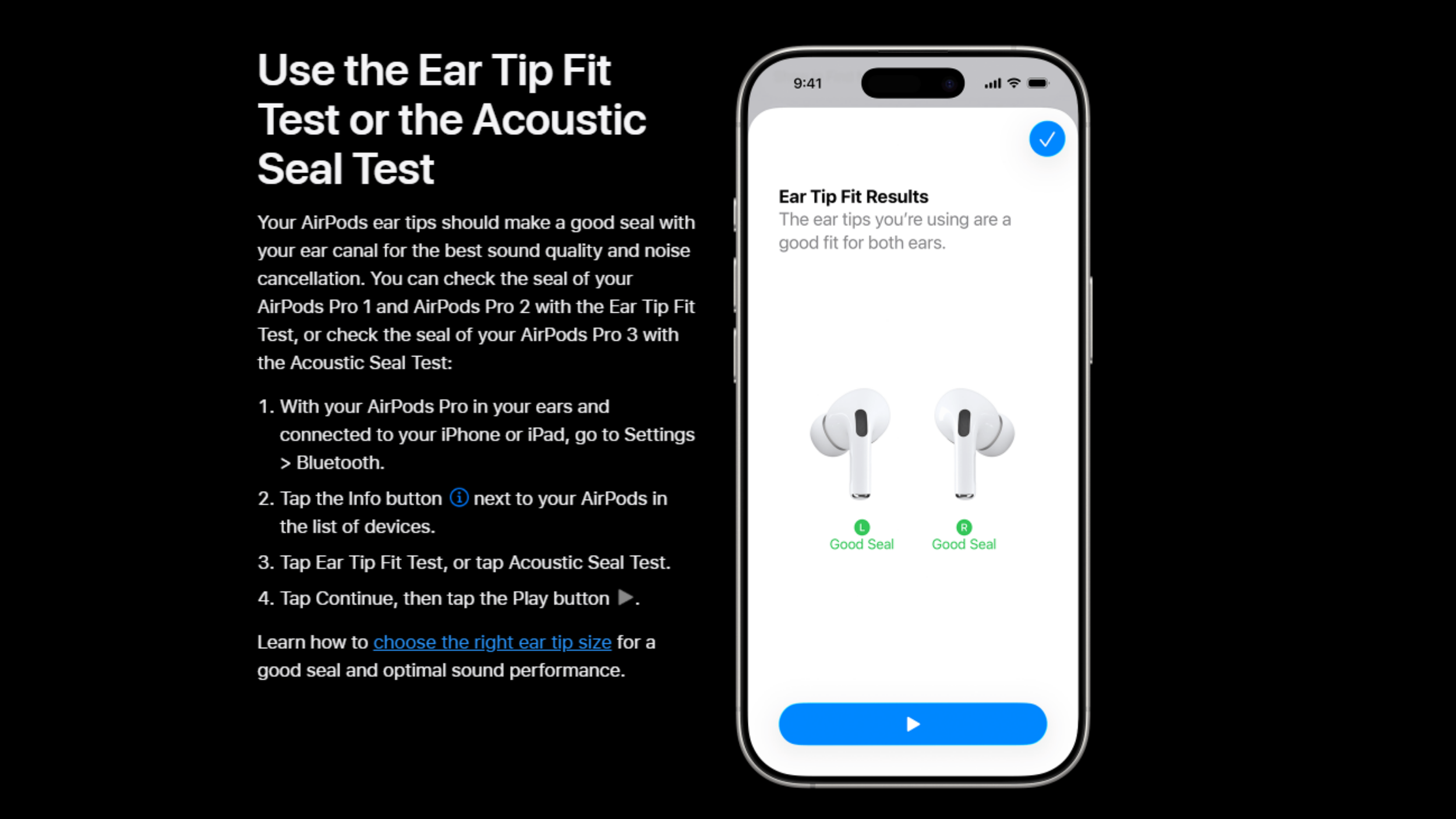
| 5. Try a different ear-tip size. A poor or changing seal can affect Noise Cancellation. Apple offers an Ear Tip Fit Test or Acoustic Seal Test, depending on the AirPods Pro generation. |
| 6. Change listening modes. Test Noise Cancellation, Transparency, Adaptive Audio, and Off. If your AirPods whistle with Noise Cancellation on but stop when Noise Control is off, the microphones or noise-control system are probably involved. |
| 7. Check each AirPod separately. Determine whether the weird noise follows only the left or right AirPod. |
| 8. Reconnect or reset them. If cleaning and changing modes do not help, follow Apple’s instructions to reset your AirPods. |
What If the Whistling Keeps Happening?
AirPods are not realistically designed for component-level consumer repair. Their microphones, speaker, battery, sensors, and flex cables are packed inside a heavily sealed enclosure. Opening one can damage the shell or change the acoustic seal, potentially creating even more audio problems.
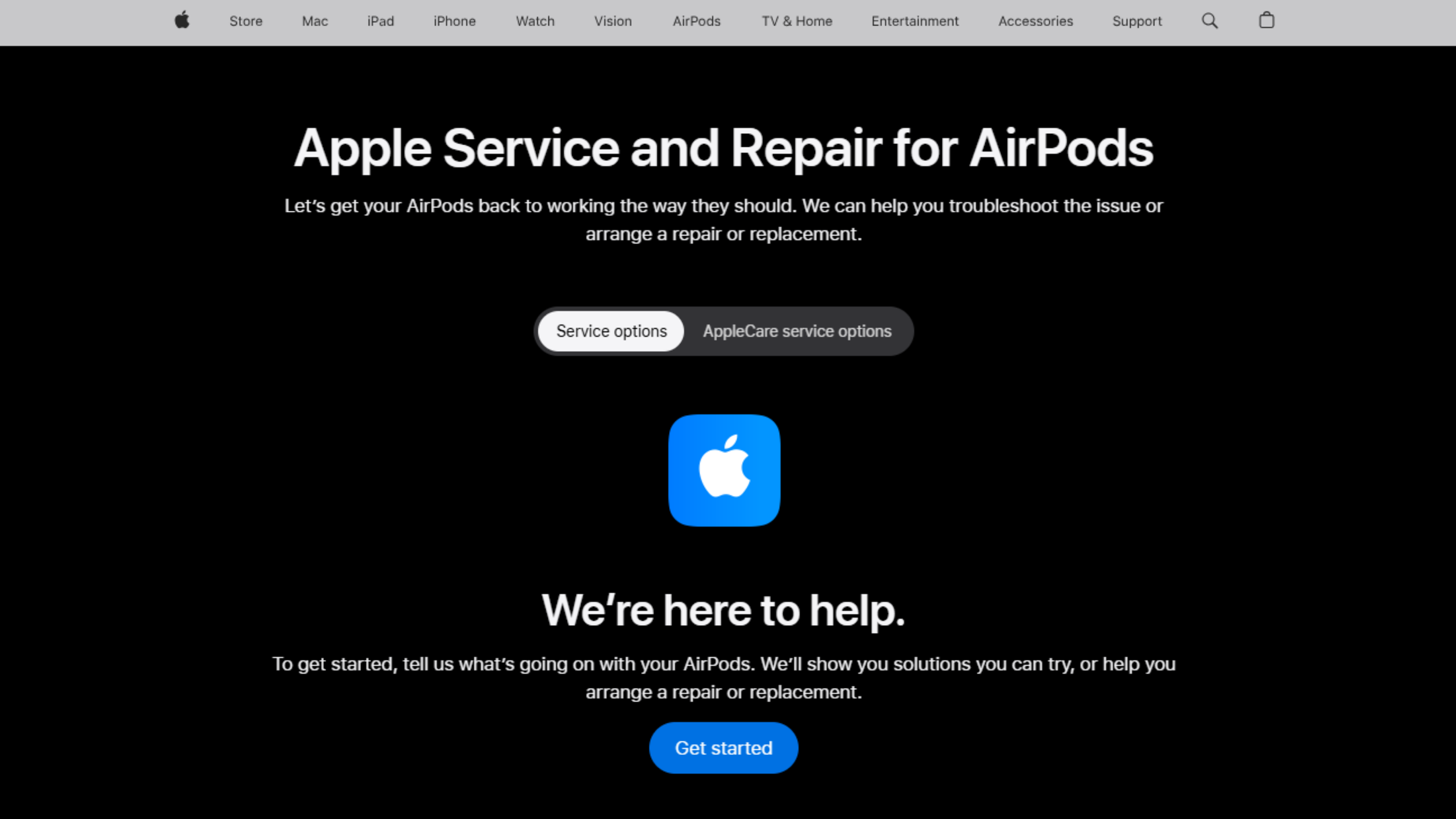
If cleaning, drying, changing tips, and resetting do not stop the AirPods from squealing, replacement is normally the practical solution. Check your warranty or AppleCare coverage first, then contact Apple’s AirPods service department to have the affected earbud diagnosed.
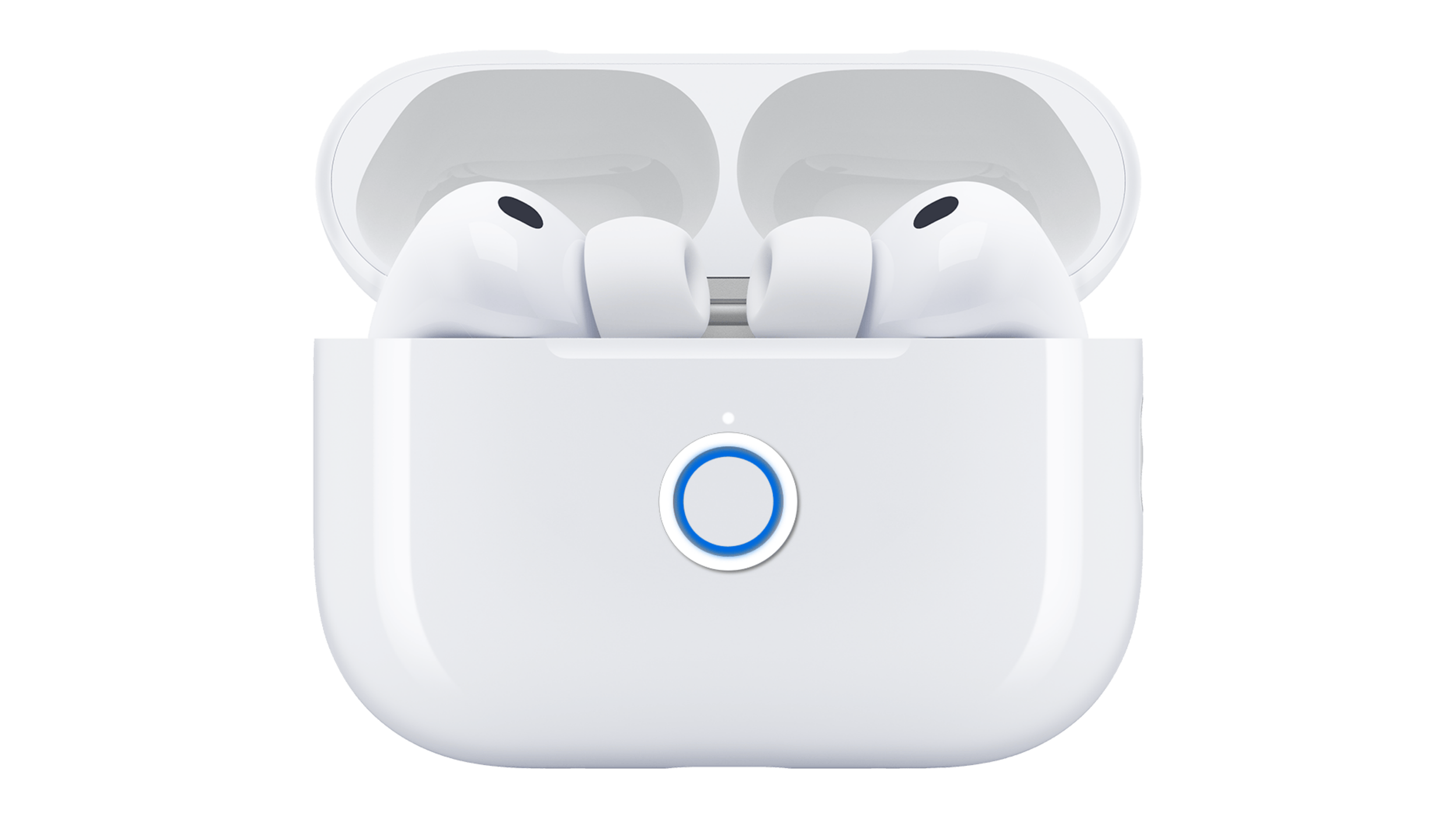
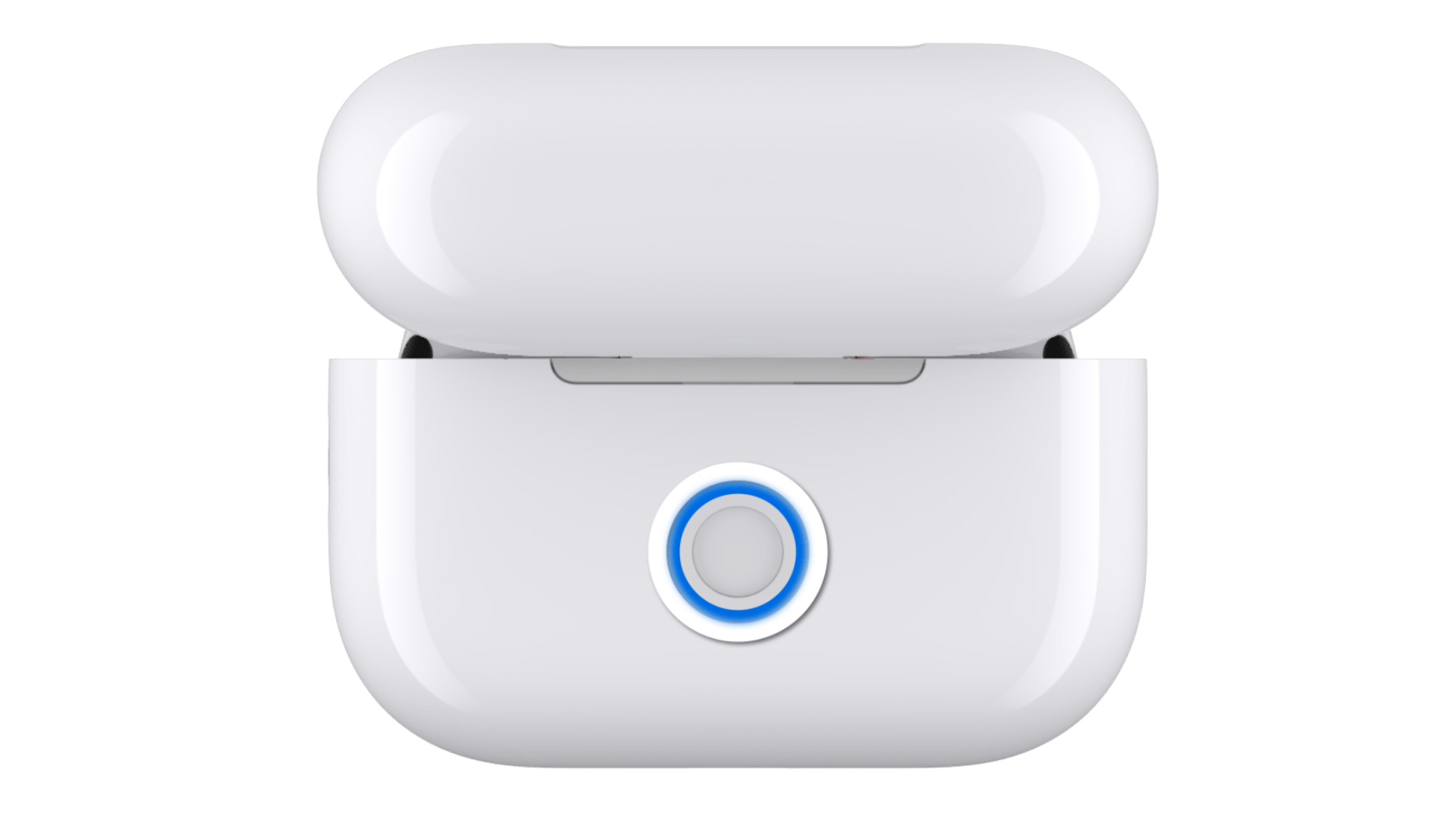
If only the left or right AirPod is faulty, you generally do not need to replace the entire set. Apple supports individual replacement AirPods and provides instructions for pairing a replacement earbud with your existing charging case.
For older AirPods that are no longer covered, compare the price of one replacement AirPod with the cost of buying a newer complete set.
Final Thoughts
If your AirPods whistle only when you touch or push them into your ears, you may simply be covering a microphone and triggering temporary feedback.
If one AirPod starts screeching during normal use, the first things to check are dirt, moisture, the ear tip, and the noise-control modes. When those steps do not fix it, replacing the affected AirPod is safer and more practical than trying to open and repair it.
